

Your child's favorite bedtime story could be one you made
Every lesson builds your actual book, not random practice drawings. I'll walk you from first character sketches to finished pages you can print, gift, or publish, even if you've never made a book before.
Or split into 3 payments of $50
or take 2 full lessons (1h 06m) free first, no card needed
- Level
- Beginner-Intermediate
- Format
- Online video
- Narration
- English
- Subtitles
- English and 30 others
- Contents
- 6 Modules, 16 Lessons, 10+ hours
Three reasons people start a children's book (and stall)
You want something special for your child. A bedtime story with them as the hero. Your family dog as the sidekick. A keepsake that outlasts a phone photo.
Or you want to publish. The hard part isn't dreaming the story. It's knowing the canvas setup, page flow, and how to finish without getting lost in details.
What makes this course different
Why Most People Never Finish Their Book
You know what stops most people? It's not the drawing. It's everything else. How many pages should it be? Where does the text go? What file format do publishers want? How do you keep your art style consistent across all pages? Other courses teach you to "draw cute characters" and leave you to figure out the rest. Then you get stuck halfway through and quit. This course is different.
What Makes This Actually Work
You are not left to figure out the parts that are not drawing. Page counts, where the text goes, keeping one style across every spread, file prep and what publishers actually accept: all of it is taught in order, at the point you need it.
You Learn The Complete Process
From the first idea to your published book - digital or printed. Story structure, character design, page layouts, illustration techniques, file prep, publishing platforms. The whole thing, in order, nothing skipped.
Your Book Gets Built As You Go
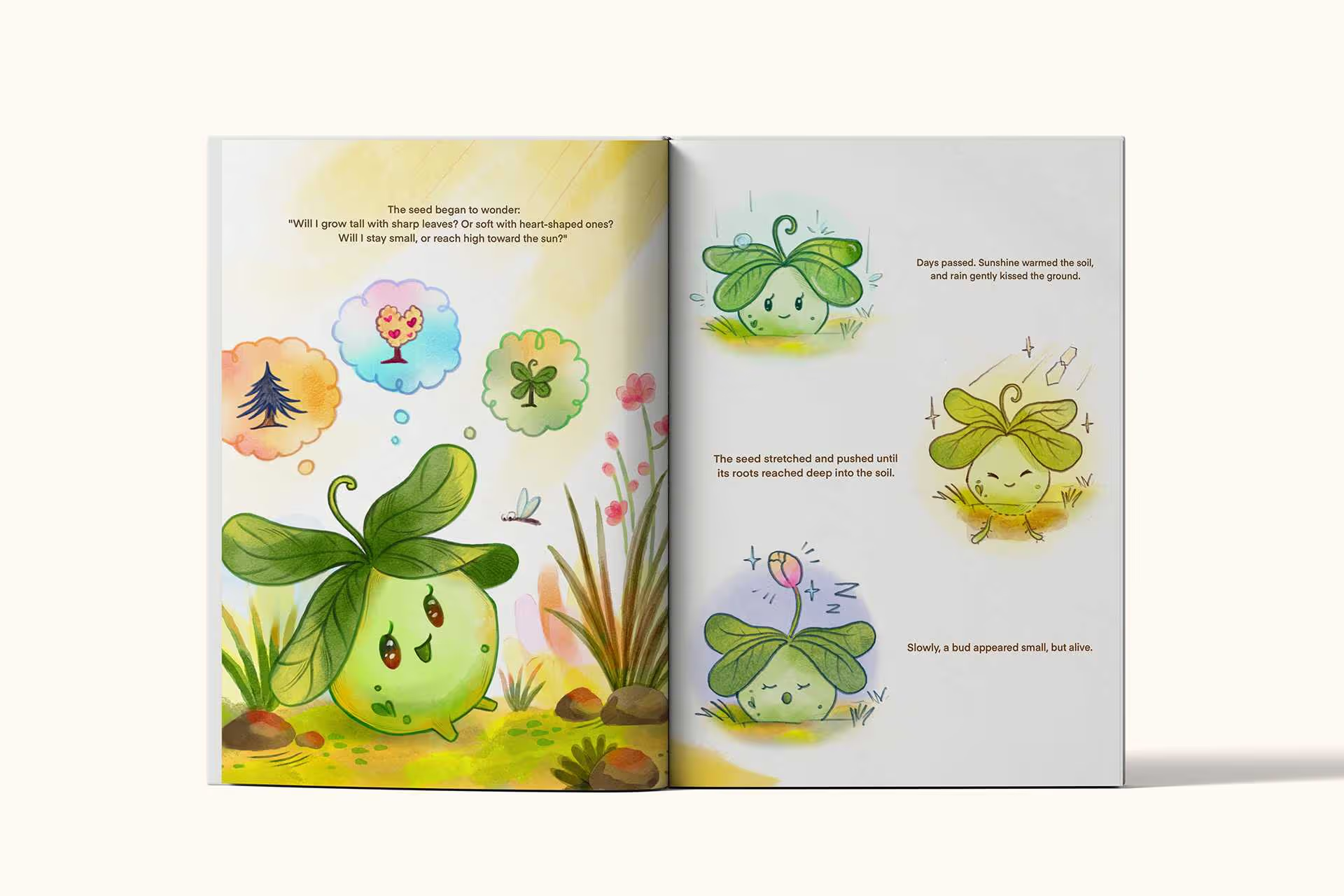
You're not doing random practice drawings. Every lesson moves your actual book forward. By the end, you have a finished book, not a folder of disconnected sketches.
You'll learn by doing
A little time each day is all it takes, and you’ll start seeing your story come to life faster than you think. Step by step, you’ll go from a blank page to publishing your very first finished book.
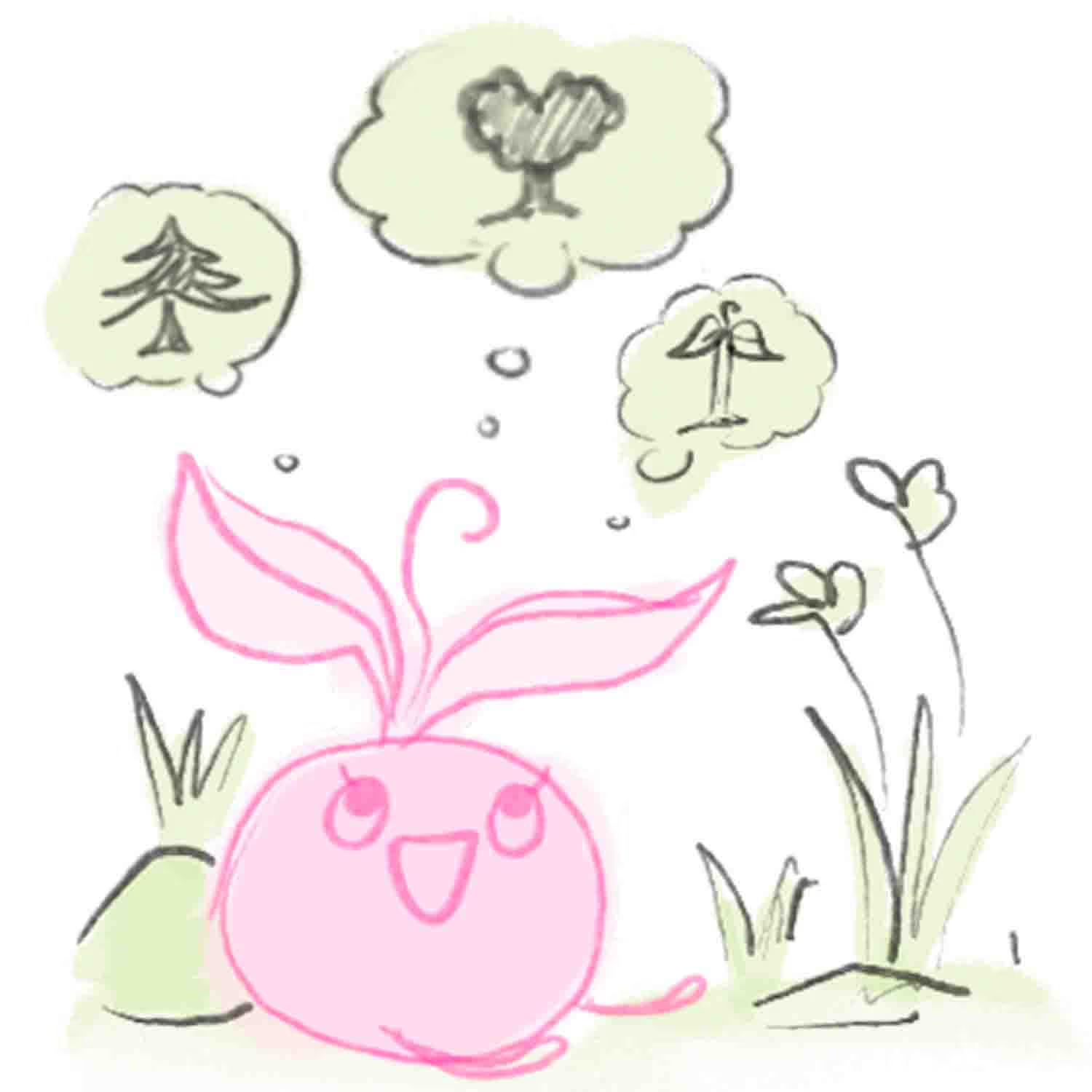
Week 1
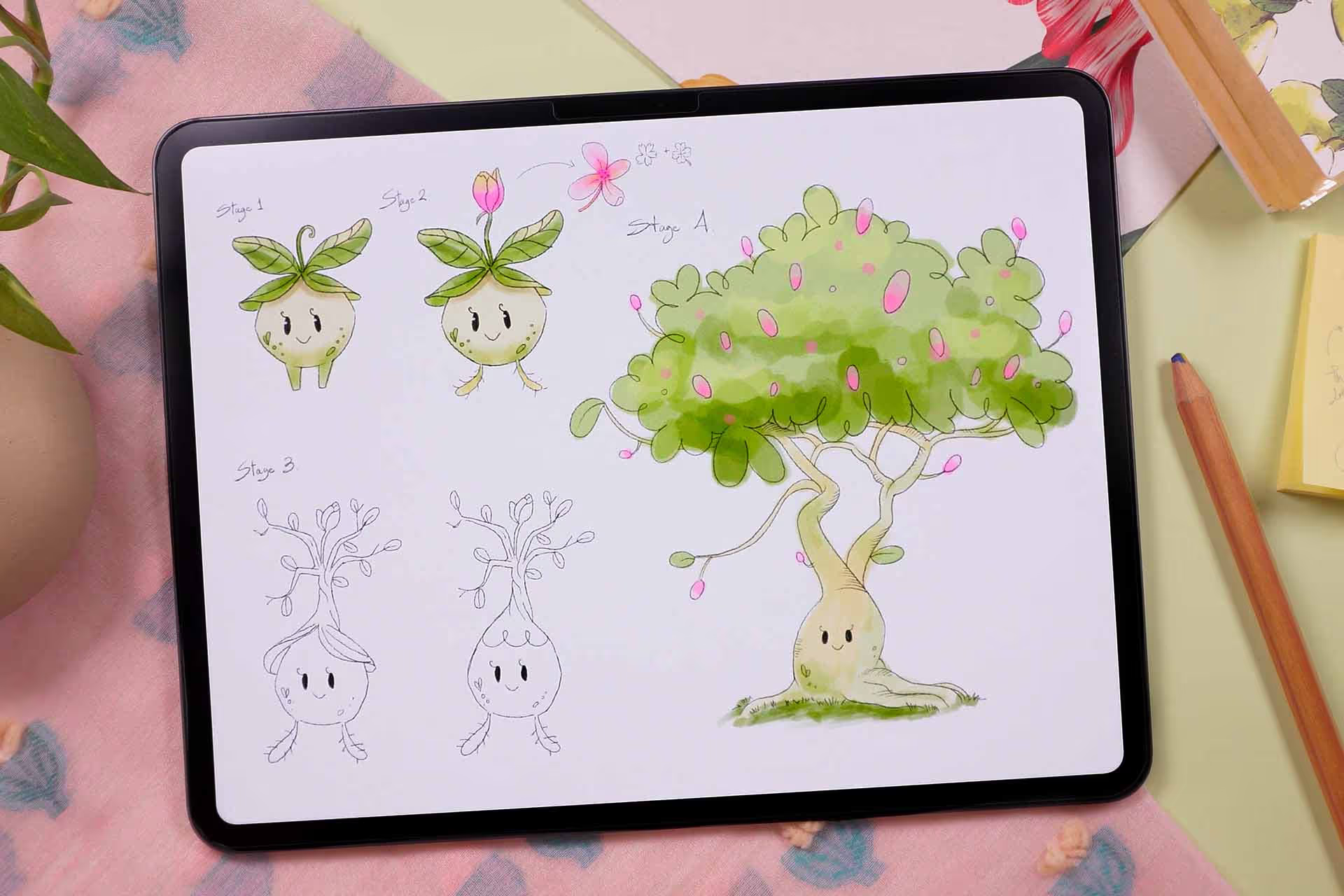
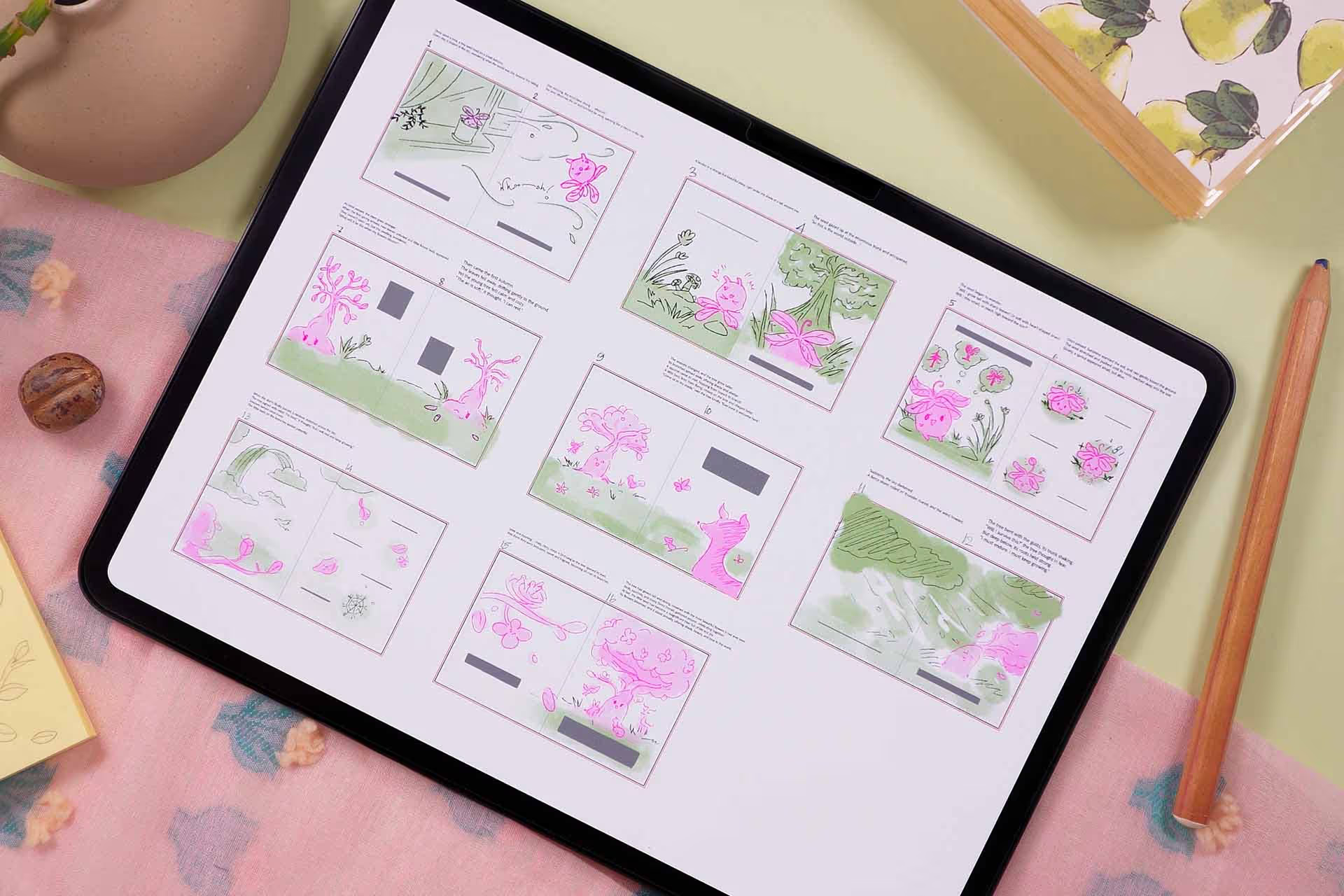
You'll design your main character. The one kids will fall in love with. Map out your whole book - every page, every scene.
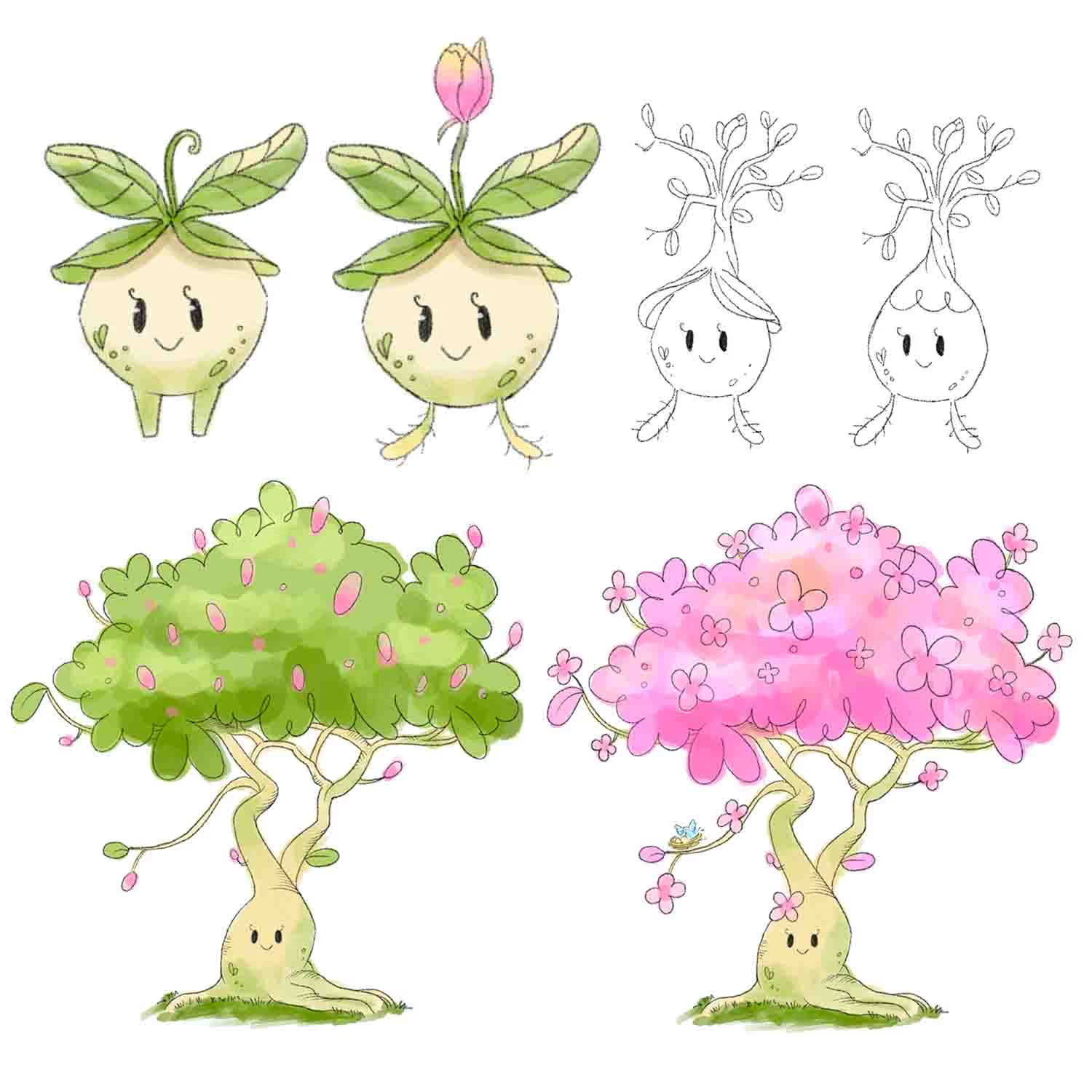
Month 2
Work through the rest of your pages at a comfortable pace. Your book will start looking more and more complete. Get that rush when you realize "this is actually happening."
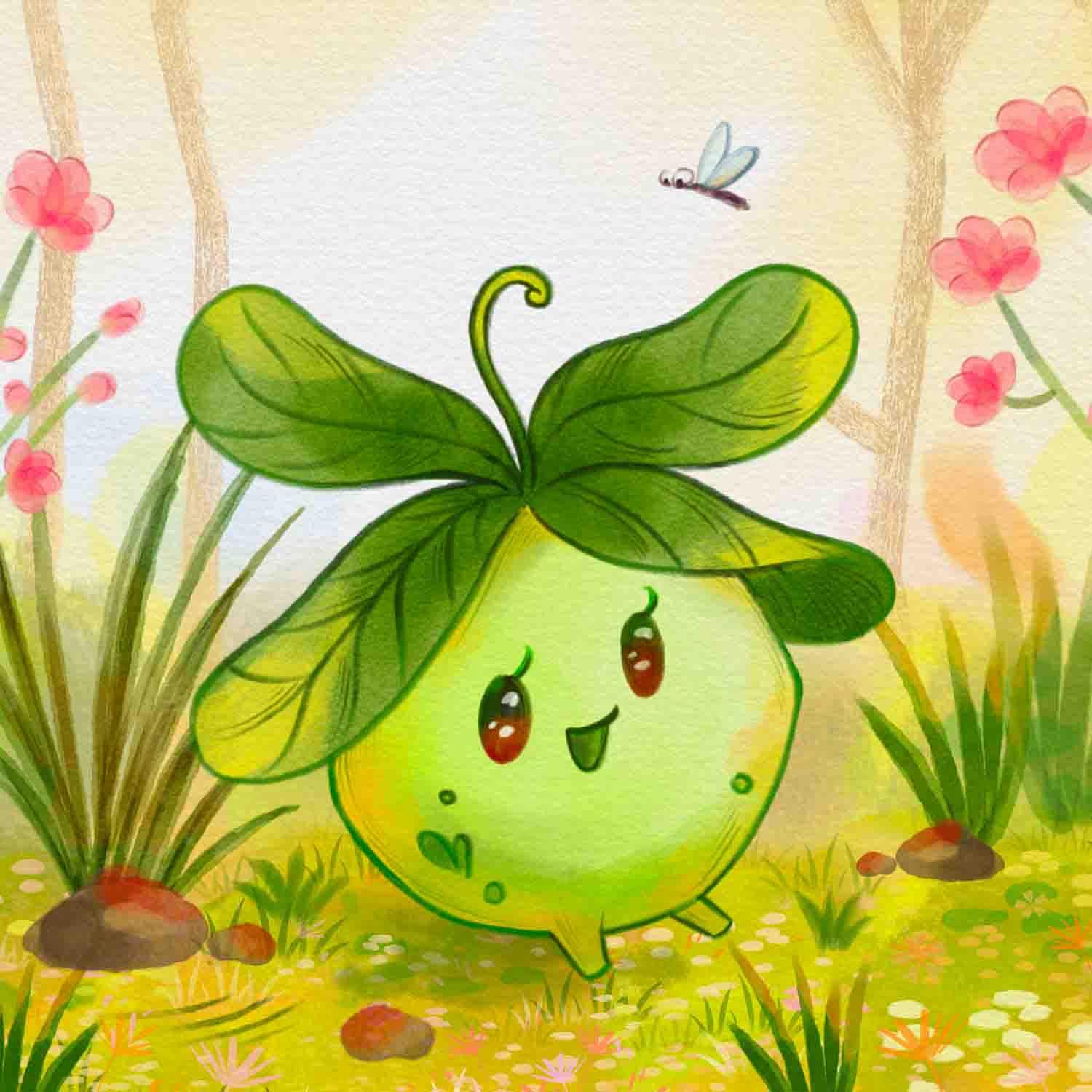
Today
Get your brush sets and templates. Set up your first file correctly. Start thinking about your story.
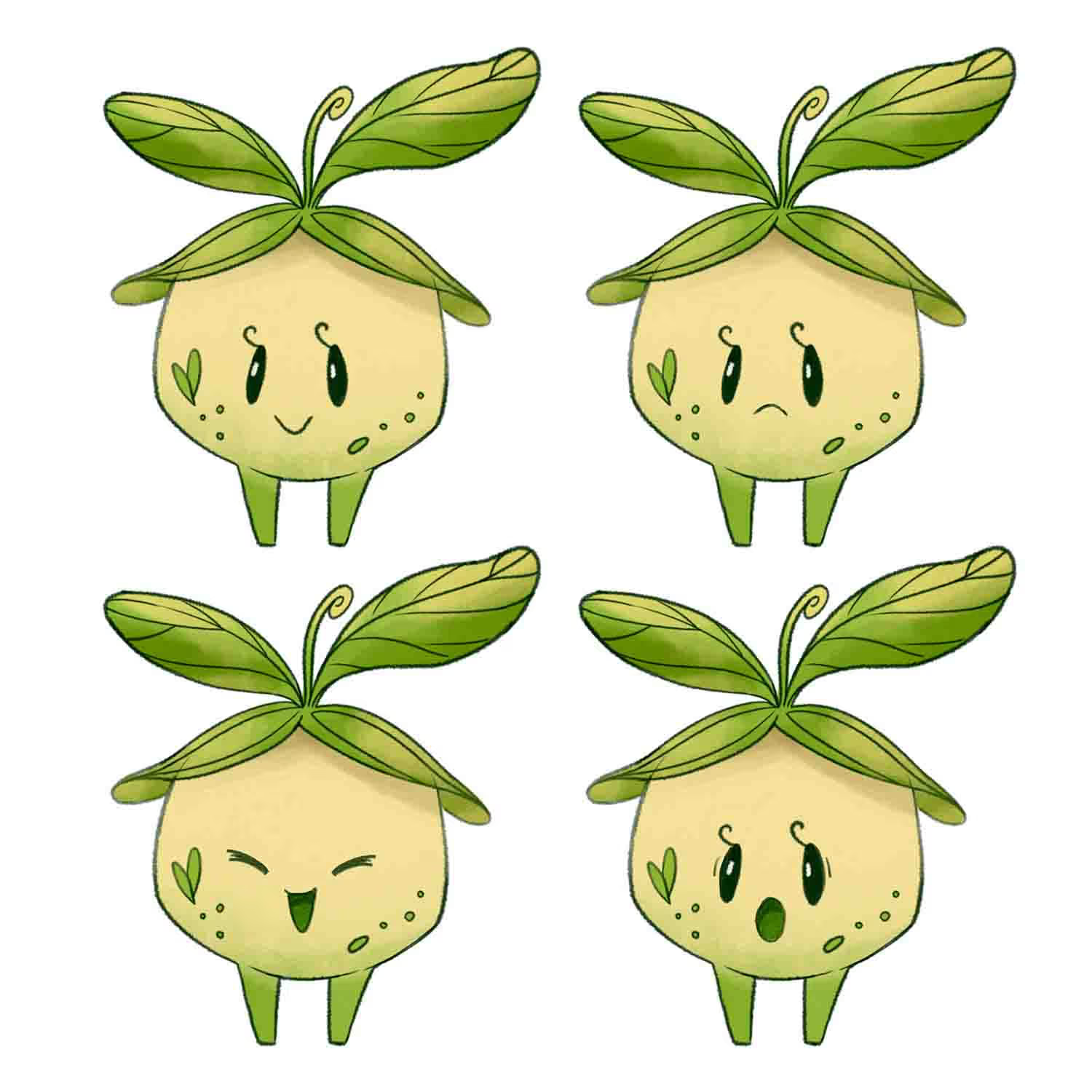
Month 1
Complete your key illustrations. See your story coming to life on the page. Learn techniques that make your art feel warm and professional.
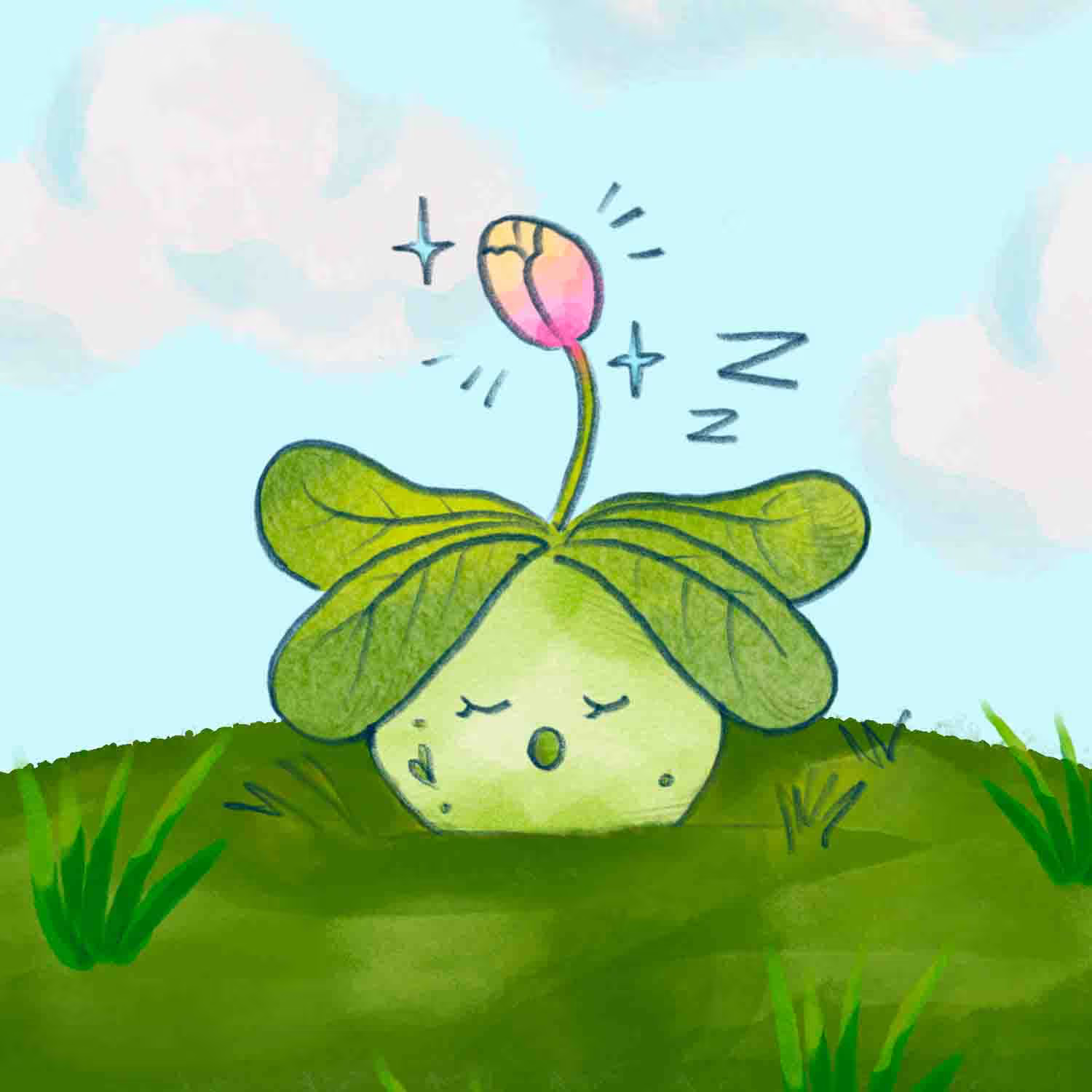
Month 3
Time for the finishing touches. Design your cover, prepare your files correctly, and upload everything to a publishing platform. Soon, your book will be finished. Get ready to share it with the world or keep it in the family.
Today
Get your brush sets and templates. Set up your first file correctly. Start thinking about your story.
Week 1
You'll design your main character. The one kids will fall in love with. Map out your whole book - every page, every scene.
Month 1
Complete your key illustrations. See your story coming to life on the page. Learn techniques that make your art feel warm and professional.
Month 2
Work through the rest of your pages at a comfortable pace. Your book will start looking more and more complete. Get that rush when you realize "this is actually happening."
Month 3
Time for the finishing touches. Design your cover, prepare your files correctly, and upload everything to a publishing platform. Soon, your book will be finished. Get ready to share it with the world or keep it in the family.
Your mentor
For over 15 years I've been doing illustrations for brands like Louis Vuitton, Tiffany & Co. and Sephora
I'm Freya Kotchakorn. My digital illustrations have been used by Louis Vuitton, Tiffany & Co., and Sephora, and I've spoken at Apple Store events to teach Procreate techniques.
Yet my favorite work isn't for big brands, it's helping complete beginners surprise themselves with what they can create. My favorite feedback is when they tell me: "It felt very geared towards beginners wanting to learn Procreate... it felt like it was attainable even for someone like me who has very little experience."
That's exactly what I designed this course to do. Make the "impossible" feel completely achievable.


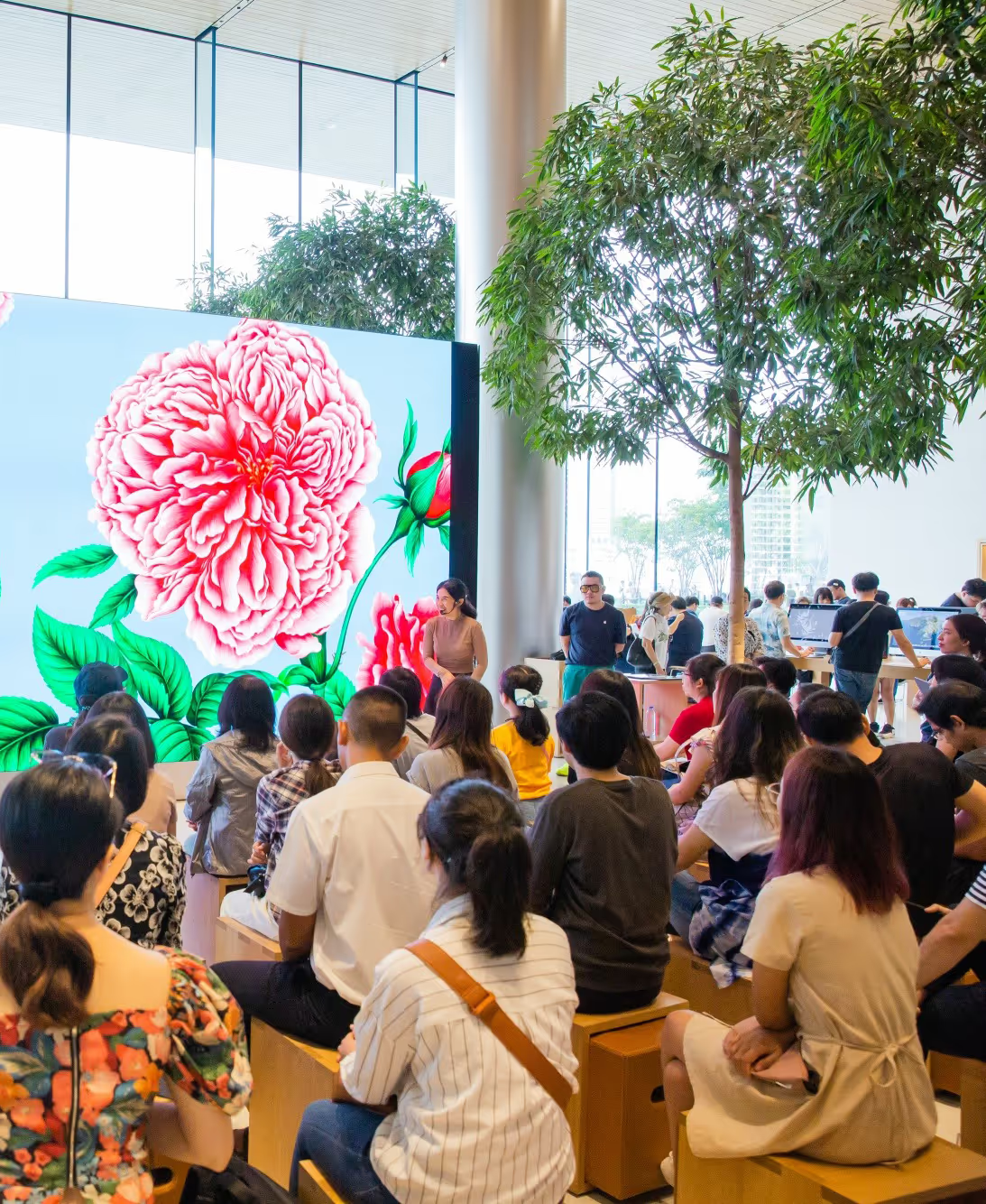
Speaking at an Apple Store event about Procreate techniques
Don't take my word for it. Take theirs.
Real students who started exactly where you are right now.
Why Children's Books Are Actually A Smart Business Move
Children's books sell consistently. Parents buy them for birthdays, holidays, road trips, bedtime. Grandparents need gifts. Teachers stock classroom libraries. It's not a seasonal thing - it's year-round demand.
And unlike other markets where you need a huge following to make sales, children's books work differently. One book can sell steadily for years if it fills the right need. A book about potty training, a book about starting school, a book featuring diverse characters - parents are actively searching for these.
Plus, most people who finish one book make another. Then another. You build a catalogue that earns passively while you're doing other things.
This course gets your first book done. After that, you'll know the process. Whether you make one as a gift or build a whole series to sell, the workflow stays the same.
You'll also get a Bonus Artist Package
The exact same brushes and resources I use for Louis Vuitton, Tiffany & Co, and Sephora. Yours to keep forever.

Custom Brush Sets
20 brushes made specifically for children's books. They give you that soft, hand-painted look instead of that harsh digital feel. Install them in 2 minutes and you're ready to paint.
$49 $0

Art-Grade Color Palettes
2 color combos that actually work together. No more guessing if your greens clash with your pinks. Just pick from the palette and your pages will feel cohesive.
$9 $0

Book Design Templates
3 templates with margins and guides already set up. Single page, double spread, and a full 16-page book layout. Even if this sounds confusing right now, I walk you through exactly how to use them.
$37 $0

FREE Masterclass module
4+ hours of bonus lessons from my best-selling Masterclass for Procreate. You'll design and paint a Peony Fairy character from scratch.
$49 $0

All Source Files
Open the actual Procreate files from the course. See how I organized the layers, which blend modes I used, why I structured it that way. It's like looking over my shoulder while I work.
$36 $0

Private Facebook Group
A community of artists and my team, there to cheer you on. Share your rough drafts, get feedback, ask questions when you're stuck. Way better than trying to figure everything out alone.
Lesson Curriculum
Expand the modules below to see every lesson inside.
I'll walk you through everything included in the course and how to access the private community where you can share your progress and get feedback to help you improve.
 1 Course Introduction3:12
- Access to Facebook private group
- Download the Files
- Bonus: Turn Your Story into a Book Blueprint (Storykit)
I cover age groups, what makes stories work for different readers, plus all the technical setup (canvas size, DPI, color settings) explained simply so you start on the right foot.
 2.1. Understanding Your Readers4:43
 2.2 Getting Started with Procreate for Book Creation4:07
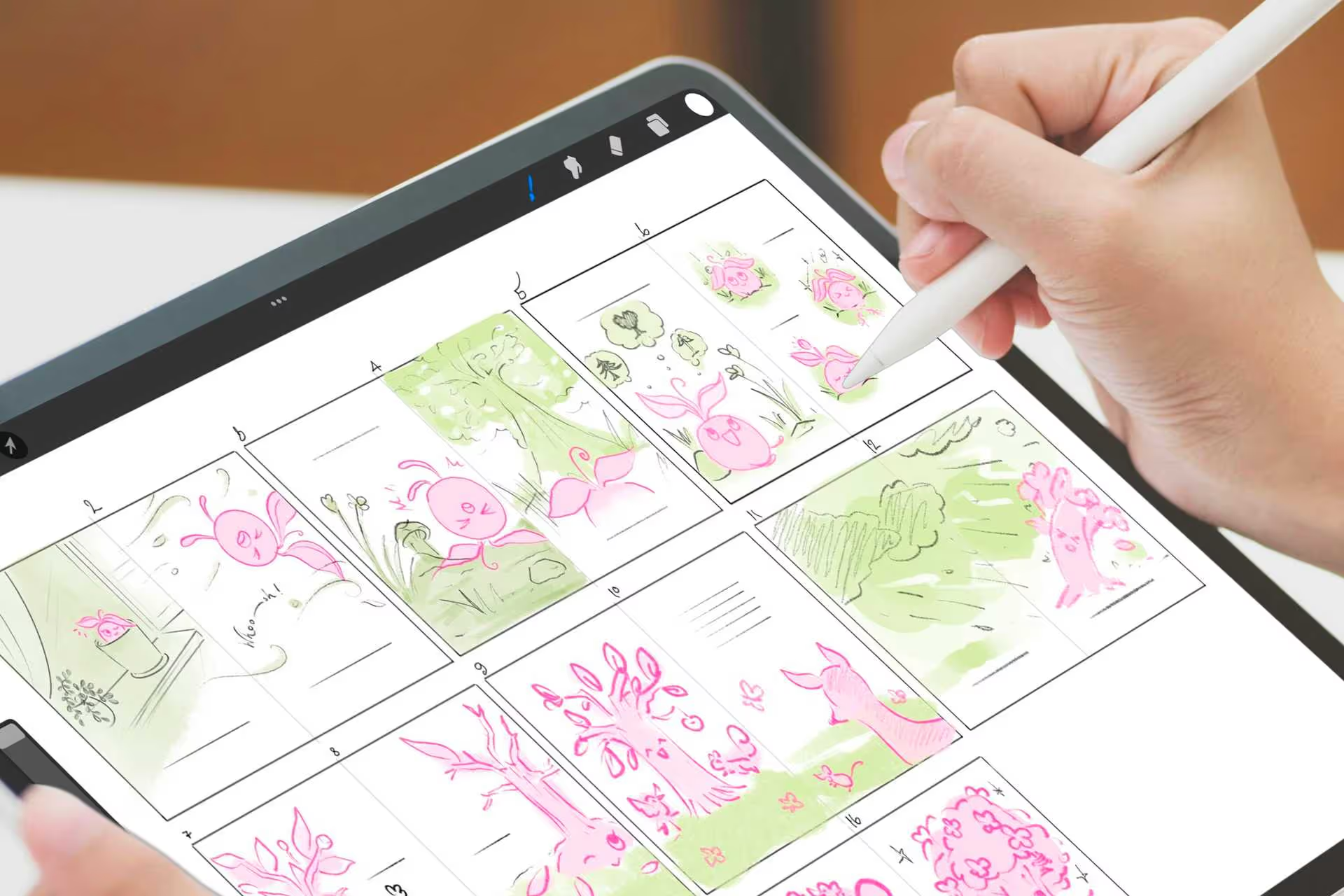
You'll learn what makes children's stories actually work, how to use shapes and colors to communicate personality, and how to map out your entire book page by page before you start illustrating.
 3.1 Crafting Your Story6:21
 3.2. ✍️ Designing Your Main Character1:01:40
 3.3. ✍️ Storyboarding Your Book1:01:15
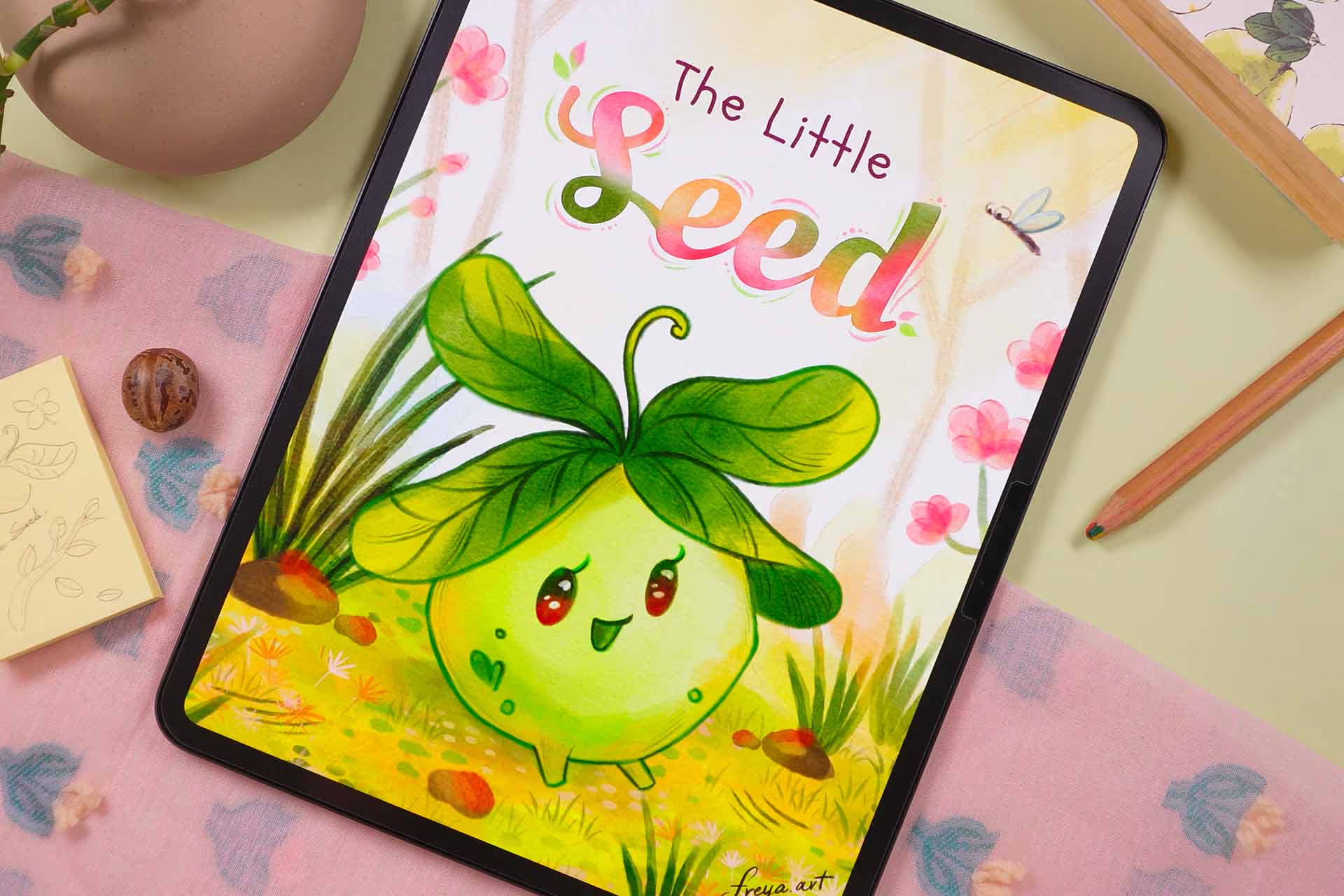
Paint complete scenes from sketch to final art, learn how to keep your style consistent across every page, add text professionally, and design a cover that makes people want to pick up your book.
 4.1 ✍️ Illustrating a Key Scene1:32:44
 4.2 Building Visual Consistency Across the Book
 4.3 ✍️ Designing Your Book Cover57:53
I cover how to prep your files correctly, which publishing platforms to use (and how each one works), plus how to write descriptions and create a simple launch plan so your book actually reaches readers.
 5.1 Preparing Your Files for Digital Publishing24:08
 5.2 Choosing the Right Platforms6:10
 5.3 Tips for Launching and Sharing Your Book16:28
 5.4 Extra Lesson! Promoting Your Book After Publishing24:38
This lesson is from my Masterclass, included free here. Great for developing your style and creating atmospheric scenes with depth.
 6.1 ✍️ Designing the Peony Fairy56:30
 6.2 ✍️ Painting the Peony Fairy in Her Forest Home, Part 158:40
 6.2 ✍️ Painting the Peony Fairy in Her Forest Home, Part 245:56
 6.2 ✍️ Painting the Peony Fairy in Her Forest Home, Part 349:37
 6.2 ✍️ Painting the Peony Fairy in Her Forest Home, Part 452:19
Free
Take two lessons from this course, free
Real lessons from the course, not a trailer. They open in Freya Studio and stay yours.
 5 min
5 minUnderstanding Your Readers
The complete lesson, not a preview
 1h 02m
Designing Your Main Character
The complete lesson, not a preview
1h 06m of teaching from the $149 course, free
- Yours after email confirmation
- No card, no trial
- Opens in Freya Studio

30-day full refund
If you follow my process, you will see results. I back that with a 30-day instant refund guarantee. No questions asked.
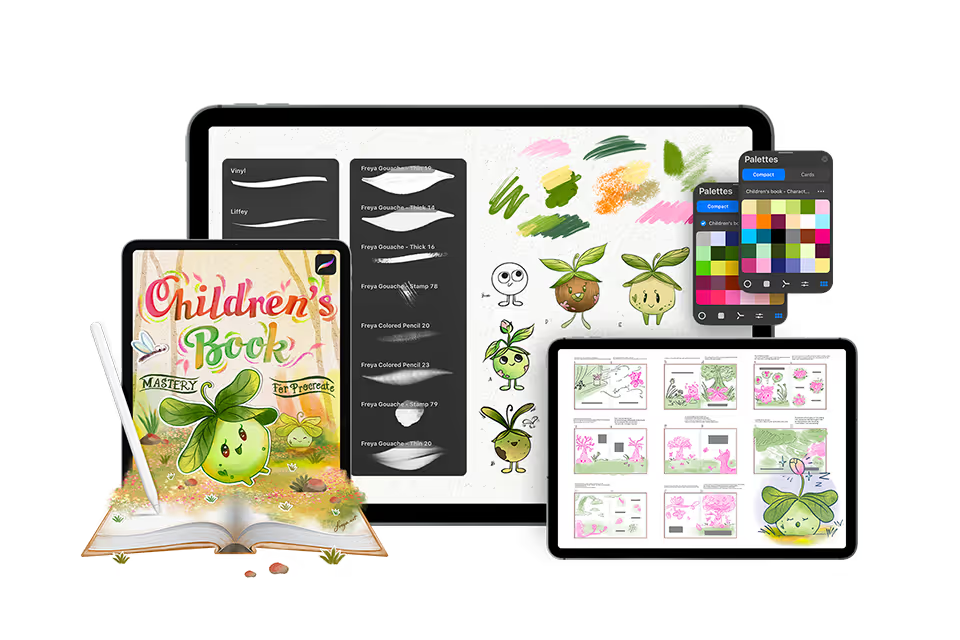
6 Modules, 16 Lessons, 10 Hours of in-depth video lectures
6 Modules, 16 Lessons, 10 Hours of in-depth video lectures Highest rated course on digital
- ✓Lifetime access and updates
- ✓30-day money back guarantee
Or split into 3 payments of $50
🔒 Secure payment·PayPal · Mastercard · Visa · Apple Pay
FAQs
Find answers to common questions about this and other courses
No. These courses start from the beginning. If you can hold an Apple Pencil, you can follow along. The only requirement is Procreate installed on your iPad.
Any iPad released after 2018 will run Procreate perfectly!
Yes, Procreate works best with an Apple Pencil that supports pressure sensitivity (1st Gen, 2nd Gen, or Pro, not the basic USB-C model) to achieve variable line weight and opacity.
Depends on your pace. The videos total 10+ hours, but most students spend 2-3x that actually drawing along. Lifetime access means no pressure. Finish in a month or spread it over a year.
Yes, but you'll want your iPad open to follow along. Most students watch the lesson on their iPad, then rewind and draw. Some use a second device to watch while drawing.
Post in the private Facebook group. I'm in there regularly, along with thousands of other students. You'll get answers within hours, not days.
No. This is a one-time purchase and it's yours forever.
Yes, I offer a 30-day money-back guarantee. If you're not satisfied, simply reach out within 30 days for a full refund. No questions asked.