

Rated 4.8 by 80.000 students
Learn To Draw Flowers in Procreate so Realistic, You’ll Want To Smell Your iPad

Wildflowers in Procreate
By Freya Kotchakorn
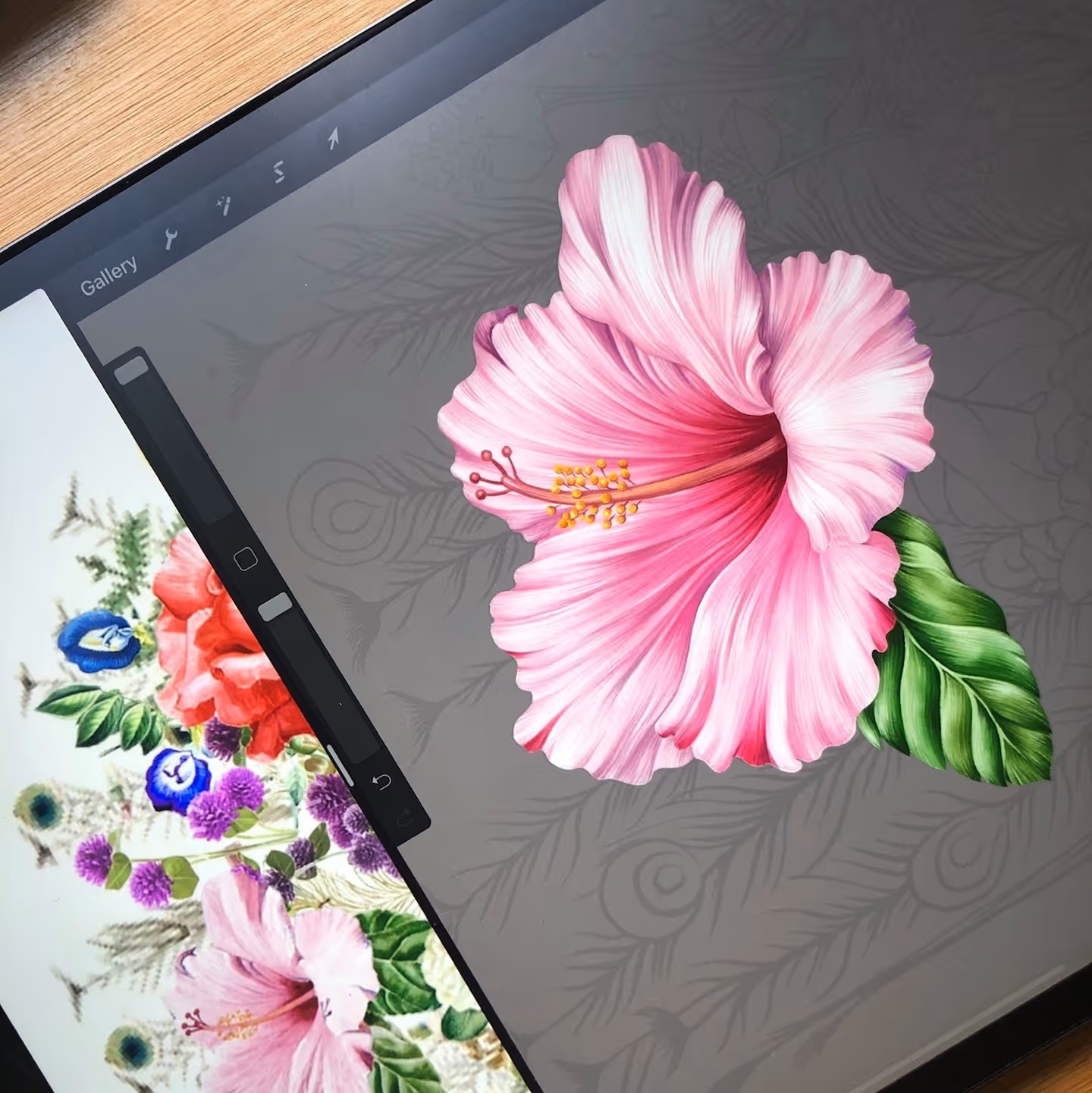
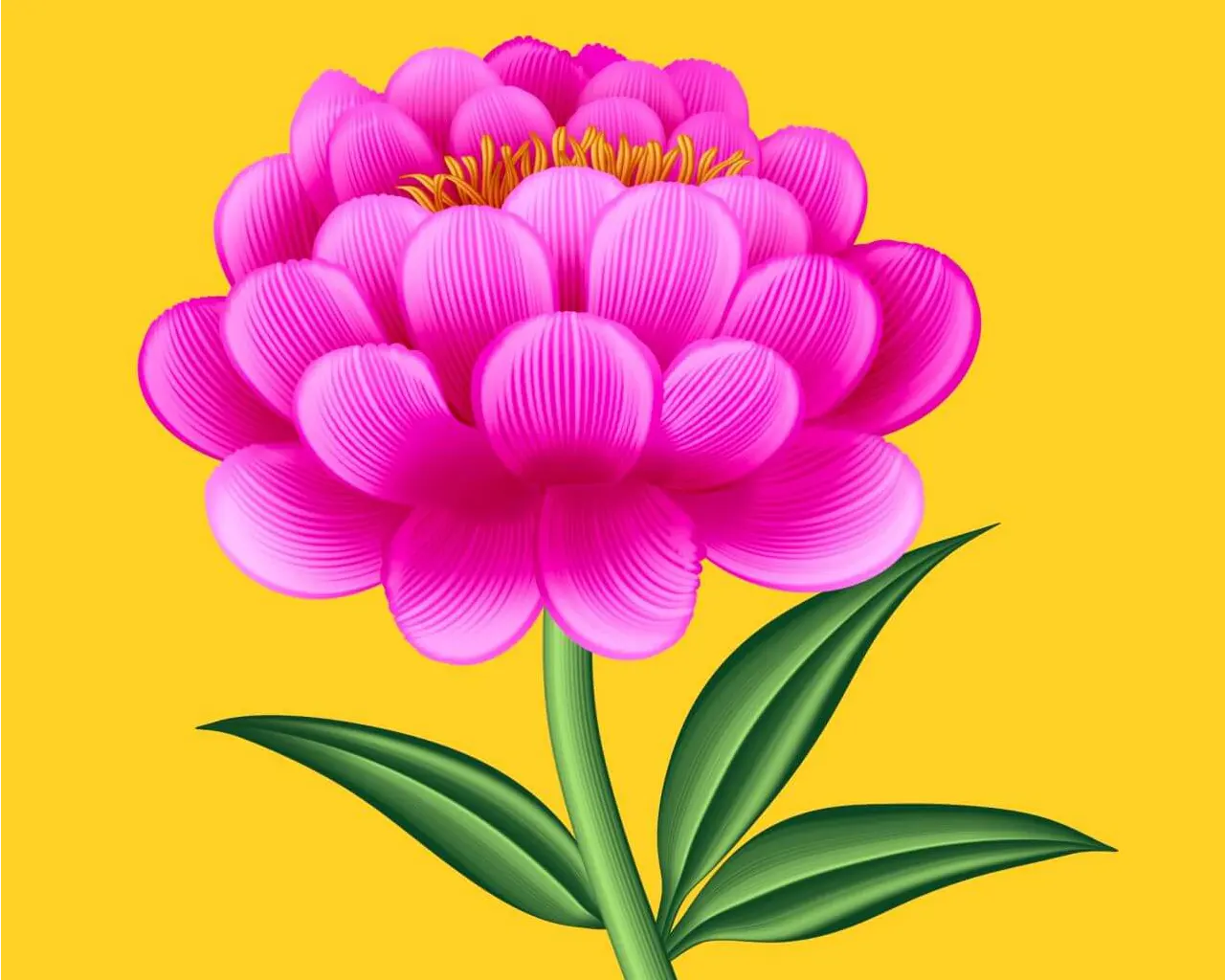
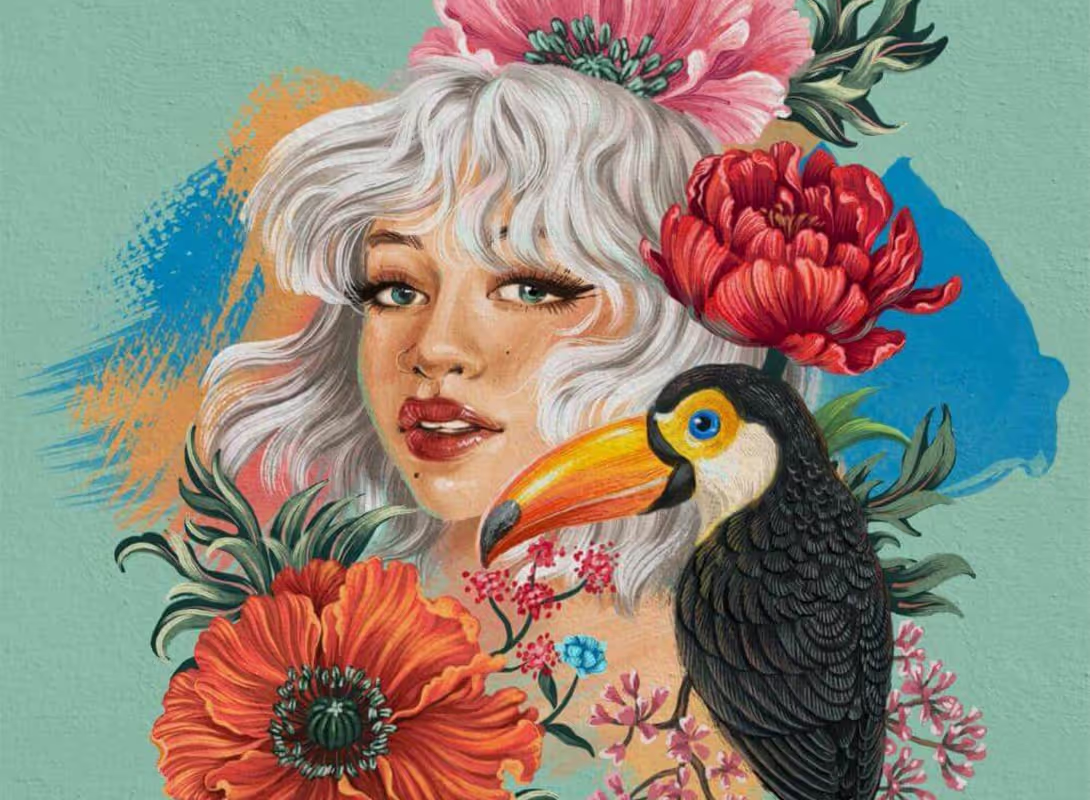
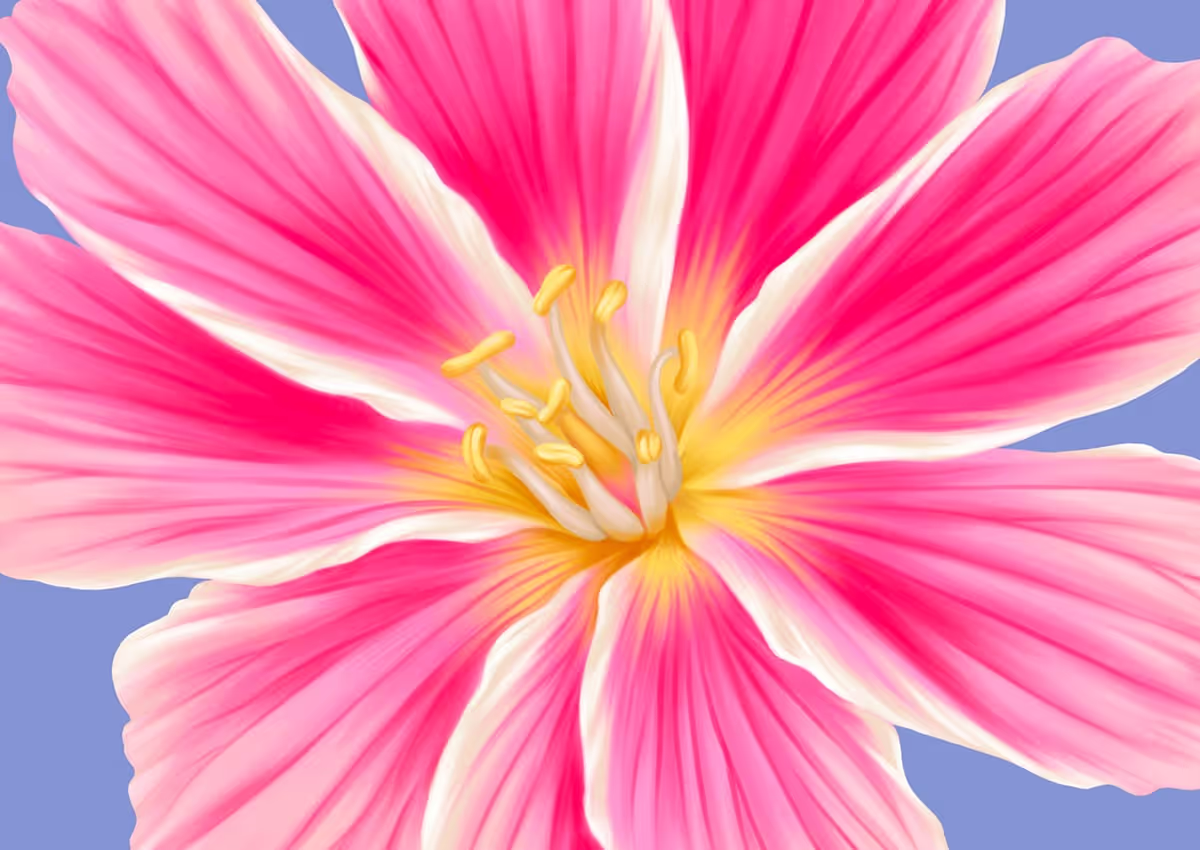
Are you struggling to draw realistic looking flowers? This course focuses on teaching you to capture important details, like petals or even pollen, that makes your flower illustration look like its actual real-life counterpart. ↴

.avif)



Level
Beginner-Intermediate
Format
Online video
Narration
English
Subtitles
English and 30 others
Contents
13 Modules, 114 Lessons
You Don’t Need “Talent” to Create Art You’re Proud Of
Even a child can draw a flower … But only an experienced digital illustrator can draw one that looks like a real thing.
Drawing a shape that resembles a flower is super simple. We’ve all been doing it since kindergarten and it’s one of the most common drawing motifs.
Drawing a realistic flower, however, is something completely different. As beautiful as they are, they’re also extremely complex living things, full of various colour shades and elusive details that can make or break your artwork.
Finally, a Course That Actually Teaches You From the Very Beginning
What makes this different from everything else you've tried:

You will learn Procreate from scratch
I assume you know nothing and build every skill step-by-step.

Your Work Will Actually Look Like the Examples
The #1 complaint about other courses? "My version looks nothing like theirs." I show you exactly why yours looks different and how to fix it every single time.

Never Gets Outdated or Disappears
Procreate updates constantly. So does this course. While other courses become obsolete in months, you always have the latest techniques at your fingertips.

Finally Get Results You're Proud Of. Even If You Only Have 30 Minutes
This course is designed so your artwork actually matches what you see demonstrated. Each lesson builds on the last, so 30 minutes today plus 30 minutes tomorrow equals real progress.
Forget everything you know about botanical illustrations
In this course, we’ll start from the beginning and learn our way towards floral illustration mastery. You’ll leave the course confident enough to tackle any floral illustration you (or your clients) want.
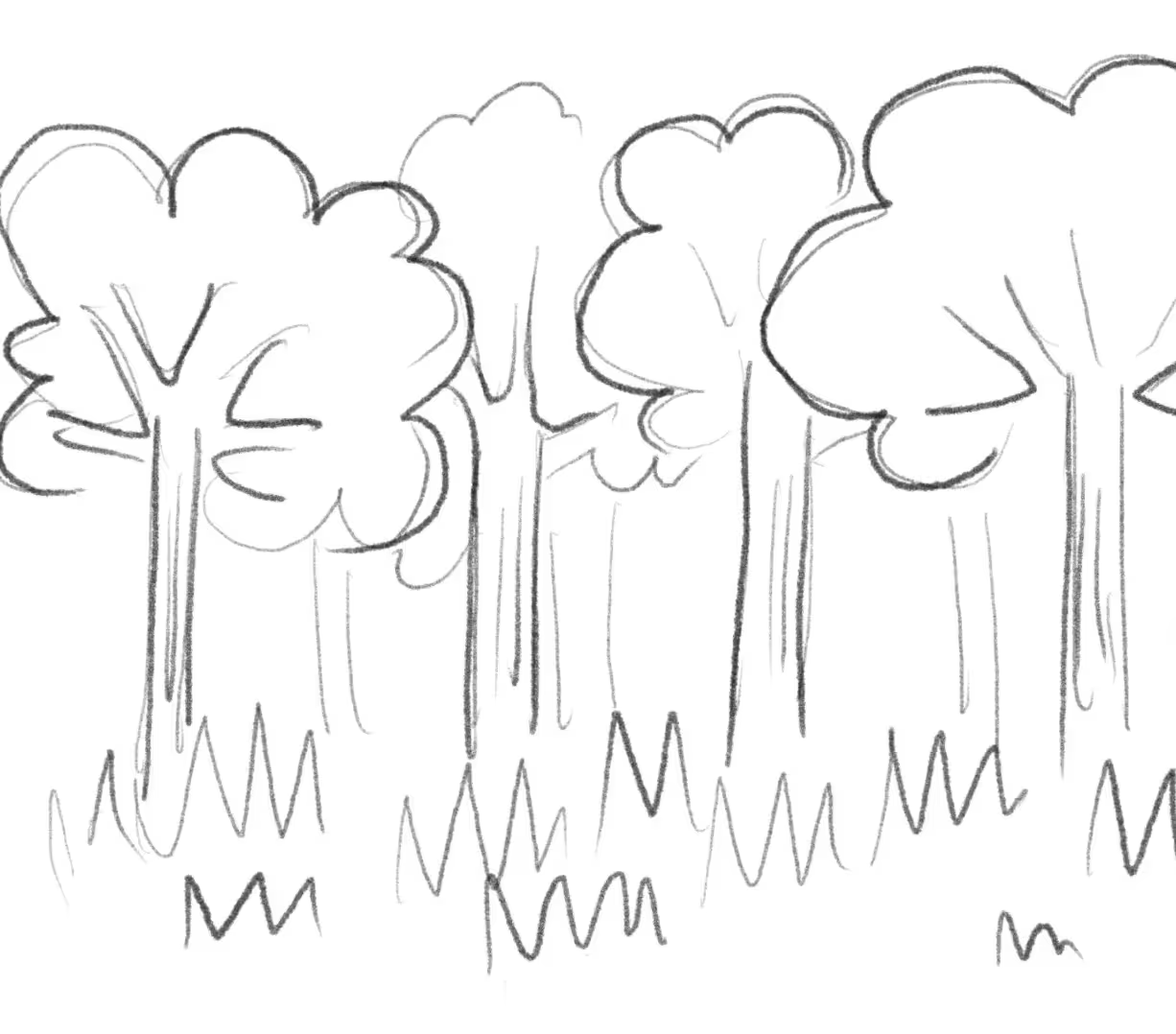
Today
Discover the perfect brushes to bring your artistic vision to life with ease and precision.
Week 1
By the end of Week 1, you’ll have your first finished piece.

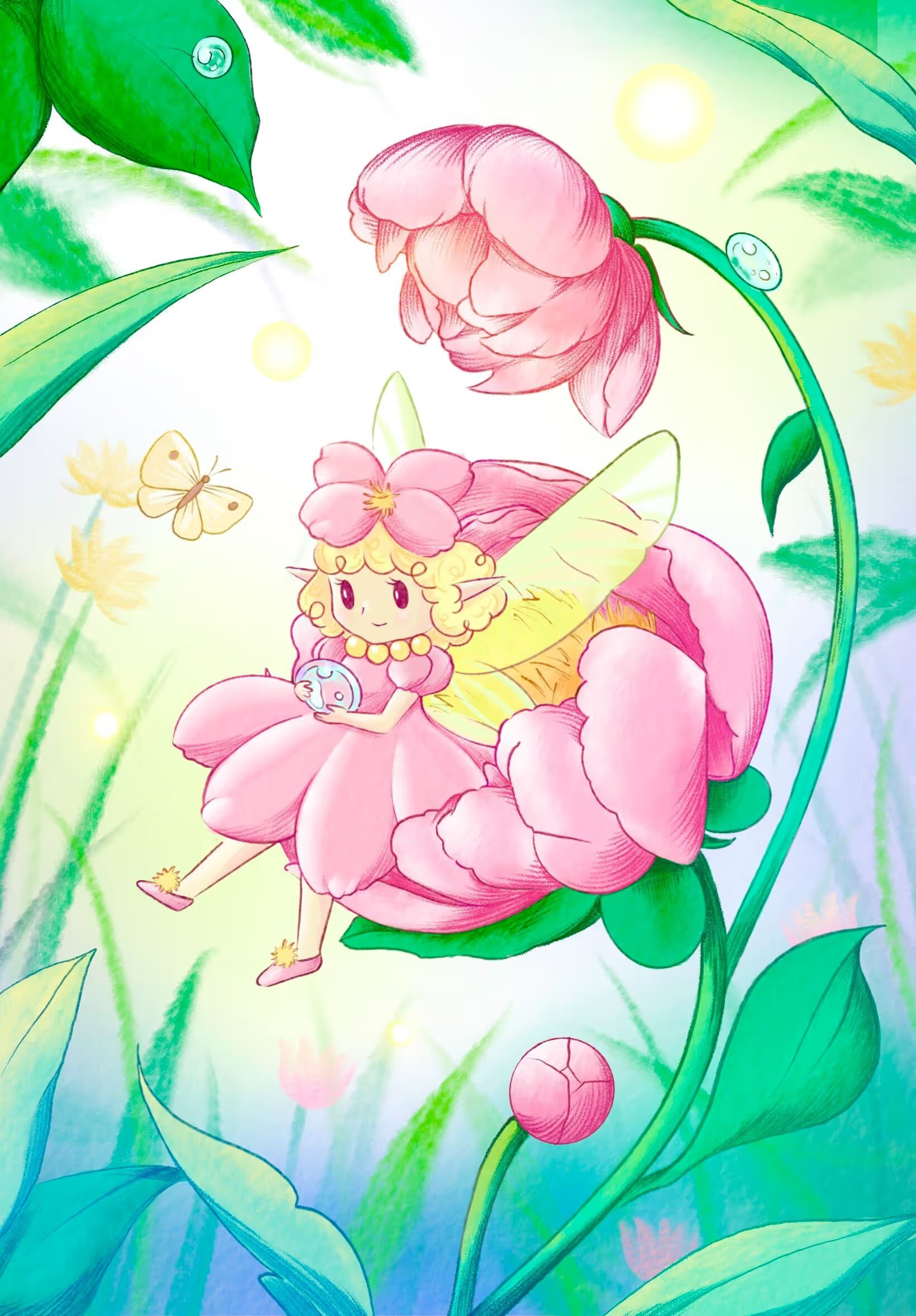
Month 1
By the end of Month 1, you’ll have a style you’re proud of.
Month 3
Elevate your skills with brushes that inspire creativity and enhance your Procreate toolkit.
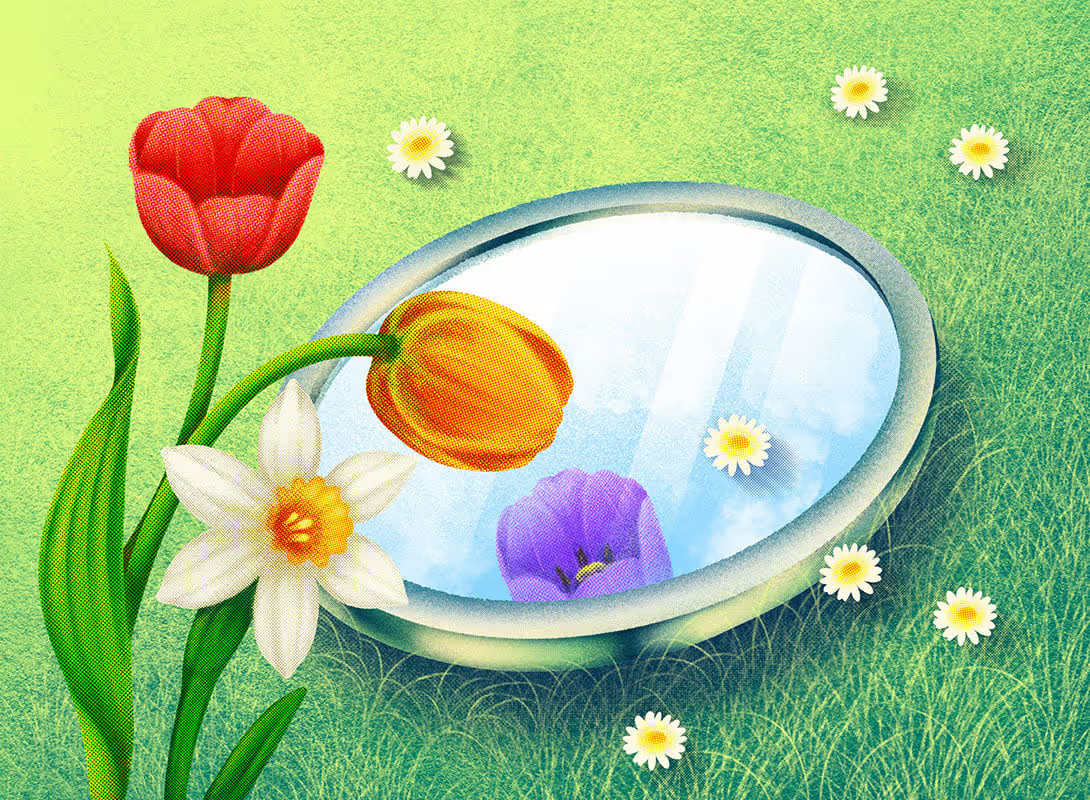
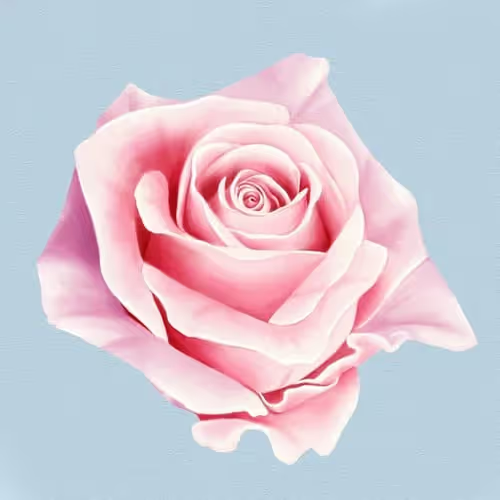
Month 6
Don't miss out on the opportunity to transform your art with our premium brush collections.
Why you should learn botanical art if you haven’t already?
Flowers, leaves, and other botanical motifs are naturally beautiful and often catch people’s attention. It’s not surprising that you see botanical designs everywhere you look. Whether it's fashion, textiles, interior design, restaurants, packaging design, hip cafes or even social media content, flowers can make every design shine.
A gorgeously painted flower can be a stand-alone work of art or a filler for a main motif’s background.
They are as versatile as they are wonderful to look at and they’re often included in every field of graphic design.
Considering its popularity, you should really add botanical art to your portfolio as it can get you some amazing clients. Believe me, I’ve had tons of requests for floral illustrations over the course of my career. And to be honest, those were some of my favourite freelance jobs.
*Prices in USD. Limited time offer. Expires Thursday, August 28, 2025 at midnight.





I’ve been doing botanical art for over 15 years for brands like Louis Vuitton, Tiffany & Co. and Sephora!
As mentioned above, in my fifteen years of working as a professional illustrator, I’ve done quite a few botanical designs for some of the biggest brands in their industries.
Through a long process of learning, I’ve taught myself the rights and wrongs of drawing floral motifs. It’s the field of illustration I’ve spent the most time studying and practising. I’ve actually become so proficient at it that I’m now teaching artists, such as yourself.
The demand for botanical art sky-rocketed in the last few years. Being able to constantly grow and pass my knowledge onto others enabled me to find out exactly what it takes to master floral illustration. Filled with a bunch of “insider” knowledge, this course will give you everything you need to confidently draw any flower you want!


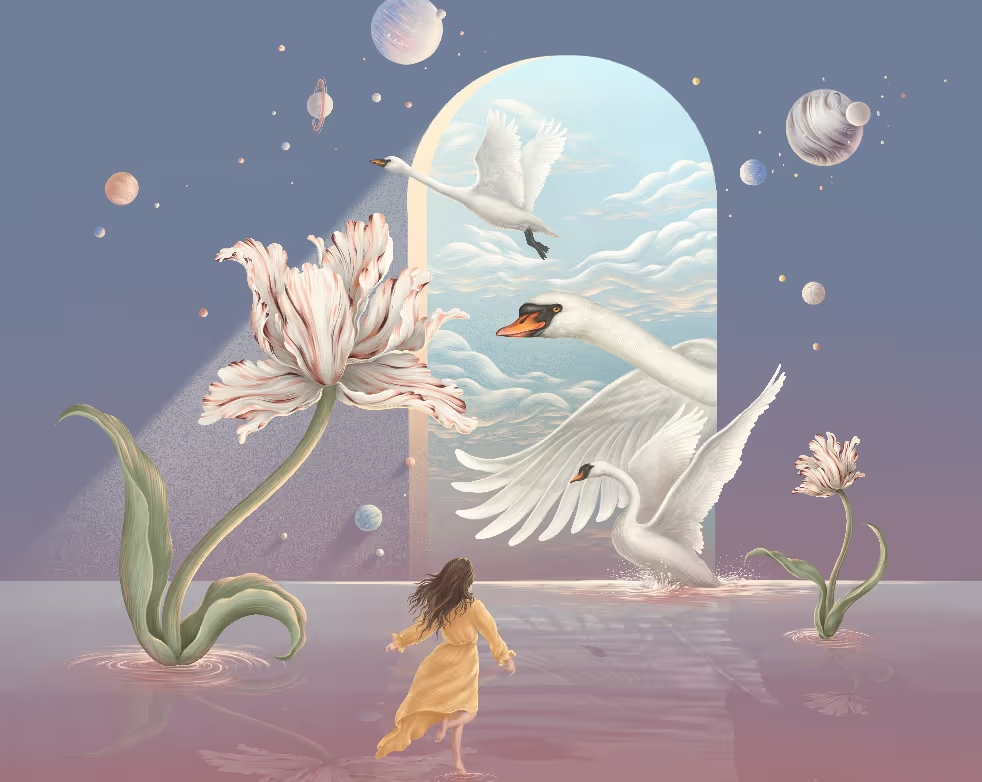
A beginner who decided it's time to become an artist
"Think I am happy "
Lorem ipsum dolor sit amet, consectetur adipiscing elit. Suspendisse varius enim in eros elementum tristique. Duis cursus, mi quis viverra ornare, eros dolor interdum nulla, ut commodo diam libero vitae erat. Aenean faucibus nibh et justo cursus id rutrum lorem imperdiet. Nunc ut sem vitae risus tristique posuere.
"Lorem ipsum dolor sit amet, consectetur adipiscing elit. Suspendisse varius enim in eros elementum tristique. Duis cursus, mi quis viverra ornare, eros dolor interdum nulla, ut commodo diam libero vitae erat."
"Lorem ipsum dolor sit amet, consectetur adipiscing elit. Suspendisse varius enim in eros elementum tristique. Duis cursus, mi quis viverra ornare, eros dolor interdum nulla, ut commodo diam libero vitae erat."
"Lorem ipsum dolor sit amet, consectetur adipiscing elit. Suspendisse varius enim in eros elementum tristique. Duis cursus, mi quis viverra ornare, eros dolor interdum nulla, ut commodo diam libero vitae erat."
Inside this Wild Flower Course
From your iPad to your walls, clothes, wallpapers or your clients’ products - learn to draw realistic flowers you’d want to show to other people
Master the basics
By starting with different flower petals, learning about all the different types of pollen and getting to know various types of leaves, we’ll build a strong foundation on top of which you’ll be able to build on.
Colour the right way
You’ll learn how to properly sequence your layers in order to capture the natural essence of your botanical designs. In addition to that, you’ll learn how to select the exact colours and apply them to really nail the natural look of the flower.
Use the right brushes
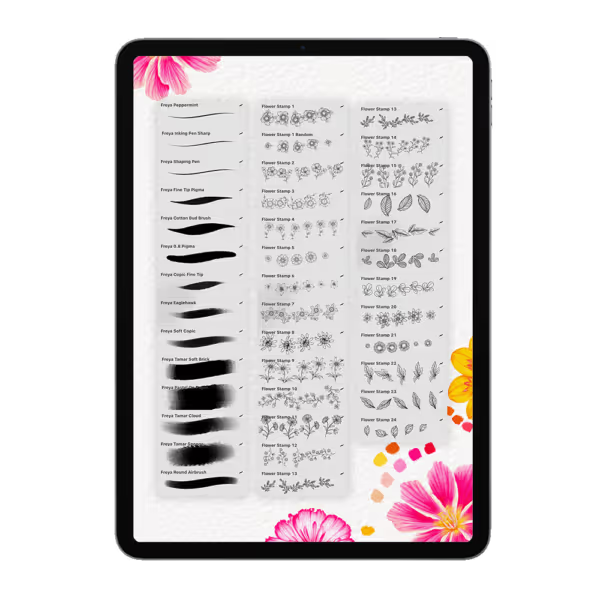
By enrolling in this course, you’ll get a set of brushes that we will use for the exercises. We’ll learn which brushes to use for different types of drawing techniques. You’ll also master drawing the lines to make your flowers really pop!
Capture the details
Paint flowers that people will recognize right away. Learn to recognize and capture complex details that make each flower unique.
Master the basics
By starting with different flower petals, learning about all the different types of pollen and getting to know various types of leaves, we’ll build a strong foundation on top of which you’ll be able to build on.
Colour the right way
You’ll learn how to properly sequence your layers in order to capture the natural essence of your botanical designs. In addition to that, you’ll learn how to select the exact colours and apply them to really nail the natural look of the flower.
Use the right brushes
By enrolling in this course, you’ll get a set of brushes that we will use for the exercises. We’ll learn which brushes to use for different types of drawing techniques. You’ll also master drawing the lines to make your flowers really pop!
Capture the details
Paint flowers that people will recognize right away. Learn to recognize and capture complex details that make each flower unique.
Learn to draw realistic flowers you’d want to show to other people
Once you paint something in Procreate, you can use it in a bunch of different ways. Offering canvases of many shapes and sizes, Procreate allows you to print your designs onto various mediums.
Design your own clothes or accessories with beautiful botanical motifs. Print it as a poster or frame it with a gorgeous frame to get a one-of-a-kind painting for your wall or to give as a gift.
Create gorgeous phone or computer backgrounds or engaging content for your social media profiles that will drive traffic and boost engagement.
.avif)
You'll also get Bonus Artist Package (Worth $200+)
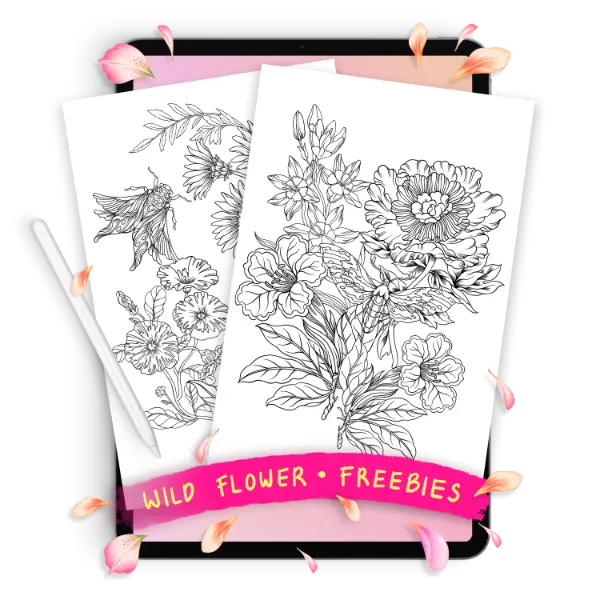
The exact same brushes and resources I use for Louis Vuitton, Tiffany & Co, and Sephora. Everything you need to create like a pro, yours to keep forever.


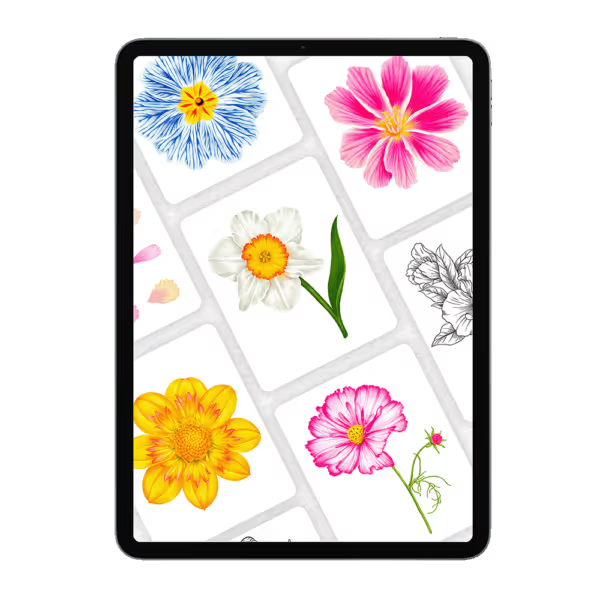

Lesson Curriculum
Click on the module name below to expand the lesson list.
All the lessons are narrated in English language. English subtitles are also available for more clarity and for students with hearing impairment.

Module 1: Intro

In this module, you’ll get a chance to hear from your instructor, learn the basics of the lesson platform, and see how you can get access to our private, supportive artists-only Facebook community.
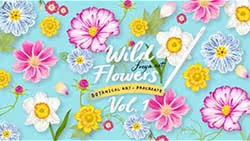
LESSON 1 Welcome to the course
3:25
Download the files
access to facebook private group
Module 2: Petal
In this module, we dive into the essential skill of drawing and coloring petals. You'll learn to sketch and bring to life four different types of petals, guiding you from the initial sketch to the final touches. We'll explore three distinct coloring styles: two-tone, three-tone, and patterned.

7:07
LESSON 2.1 Petal ep 1
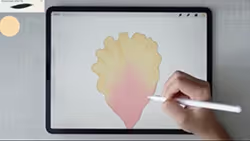
LESSON 2.2 Petal ep 2
4:47
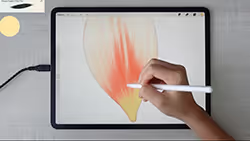
LESSON 2.3 Petal ep 3
8:59
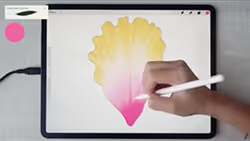
LESSON 2.4 Petal ep 4
13:28
.avif)
Module 3: Pollen
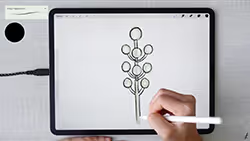
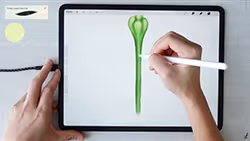
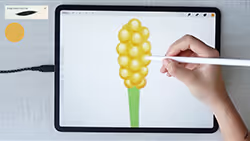
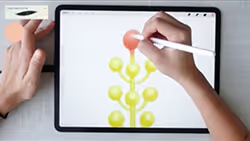
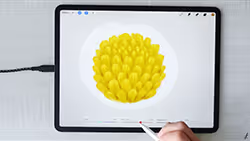
In this module, we'll focus on the intricate details of drawing and coloring pollen. You'll practice sketching five different types of pollen and learn techniques to bring them to life with color.
5:20
LESSON 3.1 Pollen ep 1
LESSON 3.2 Pollen ep 2
2:51

2:44
LESSON 3.3 Pollen ep 3
2:47
LESSON 3.4 Pollen ep 4
LESSON 3.5 Pollen ep 5
3:18
3:11
LESSON 3.6 Pollen ep 6
Module 4: Leaf
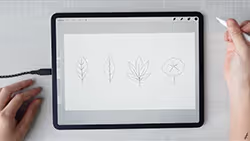
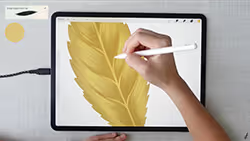
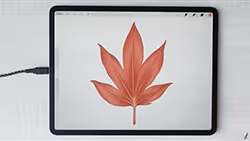
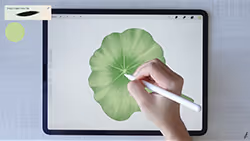
In this module, we turn our attention to the diverse and beautiful world of leaves. You will learn to draw and color four different leaf types, starting from the basic sketch to the final colored masterpiece.
5:53
LESSON 4.1 leaf ep 1

LESSON 4.2 leaf ep 2
5:40
3:54
LESSON 4.3 leaf ep 3
4:21
LESSON 4.4 leaf ep 4
LESSON 4.5 leaf ep 5
3:31
.avif)
Module 5: Lewisia
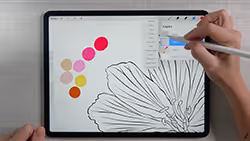
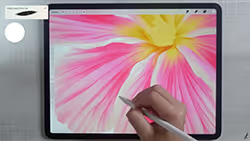
Now that you've mastered the fundamentals of petals, pollen, and leaves, it's time to bring it all together by drawing a complete flower. In this module, we'll focus on the beautiful Lewisia. This flower offers a perfect blend of challenge and beauty, with its intricate patterns and vibrant colors.
8:52
LESSON 5.1 lewisia ep 1

17:13
LESSON 5.2 lewisia ep 2
LESSON 5.3 lewisia ep 3
28:08

LESSON 5.4 lewisia ep 4
11:25
.avif)
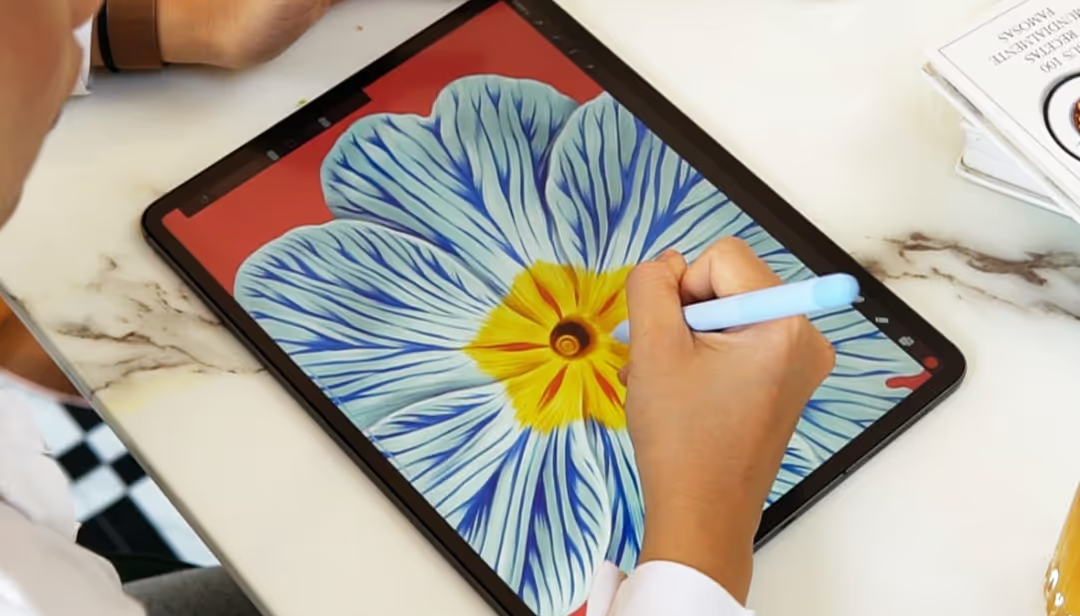
Module 6: primrose
The Primrose, with its intricate patterns, might seem a bit challenging at first glance. But don't worry! In this module, I'll guide you through each step in detail, ensuring you can follow along with ease.
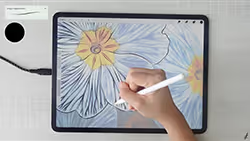
LESSON 6.1 primrose ep 1
12:46
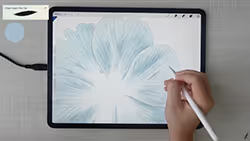
LESSON 6.2 primrose ep 2
14:37
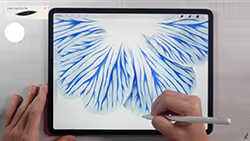
LESSON 6.3 primrose ep 3
30:53
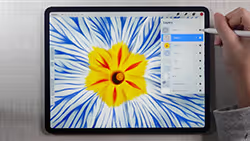
11:44
LESSON 6.4 primrose ep 4
.avif)
Module 7: daffodils
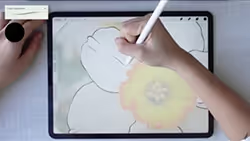
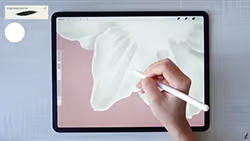
Daffodils may appear simple, but their intricate structure, especially the pollen that resembles a small flower within the flower, adds a layer of complexity. In this module, we'll tackle the challenge of drawing and coloring daffodils, paying special attention to the detailed pollen, as well as the flower stalk and leaves.
LESSON 7.1 daffodils ep 1
8:05
15:46
LESSON 7.2 daffodils ep 2

16:31
LESSON 7.3 daffodils ep 3

LESSON 7.4 daffodils ep 4
9:55
.avif)
Module 8: Cosmos
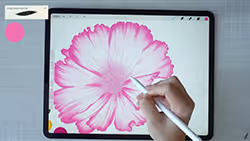
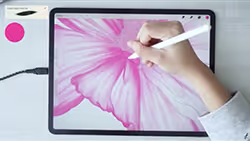
In this module, we'll focus on drawing the vibrant and colorful Cosmos flower. You'll learn to capture its beautiful color gradation and intricate petals. We'll also explore how to add the small flower buds that accompany the main bloom.

19:42
LESSON 8.1 cosmos ep 1
LESSON 8.2 cosmos ep 2
16:30
8:09
LESSON 8.3 cosmos ep 3
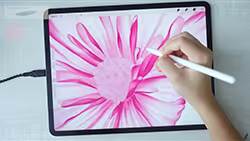
11:12
LESSON 8.4 cosmos ep 4

13:09
LESSON 8.5 cosmos ep 5
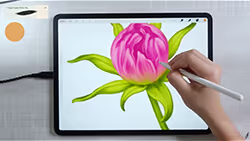
LESSON 8.6 cosmos ep 6
15:16
.avif)
Module 9: Dahlia
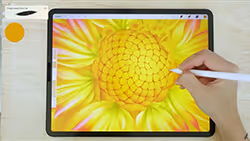
As the final flower in our course, we'll be drawing the intricate Dahlia. This flower presents a challenge with its detailed pollen and complex petals. The grains by the pollen add another layer of intricacy. Mastering the Dahlia will significantly enhance your overall flower-drawing skills.
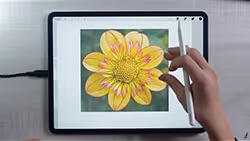
LESSON 9.1 dahlia ep 1
12:36

30:24
LESSON 9.2 dahlia ep 2
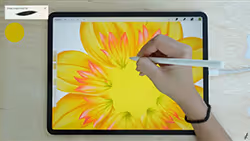
31:23
LESSON 9.3 dahlia ep 3
27:16
LESSON 9.4 dahlia ep 4
.avif)
Module 10: 🌟 bonus 🌟 creating a card
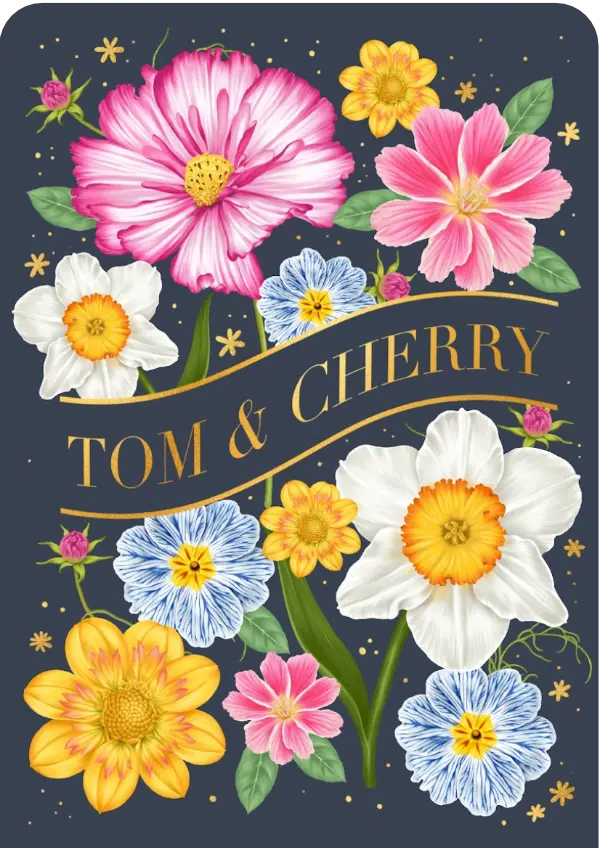
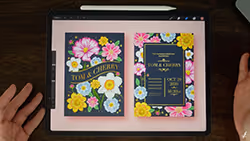
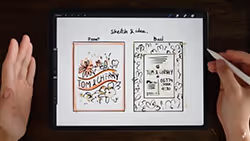
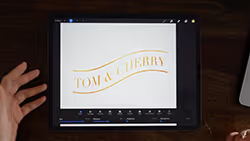
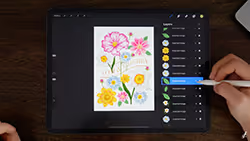
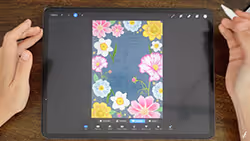
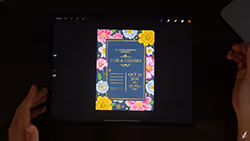
In this final bonus module, we'll put all your newly acquired skills to use by creating a beautiful wedding card. Using the floral artworks from the previous modules, you'll learn how to design and decorate a card that's perfect for a wedding, but versatile enough to be adapted for any occasion.
LESSON 10.1 creating a card ep 1
0:31
1:36
LESSON 10.2 creating a card ep 2
5:39
LESSON 10.3 creating a card ep 3
15:18
LESSON 10.4 creating a card ep 4
16:50
LESSON 10.5 creating a card ep 5
10:16
LESSON 10.6 creating a card ep 6
Try 2 Lessons Free First
Before you decide, try 3 lessons for free and see how easy it is to follow along.


You don’t just get the course!
By enrolling in the Masterclass, you get full lifetime access to over 40 hours of on-demand video you can play on any device with a web browser (including mobile!). Upon completion, you’re granted a special Certificate of Completion, which you can show off in your resume.
Don't Take My Word for It.
Take Theirs.
You know what's more convincing than my portfolio? Seeing what you could actually create. These are real students who started exactly where you are right now.
30-Day Instant Refund
If you follow my process, you will see results and I’ll back that with a 30-day instant refund guarantee.

Wild Flowers in Procreate
9 Modules, 40+ Lessons, 8 Hours of in-depth video lectures
Lifetime access and updates
Finish with 10 realistic flowers of your own
A custom brush set for drawing floral designs
30-day money back guarantee
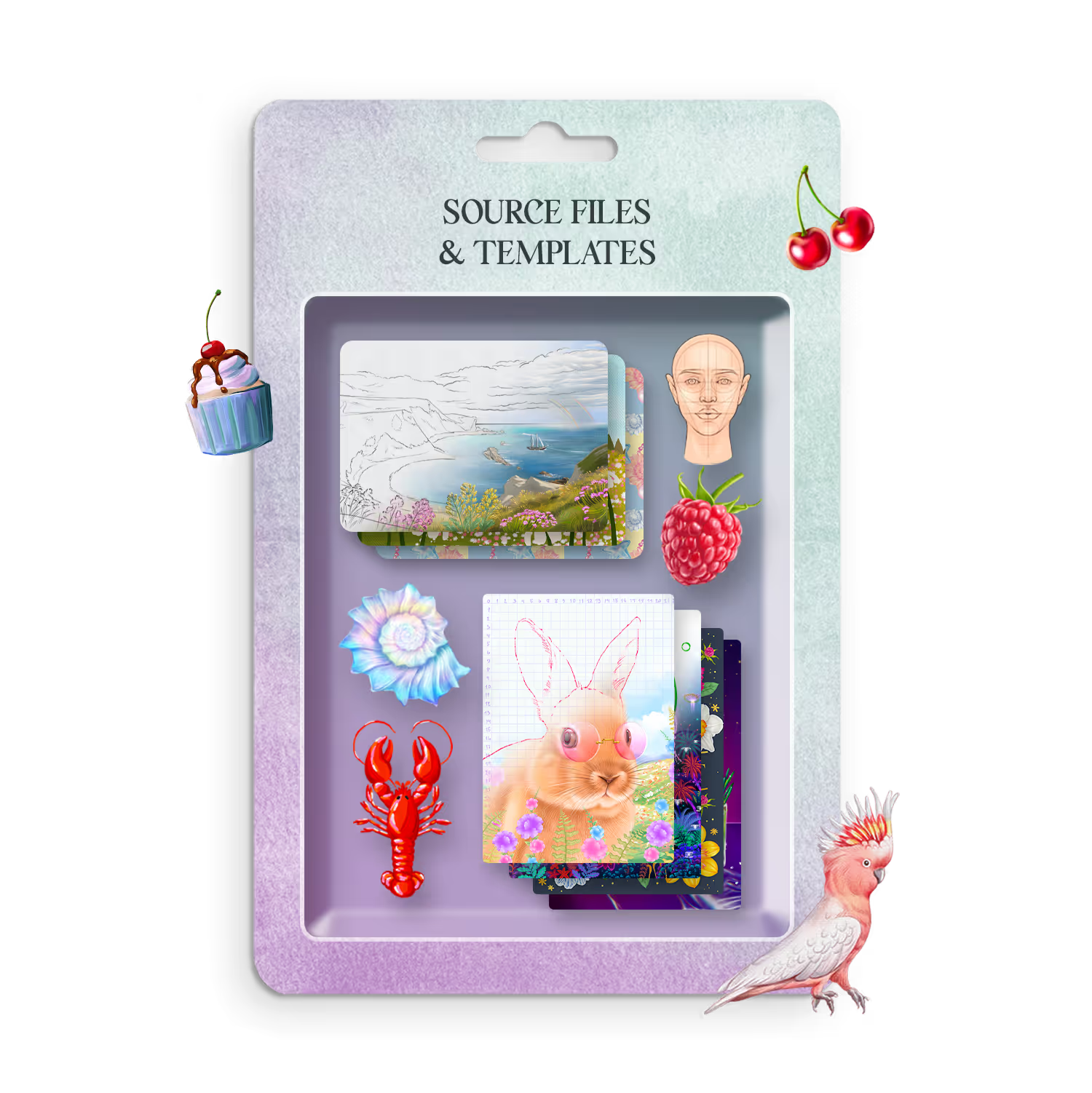
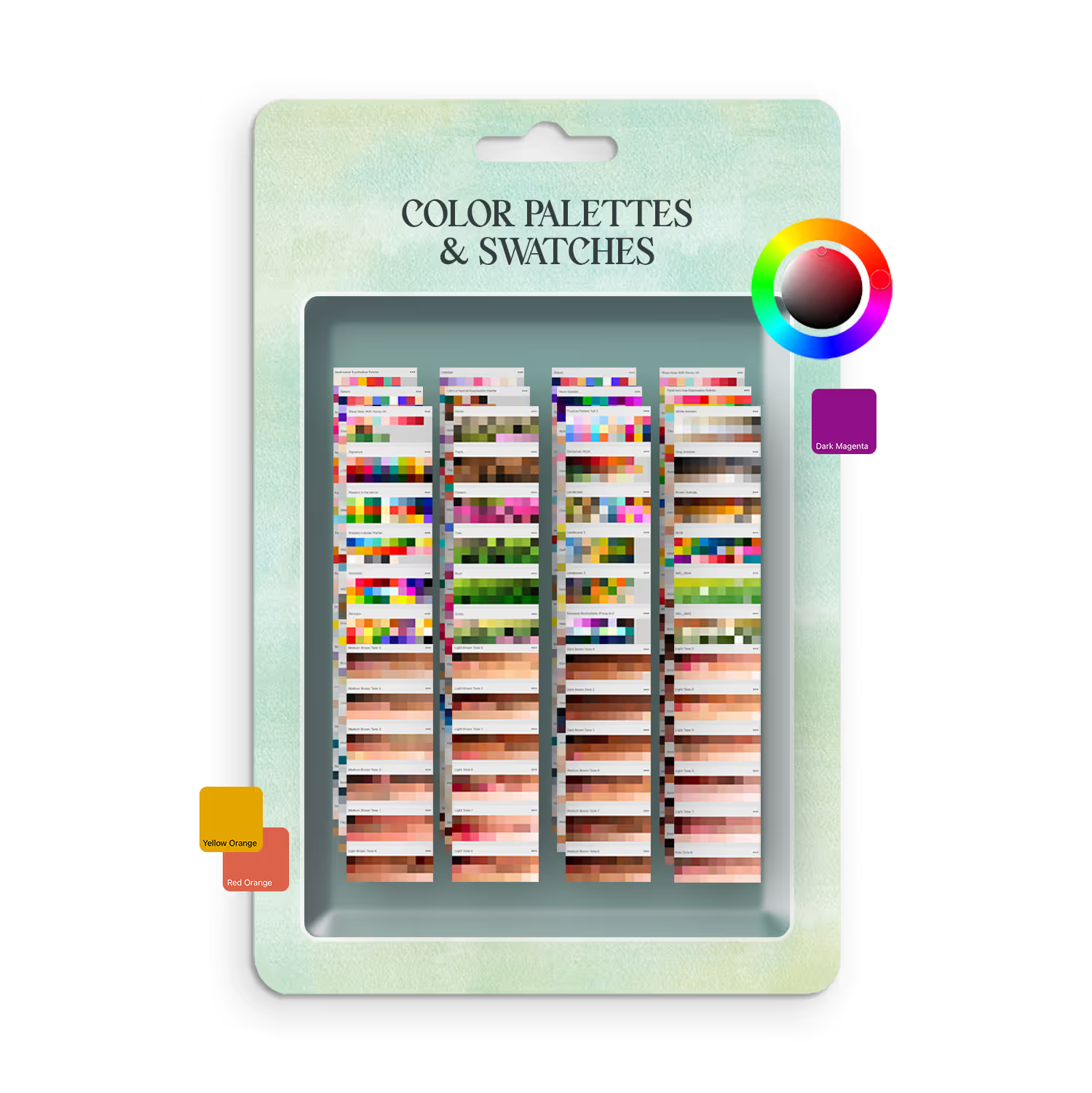
With below add-ons to help you. Included for free.


FAQs
Find answers to common questions about this and other courses
No. These courses start from the beginning. If you can hold an Apple Pencil, you can follow along. The only requirement is Procreate installed on your iPad. Some are little bit more advanced, but if you follow along you can still make amazing progresses an an artist.
Any iPad after released after 2018 will run Procreate perfectly!
Yes, Procreate works best with an Apple Pencil that supports pressure sensitivity (1st Gen, 2nd Gen, or Pro — not the basic USB-C model) to achieve variable line weight and opacity. Without pressure sensitivity, strokes will have a consistent thickness and opacity, which may limit expressive control. Procreate can also be used with finger input, though achieving fine details and realistic results may be more challenging.
Depends on your pace. The videos total anywhere from 10-20 hours, but most students spend 2-3x that actually drawing along. Lifetime access means no pressure. Finish in a weekend or spread it over months.
Yes, but you'll want your iPad open to follow along. Most students watch the lesson on their iPad, then rewind and draw. Some use a second device to watch while drawing.
Post in the private Facebook group. I'm in there regularly, along with thousands of other students. You'll get answers within hours, not days.
No. This is one time purchase and it's your forever.
Still have questions?
I'm here to help! Whether you need technical support, want to know more about specific courses, or just want to chat about your artistic goals, you can reach out anytime.