

Design your own 3D botanicals, furniture, and decor
3D painting in Procreate feels different from flat illustration. I'll show you how to build textures and materials so your models look finished, not plastic.
Or split into 3 payments of $60
or take 2 full lessons (12 min) free first, no card needed
- Level
- Beginner-Intermediate
- Format
- Online video
- Narration
- English
- Subtitles
- English
- Contents
- 8 Modules, 36 Lessons
Flat painting skills don't automatically transfer to 3D
Moving from a flat canvas into space changes how light, texture, and materials behave. Guessing usually gives you shiny plastic and muddy shadows.
In this course I walk you through textures and materials step by step, so your 3D pieces look intentional and ready to show.
What makes this course different
Inside this 3D Painting course
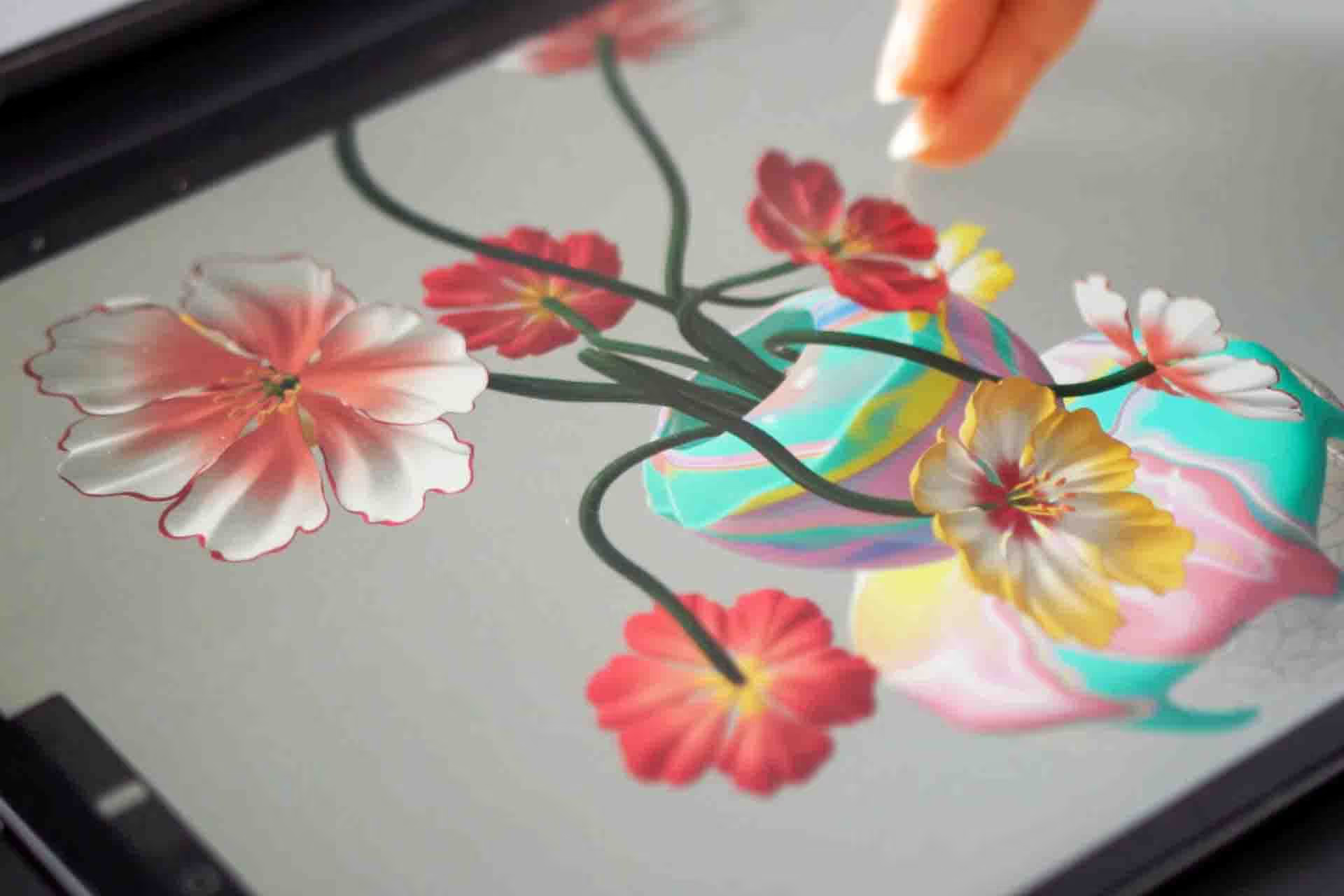
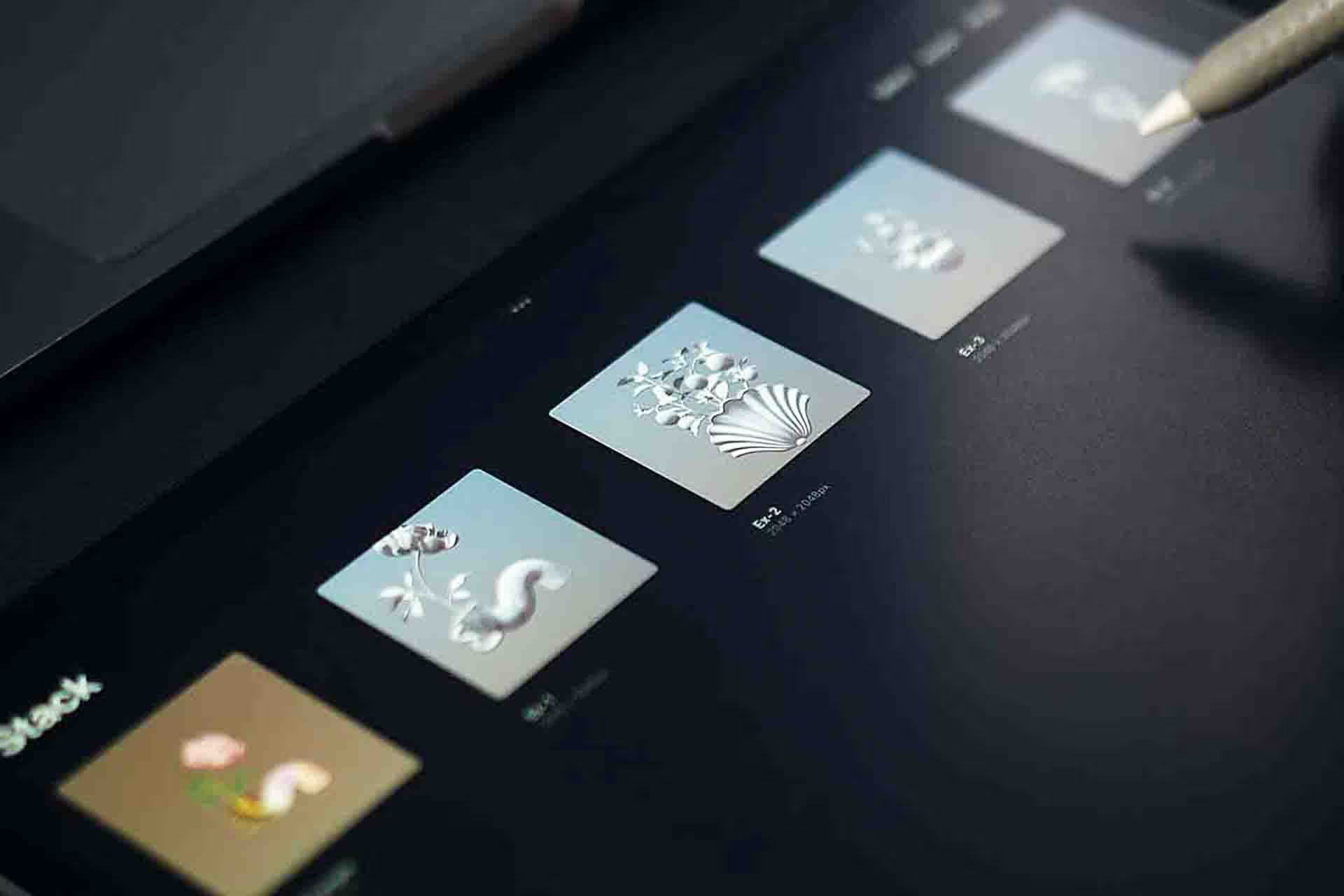
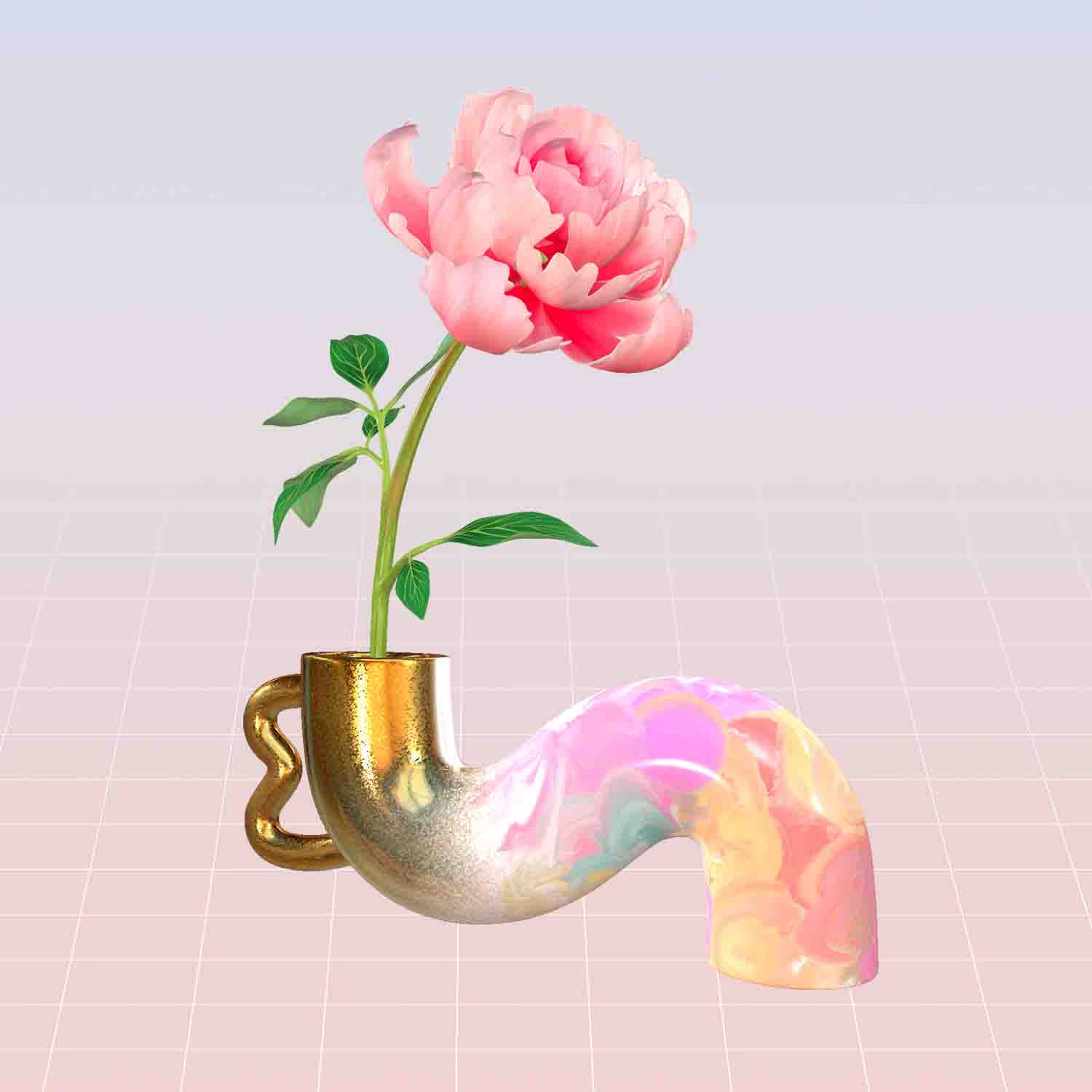
Import a model, then paint it like a canvas. You'll finish five vases, from a wave vase with peonies to an antique marble one with auriculas.
Start with how the 3D tools work
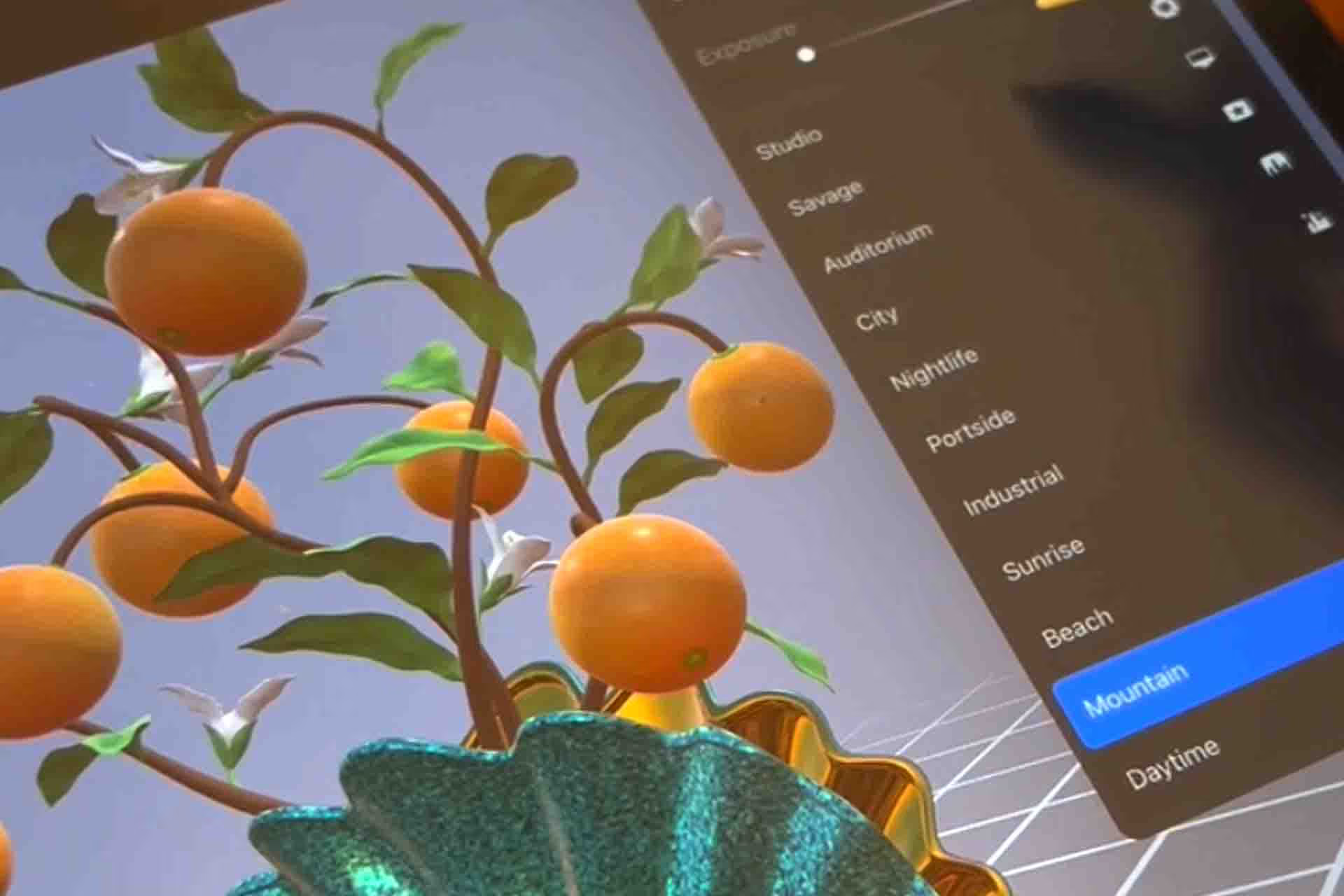
You'll begin where Procreate's 3D tools begin: importing a model, reading the 3D layer layout, and lighting a scene. Once those click, painting on a curved surface stops being guesswork.
Get the finish right
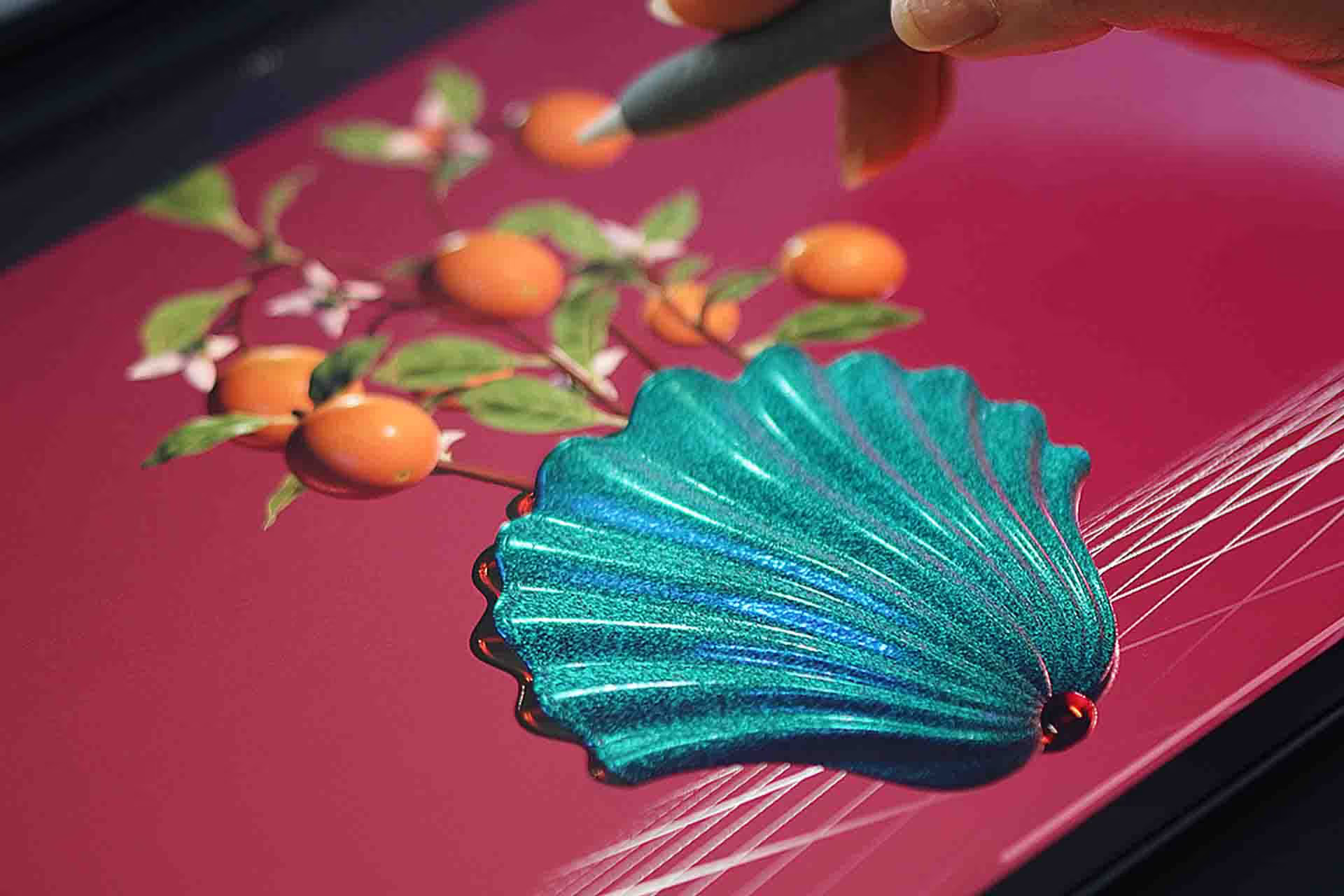
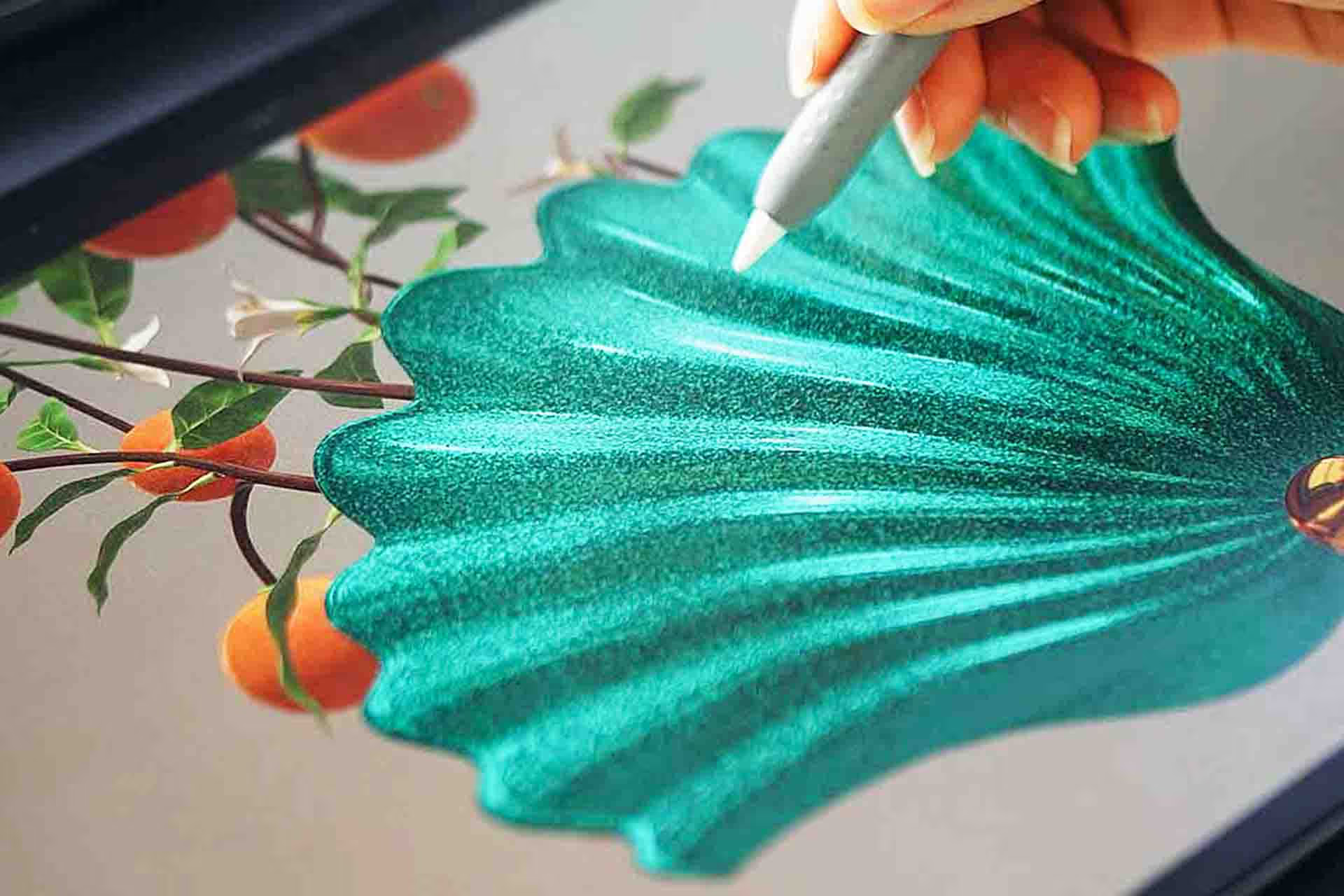
Colour, roughness and metallic are the three settings that decide whether a vase reads as ceramic, glitter or gold. I show you what each one does and how to layer them.
Use the right material brushes
You get the material brushes I use in the exercises, plus the lesson on building your own, so you can put terrazzo, cracked ceramic or melted marble on anything you import.
Forget everything you know about 3D Painting
I start from the basics and build toward finished 3D floral and object pieces you can put in a portfolio.
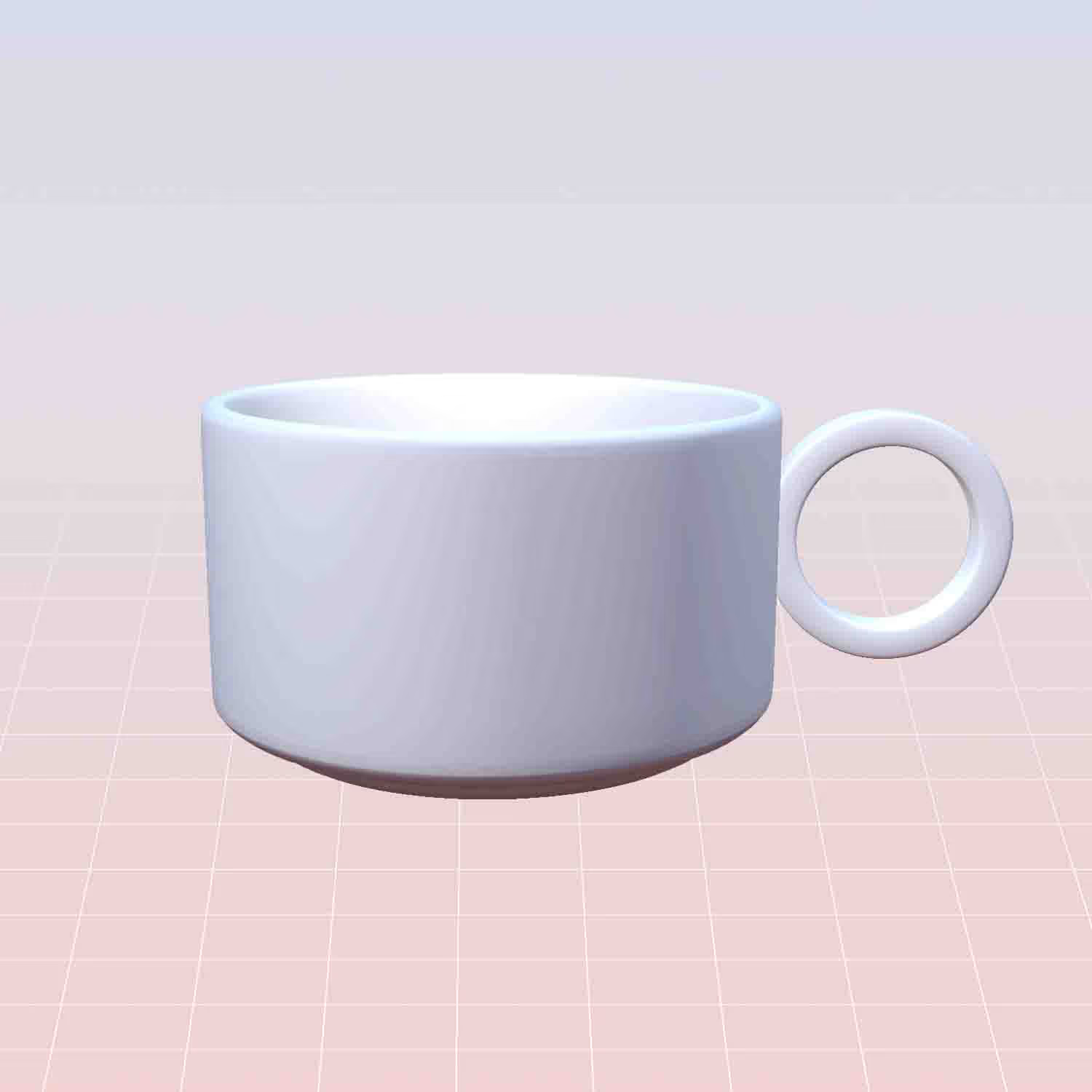
Week 1
By the end of Week 1, you’ll have your first finished piece.
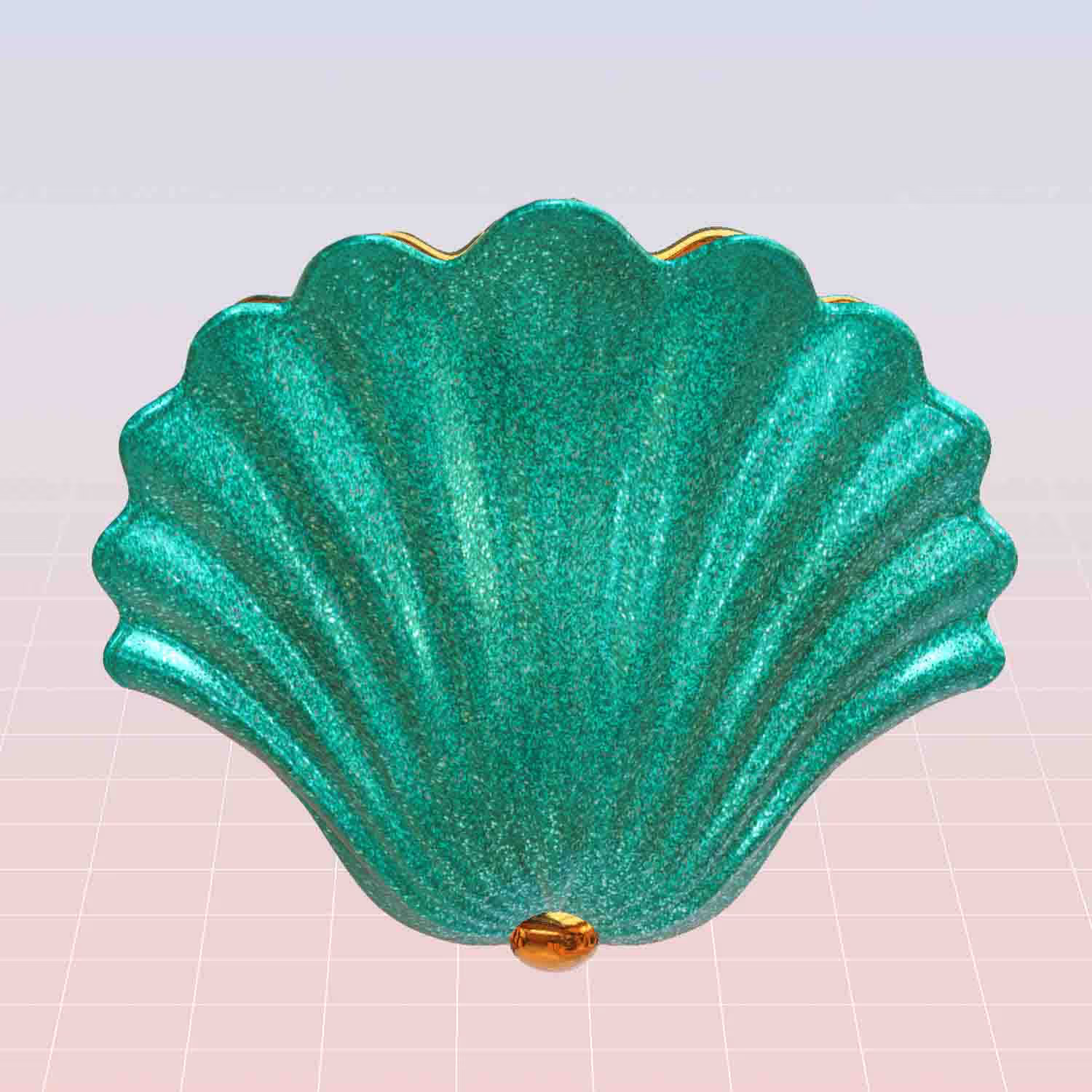
Month 2
Get the brushes I use in the lessons so your strokes match what you see on screen.
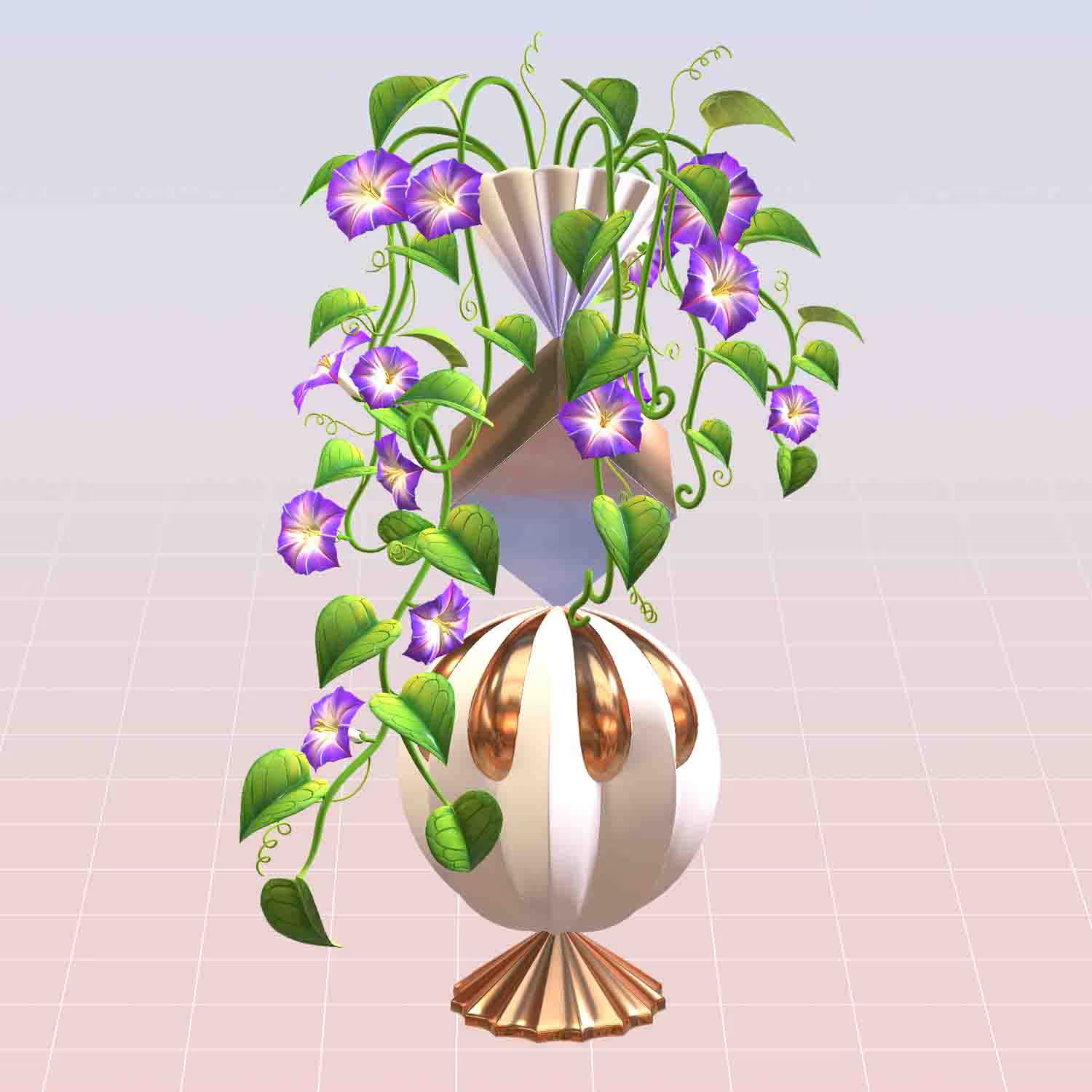
Today
Get the brush pack I use in the course. Install it in two minutes and you're ready for lesson one.
Month 1
By the end of Month 1, you’ll have a style you’re proud of.
Month 3
The brush packs from my other sets are included so you can keep practicing after the course.
Today
Get the brush pack I use in the course. Install it in two minutes and you're ready for lesson one.
Week 1
By the end of Week 1, you’ll have your first finished piece.
Month 1
By the end of Month 1, you’ll have a style you’re proud of.
Month 2
Get the brushes I use in the lessons so your strokes match what you see on screen.
Month 3
The brush packs from my other sets are included so you can keep practicing after the course.
Your mentor
For over 15 years I've been doing illustrations for brands like Louis Vuitton, Tiffany & Co. and Sephora
I'm Freya Kotchakorn. My digital illustrations have been used by Louis Vuitton, Tiffany & Co., and Sephora, and I've spoken at Apple Store events to teach Procreate techniques.
Yet my favorite work isn't for big brands, it's helping complete beginners surprise themselves with what they can create. My favorite feedback is when they tell me: "It felt very geared towards beginners wanting to learn Procreate... it felt like it was attainable even for someone like me who has very little experience."
That's exactly what I designed this course to do. Make the "impossible" feel completely achievable.


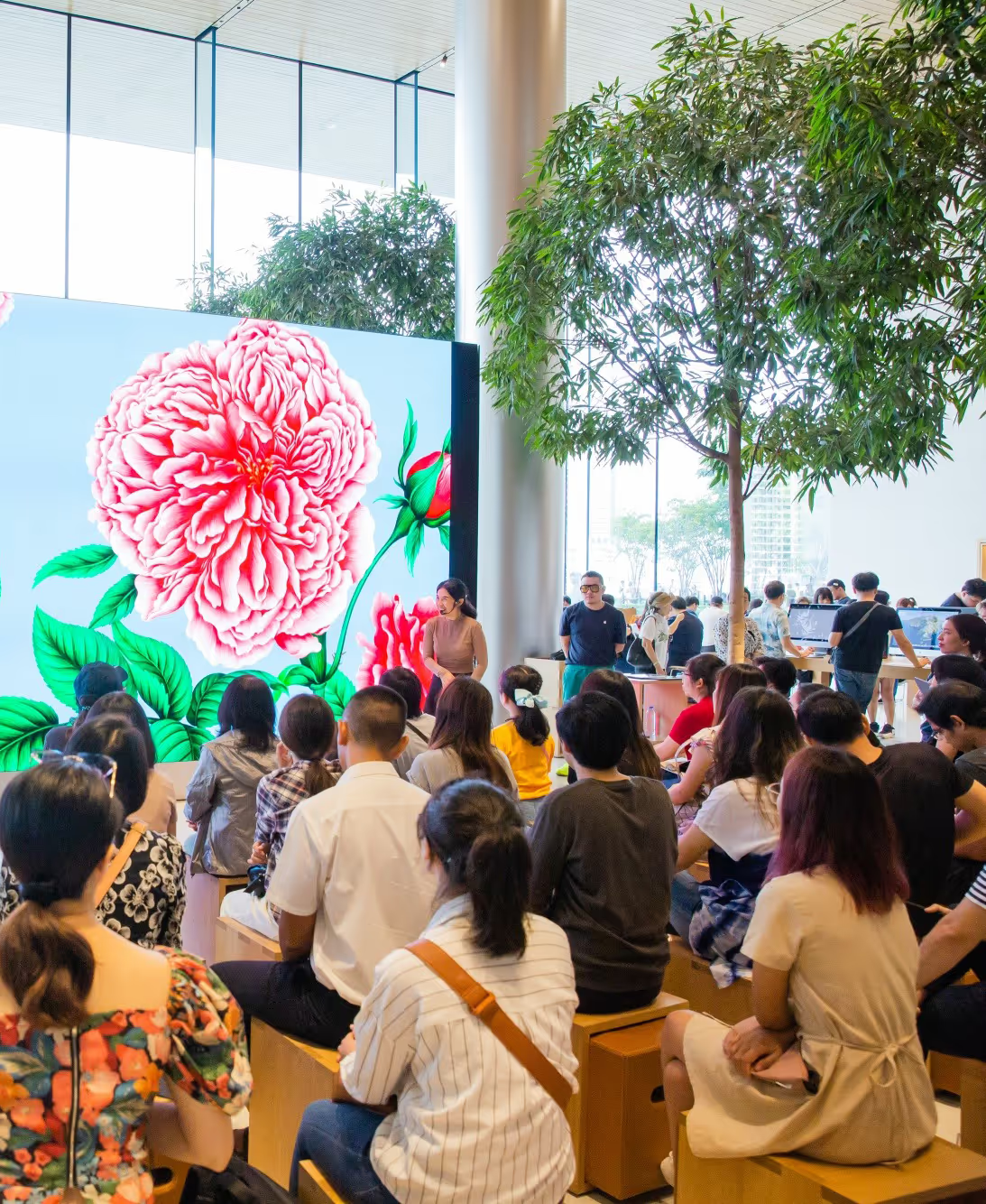
Speaking at an Apple Store event about Procreate techniques
Don't take my word for it. Take theirs.
Real students who started exactly where you are right now.
Anyone can create in 3D now
3D art used to be something only experts could do. You needed powerful computers, special skills, and had to deal with complicated software. Just to create a simple design, you’d spend hours figuring things out, waiting for the computer to finish rendering, and spending a ton on equipment.
But Procreate changed the game. Now, you can create high-quality 3D art right on your iPad, wherever you are . No rendering, no expensive hardware, no technical headaches. Just pure creativity.
Even if you’ve never touched 3D software before, you’ll be surprised how intuitive it feels. It’s just like painting, but your canvas happens to be three-dimensional. And the best part? You can see your creation instantly - no waiting for renders or dealing with computer crashes.
You'll also get a Bonus Artist Package
The exact same brushes and resources I use for Louis Vuitton, Tiffany & Co, and Sephora. Yours to keep forever.

Custom Textures
8 Animal Skin Texture Brushes for 3D Models
$12 $0

A Pack of Material Brushes
A pack of 16 material brushes + 7 material brushes you create in the lessons
$16 $0

3D Models
5 botanical 3D Models compatible with Procreate (including commercial license!)
$19 $0

Colour Swatches
Colour palettes of all the exercises in the course as downloadable swatches! Feel free to use them for future work or inspiration.
$9 $0

Private Community
A private Facebook group where you, my team, and I share work, ask questions, and give real feedback.
Lesson Curriculum
Expand the modules below to see every lesson inside.
Intro text
 LESSON 1 Introduction6:55
- LESSON 2 How to use the platform
 LESSON 3 Course Downloads4:37
Intro text
 LESSON 4 Importing 3D Models / Layout of 3D Layers / Gestures and Tools8:23
 LESSON 5 Viewing in 2D, 3D or Reference Window2:01
 LESSON 6 Lightings & EnviroNment11:51
 LESSON 7 Viewing in Augmented Reality (AR)3:02
 LESSON 8 Sharing / Exporting 3D Models / Sharing Textures3:24
 LESSON 9 Preparing a Model Showcase for Social Media5:55
Intro text
 LESSON 10 How the Color, Roughness, and Metallic Settings Work7:03
 LESSON 11 How Material Brushes Work4:25
 LESSON 12 How to create material brushes8:25
 LESSON 13 How to create texture brushes4:25
Intro text
 LESSON 14 Filling in the Base Colors4:47
 LESSON 15 Vase (Part 1) - Painting an Abstract Design4:58
 LESSON 16 Vase (Part 2) - Giving it a Gold-Spray Finish8:53
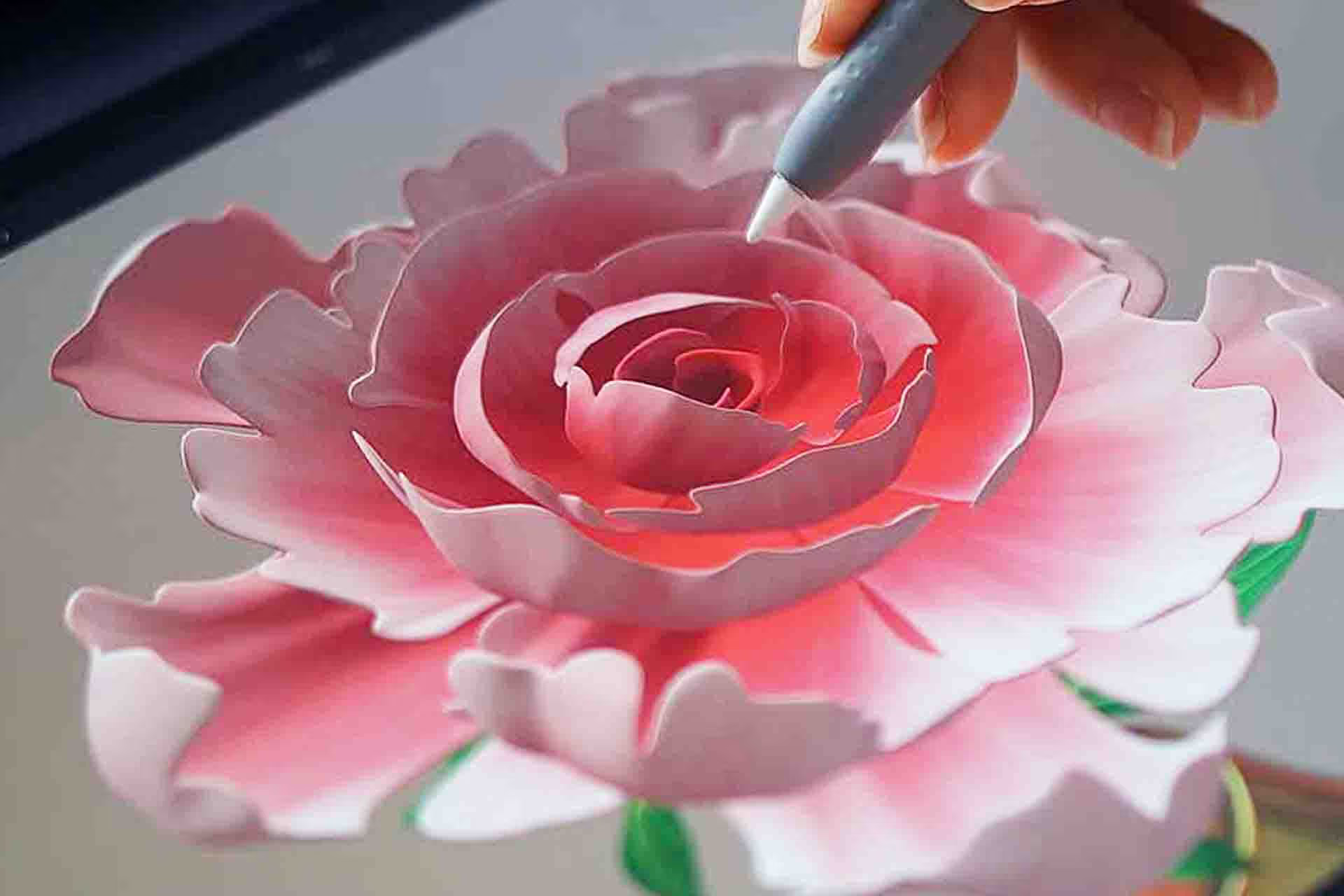
 LESSON 17 Peony (Part 1) - Painting the Flower45:23
 LESSON 18 Peony (Part 2) - Painting the Leaves16:06
Intro text
 LESSON 19 Filling in the Base Colors5:14
 LESSON 20 Vase - Creating a Glitter Finish11:02
 LESSON 21 Painting the Citrus Fruits9:09
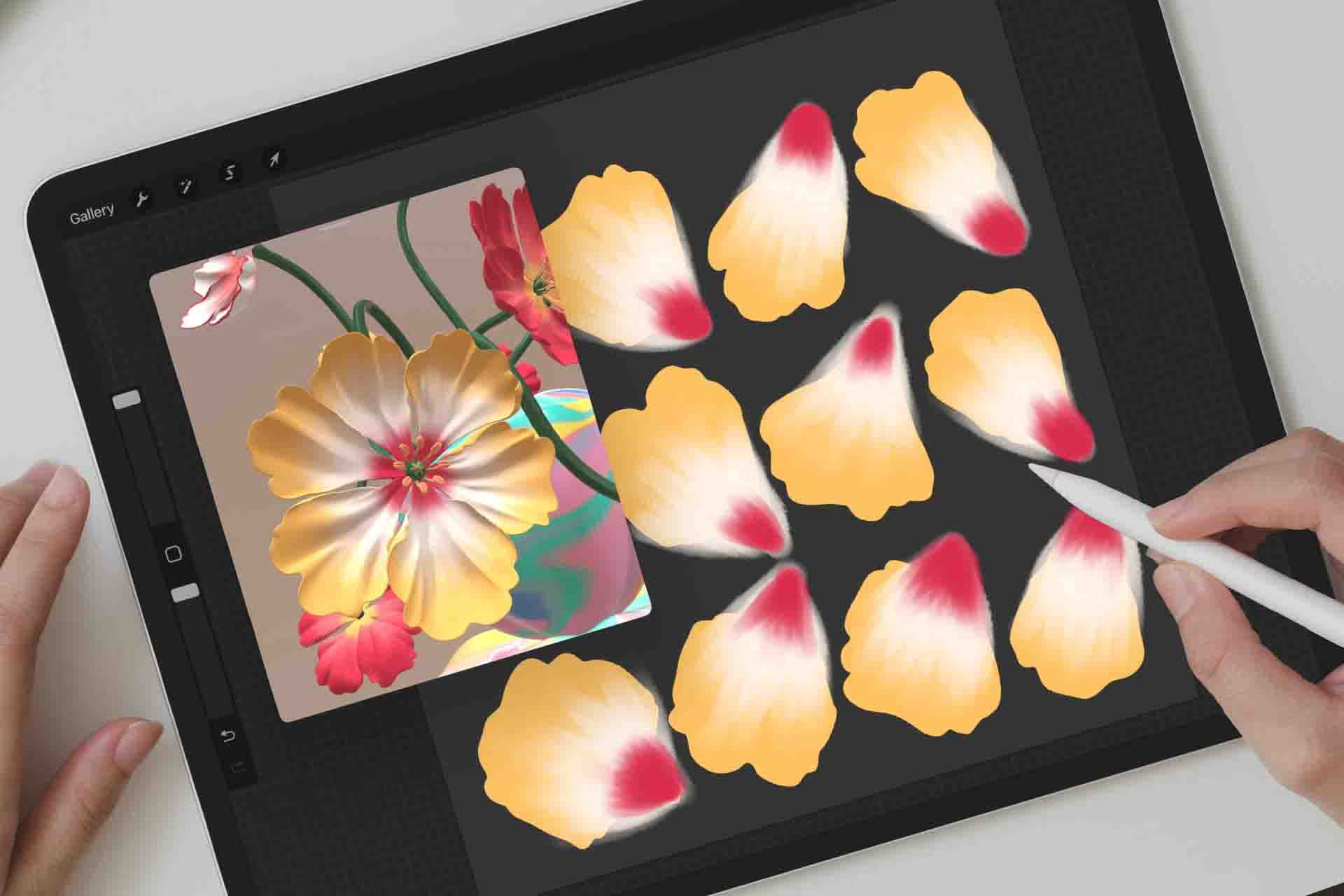
 LESSON 22 Painting the Flowers9:06
 LESSON 23 Painting the Leaves22:16
Intro text
 LESSON 24 Filling in the Base Colors3:36
 LESSON 25 Vase (Part 1) - Painting an Abstract "Melted Marble" Design11:18
 LESSON 26 Vase (Part 2) - Adding a "Cracked Ceramic" Texture Finish4:49
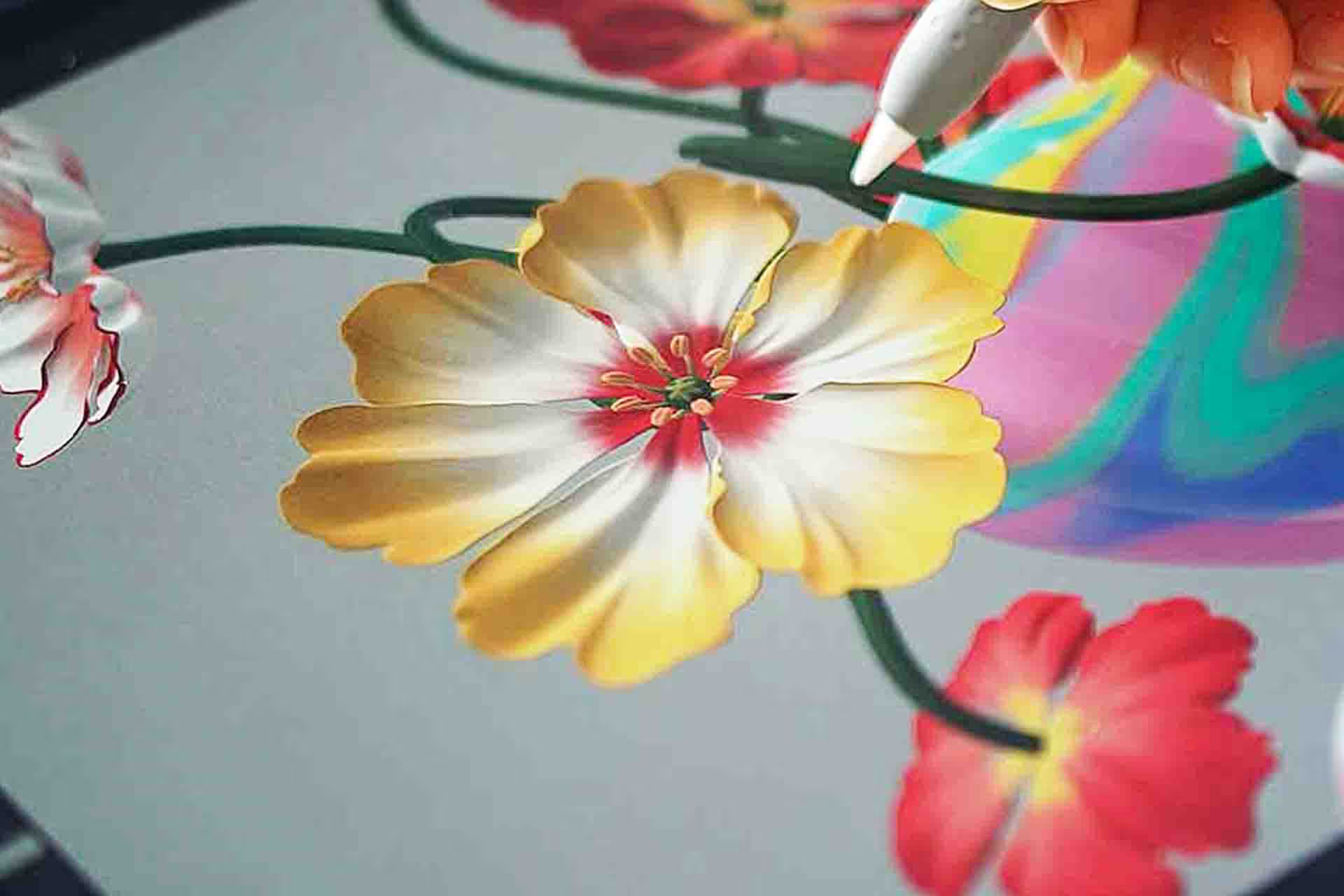
 LESSON 27 Painting the Poppy Flowers20:54
 LESSON 28 Painting the Stems10:56
Intro text
 LESSON 29 Filling in the Base Colors16:51
 LESSON 30 Vase - Creating a Terrazzo-Multi-texture Finish14:18
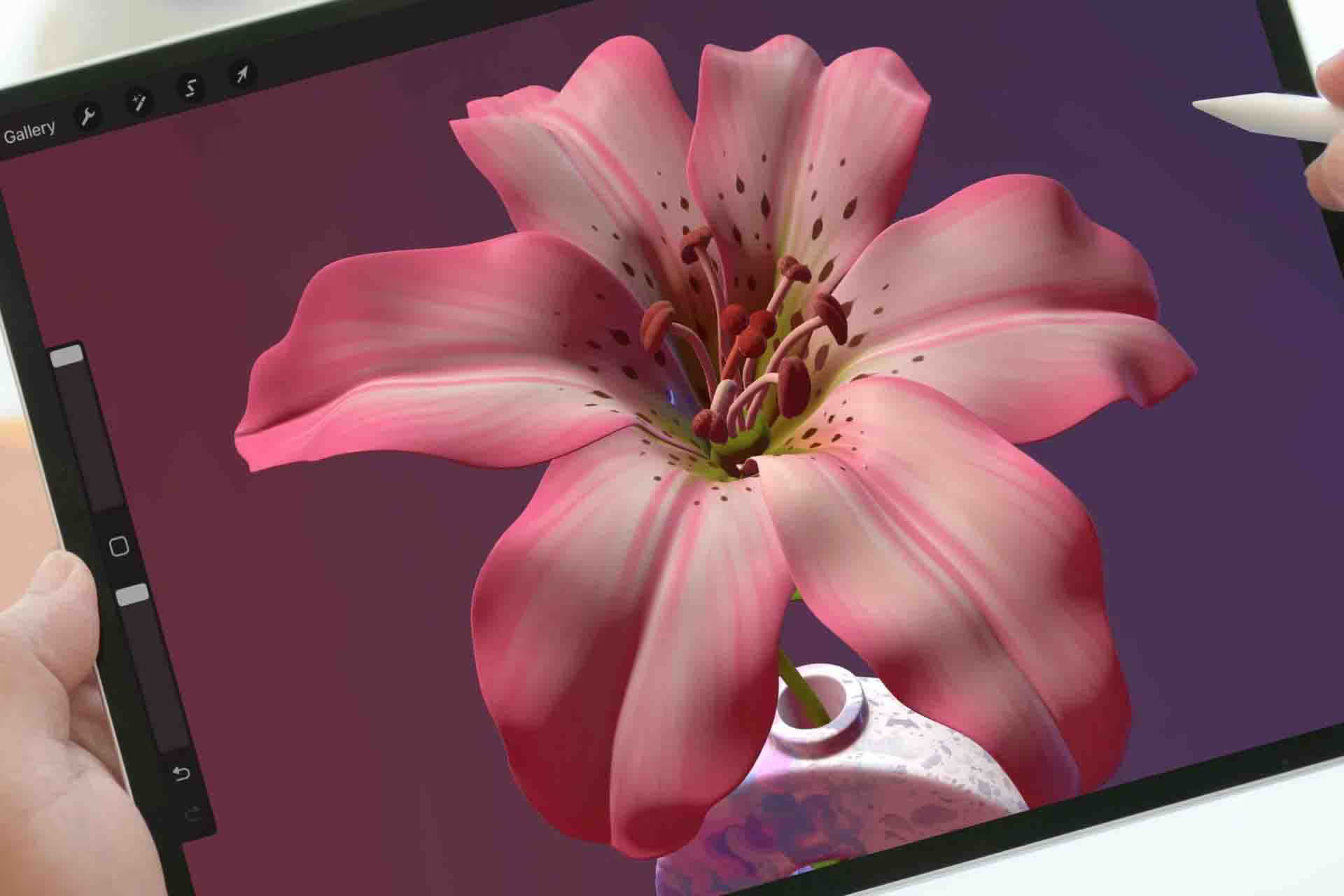
 LESSON 31 Painting the Lily Flower38:18
 LESSON 32 Painting the Leaves21:22
Intro text
 LESSON 33 Filling in the Base Colors16:22
 LESSON 34 Vase - Create a Dual Layer Pink and Blue Marble Finish10:00
 LESSON 35 Painting the Auricula Flowers12:39
 LESSON 36 Painting the Leaves20:26
Free
Take two lessons from this course, free
Real lessons from the course, not a trailer. They open in Freya Studio and stay yours.
 7 min
7 minHow Colour, Roughness and Metallic Settings Work
The complete lesson, not a preview
 5 min
5 minPainting an Abstract Design on a Vase
The complete lesson, not a preview
12 min of teaching from the $179 course, free
- Yours after email confirmation
- No card, no trial
- Opens in Freya Studio

30-day full refund
If you follow my process, you will see results. I back that with a 30-day instant refund guarantee. No questions asked.
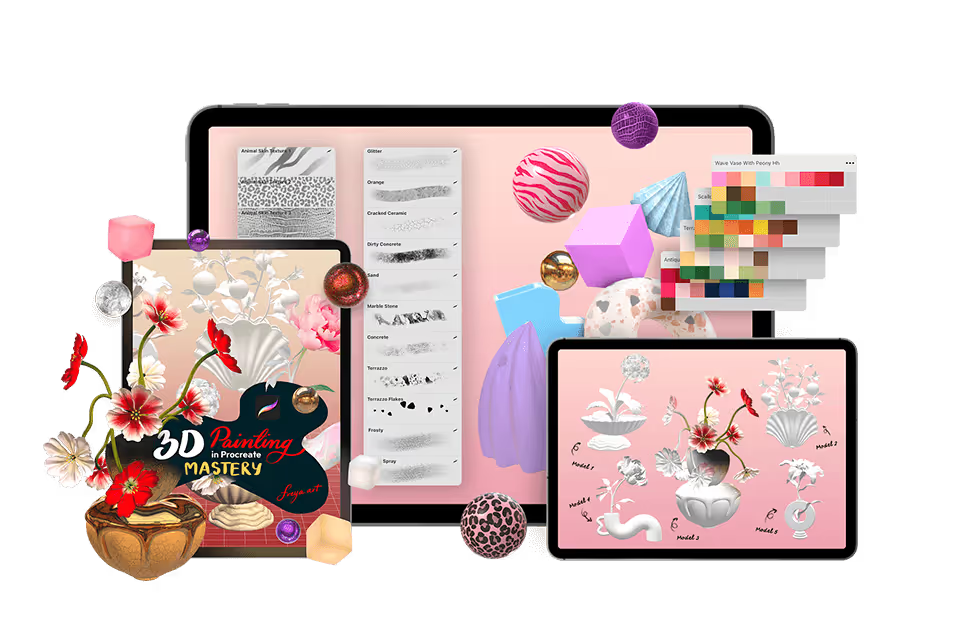
8 Modules, 36 Lessons, 7 Hours of in-depth video lectures
8 Modules, 36 Lessons, 7 Hours of in-depth video lectures Highest rated course on digital
- ✓Lifetime access and updates
- ✓30-day money back guarantee
Or split into 3 payments of $60
🔒 Secure payment·PayPal · Mastercard · Visa · Apple Pay
FAQs
Find answers to common questions about this and other courses
No. These courses start from the beginning. If you can hold an Apple Pencil, you can follow along. The only requirement is Procreate installed on your iPad.
Any iPad released after 2018 will run Procreate perfectly!
Yes, Procreate works best with an Apple Pencil that supports pressure sensitivity (1st Gen, 2nd Gen, or Pro, not the basic USB-C model) to achieve variable line weight and opacity.
Depends on your pace. The videos total 7+ hours, but most students spend 2-3x that actually drawing along. Lifetime access means no pressure. Finish in a month or spread it over a year.
Yes, but you'll want your iPad open to follow along. Most students watch the lesson on their iPad, then rewind and draw. Some use a second device to watch while drawing.
Post in the private Facebook group. I'm in there regularly, along with thousands of other students. You'll get answers within hours, not days.
No. This is a one-time purchase and it's yours forever.
Yes, I offer a 30-day money-back guarantee. If you're not satisfied, simply reach out within 30 days for a full refund. No questions asked.