

See what you can create in Procreate
Twelve creative lessons from my most-loved courses. About six hours of clear teaching across illustration, portraits, watercolor-style work, and more.

- Level
- Intermediate
- Format
- Online video
- Narration
- English
- Subtitles
- English
- Contents
- 12 Lessons
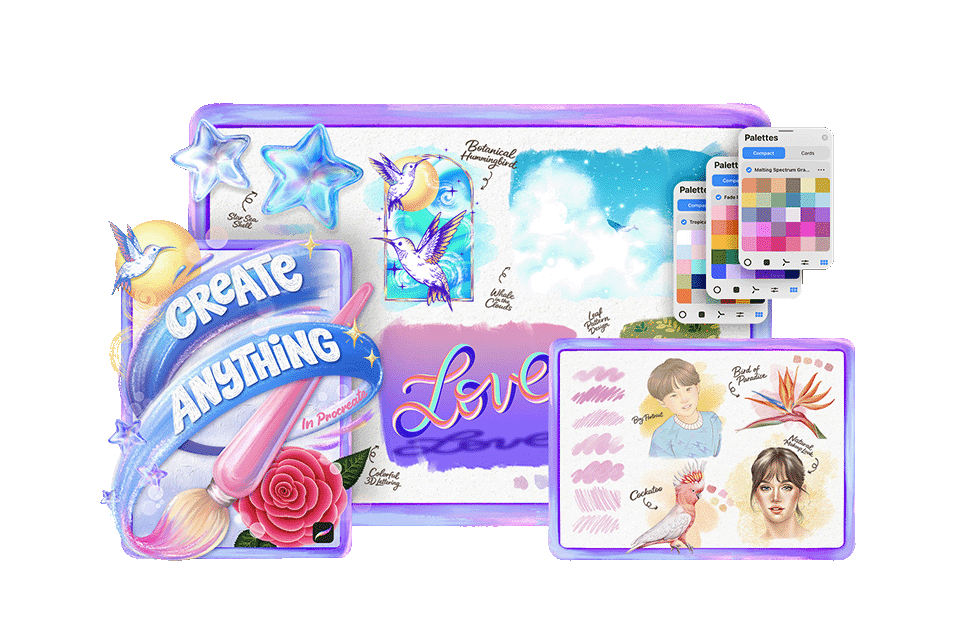
Try a little bit of everything in Procreate
One of the hardest parts of learning Procreate is knowing where to start. This course pulls together 12 creative lessons so you can sample styles and find what clicks.
Inside Create Anything in Procreate
Twelve creative Procreate lessons across styles, tools, and project types, taught the way I teach my full courses.
Explore Styles
From simple illustrations and portraits to watercolor-style painting, lettering, and more, you’ll get a taste of what Procreate can do without feeling limited to just one style. It’s a gentle way to explore, experiment, and discover what excites you most.
Practice with Tools
Each lesson helps you practice real Procreate skills in a clear, friendly way. You’ll become more comfortable using brushes, layers, color, texture, and fine details, so the app starts to feel less confusing and more creative.
Build Projects
This course isn’t just about watching tutorials. You’ll follow along and create a variety of projects, from charming illustrations to painterly artwork, so you can see your skills and confidence grow as you progress.
Discover Your Path
Not sure whether you prefer portraits, lettering, watercolor, or illustration? That’s exactly what this course is designed to help you discover. You’ll try a little bit of everything and walk away with a clearer idea of what you’d like to continue learning.
12 lessons
A handpicked selection of 12 lessons from Freya.art’s most-loved courses, designed to help you explore everything Procreate can do.
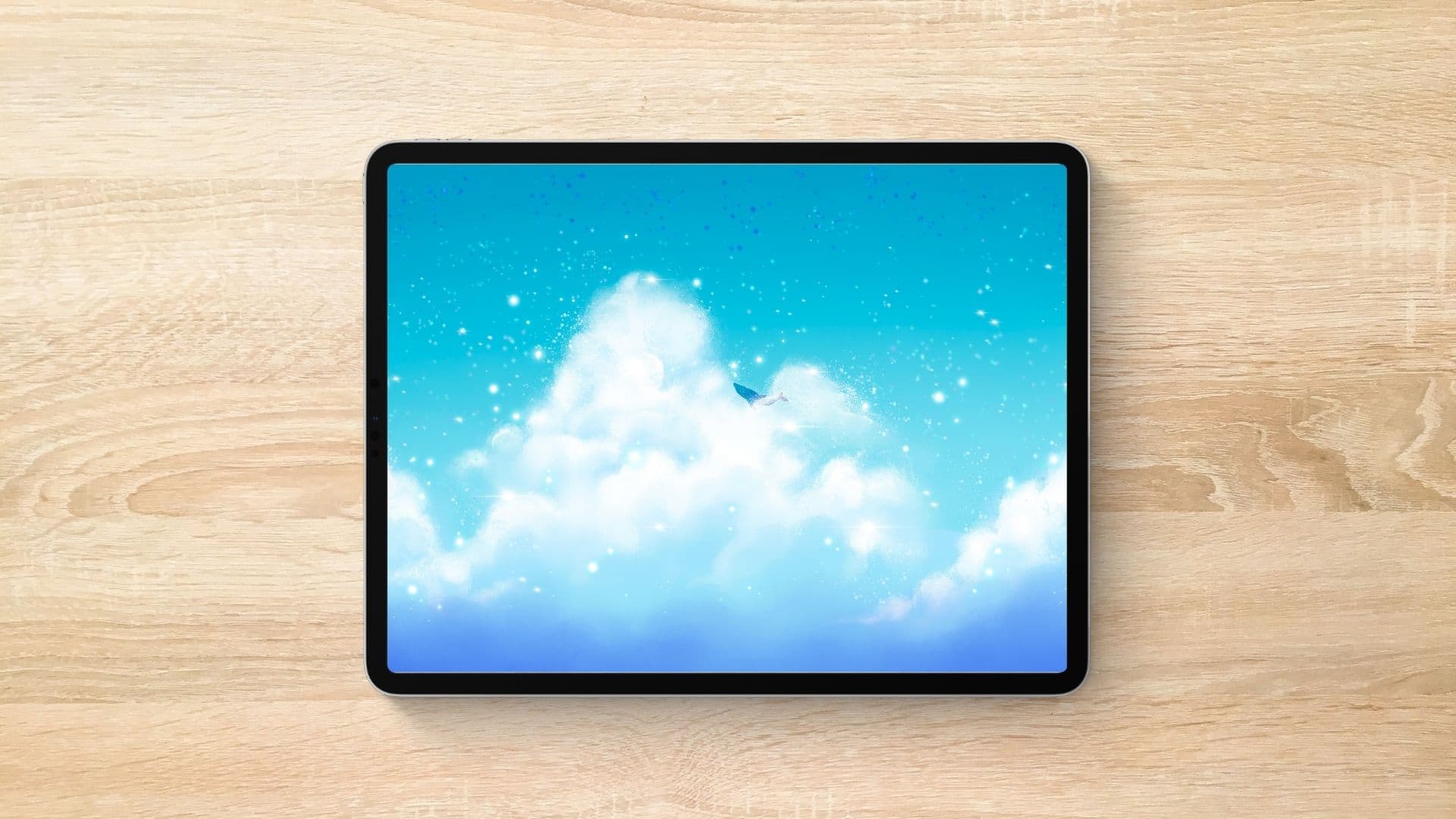
Exercise 1: Whale in the Clouds
Create a dreamy cloud skyscape with soft blending, fluffy edges, and a tiny whale floating through the sky. You’ll practice blending with the Smudge tool and Eraser to soften shapes, build clouds, and add a whimsical finishing touch.
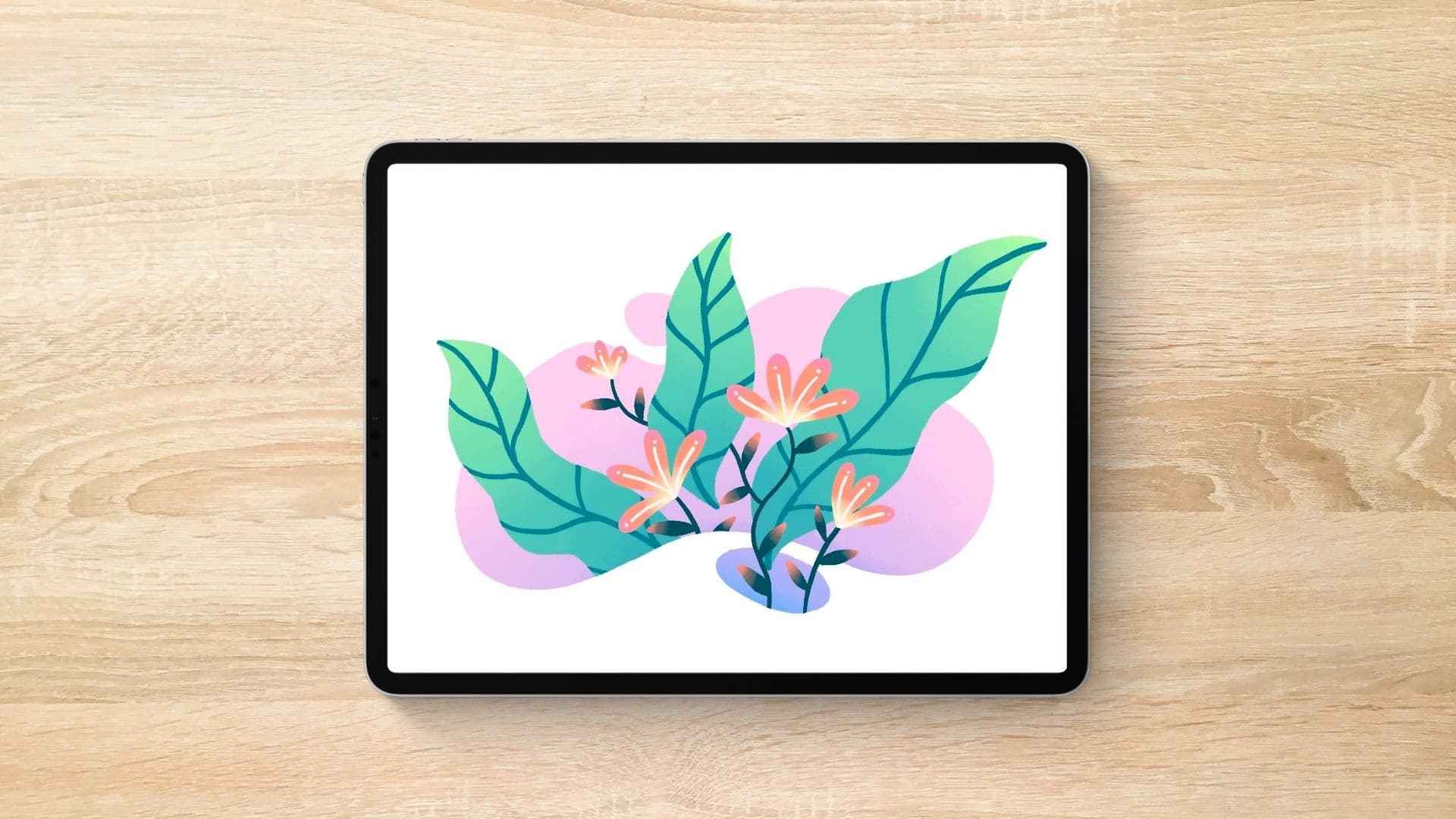
Exercise 2: Layered Botanical Scene
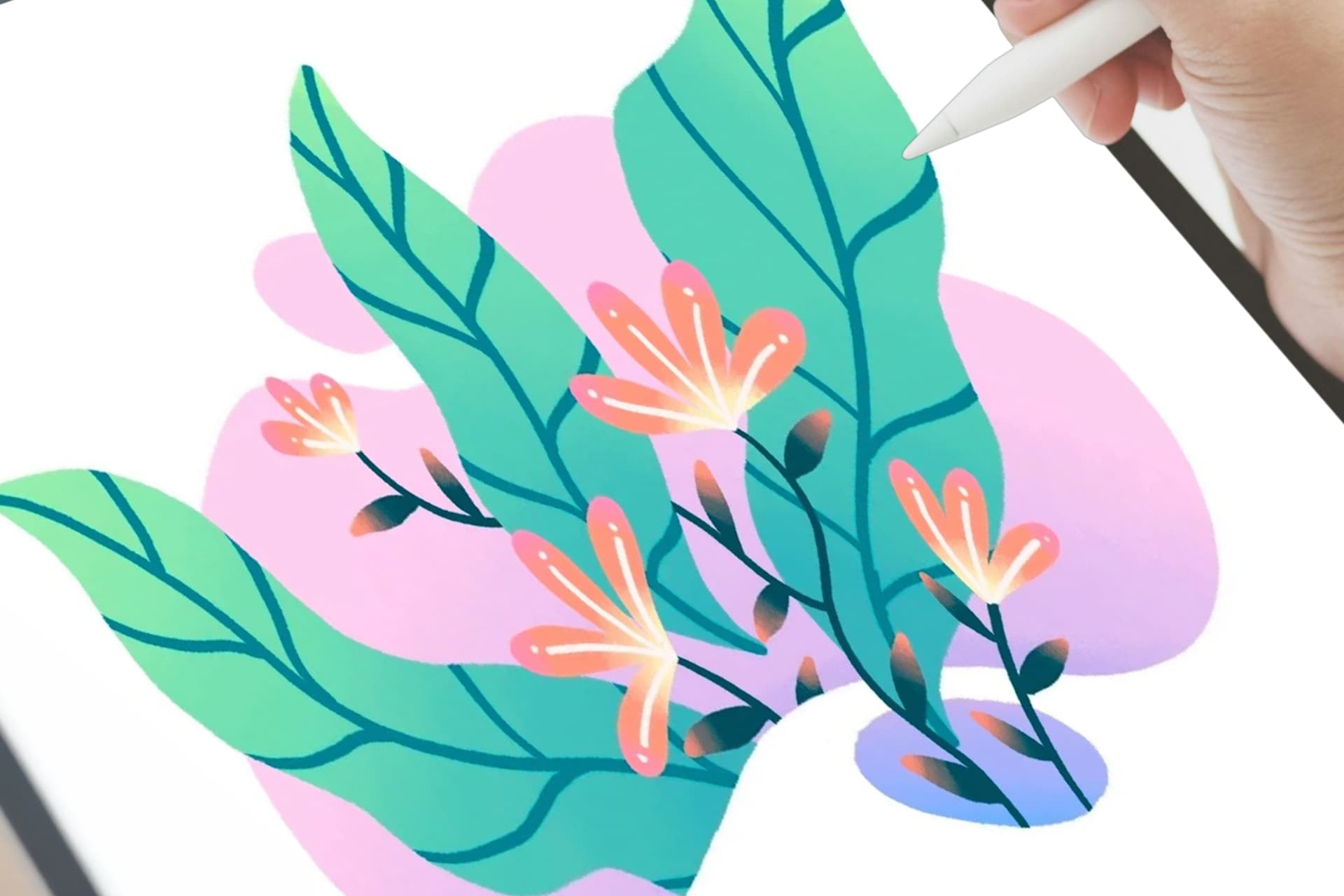
Create a soft botanical scene while learning how to use Alpha Lock, Clipping Mask, and Mask in Procreate. You’ll practice adding color, texture, leaves, flowers, and stems while keeping your layers neat and easy to edit.
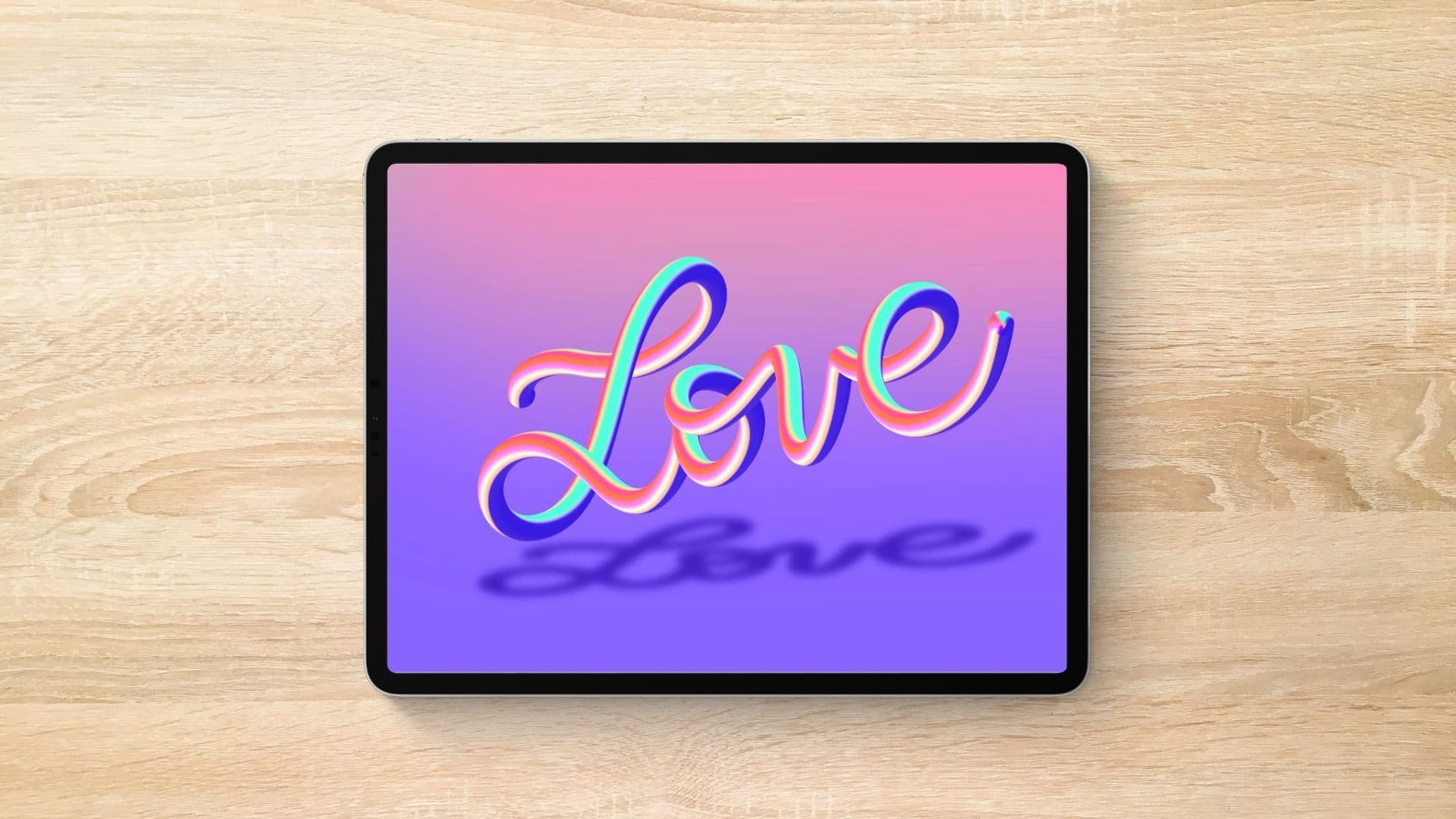
Exercise 3: Colorful 3D Lettering
Create colorful lettering that looks soft, shiny, and 3D using simple Smudge Tool techniques in Procreate. You’ll start with a bright sphere of color, pull it into connected letters, then add shading to make your word look like it’s floating.
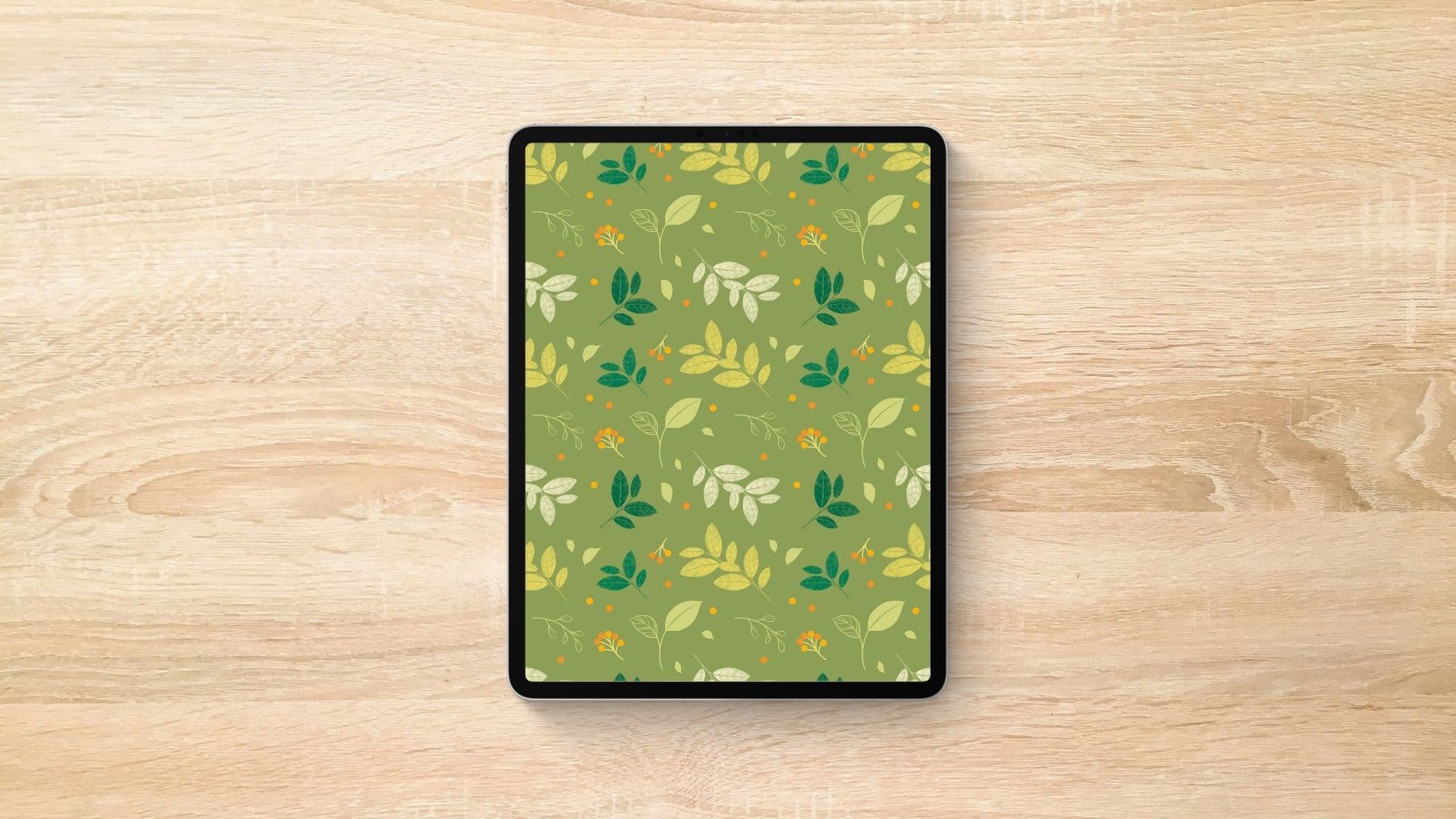
Exercise 4: Leaf Pattern Design
Create a leafy pattern from scratch while learning how to build a seamless repeat in Procreate. You’ll practice arranging leaves, organizing layers, and turning your design into a repeat pattern you can use for wallpapers, backgrounds, or printed pieces.
Exercise 5: Botanical Hummingbird
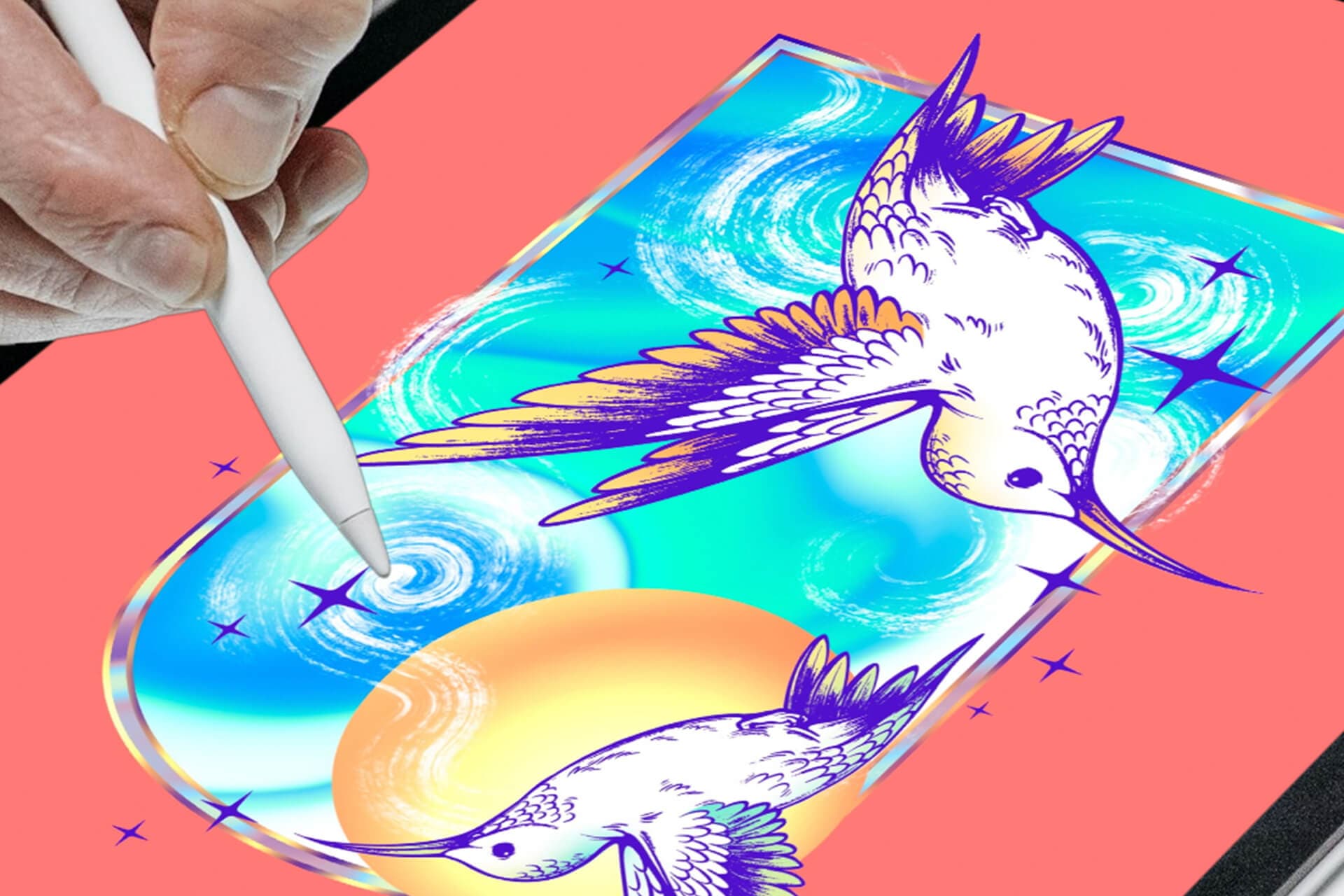
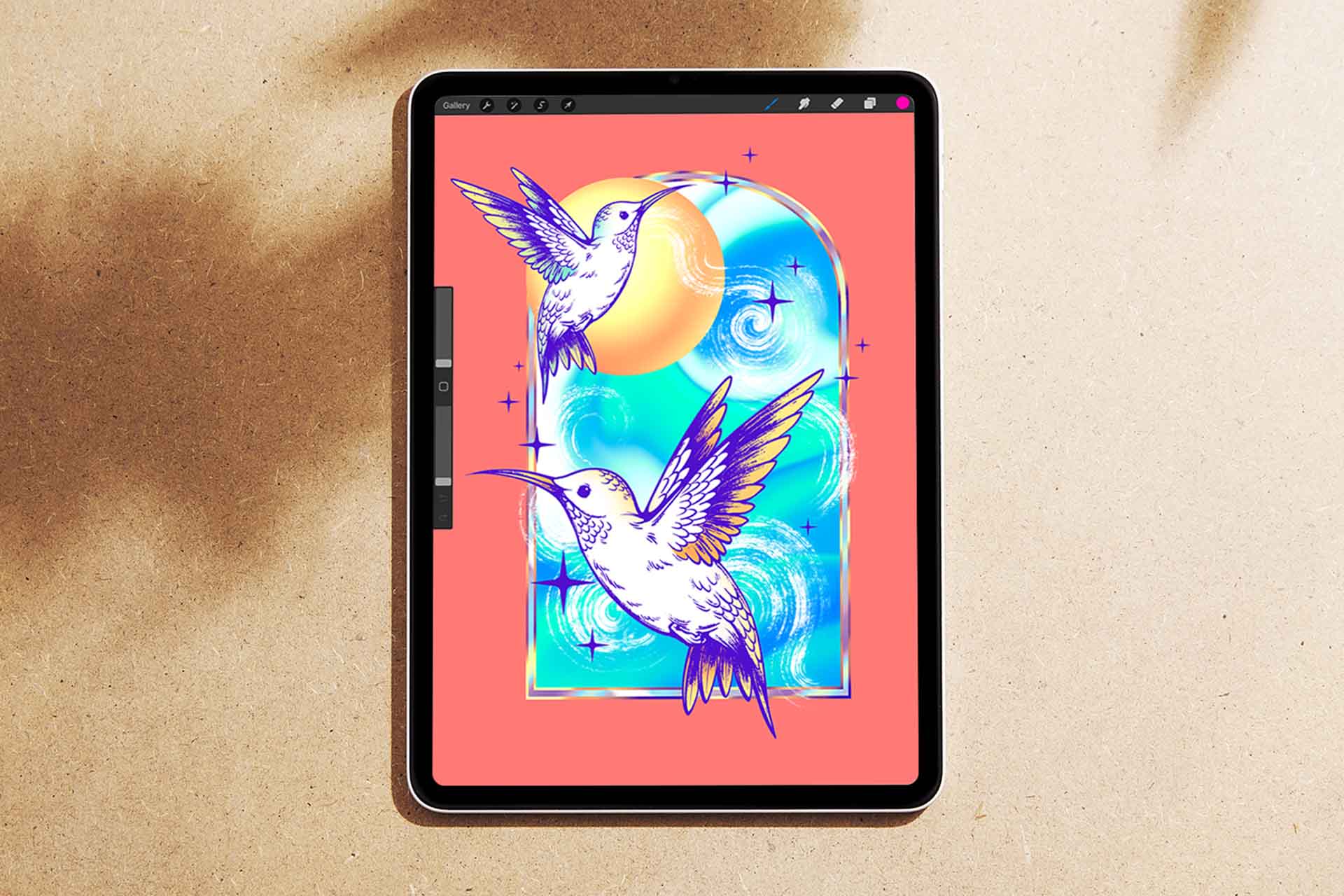
Create a delicate hummingbird artwork using ink and etching-inspired techniques in Procreate. You’ll practice line control, build a balanced composition using the Golden Ratio, then add color and botanical details to complete the piece.
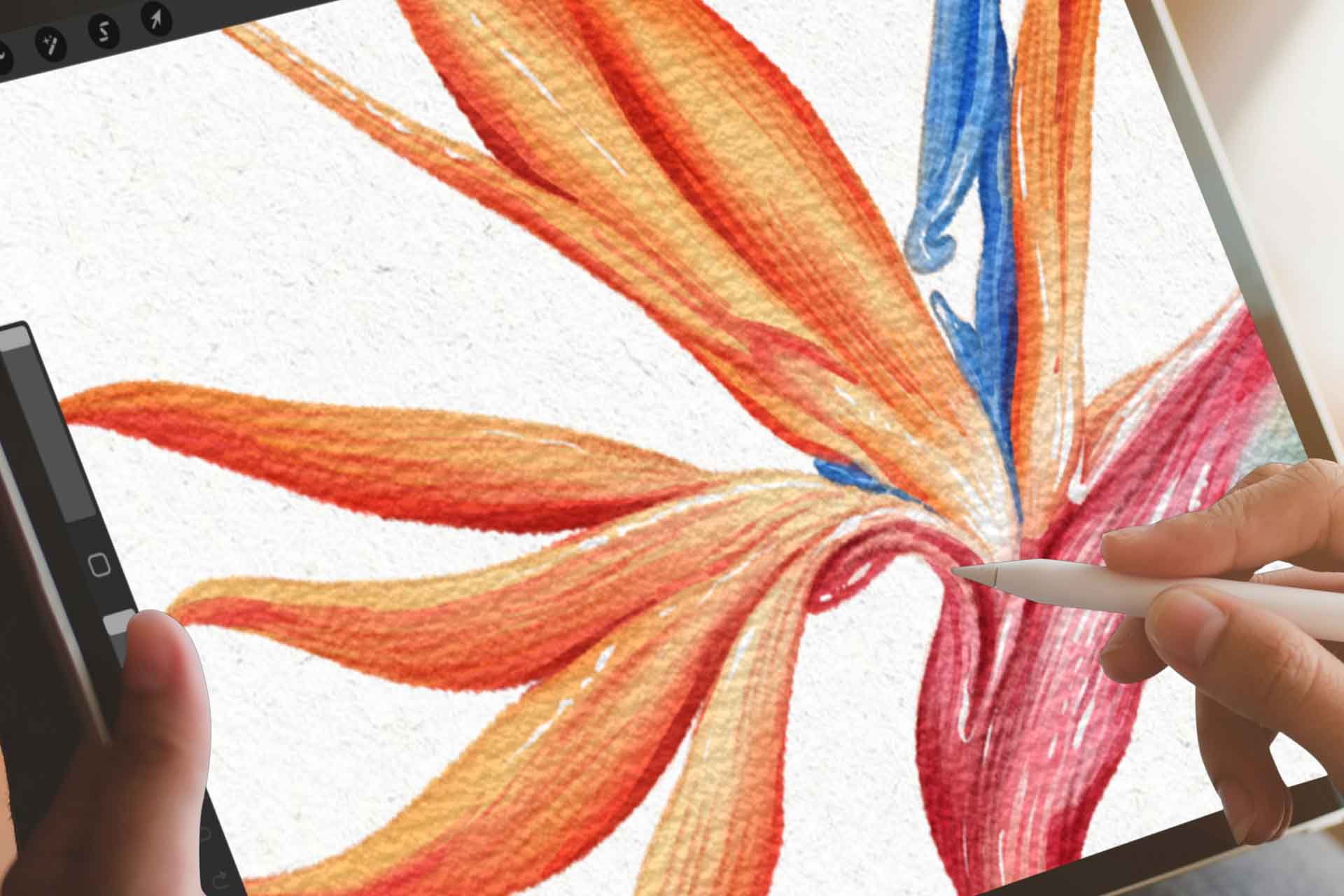
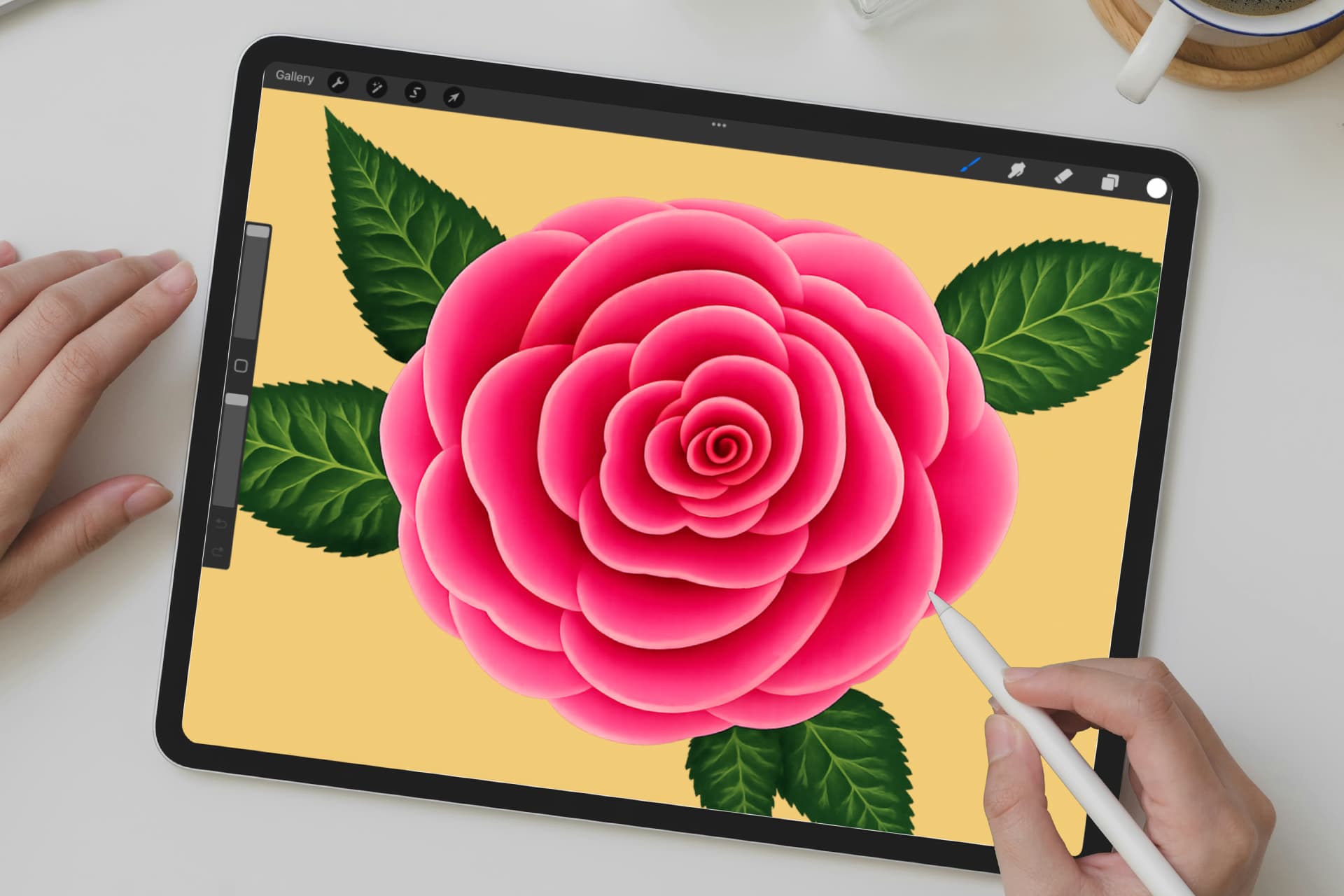
Exercise 6: Blooming Rose
Create a soft blooming rose in Procreate using the Effortless Flowers brushes. You’ll learn how to build the flower shape, add leaves and small details, then use simple color and shading to make your rose look full and delicate.
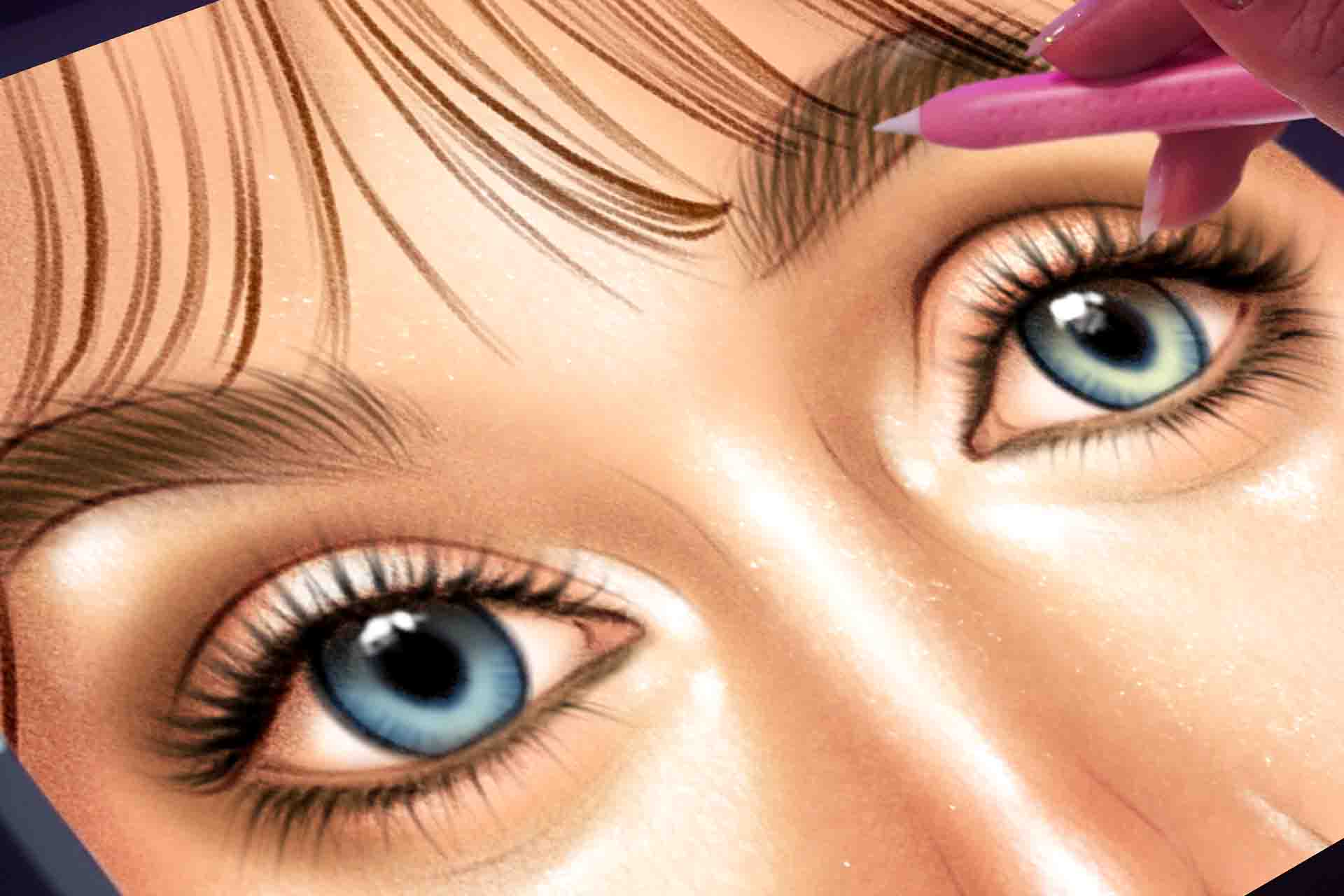
Exercise 7: Natural Makeup Look
Create a soft, natural makeup look in Procreate using digital makeup brushes for skin, eyes, lips, and glossy highlights. You’ll practice building dewy skin, subtle contour, blush, eyeshadow, lashes, brows, and a natural lip color step by step.
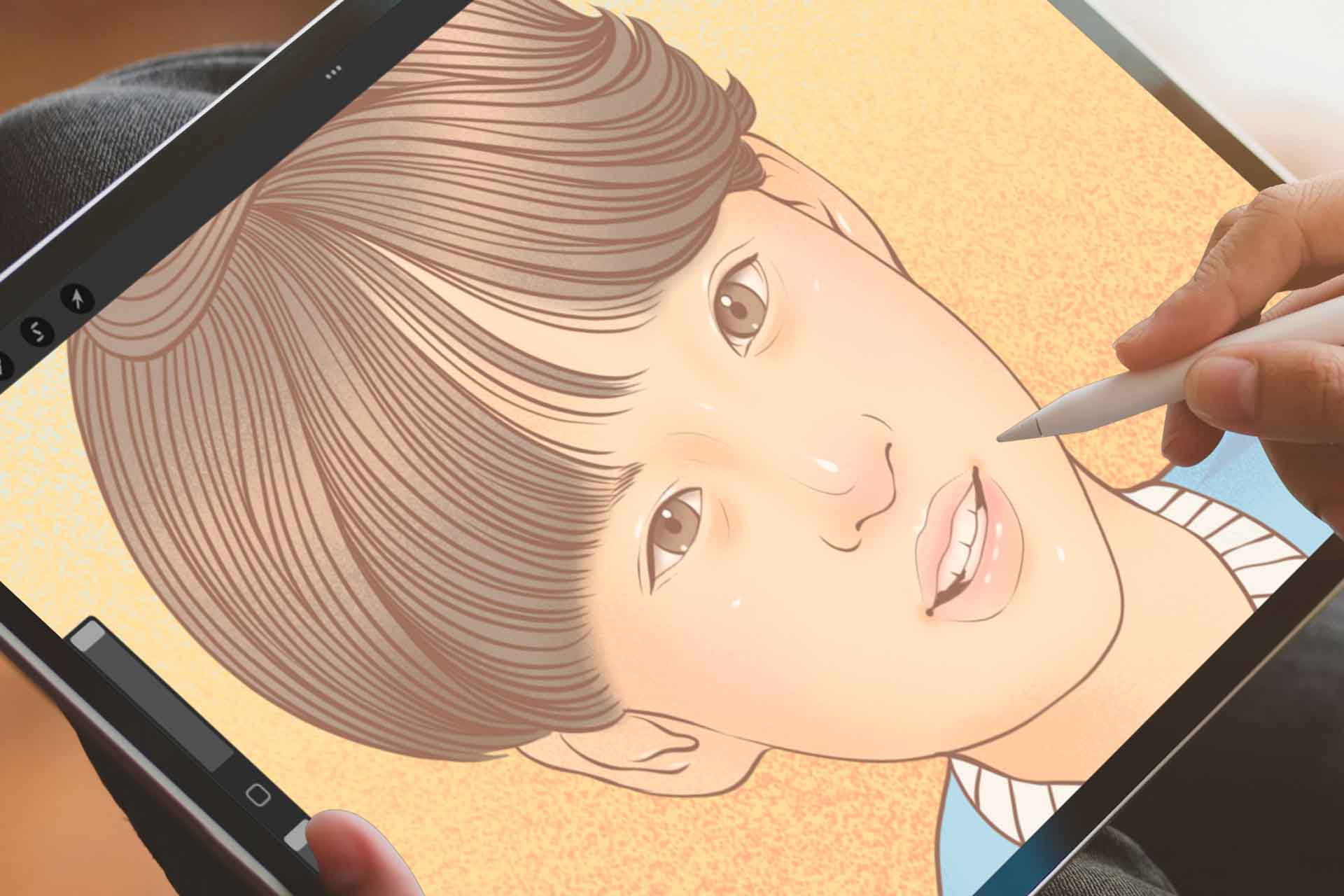
Exercise 8: Bird of Paradise
Paint a bright Bird of Paradise flower in Procreate using watercolor brush techniques. You’ll practice building a clean base, adding paper texture, using a Clipping Mask, and layering soft colors to create a fresh botanical watercolor look.
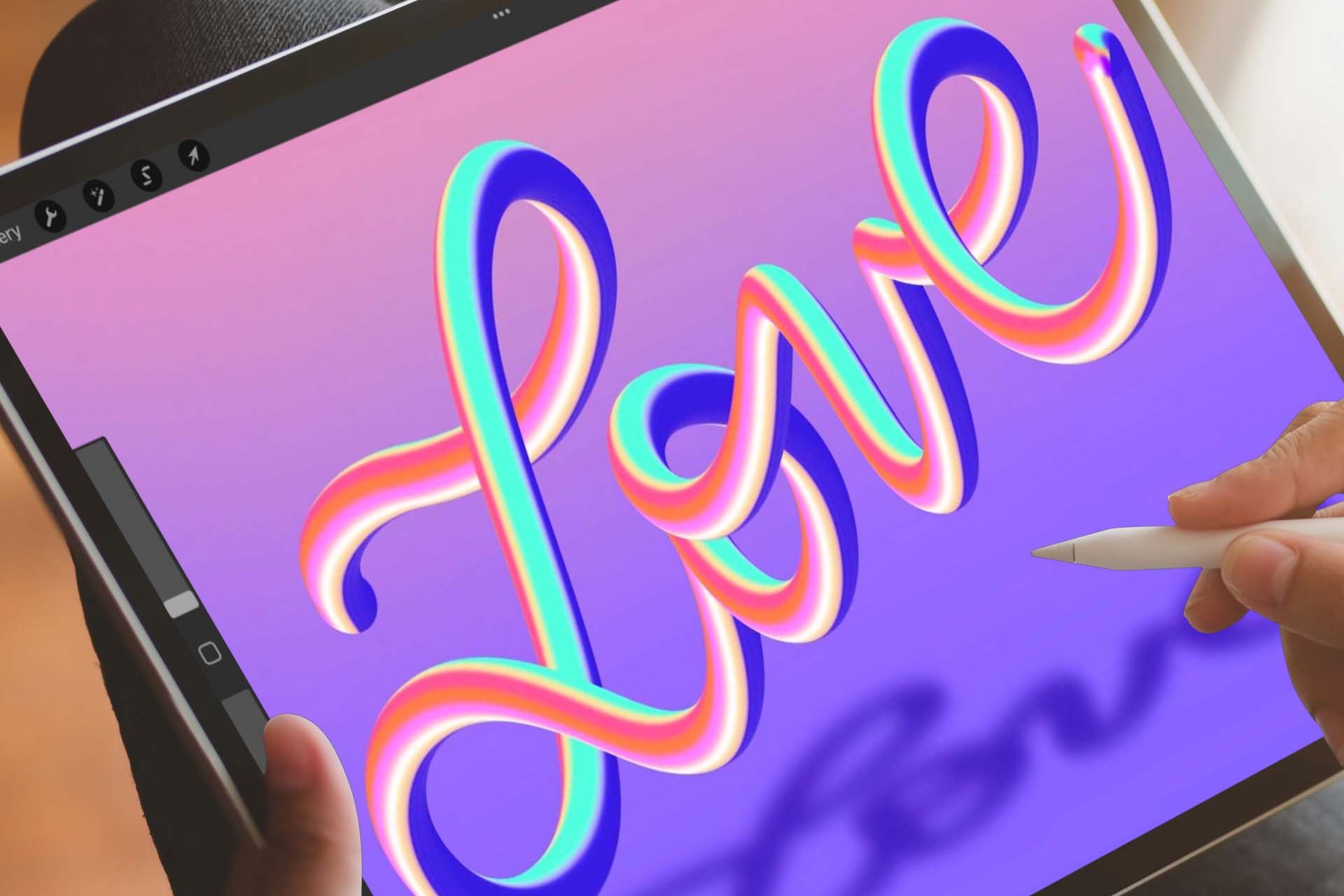
Exercise 9: Cockatoo
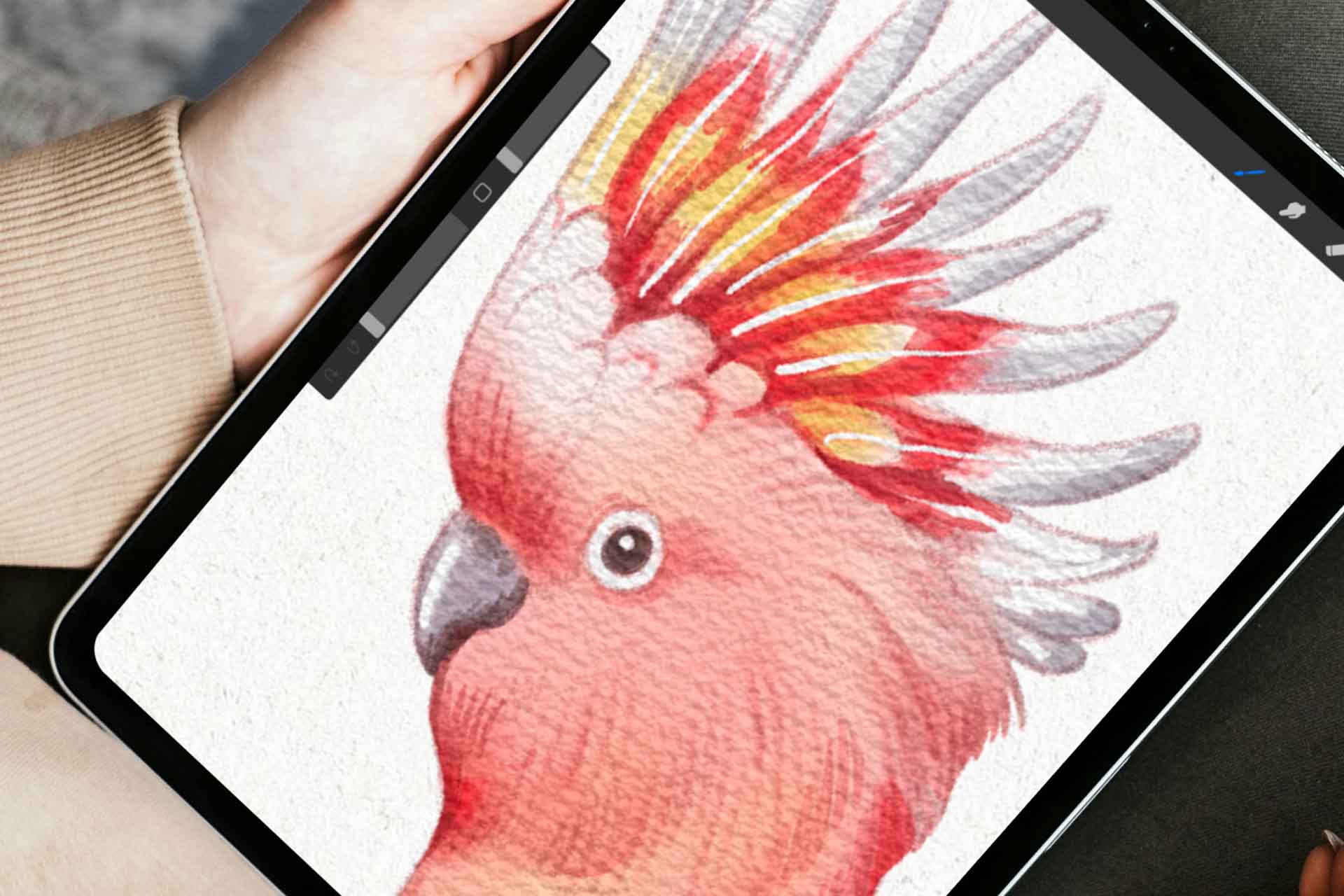
Paint a charming cockatoo in Procreate using watercolor brush techniques. You’ll practice shaping the bird, building soft feather texture, adding a bright yellow crest, and using subtle finishing details to bring the cockatoo to life.
Exercise 10: Star Seashell
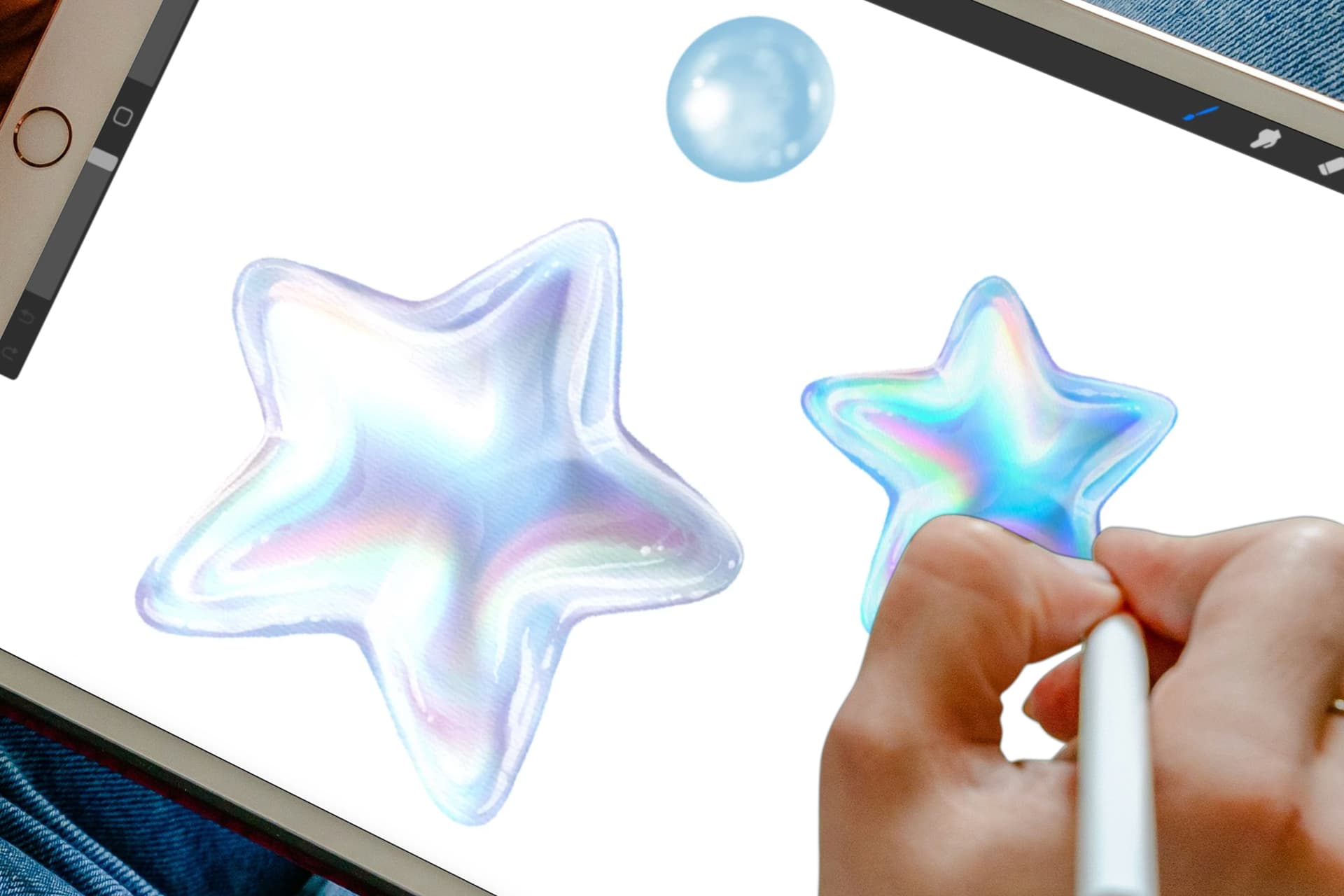
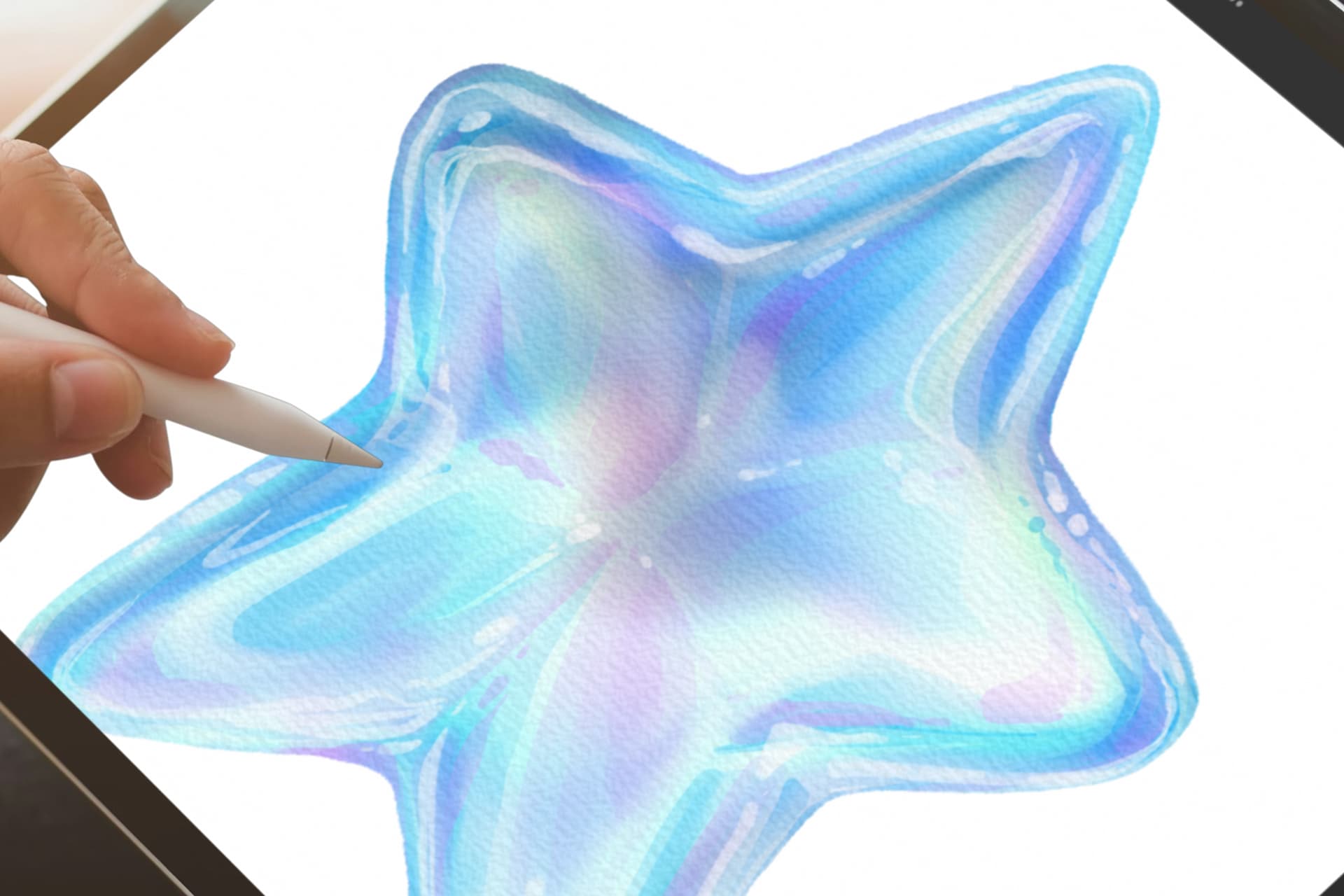
Paint an iridescent star seashell in Procreate using watercolor brush techniques. You’ll practice shaping the shell, adding paper texture, building soft shadows and highlights, then using color effects to create a pale, glassy finish.
Exercise 11: Boy Portrait Part 1
Draw a cute boy portrait in Procreate while learning how to create clean line art with a soft, natural feel. You’ll practice drawing a rounder child’s face, lighter facial details, simple hair lines, and gentle inking that keeps the portrait sweet and expressive.
Exercise 12: Boy Portrait Part 2
Continue your boy portrait by adding color and shading in Procreate. You’ll practice building soft skin tones, adding blush, coloring the hair and clothes, then using gentle shadows and highlights to make the character feel warm and finished. By the end of these 12 exercises, you’ll have created 12 Procreate projects across illustration, lettering, portraits, watercolor-style art, and more.
Your mentor
For over 15 years I've been doing illustrations for brands like Louis Vuitton, Tiffany & Co. and Sephora
I'm Freya Kotchakorn. My digital illustrations have been used by Louis Vuitton, Tiffany & Co., and Sephora, and I've spoken at Apple Store events to teach Procreate techniques.
Yet my favorite work isn't for big brands, it's helping complete beginners surprise themselves with what they can create. My favorite feedback is when they tell me: "It felt very geared towards beginners wanting to learn Procreate... it felt like it was attainable even for someone like me who has very little experience."
That's exactly what I designed this course to do. Make the "impossible" feel completely achievable.


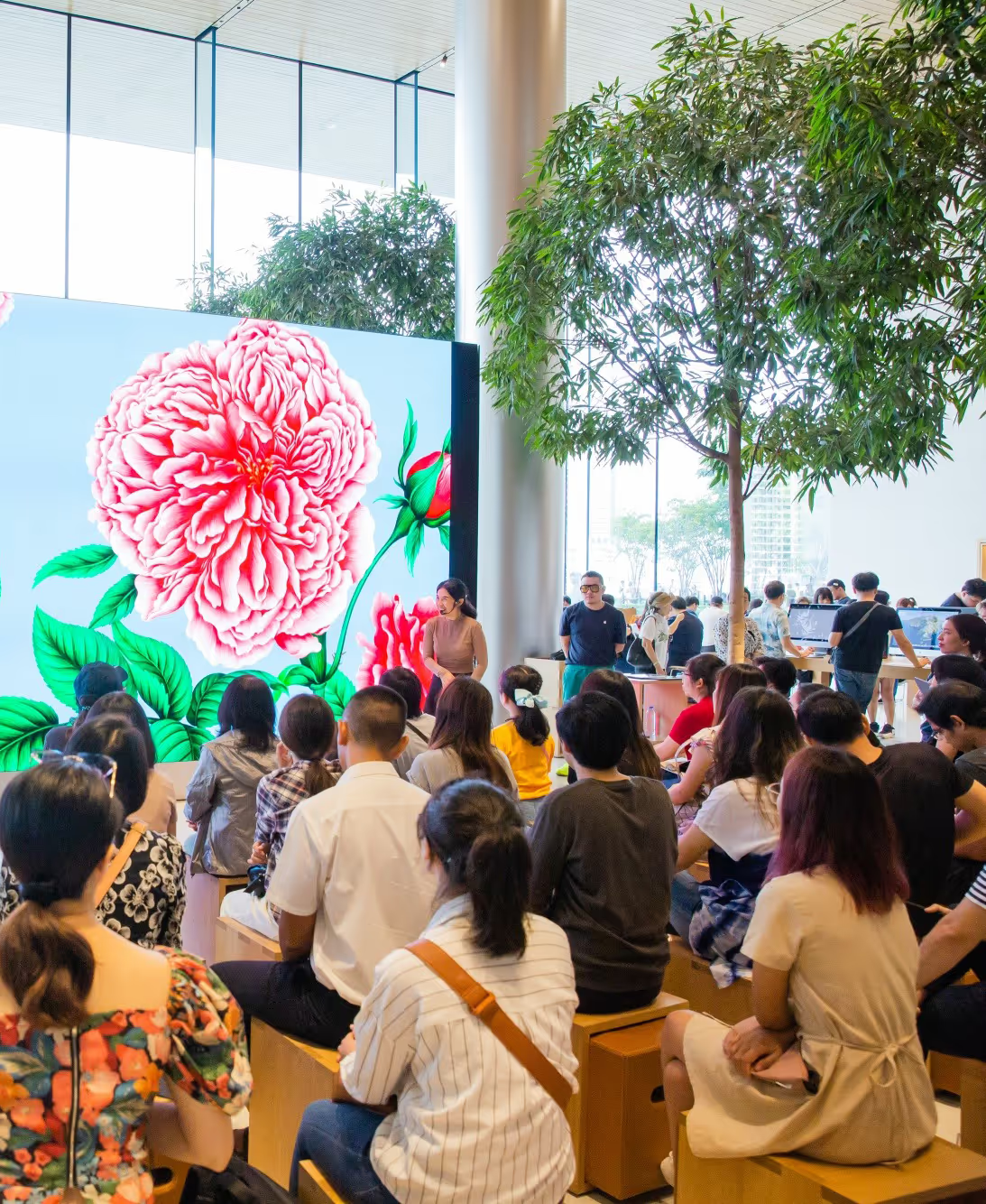
Speaking at an Apple Store event about Procreate techniques
Don't take my word for it. Take theirs.
Real students who started exactly where you are right now.
You'll also get a Bonus Artist Package
The exact same brushes and resources I use for Louis Vuitton, Tiffany & Co, and Sephora. Yours to keep forever.

A Custom Brush Set
Once you enroll, you immediately gain access to a set of custom painting brushes that I made and regularly use for my work.
$49 $0

Source Files for All Designs
Get 12 sets of Procreate source files so you can explore the layers, follow along, and revisit the steps later.
$49 $0

Color Swatches
Includes 11 color palettes from the lessons, so you can start each project with the right colors ready to go.
$9 $0

Private Facebook Group
Facebook group where you can get feedback on your artwork and support
$49 $0
Lesson Curriculum
Expand the modules below to see every lesson inside.
Here’s the full lesson list, with the time for each project included.
- Access to facebook private group
 Lesson 1 Whale in the Clouds: Blending with Smudge & Eraser37:06
 Lesson 2 Layered Botanical Scene: Exploring Procreate Masks17:04
 Lesson 3 Colorful 3D Lettering: Smudge Tool Techniques18:40
 Lesson 4 Leaf Pattern Design: Creating a Seamless Repeat36:22
 Lesson 5 Botanical Hummingbird: Ink & Etching Techniques57:00
 Lesson 6 Blooming Rose: Using the Effortless Flowers Brushes12:53
 Lesson 7 Natural Makeup Look: Using Digital Makeup Brushes31:28
 Lesson 8 Bird of Paraside: Watercolor Brush Techniques37:43
 Lesson 9 Cockatoo: Watercolor Brush Techniques32:45
 Lesson 10 Star Seashell: Watercolor Brush Techniques31:47
 Lesson 11 Boy Portrait: Creating Clean Line Art21:33
 Lesson 12 Boy Portrait: Adding Color & Shading27:57

30-day full refund
If you follow my process, you will see results. I back that with a 30-day instant refund guarantee. No questions asked.
12 Lessons, 6 Hours of in-depth video lectures
- ✓Lifetime access and updates
- ✓30-day money back guarantee
🔒 Secure payment·PayPal · Mastercard · Visa · Apple Pay
FAQs
Find answers to common questions about this and other courses
No. These courses start from the beginning. If you can hold an Apple Pencil, you can follow along. The only requirement is Procreate installed on your iPad.
Any iPad released after 2018 will run Procreate perfectly!
Yes, Procreate works best with an Apple Pencil that supports pressure sensitivity (1st Gen, 2nd Gen, or Pro, not the basic USB-C model) to achieve variable line weight and opacity.
Depends on your pace. The videos total 6+ hours, but most students spend 2-3x that actually drawing along. Lifetime access means no pressure. Finish in a month or spread it over a year.
Yes, but you'll want your iPad open to follow along. Most students watch the lesson on their iPad, then rewind and draw. Some use a second device to watch while drawing.
Post in the private Facebook group. I'm in there regularly, along with thousands of other students. You'll get answers within hours, not days.
No. This is a one-time purchase and it's yours forever.
Yes, I offer a 30-day money-back guarantee. If you're not satisfied, simply reach out within 30 days for a full refund. No questions asked.