

Draw a glowing neon garden, even if flowers still feel hard
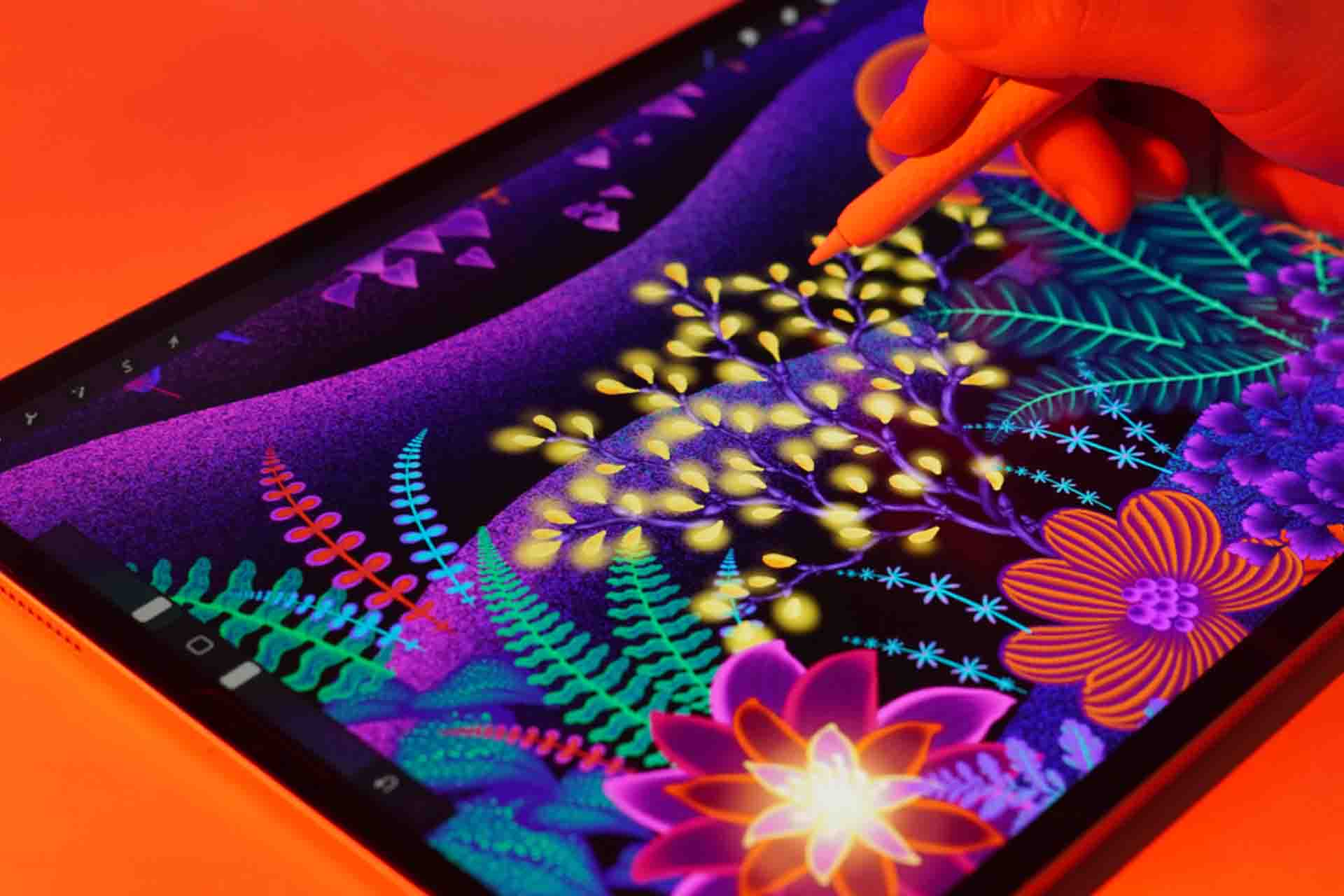
A beginner-friendly course where you'll practice three skills: quick flowers with my Effortless Flower brushes, clean neon colour, and a dimensional scene.
or take 2 full lessons (1h 01m) free first, no card needed
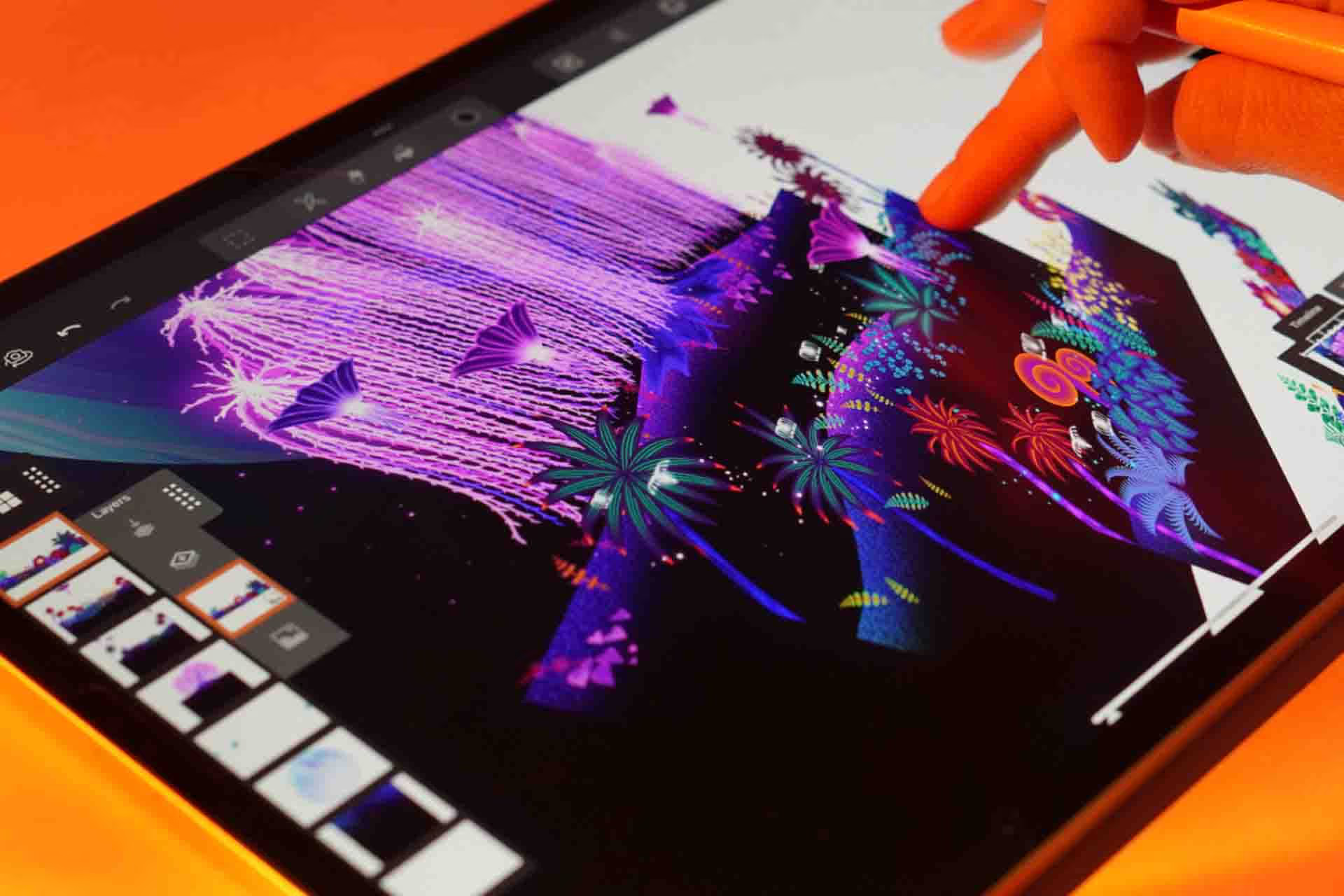
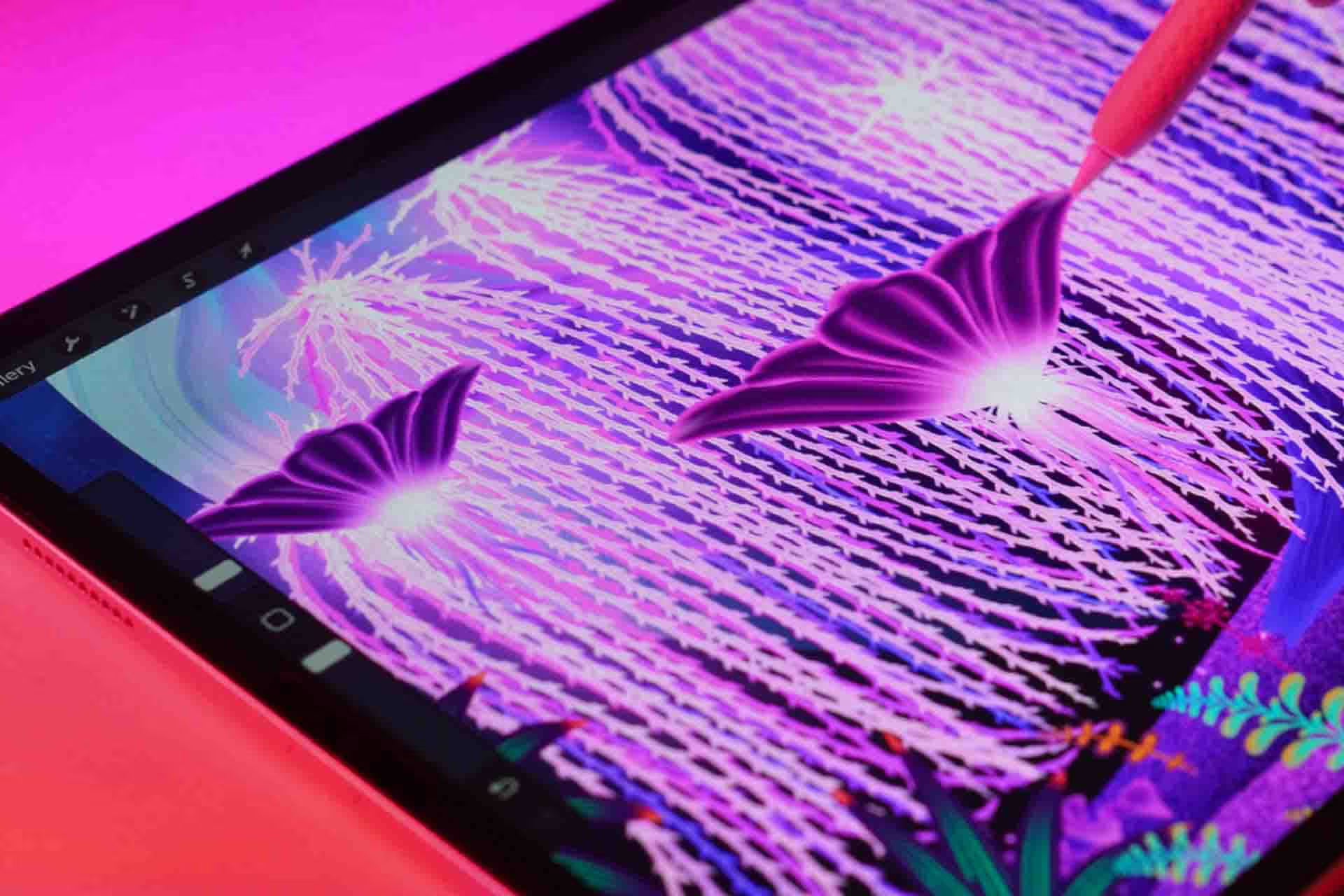
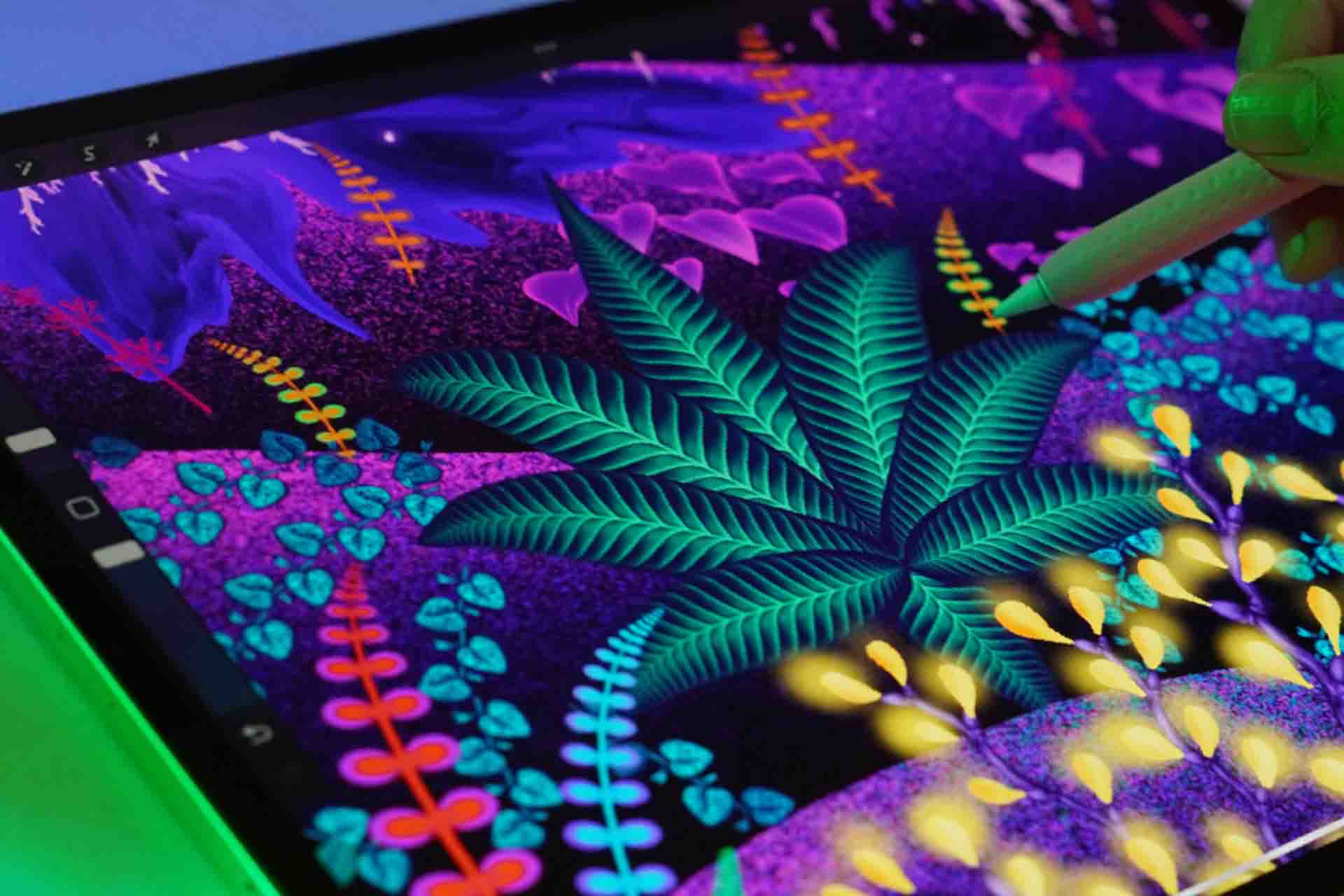
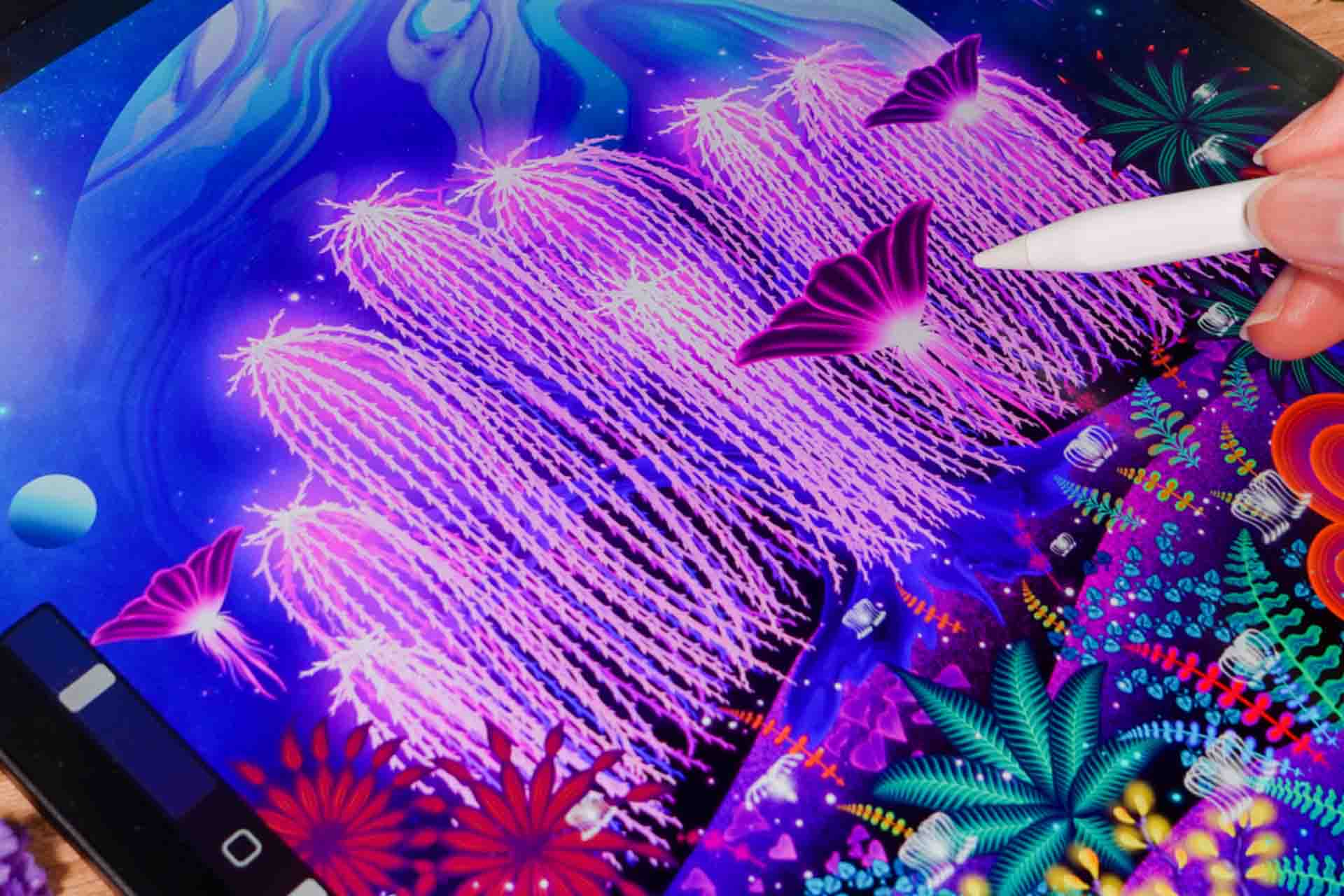
- Level
- Beginner-Intermediate
- Format
- Online video
- Narration
- English
- Subtitles
- English and 16 others
- Contents
- 2 Modules, 9 Lessons
Use my Effortless Flower brushes to draw flowers fast
Tired of spending hours on one flower that still looks wrong? In Effortless Neon Garden Scenery I'll show you how to draw beautiful flowers in a few strokes, even as a beginner. You'll also learn neon colour that looks intentional, and how to take a flat piece into a dimensional scene.
What makes this course different
Inside this Neon Garden course
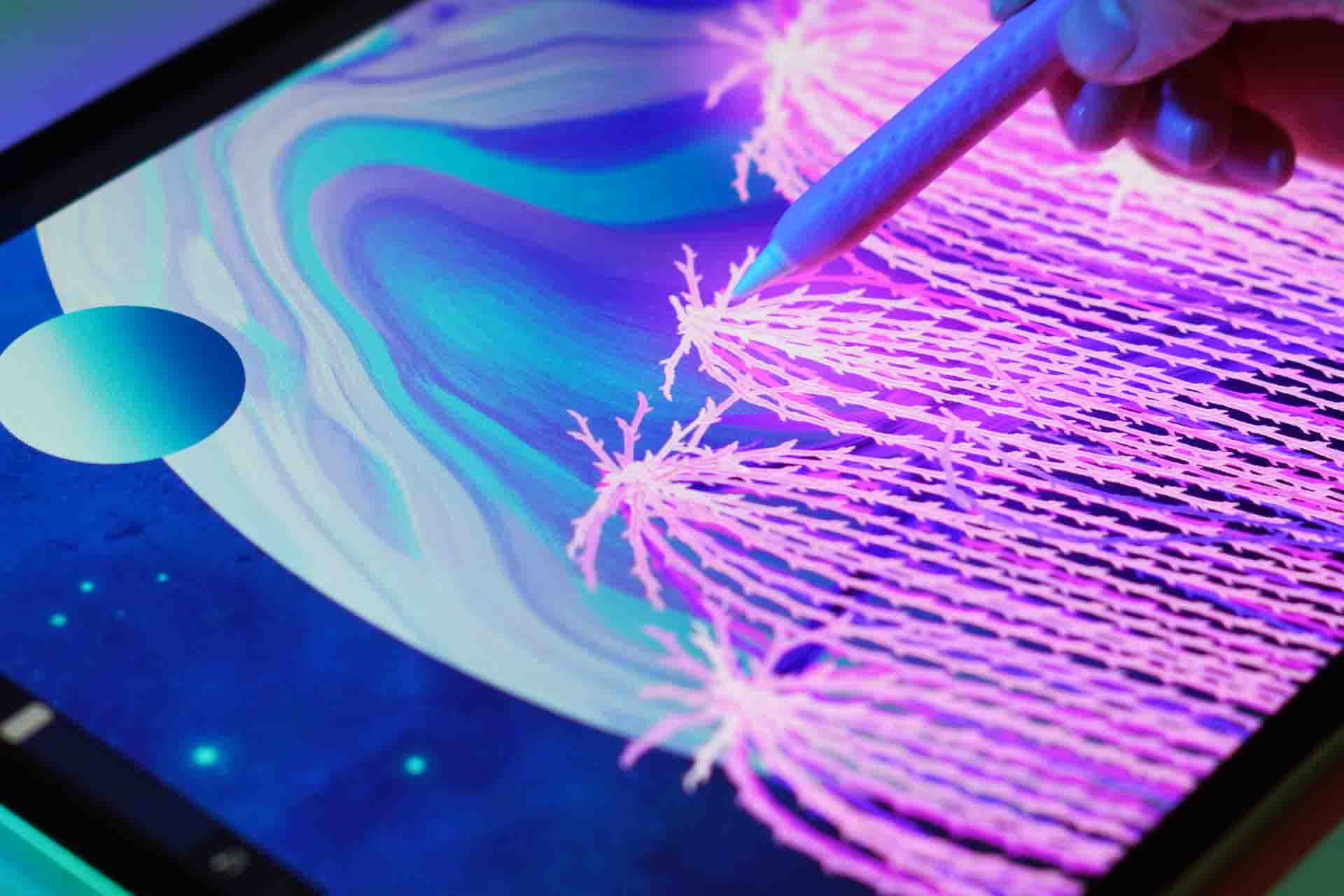
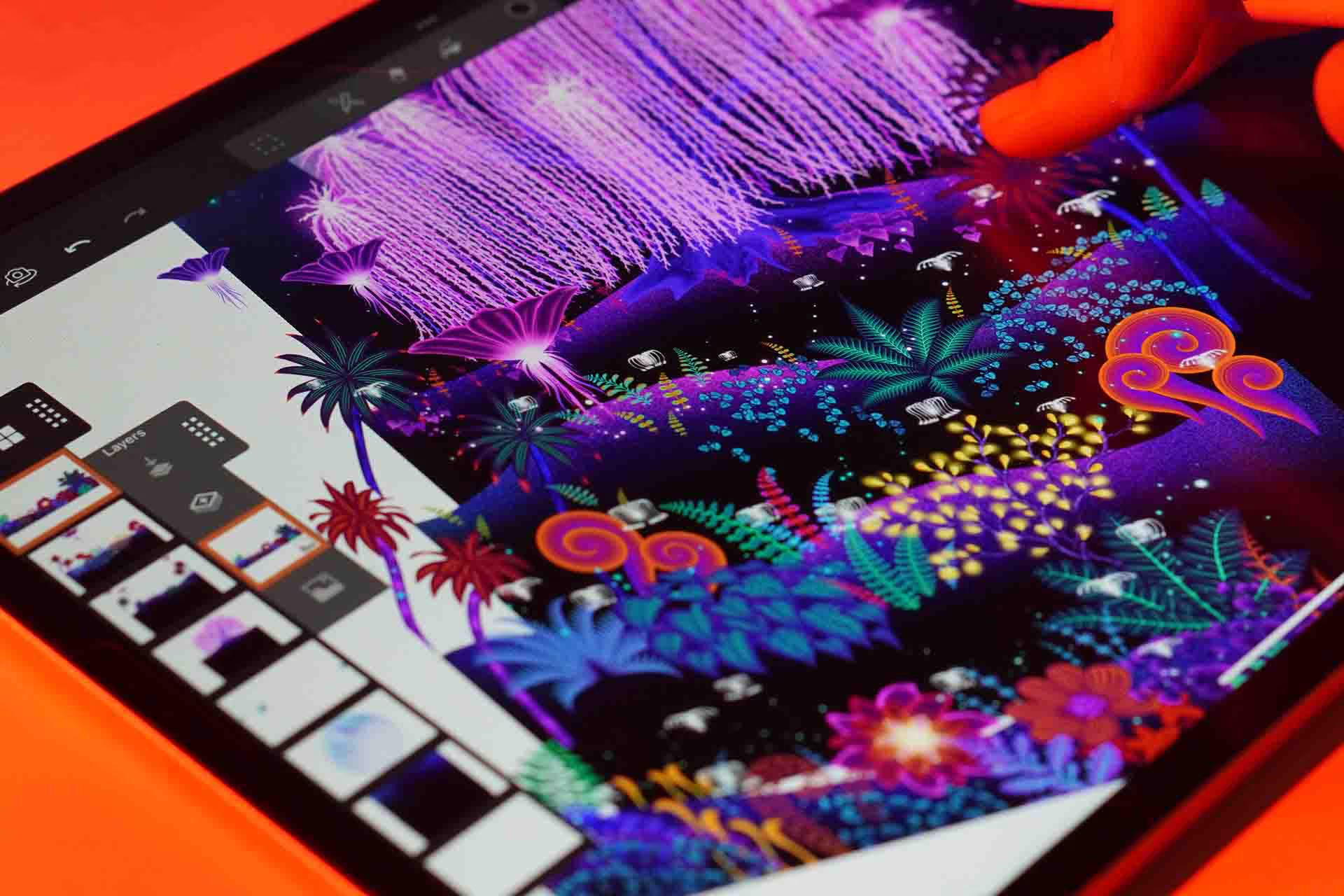
One glowing garden scene from start to finish. You'll build the background first, then light it up with trees and flowers that look lit from the inside.
Build the scene before the glow
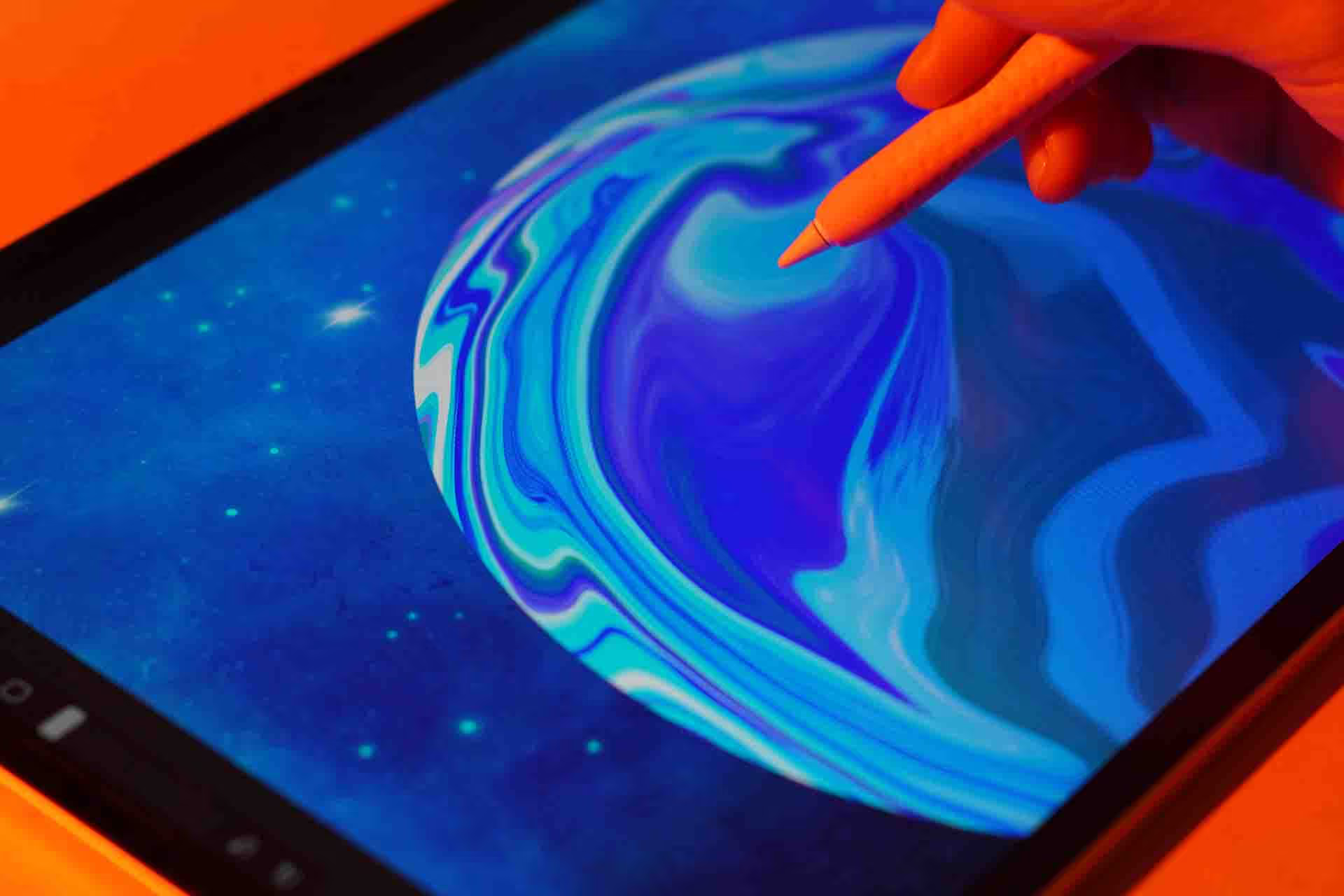
You'll sketch the composition and block in the land and sky first. The neon goes on last, which is exactly why it reads as light instead of a bright colour.
Glow is layer order, not colour
I show you the blend modes and the sequence that make a shape look lit rather than filled in, and how far to push it before it turns muddy.
Use the right brushes
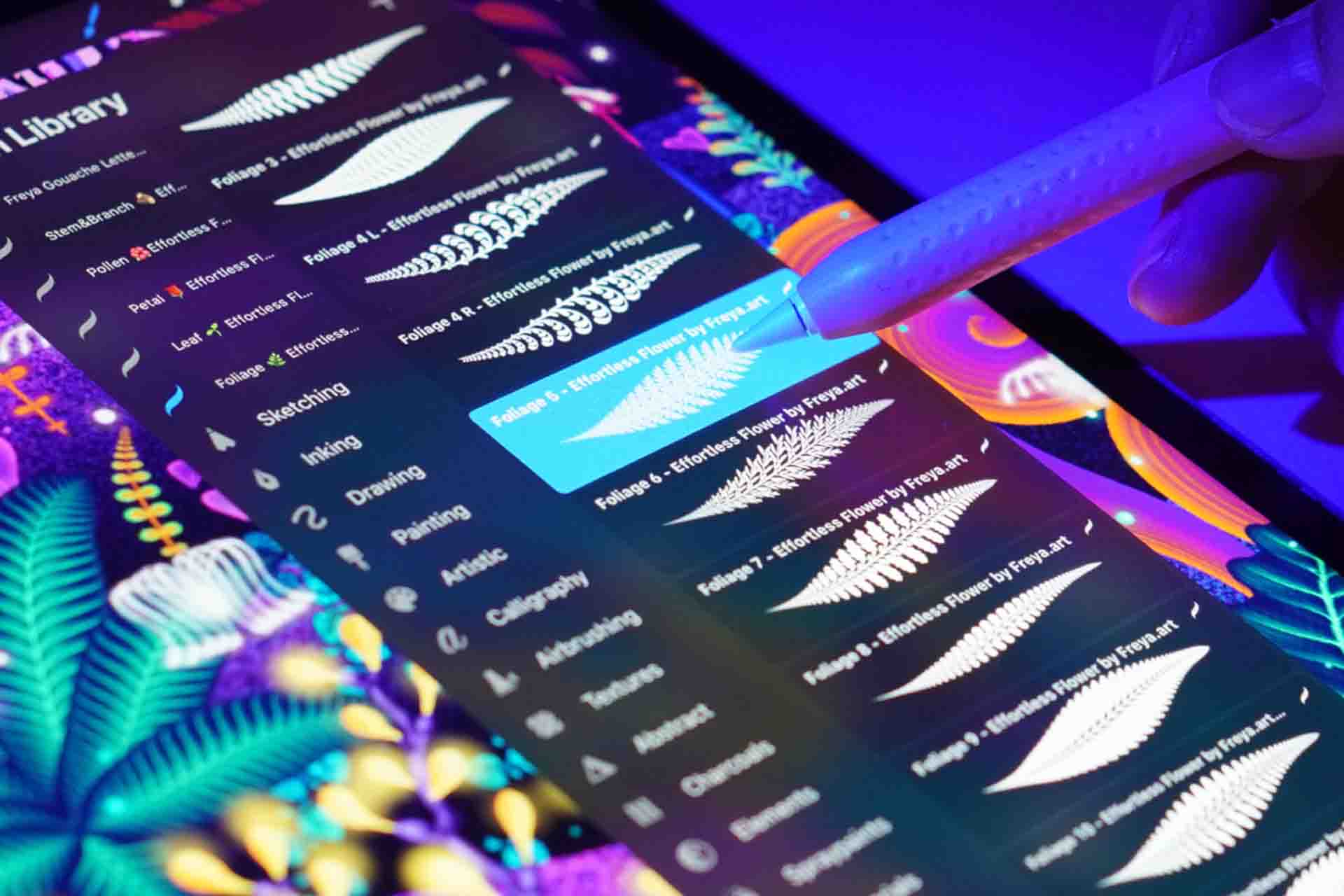
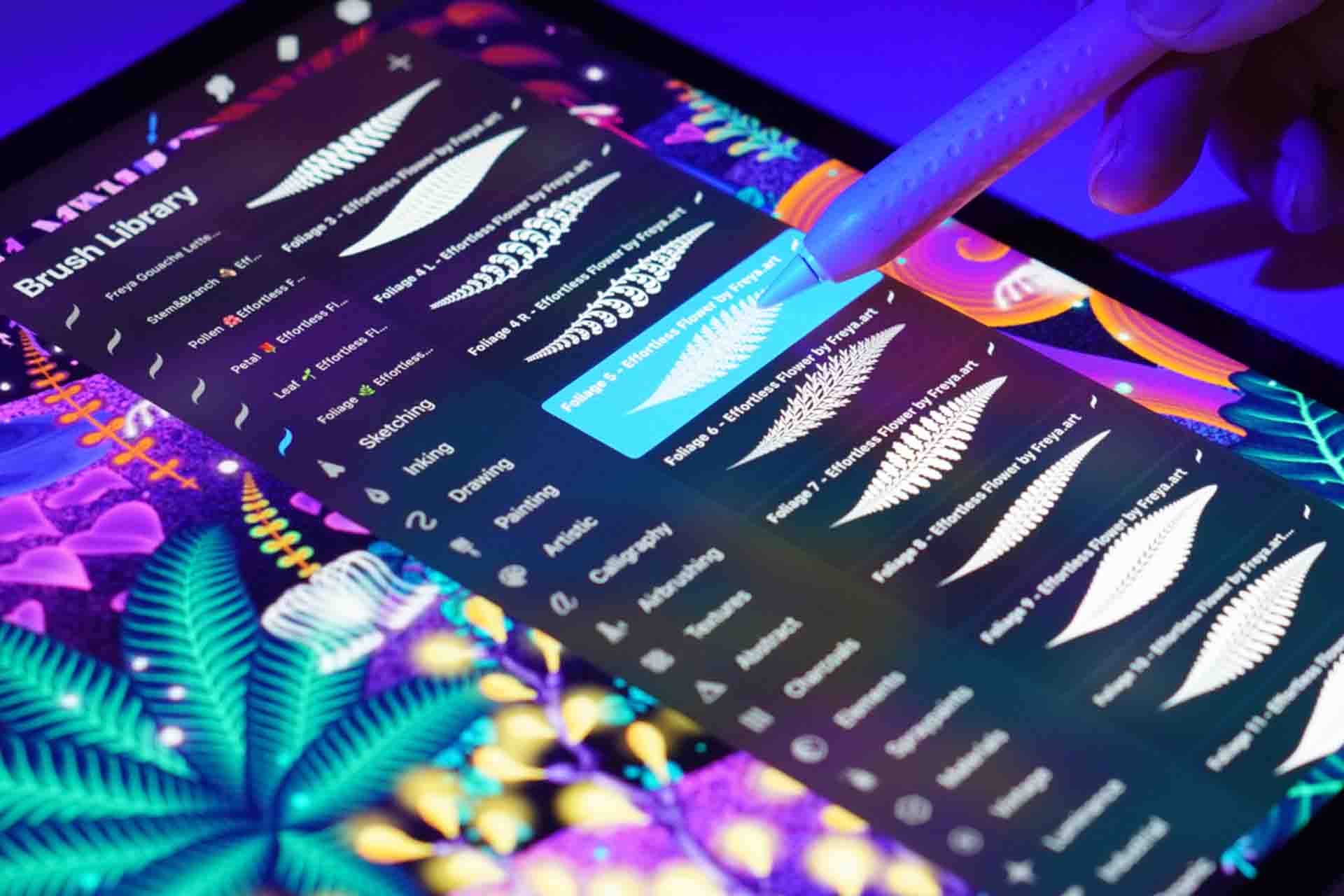
You get the 32 Effortless Flower brushes used in the course, so a whole flower lands in one stroke and your time goes into the lighting.
Learn to draw flowers quickly and add glow to your designs
I start from the beginning. You'll leave with floral neon work you can actually show.
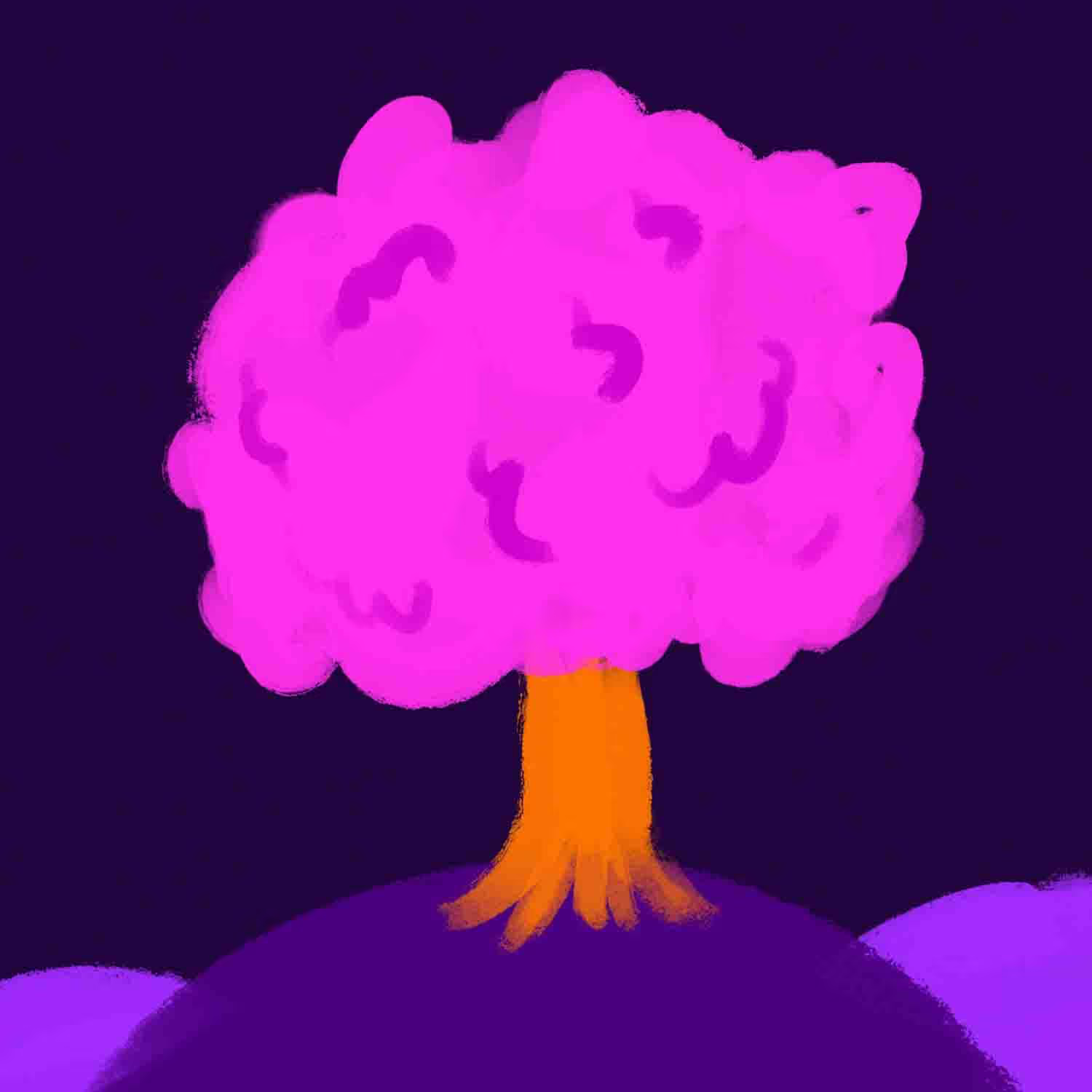
Week 1
By the end of Week 1, you'll have your first finished piece.
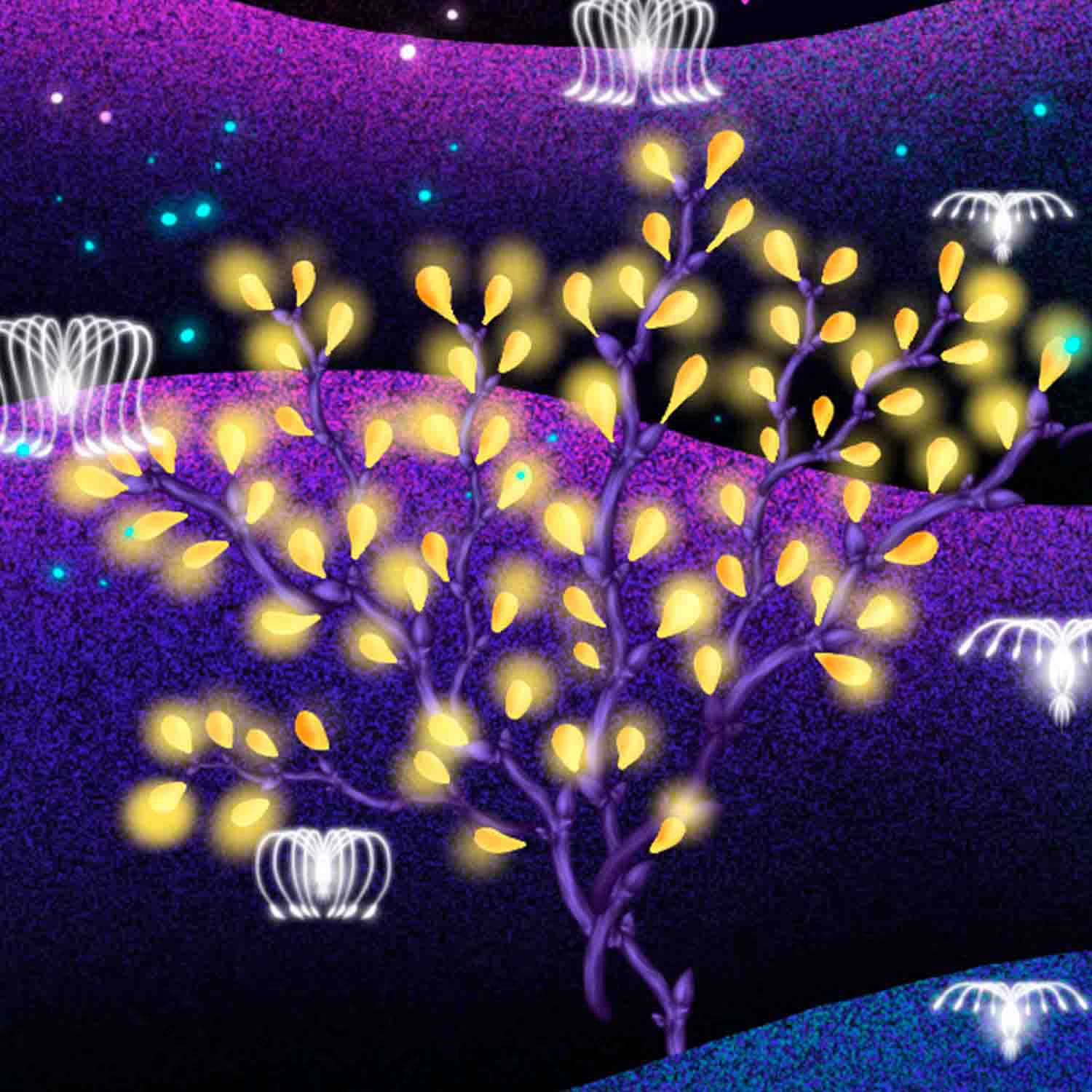
Month 2
Practice what you learned and make the style yours.
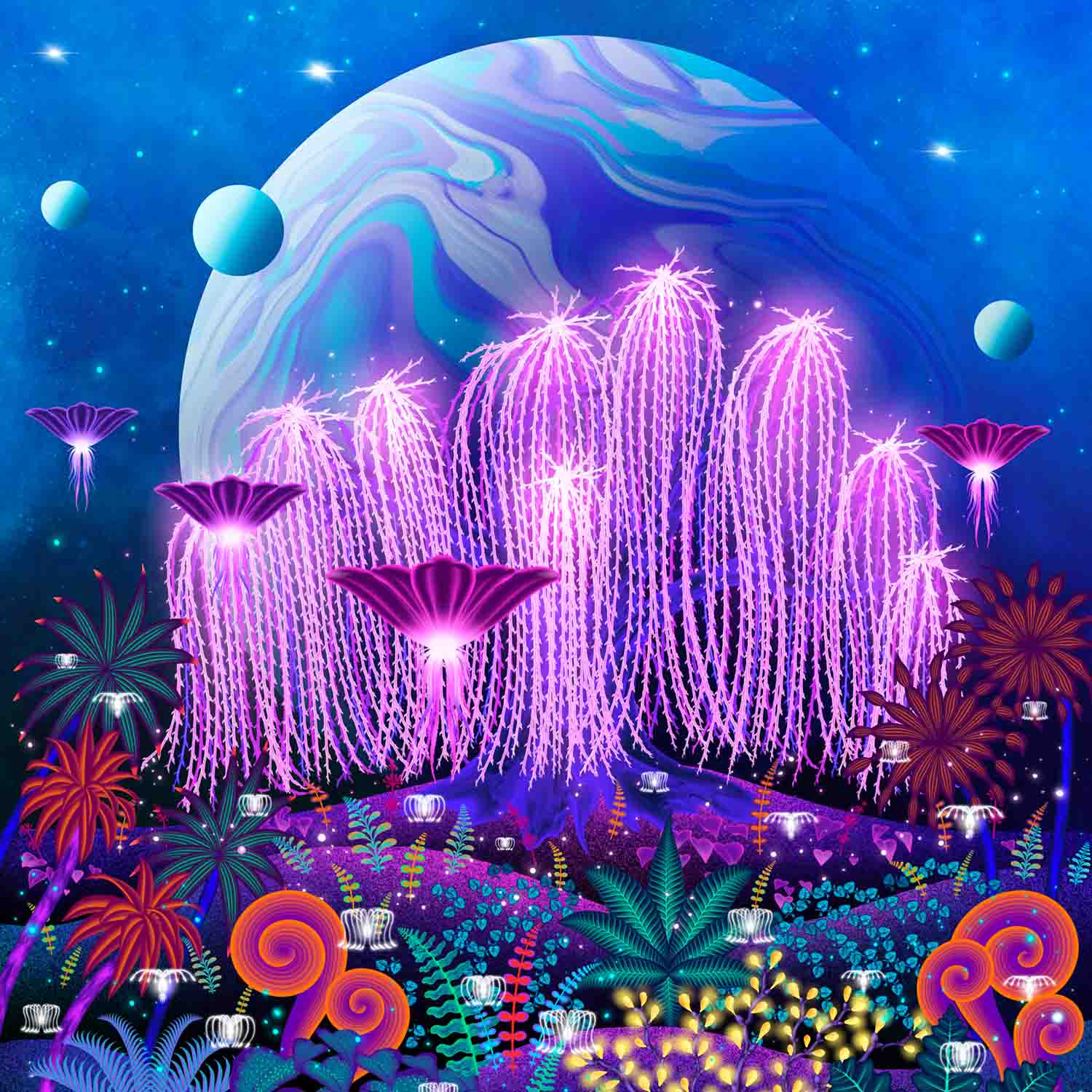
Today
Learn the flower foundations with my brushes in a few minutes.
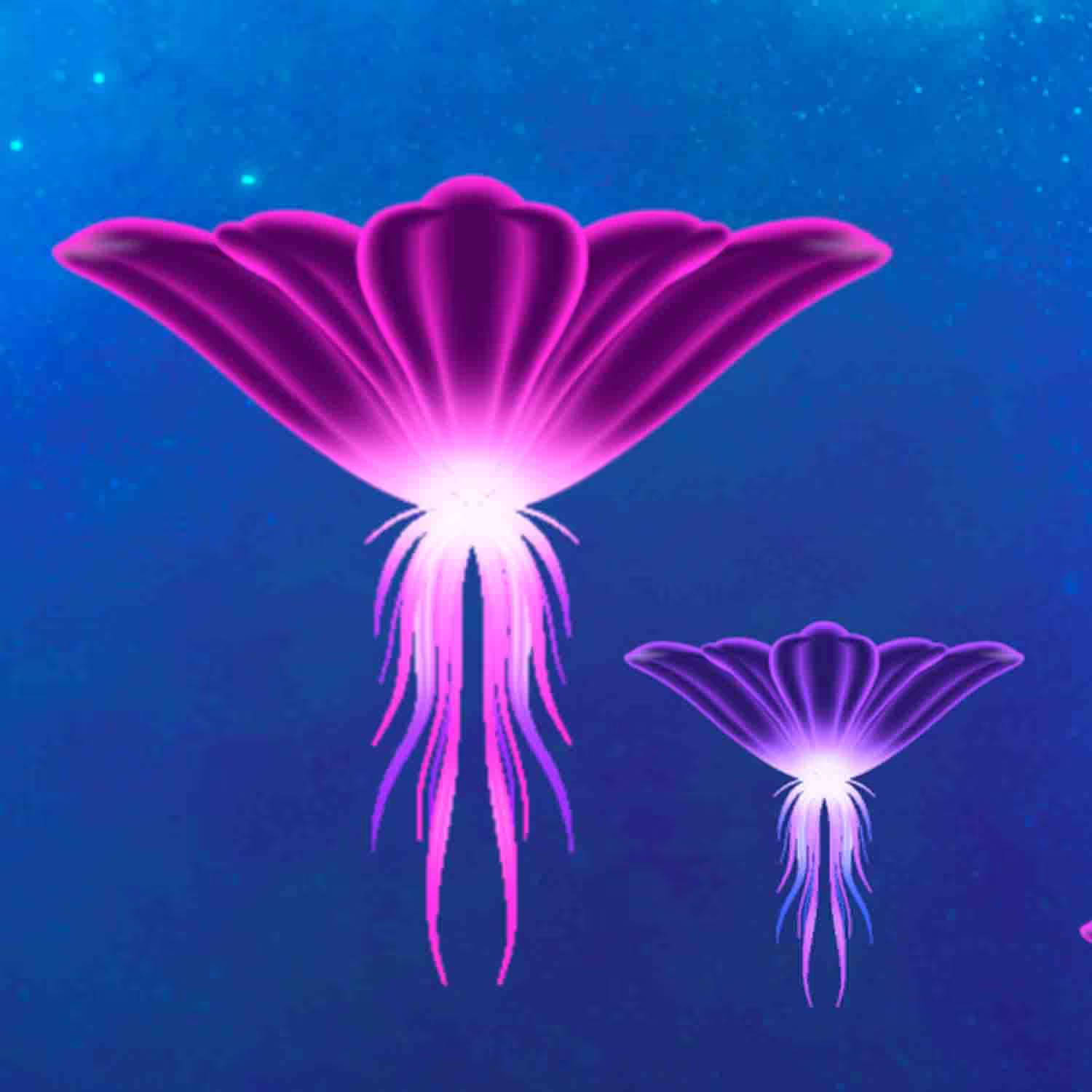
Month 1
By the end of Month 1, you'll have finished your own floral neon art.
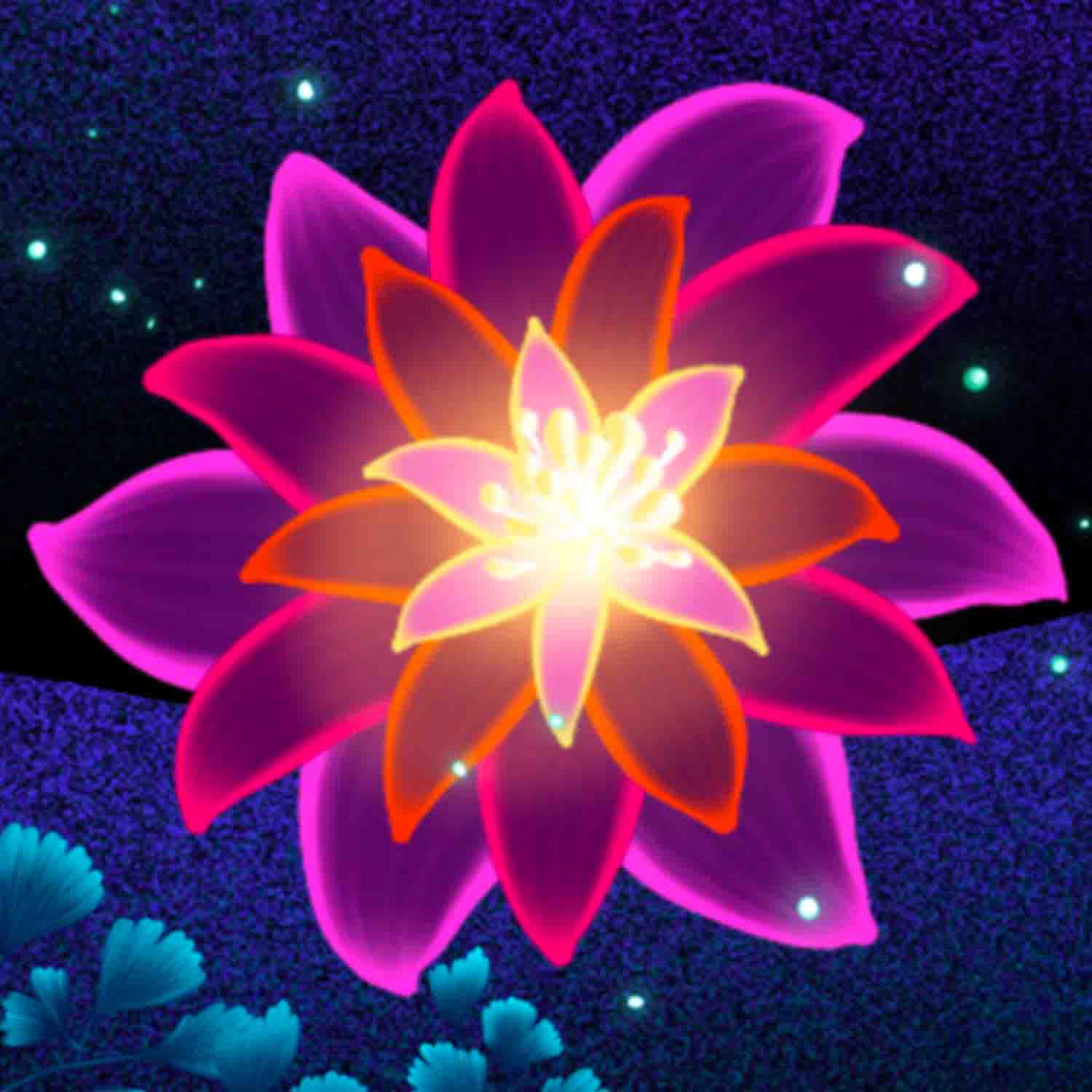
Month 3
You'll make neon landscapes and animate them.
Today
Learn the flower foundations with my brushes in a few minutes.
Week 1
By the end of Week 1, you'll have your first finished piece.
Month 1
By the end of Month 1, you'll have finished your own floral neon art.
Month 2
Practice what you learned and make the style yours.
Month 3
You'll make neon landscapes and animate them.
Your mentor
For over 15 years I've been doing illustrations for brands like Louis Vuitton, Tiffany & Co. and Sephora
I'm Freya Kotchakorn. My digital illustrations have been used by Louis Vuitton, Tiffany & Co., and Sephora, and I've spoken at Apple Store events to teach Procreate techniques.
Yet my favorite work isn't for big brands, it's helping complete beginners surprise themselves with what they can create. My favorite feedback is when they tell me: "It felt very geared towards beginners wanting to learn Procreate... it felt like it was attainable even for someone like me who has very little experience."
That's exactly what I designed this course to do. Make the "impossible" feel completely achievable.


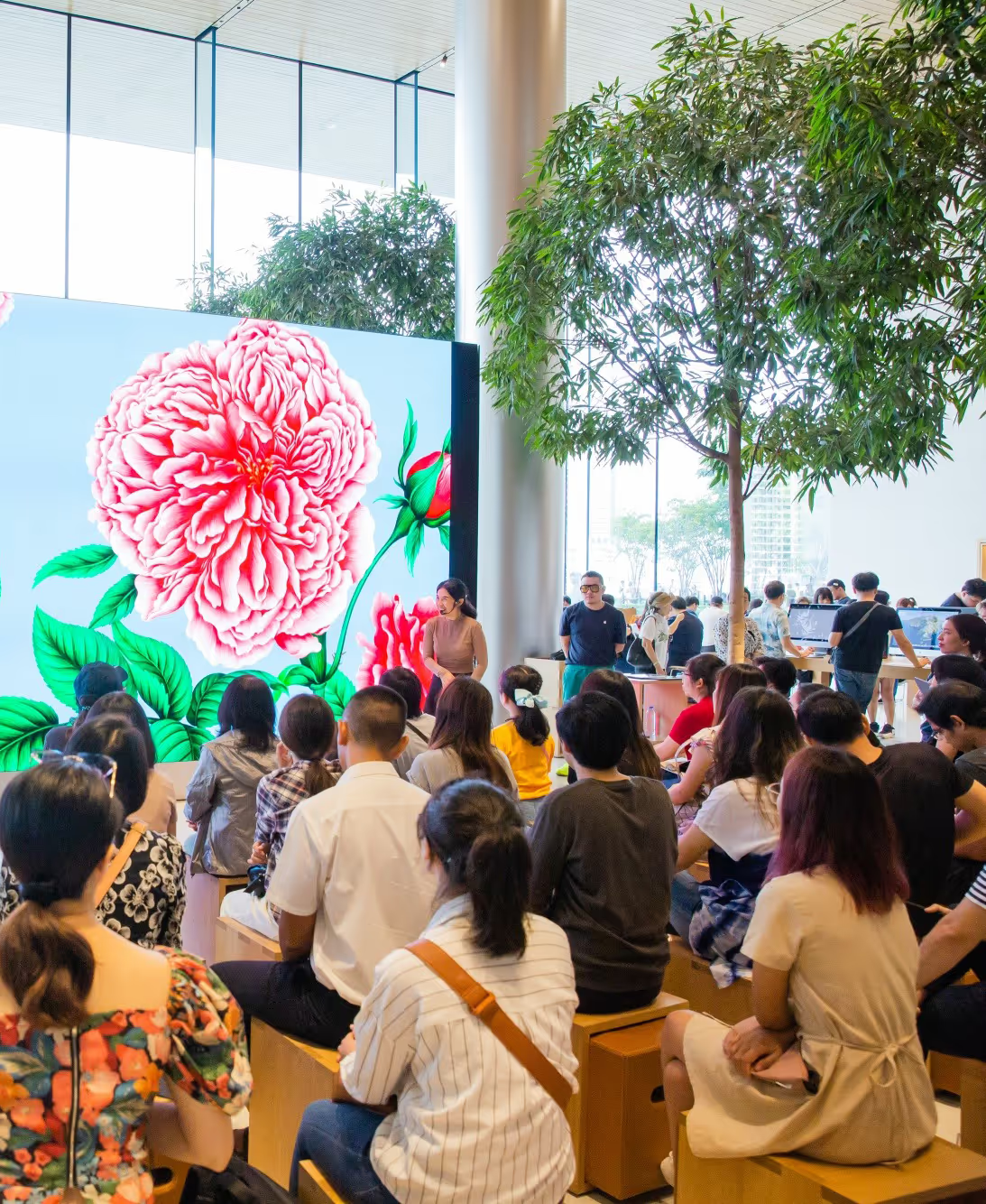
Speaking at an Apple Store event about Procreate techniques
Don't take my word for it. Take theirs.
Real students who started exactly where you are right now.
One course. Two apps. Three new skills.
Draw flowers quickly: you'll use my Effortless Flower brushes so a scene that used to take days can land in a few hours, sometimes minutes.
Do neon the right way: I'll show you how neon colour looks chic instead of cheap, and you'll get my neon palette for future projects.
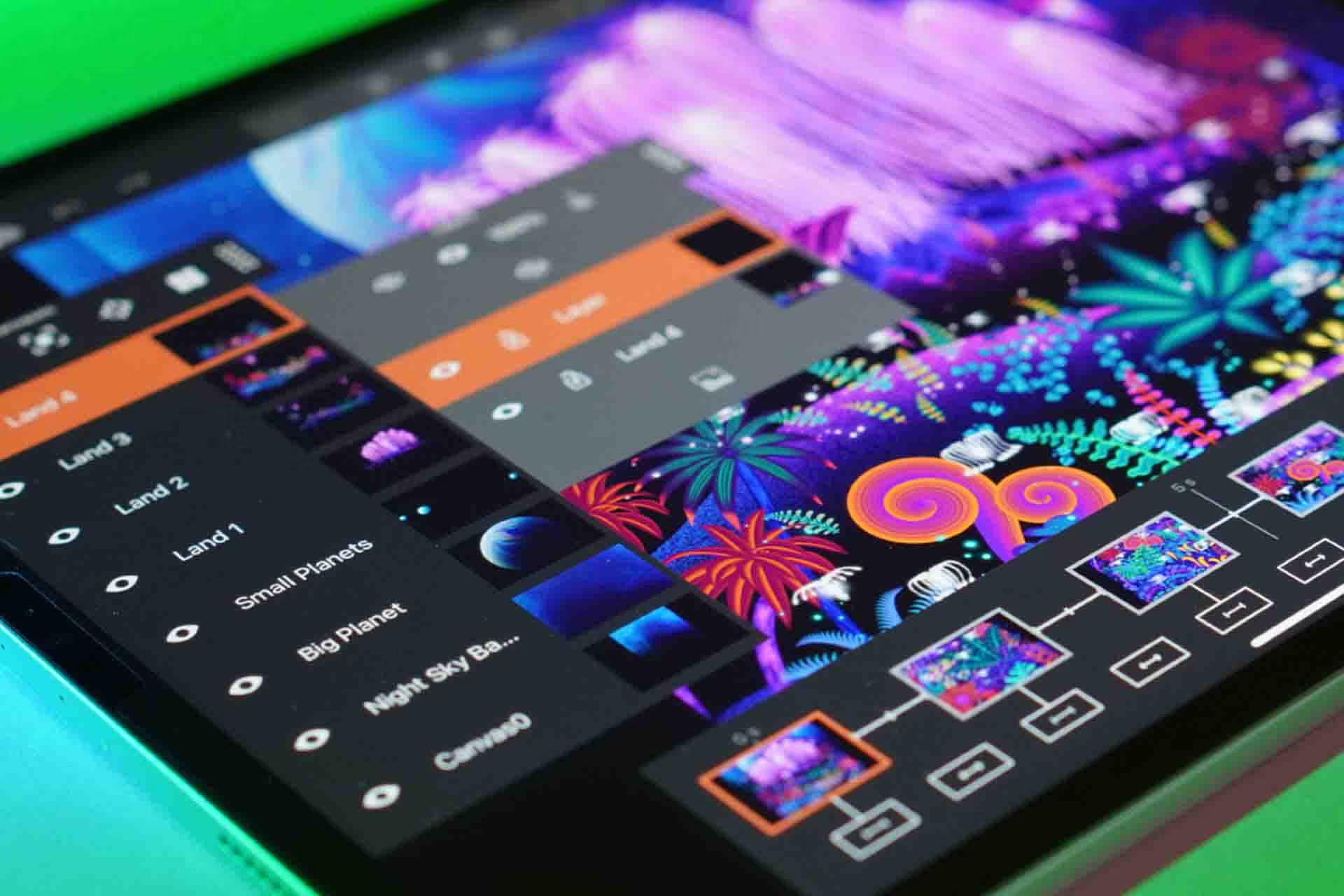
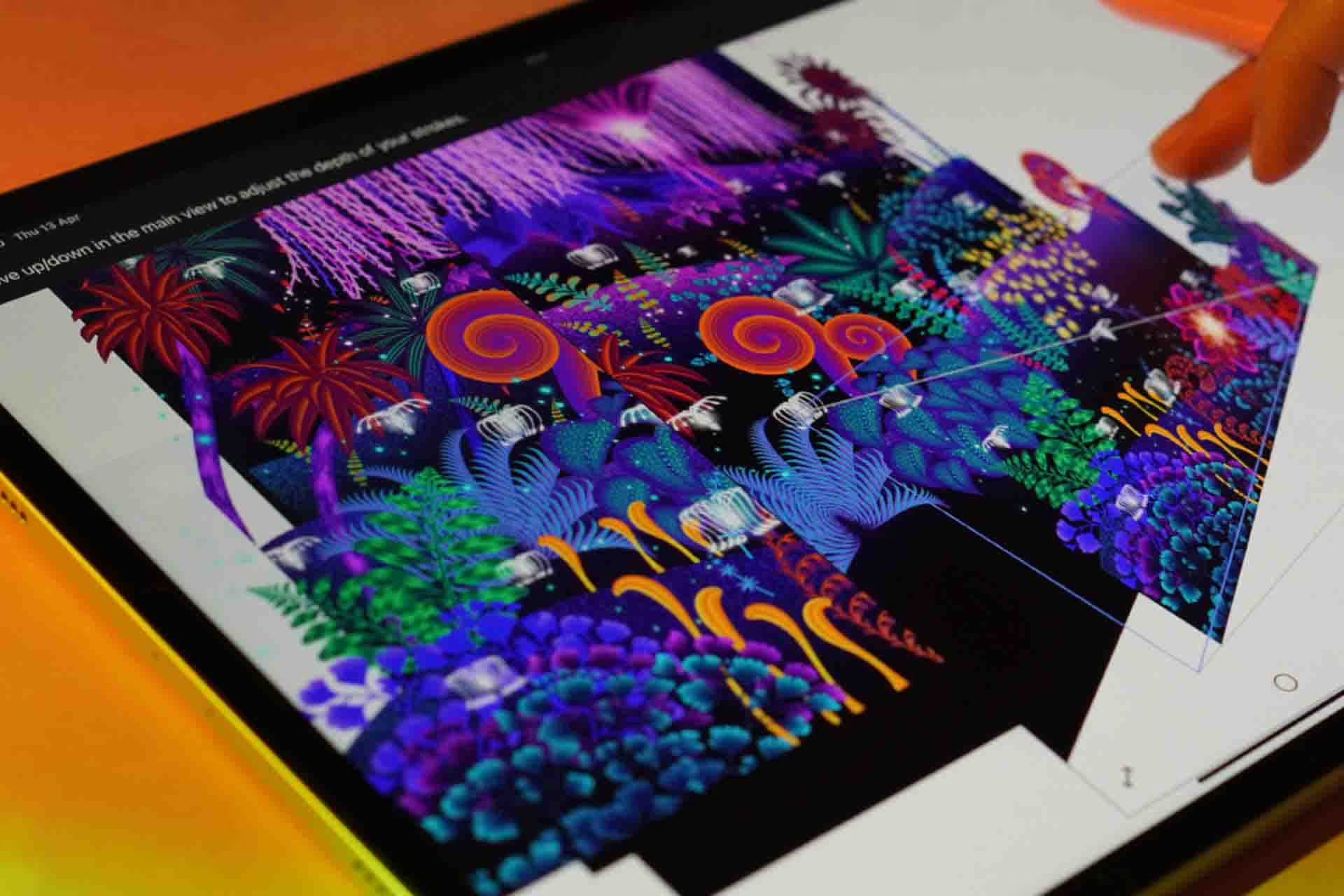
Bring the scene to life: you'll take a static Procreate illustration into Mental Canvas, including layer export and import. By the end you'll have a dimensional floral piece for a portfolio, phone background, or wall print.
You'll also get a Bonus Artist Package
The exact same brushes and resources I use for Louis Vuitton, Tiffany & Co, and Sephora. Yours to keep forever.

A Custom Brush Set
32 included custom-made Procreate brushes for effortless flower drawing
$49 $0

Downloadable Colour Swatches
Downloadable neon palette of hand-picked colors for a seamless glowing look
$49 $0

Coloring Pages
Get coloring pages that you can print or work on your iPad to make your own. Or use to make art with your kids.
$49 $0

Source Files for All Designs
Want to check out the structure of a design? You get all Procreate source files for every lesson in the course! Use them to learn faster or to get an inspiration for your future work.
$49 $0

Lifetime Community Access
Facebook group where you can get feedback on your artwork and support.
$49 $0
Lesson Curriculum
Expand the modules below to see every lesson inside.
 LESSON 1 Introduction6.38
- LESSON 2 access to facebook private group
- LESSON 3 Get ready / Download files
 LESSON 4 Sketch31:45
 LESSON 5 Creating Background and land bases42:34
 LESSON 6 Creating A Glowing tree32:48
 LESSON 7 Creating Neon plants part 128:39
 LESSON 8 Creating Neon plants part 223:28
 LESSON 9 Creating Neon plants part 317:31
 LESSON 10 Creating Floating neon plants and fireflies48:38
 LESSON 11 Creating dimension in Mental Canvas29:51
Free
Take two lessons from this course, free
Real lessons from the course, not a trailer. They open in Freya Studio and stay yours.
 30 min
Sketching the Neon Garden
The complete lesson, not a preview
 31 min
Creating a Glowing Tree
The complete lesson, not a preview
1h 01m of teaching from the $49 course, free
- Yours after email confirmation
- No card, no trial
- Opens in Freya Studio

30-day full refund
If you follow my process, you will see results. I back that with a 30-day instant refund guarantee. No questions asked.
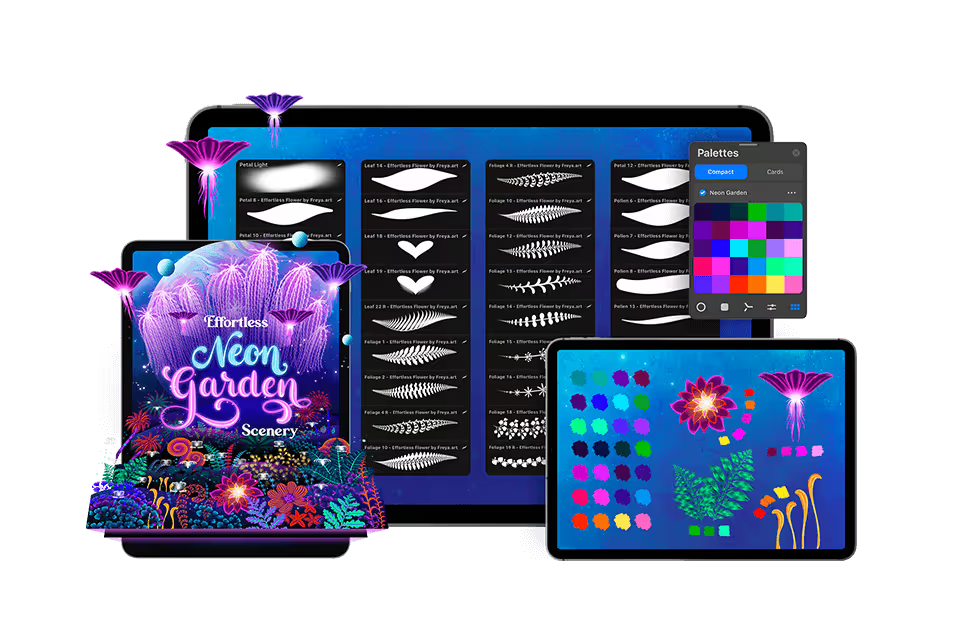
2 Modules, 9 Lessons, 4 Hours of in-depth video lectures
2 modules, 9 lessons, about 4 hours of video
- ✓Lifetime access and updates
- ✓30-day money back guarantee
🔒 Secure payment·PayPal · Mastercard · Visa · Apple Pay
FAQs
Find answers to common questions about this and other courses
No. These courses start from the beginning. If you can hold an Apple Pencil, you can follow along. The only requirement is Procreate installed on your iPad.
Any iPad released after 2018 will run Procreate perfectly!
Yes, Procreate works best with an Apple Pencil that supports pressure sensitivity (1st Gen, 2nd Gen, or Pro, not the basic USB-C model) to achieve variable line weight and opacity.
Depends on your pace. The videos total 4+ hours, but most students spend 2-3x that actually drawing along. Lifetime access means no pressure. Finish in a month or spread it over a year.
Yes, but you'll want your iPad open to follow along. Most students watch the lesson on their iPad, then rewind and draw. Some use a second device to watch while drawing.
Post in the private Facebook group. I'm in there regularly, along with thousands of other students. You'll get answers within hours, not days.
No. This is a one-time purchase and it's yours forever.
Yes, I offer a 30-day money-back guarantee. If you're not satisfied, simply reach out within 30 days for a full refund. No questions asked.