

The jewelry workflow I taught Piaget's designers, made effortless
Design earrings, a royal necklace and a statement piece of your own in Procreate. A beginner-friendly mini course: simple shapes, ready-made gemstones, settings and sparkle, practical templates and guided exercises. No jewelry design experience needed.
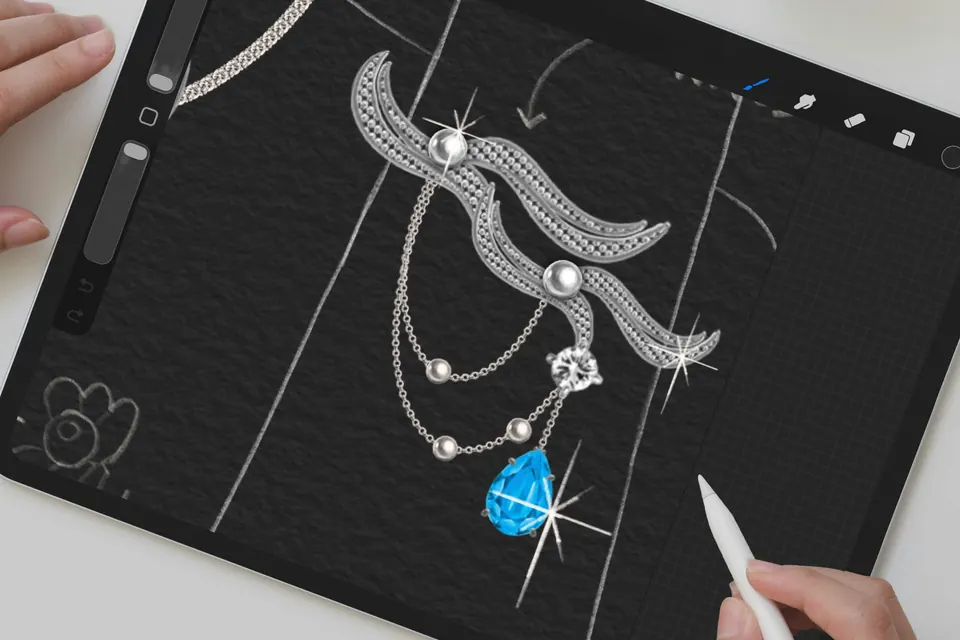
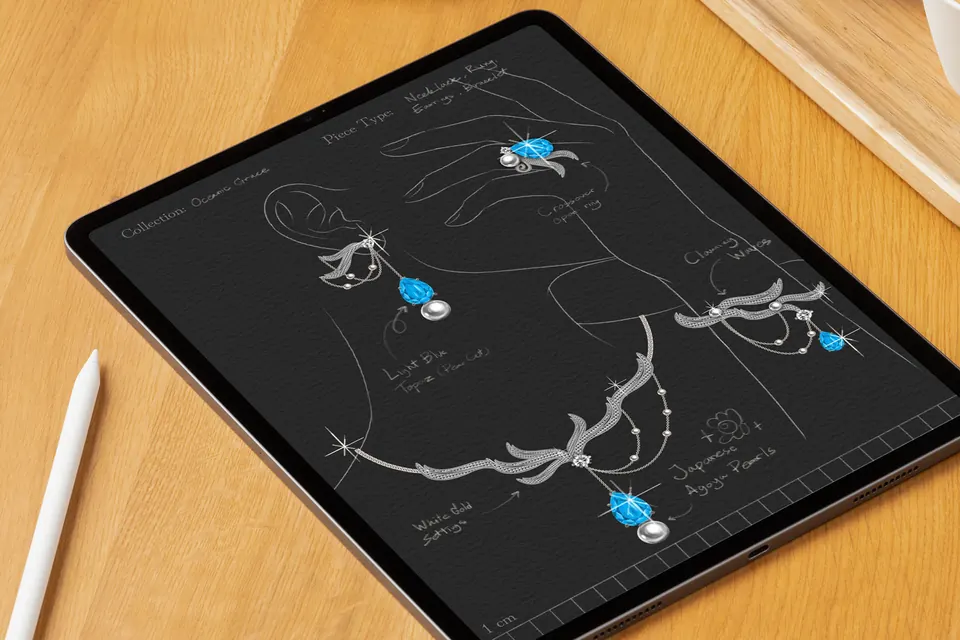
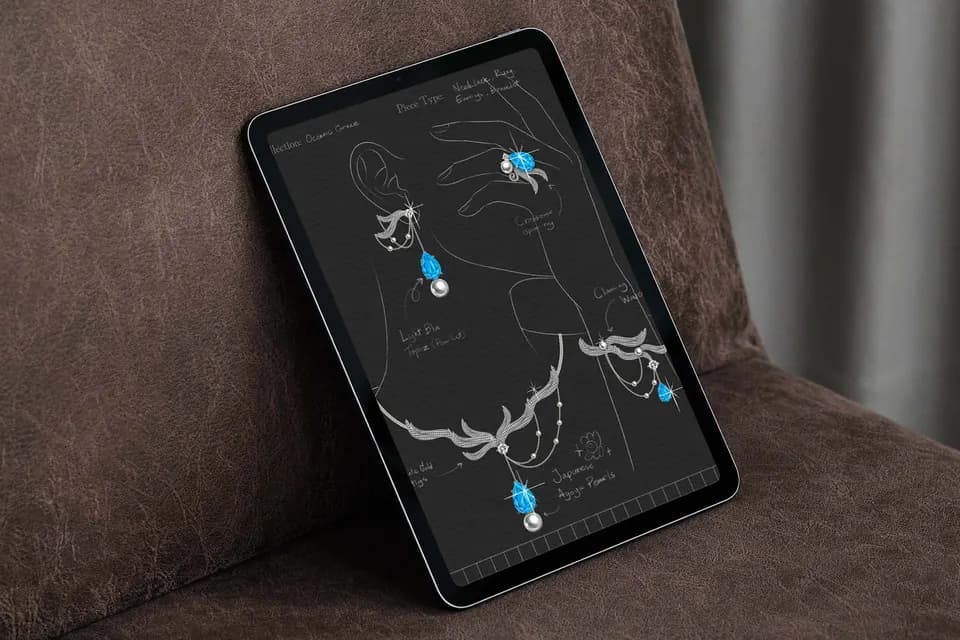
- Level
- Beginner
- Contents
- 4 lessons, about 2 hours
- Templates
- 4 jewelry design templates
- Also included
- 3 exercise brush sets, 3 swatches
- Payment
- One-time, no subscription
Watch a real lesson first
The last five minutes of Lesson 1.2: the finished earring goes onto the ear, gets its sparkle and design notes, and a name.
Lesson 1.2, Building Your First Earrings. 5 minutes, sound on.
Jewelry looks hard because you draw every facet by hand
A single sapphire has dozens of facets. A pearl choker has dozens of pearls that all have to match. Draw that by hand and you run out of patience long before you get to the design.
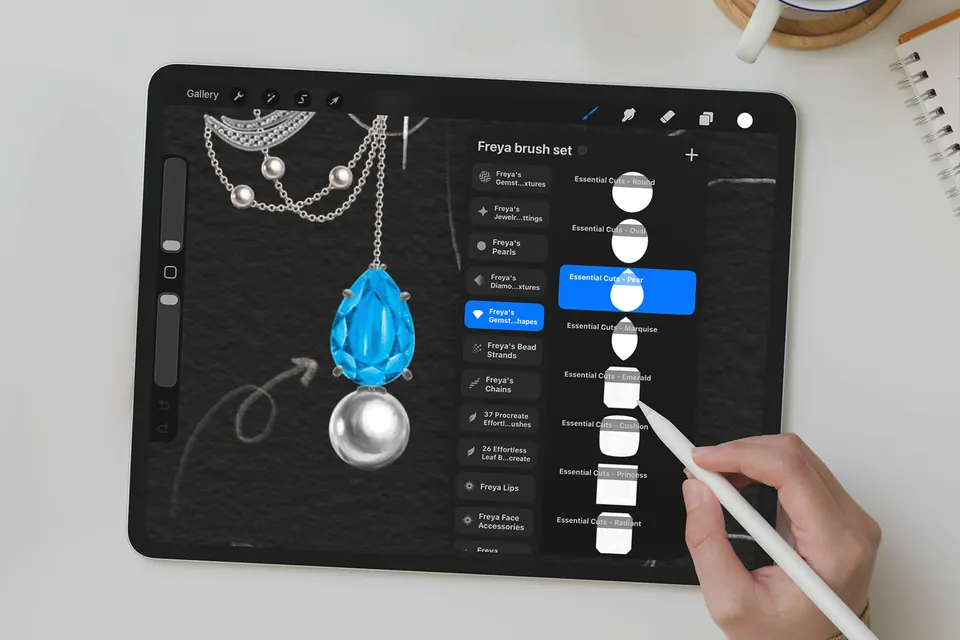
This course skips that part. You build each piece from simple shapes, gemstones, settings and decorative details, then spend your time on what makes jewelry beautiful: proportion, balance and a strong focal point.
By the end you will have designed earrings, an iconic necklace and a statement piece of your own.
What makes this different
A beginner course built the way a jewelry house actually designs.
Taught from a real luxury brief
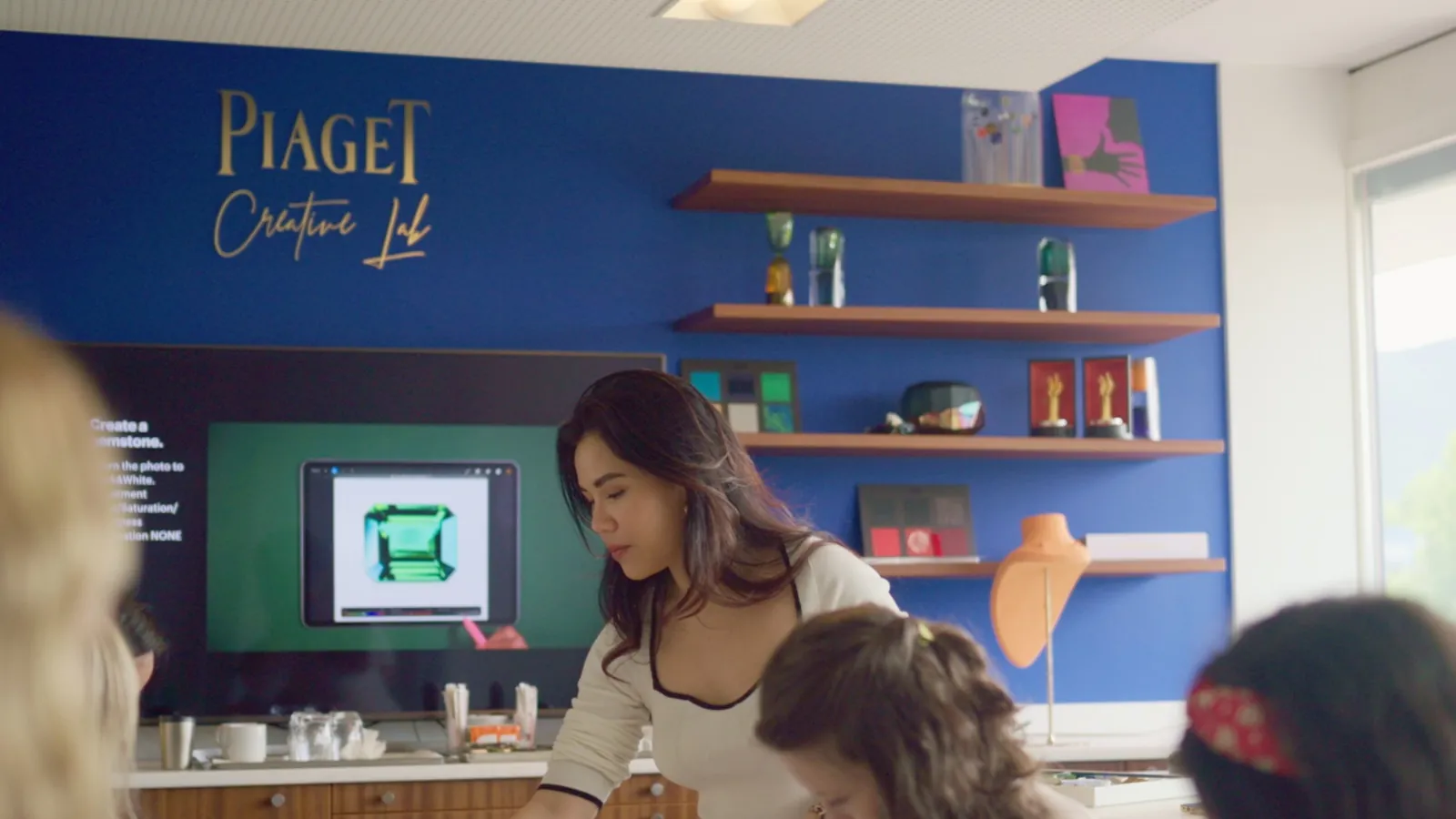
Piaget's Creative Director brought me in to train her design team to design faster in Procreate. This mini course is that workflow, cut down so it works for a beginner on the first try.
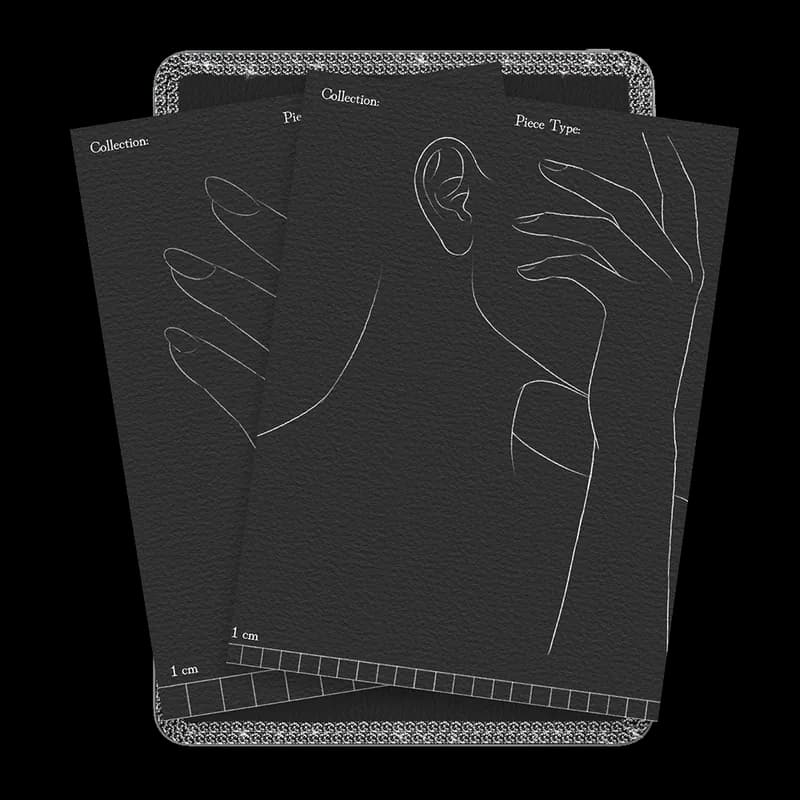
Templates take away the blank page
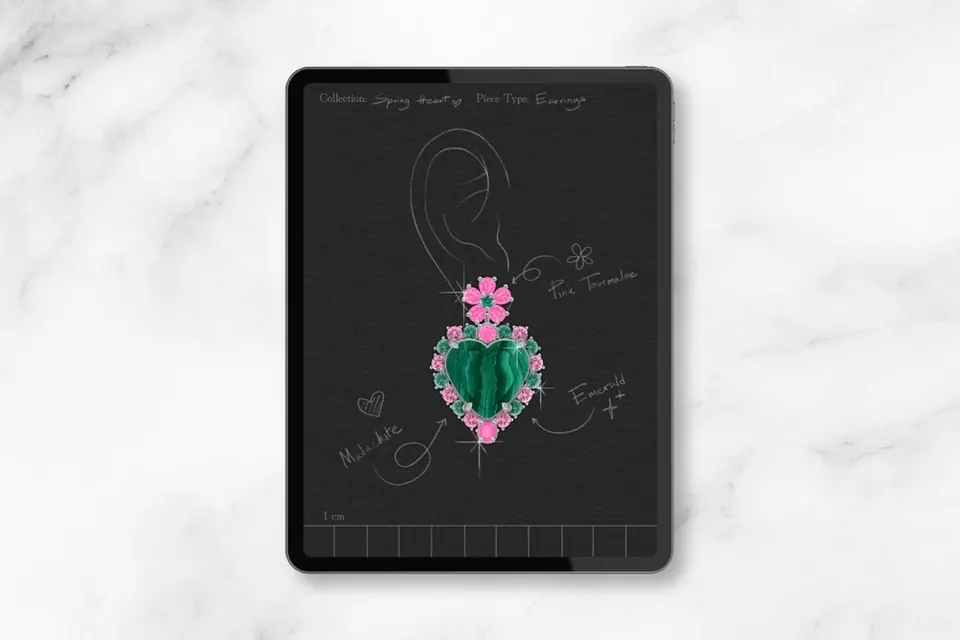
Four jewelry design templates (earrings, necklace, ring and a full jewelry set) with the ear, neck or hand already drawn and a 1 cm scale at the bottom, so every piece starts at the right size.
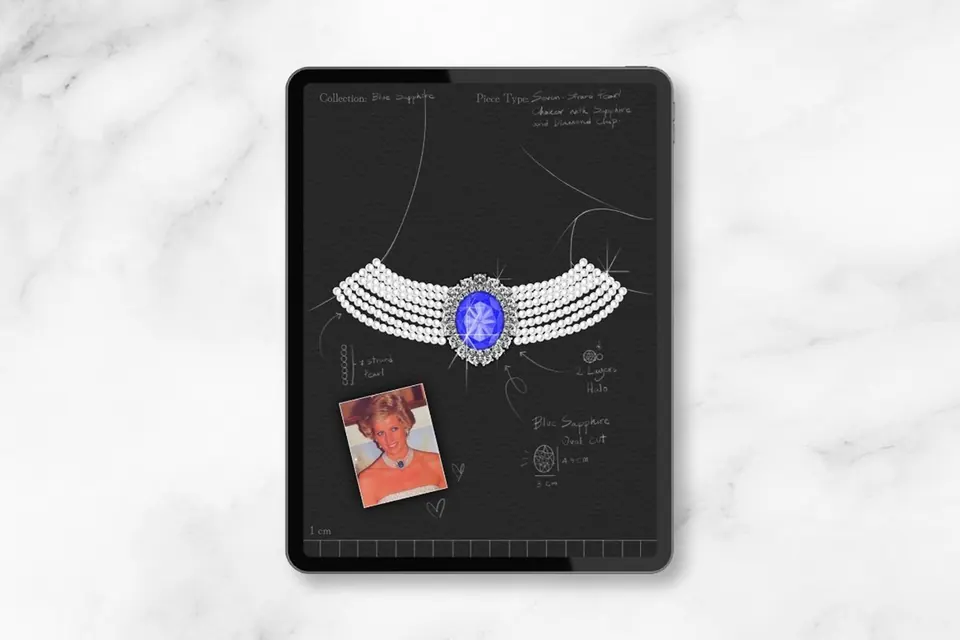
Reimagine, don't copy
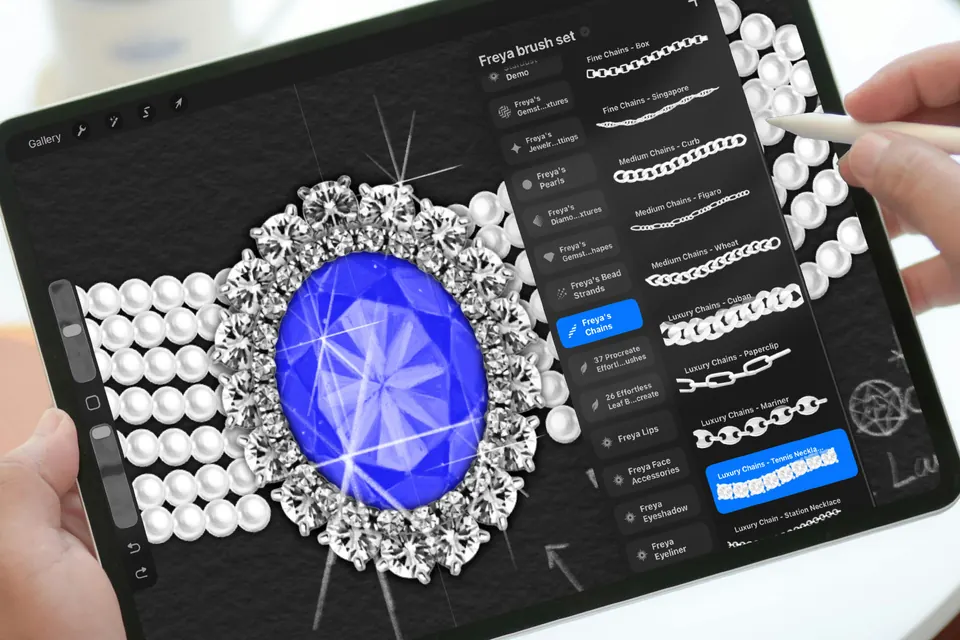
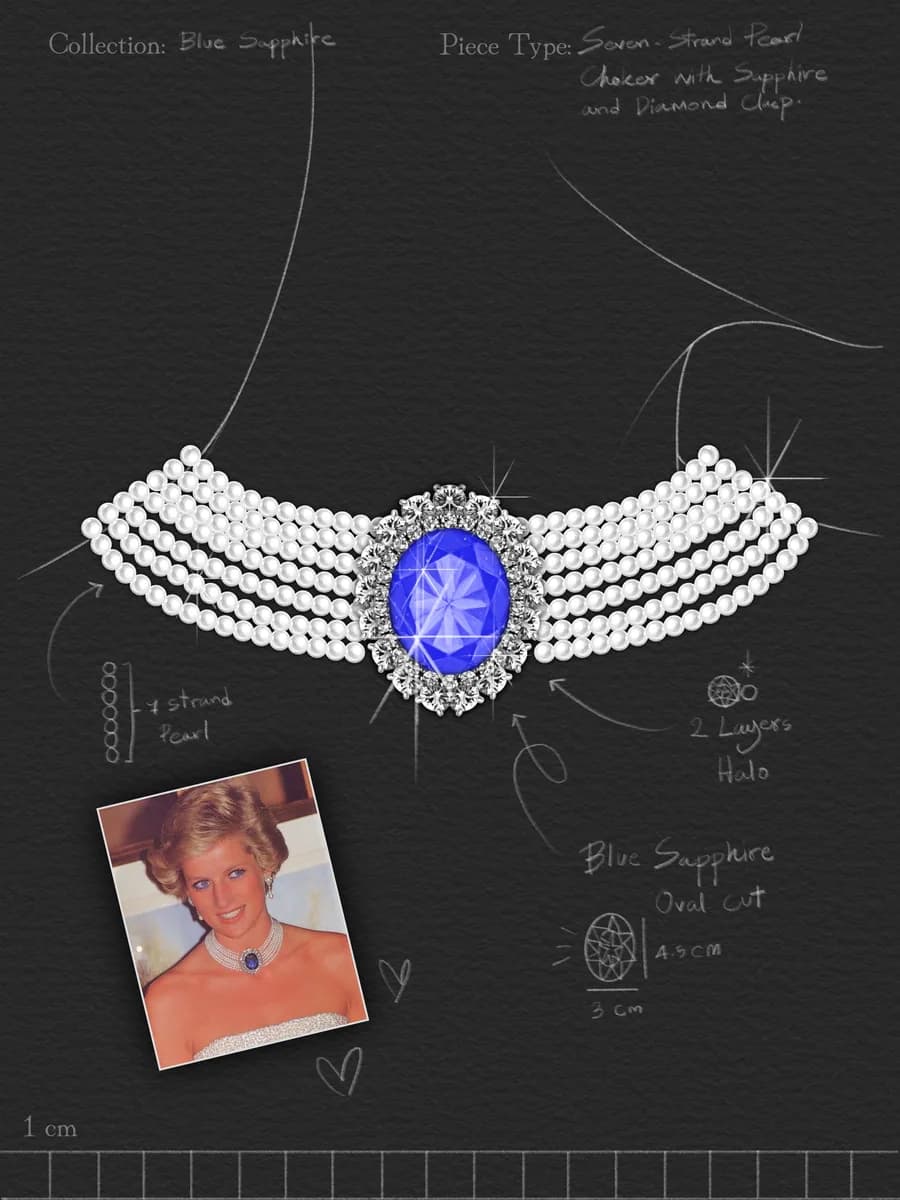
You study Princess Diana's sapphire and pearl choker, break it into simple elements, then build your own version of it. Learning from icons is how designers train their eye.
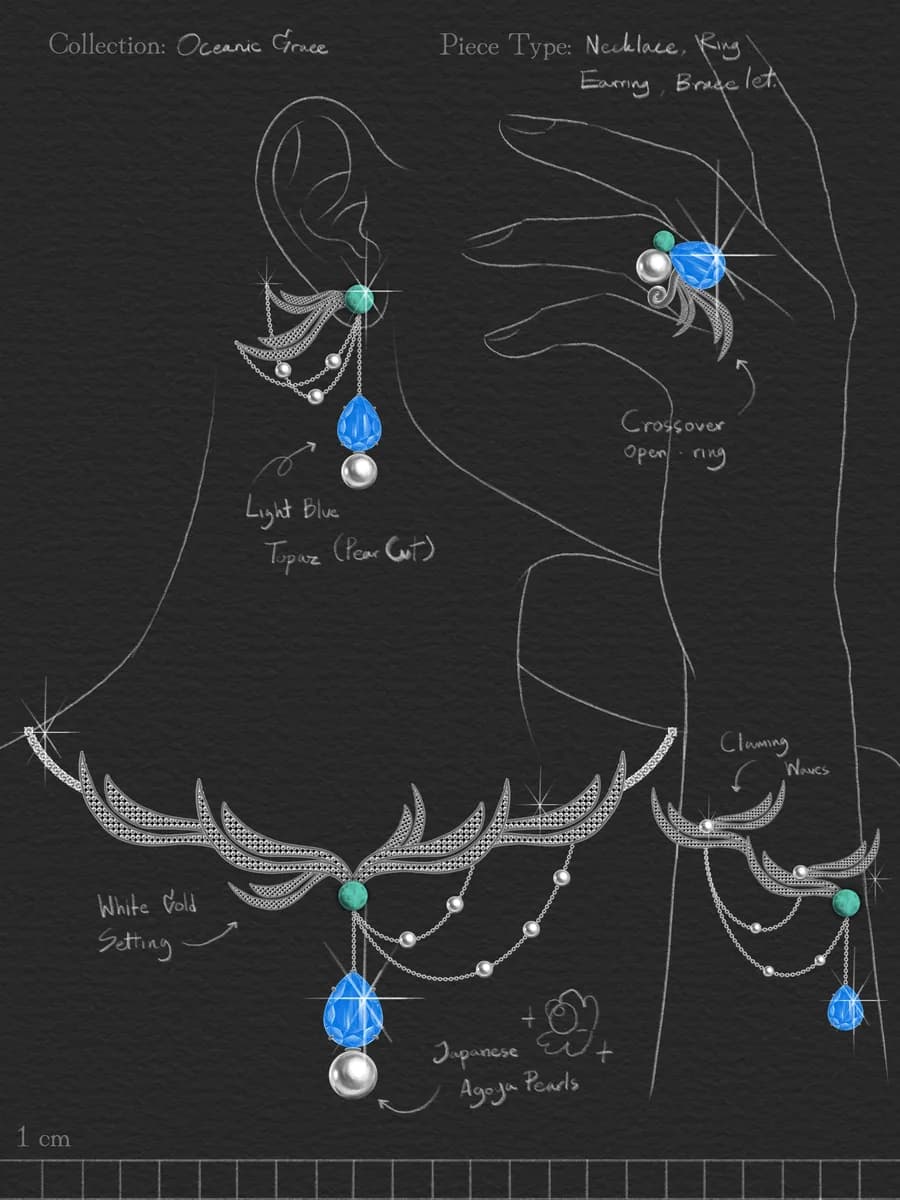
Finish like a designer
Sparkle, highlights and handwritten design notes, the way a jewelry house presents a concept, so anyone can read your design at a glance.
From your first stone to a design of your own
Several finished pieces by the end of the course.
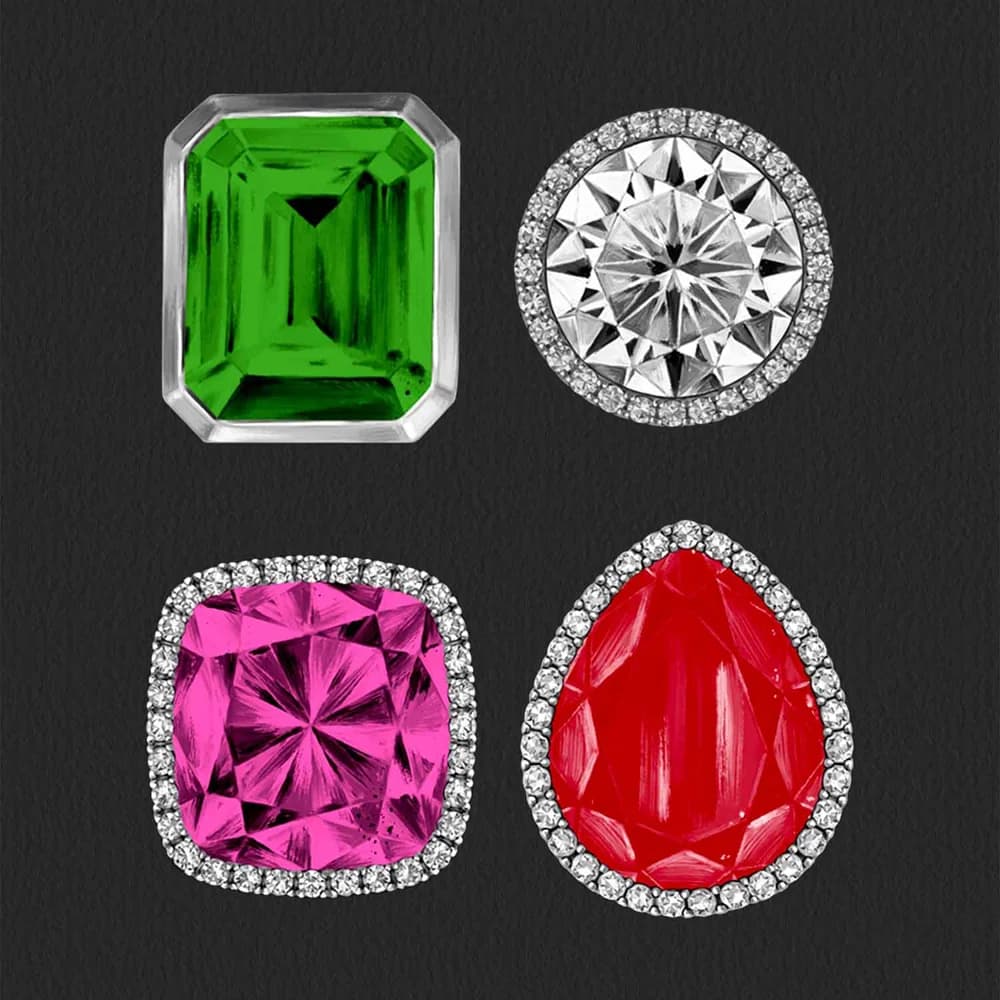
Lesson 1.2
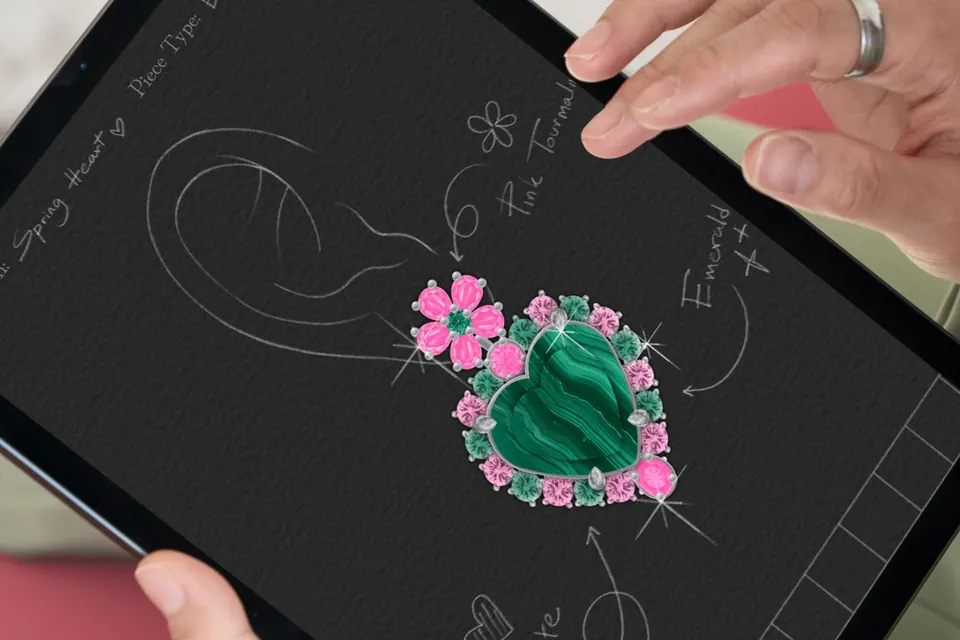
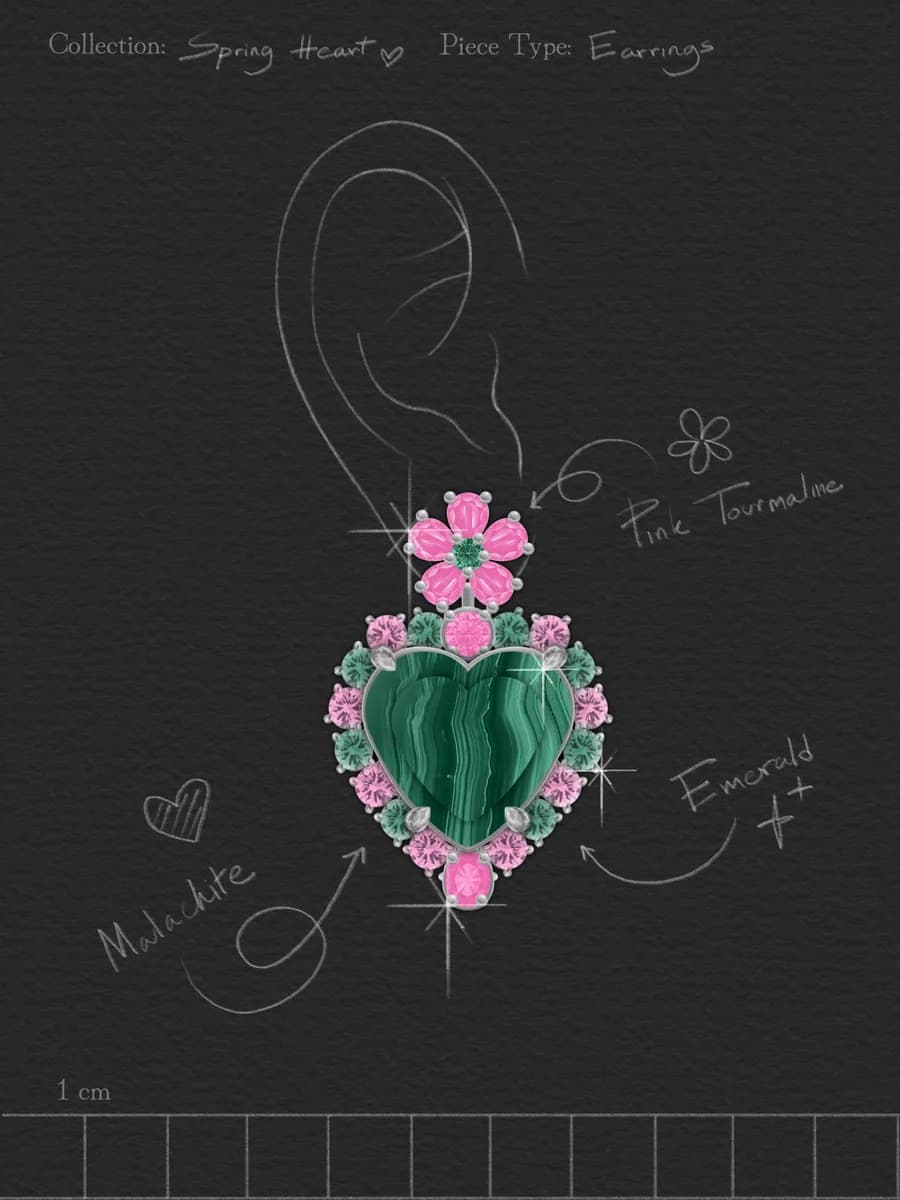
Your first earrings, built on a template: a malachite heart framed with pink tourmaline and emeralds.
Lesson 2.2
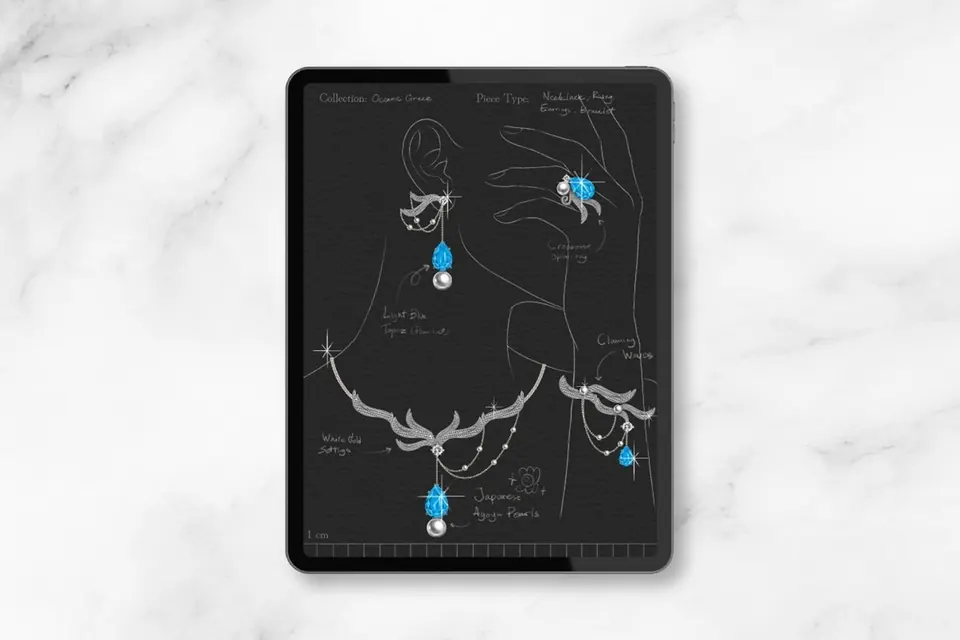
Your own statement set, from concept to final artwork: necklace, earrings, ring and bracelet in one collection.
Lesson 1.1
The principles behind a beautiful piece: shapes, proportions, a focal point, balance, symmetry and repetition.
Lesson 2.1
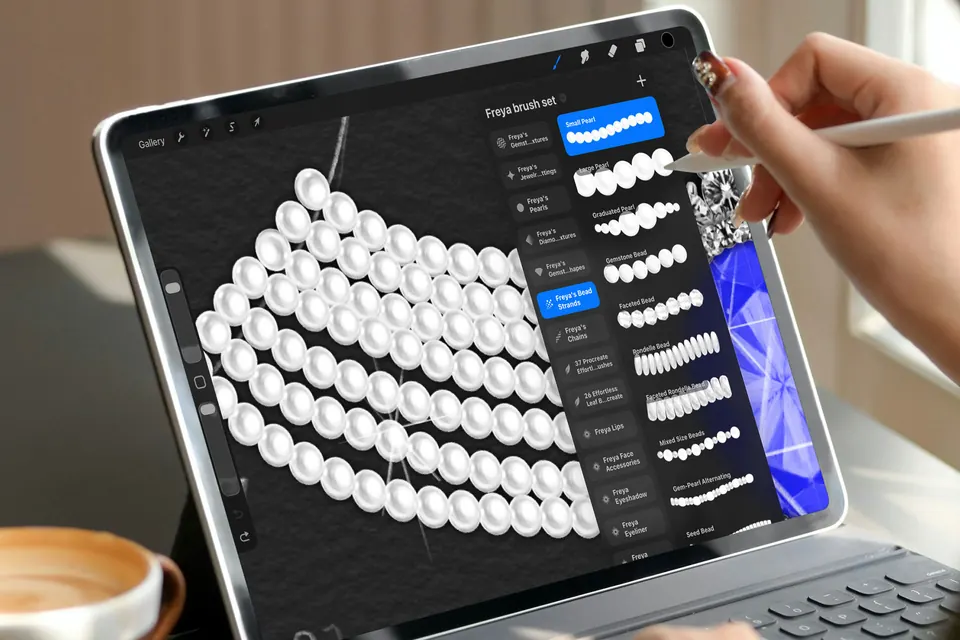
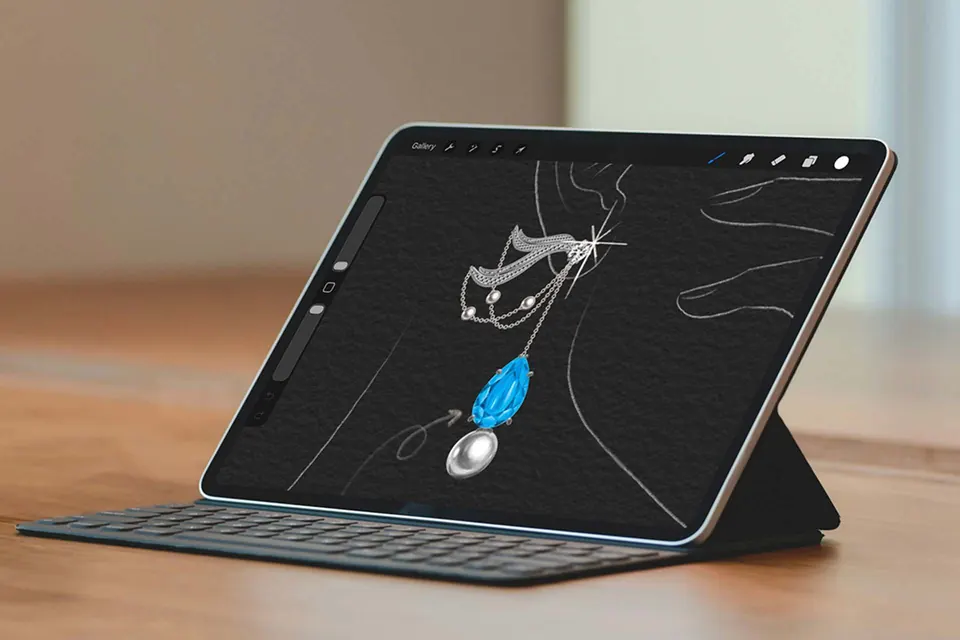
Princess Diana's sapphire and pearl choker, broken down and reimagined: pearl strands, sapphire centrepiece, diamond details.
After
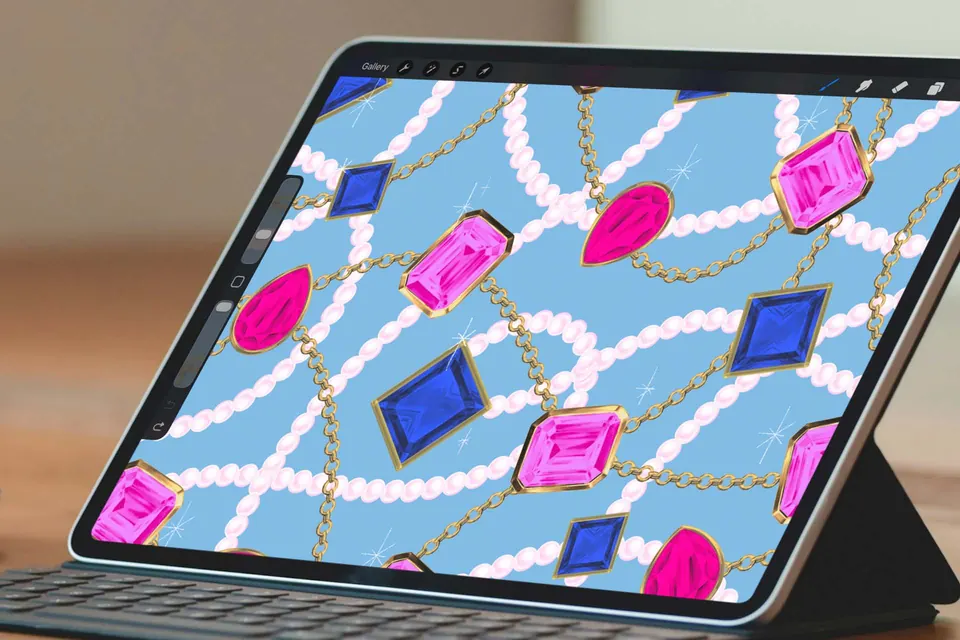
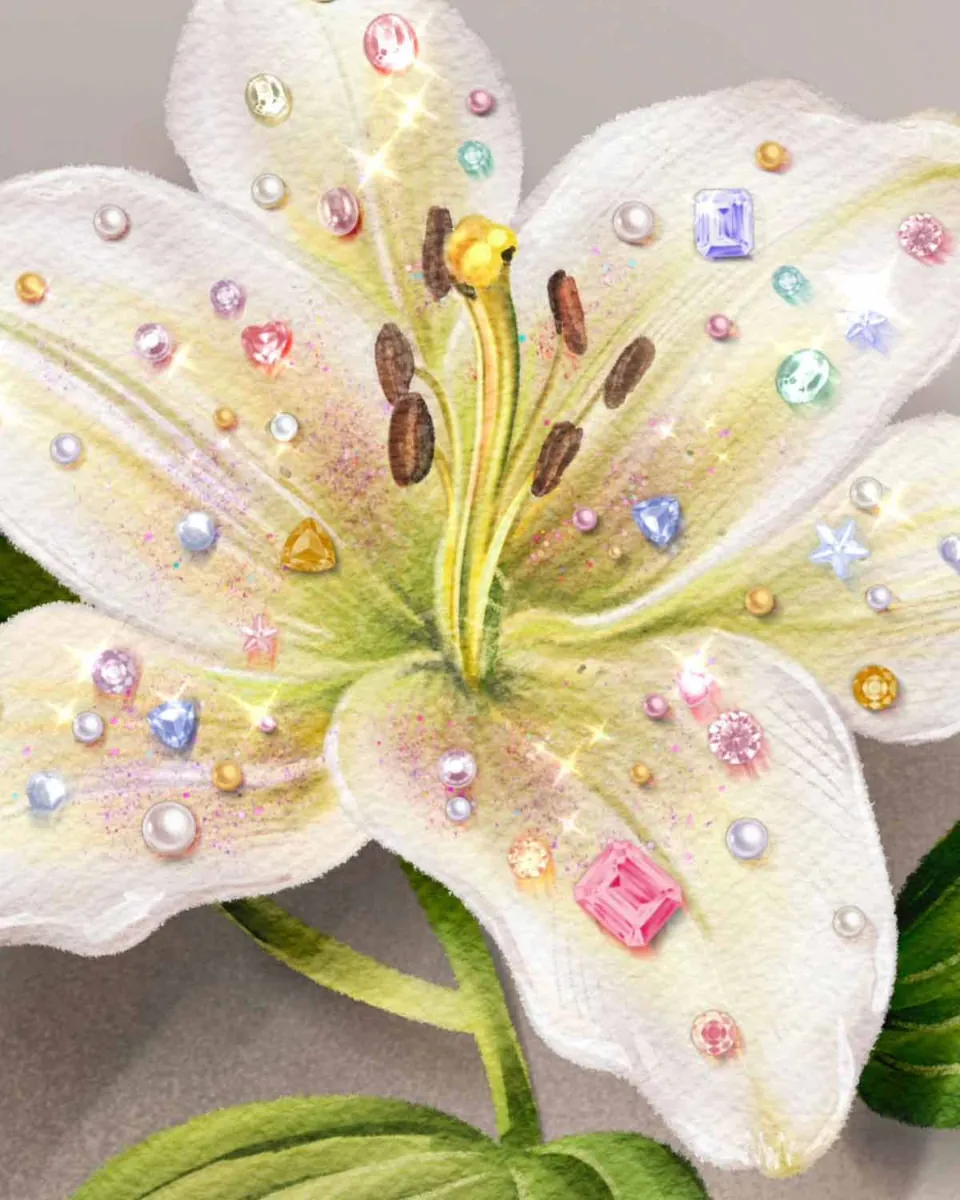
Add gems, pearls and sparkle to anything you already draw, from florals to portraits.
Lesson 1.1
The principles behind a beautiful piece: shapes, proportions, a focal point, balance, symmetry and repetition.
Lesson 1.2
Your first earrings, built on a template: a malachite heart framed with pink tourmaline and emeralds.
Lesson 2.1
Princess Diana's sapphire and pearl choker, broken down and reimagined: pearl strands, sapphire centrepiece, diamond details.
Lesson 2.2
Your own statement set, from concept to final artwork: necklace, earrings, ring and bracelet in one collection.
After
Add gems, pearls and sparkle to anything you already draw, from florals to portraits.
Your mentor
For over 15 years I've been doing illustrations for brands like Louis Vuitton, Tiffany & Co. and Piaget
I'm Freya Kotchakorn. My digital illustrations have been used by Louis Vuitton, Tiffany & Co., Piaget and Sephora, and Piaget's Creative Director brought me in to train her design team to design faster in Procreate.
More than 80,000 students have learned Procreate with me. This course is beginner-friendly on purpose: no complicated technical processes, just a simple, creative workflow and ready-made brushes.
You don't need to know anything about jewelry. You need an iPad, Procreate and a little curiosity about sparkle.
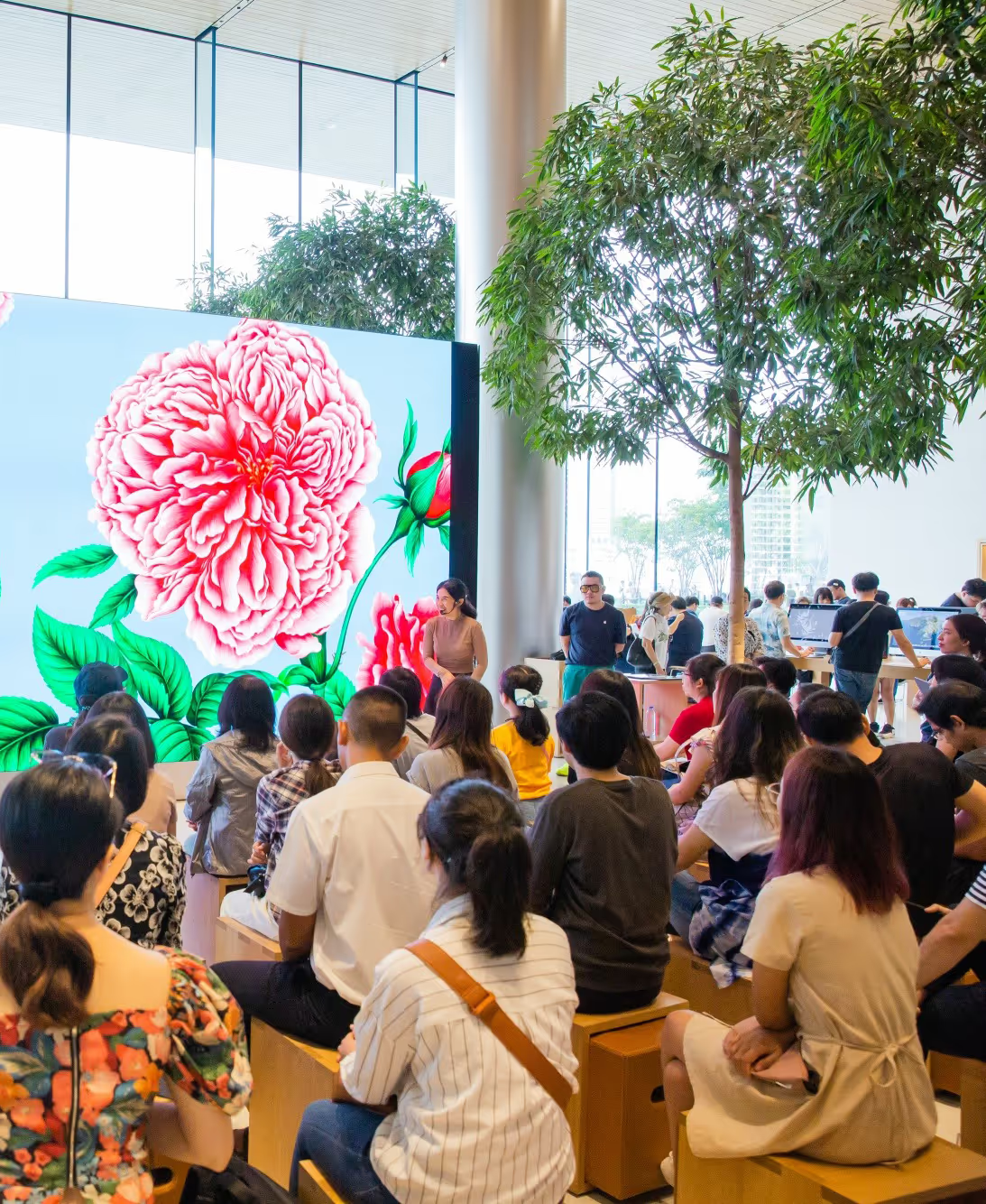
Stéphanie Sivrière, Creative Director at Piaget, on the training course I gave her team
What you'll be able to do
Straight from the course plan.
- ✓
Design with intent. Use shape, proportion, a focal point, balance, symmetry and repetition so a piece looks right, not just busy.
- ✓
Combine materials. Put gemstones, pearls, metals and decorative elements together and choose a colour palette that holds them.
- ✓
Work in layers. Build a design on a template, layer by layer, and customise ready-made brush elements to make them yours.
- ✓
Learn from icons. Break a famous piece into simple elements, understand its composition, then reimagine it instead of copying it.
- ✓
Finish like a designer. Refine the composition, add the final highlights and sparkle, and export a finished artwork.
Everything in the course
The lessons and every file they use, yours to keep.
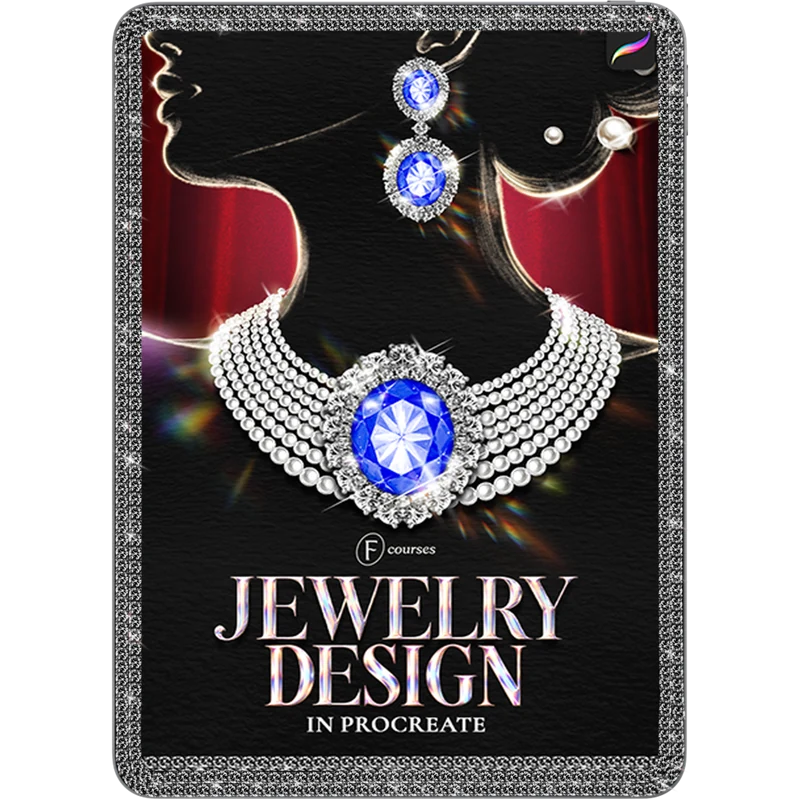
Jewelry Design in Procreate
The mini course: 4 lessons, about 2 hours of video. From the fundamentals of jewelry design to a statement piece of your own.
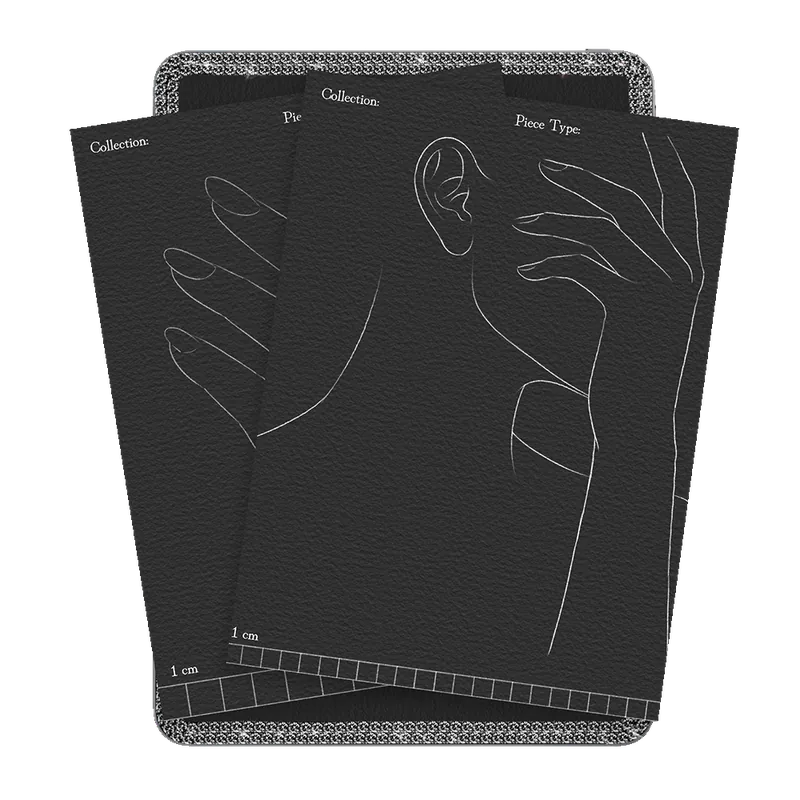
4 jewelry design templates
Earrings, necklace, ring and a full jewelry set, each with the figure drawn in and a 1 cm scale.
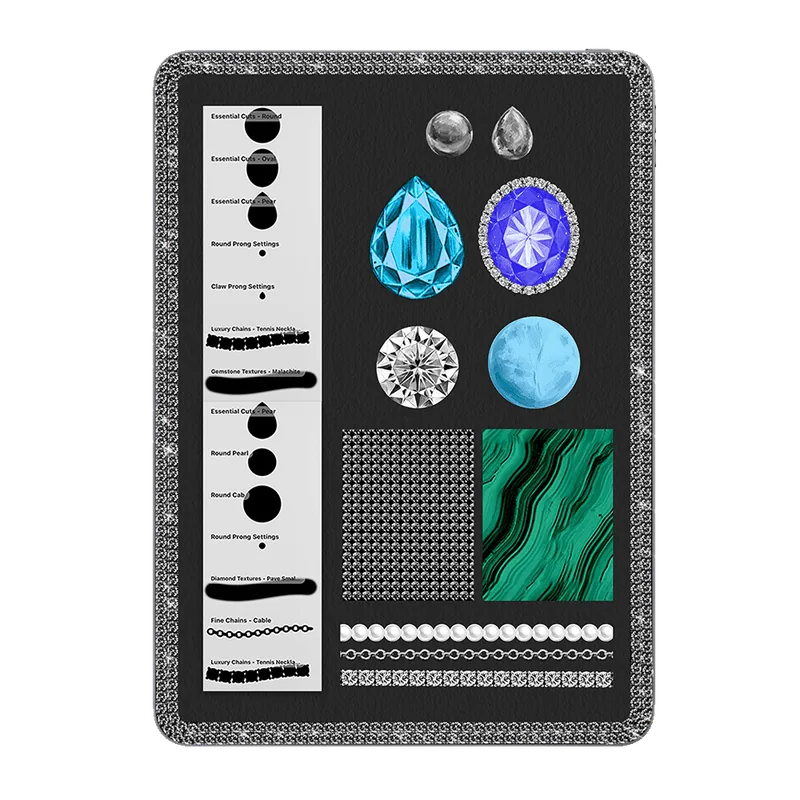
3 exercise brush sets
12 brushes made for the course exercises.
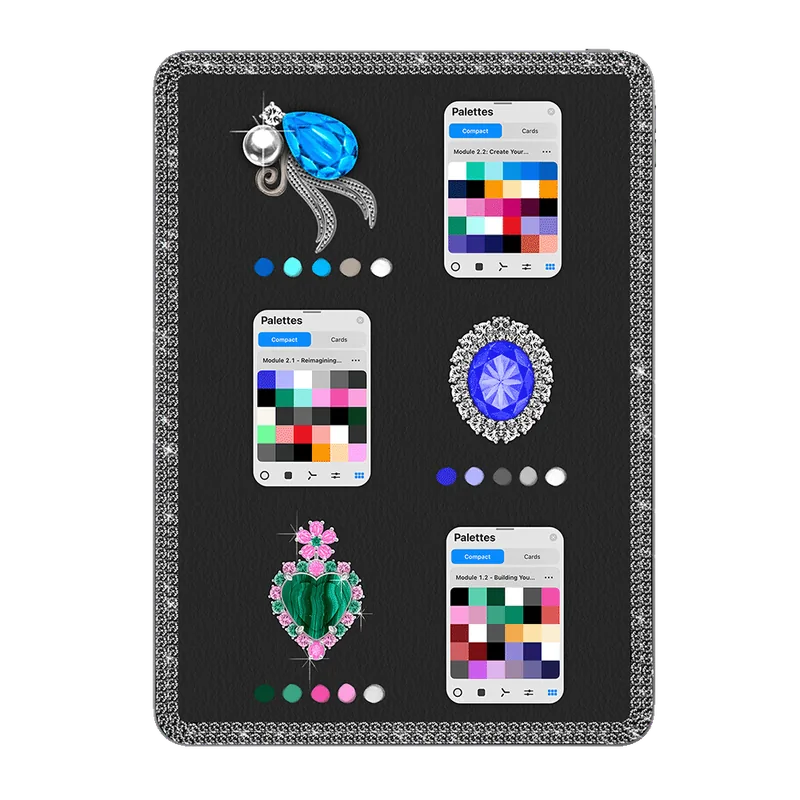
3 exercise colour swatches
The palettes I use for the earrings, the necklace and the statement piece.
Lesson curriculum
Expand a module to see what each lesson covers.
Lesson 1.1 is a lecture on the fundamentals: jewelry shapes and proportions, creating a focal point, balance, symmetry and repetition, combining gemstones, pearls, metals and decorative elements, and an introduction to the brush collection. In Lesson 1.2 you use the templates, build with layers, combine and customise ready-made brush elements, choose gemstones and a palette, and finish your first piece.
- Introduction2:06
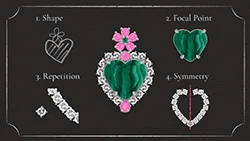 1.1 Getting Started with Jewelry Design12:53
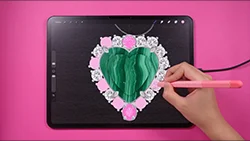 1.2 Building Your First Earrings31:30
In Lesson 2.1 you break Princess Diana's sapphire and pearl choker into simple elements, study its composition and focal point, build the pearl strands, the sapphire centrepiece and the diamond details, and reimagine it rather than copy it. In Lesson 2.2 you develop your own concept, select gemstones, pearls and decorative elements, experiment with shape and colour, refine the composition, add final highlights and sparkle, and export the finished artwork.
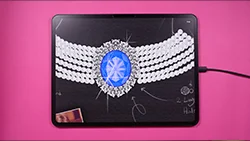 2.1 Reimagining an Iconic Necklace22:35
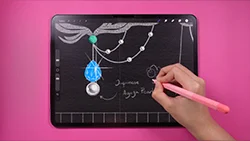 2.2 Create Your Own Statement Jewelry46:57

30-day full refund
Try the course and the brushes. If the bundle isn't for you, email support@freya.courses within 30 days and you get a full refund.
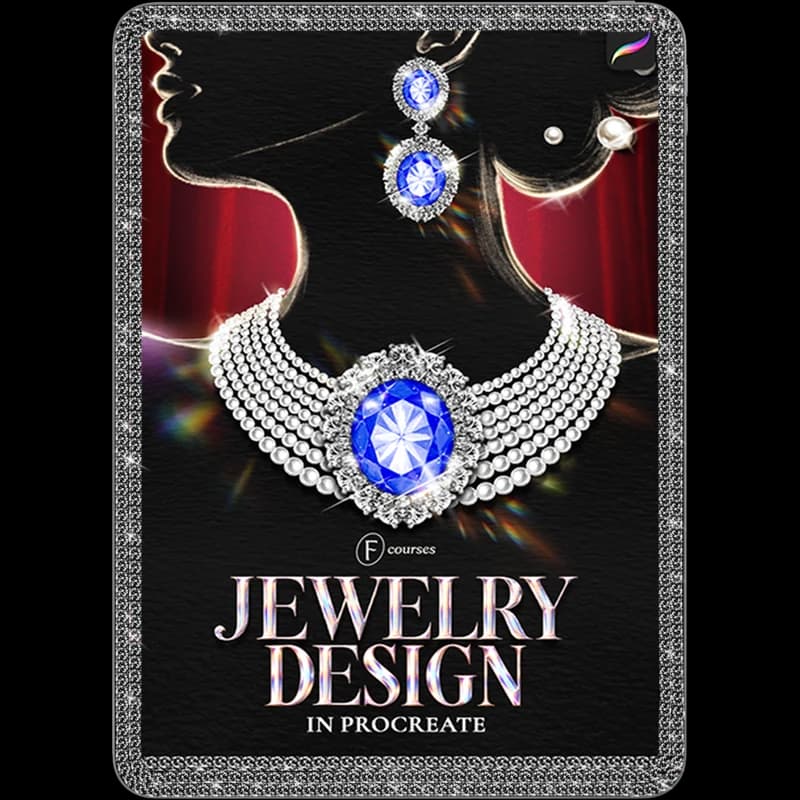
Jewelry Design in Procreate
4 lessons · 4 templates · 3 exercise brush sets · 3 swatches
- ✓4 lessons, about 2 hours of video
- ✓4 jewelry design templates
- ✓3 exercise brush sets (12 brushes) and 3 colour swatches
- ✓One-time payment, no subscription
- ✓30-day money-back guarantee
🔒 Secure payment·PayPal · Mastercard · Visa · Apple Pay
FAQs
Everything about the mini course in one place.
The Jewelry Design in Procreate mini course: 4 lessons (about 2 hours), 4 jewelry design templates, 3 exercise brush sets (12 brushes) and 3 colour swatches.
The course includes 3 exercise brush sets for its projects. The full 92-brush Effortless Jewelry set is sold separately, or together with the course in the bundle at freya.courses/jewelry-design-bundle.
Right after checkout you get an email with a sign-in link. The course is under Courses in your Freya account. Already a student? Buy with the same email and it's added to the account you have.
Yes. If the course isn't for you, email support@freya.courses within 30 days for a full refund.
No. The course starts with the fundamentals (shapes, proportions, a focal point, balance) and the brushes give you ready-made gemstones, pearls, settings and chains.
No. Every piece is built from simple shapes and stamp brushes on a template. If you can hold an Apple Pencil, you can follow along.
An iPad with Procreate and an Apple Pencil that supports pressure sensitivity (1st Gen, 2nd Gen or Pro, not the basic USB-C model).
Yes, but you'll want your iPad open to follow along. Most students watch the lesson on their iPad, then rewind and draw.
No. This is a one-time purchase and it's yours forever.