

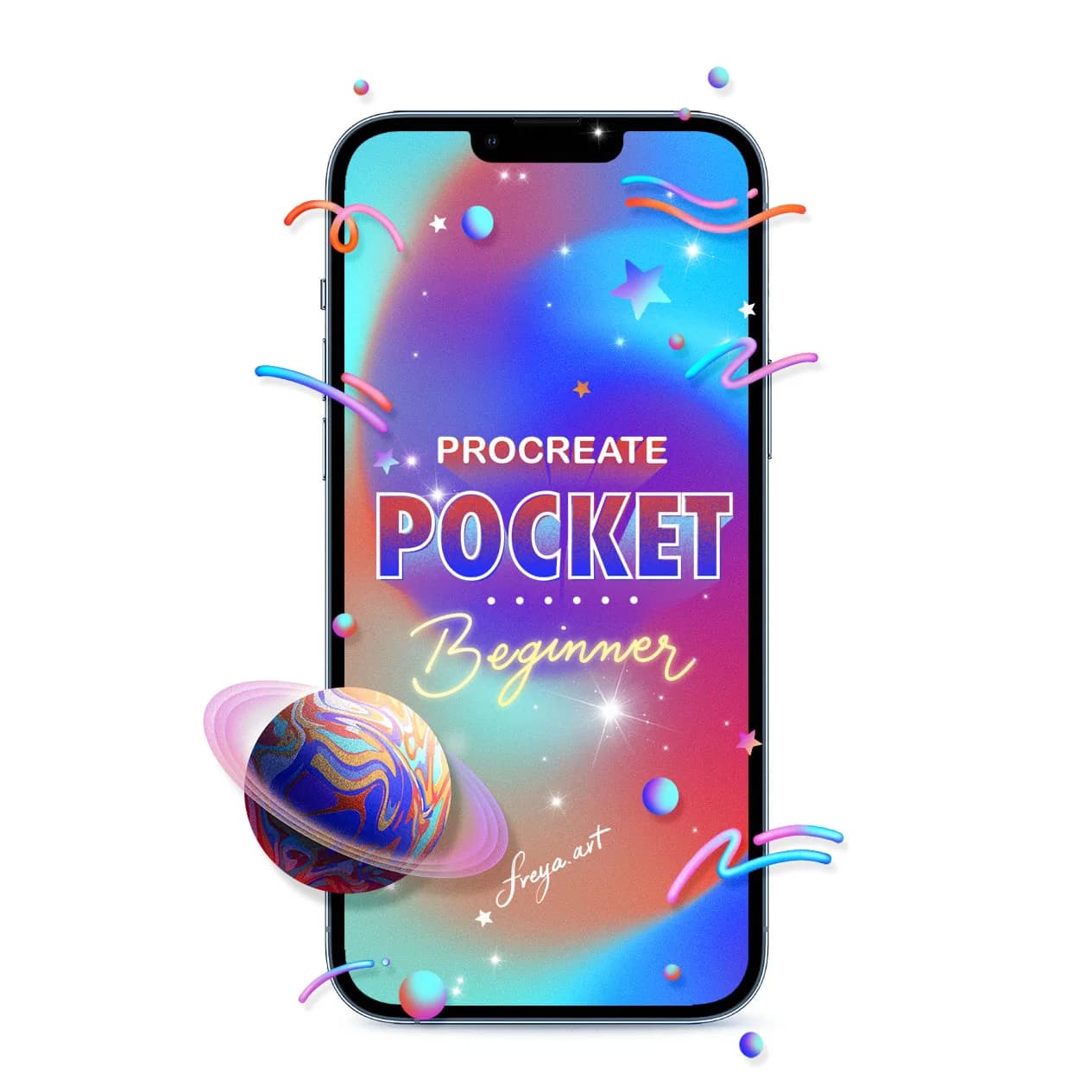
No iPad? Paint on your iPhone with Procreate Pocket.
Want to start dabbling in digital illustration, or have kids who need a new creative outlet? Want to paint in your off time without the iPad by your side? All you need is an iPhone and a finger.
or take 2 full lessons (22 min) free first, no card needed
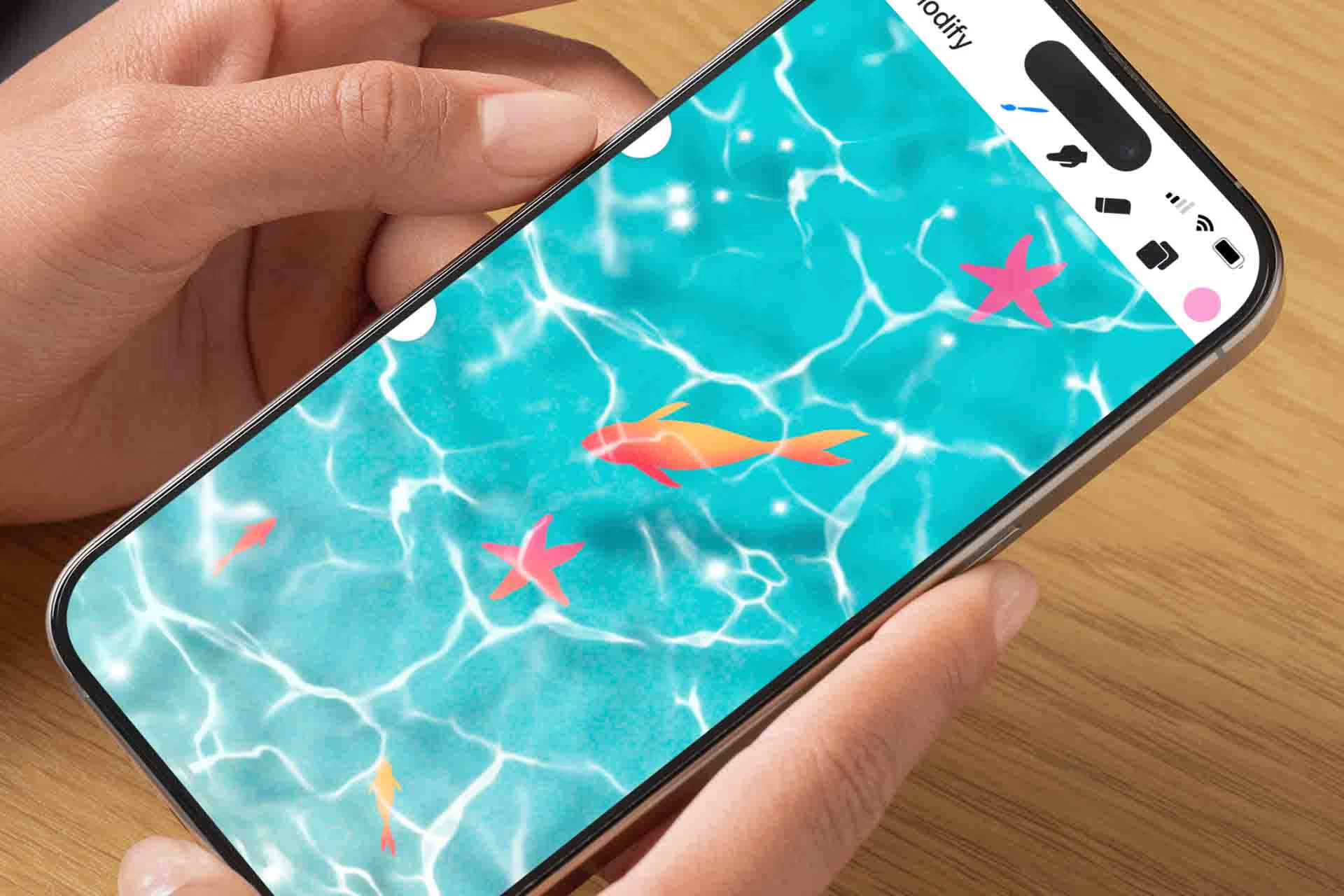
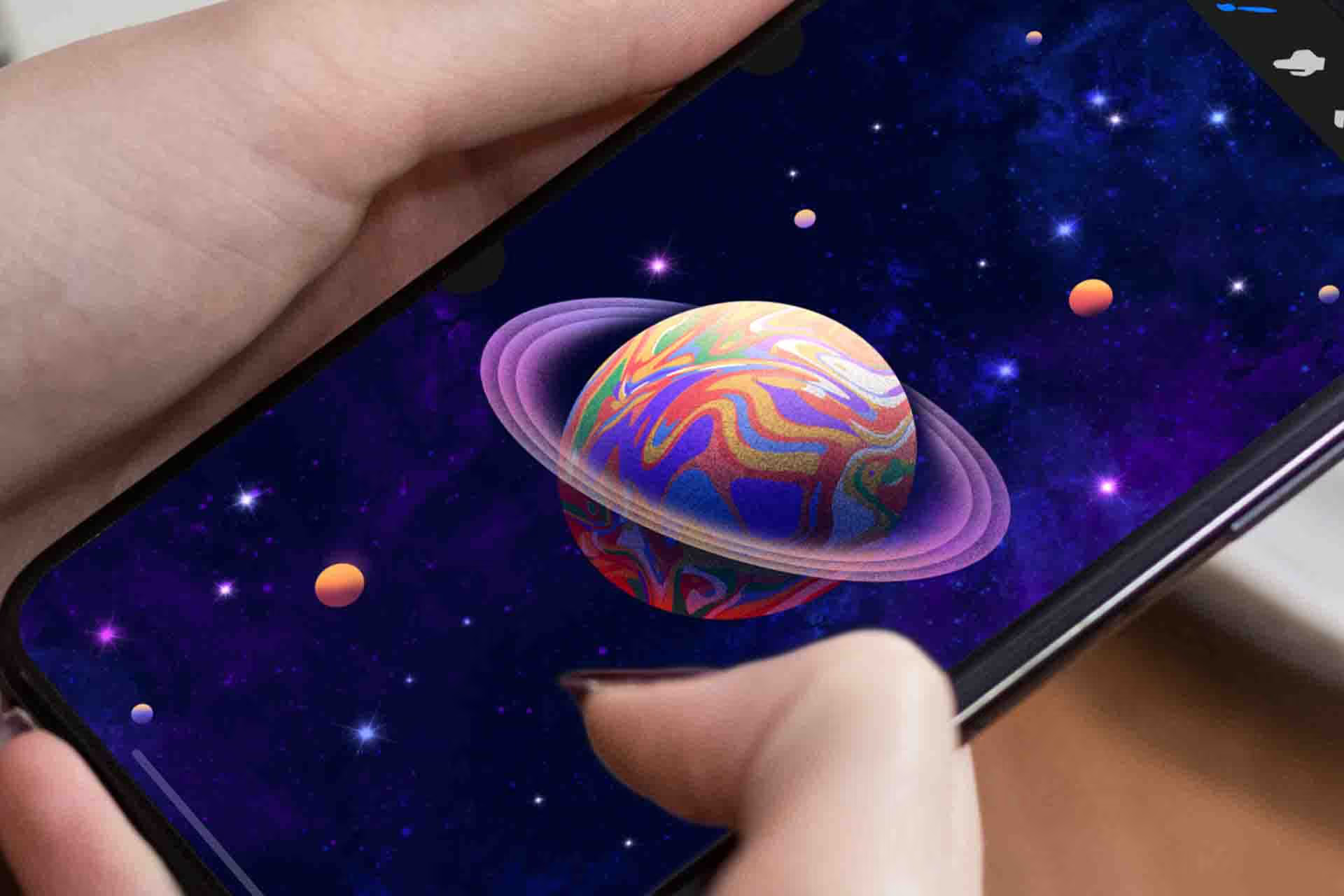
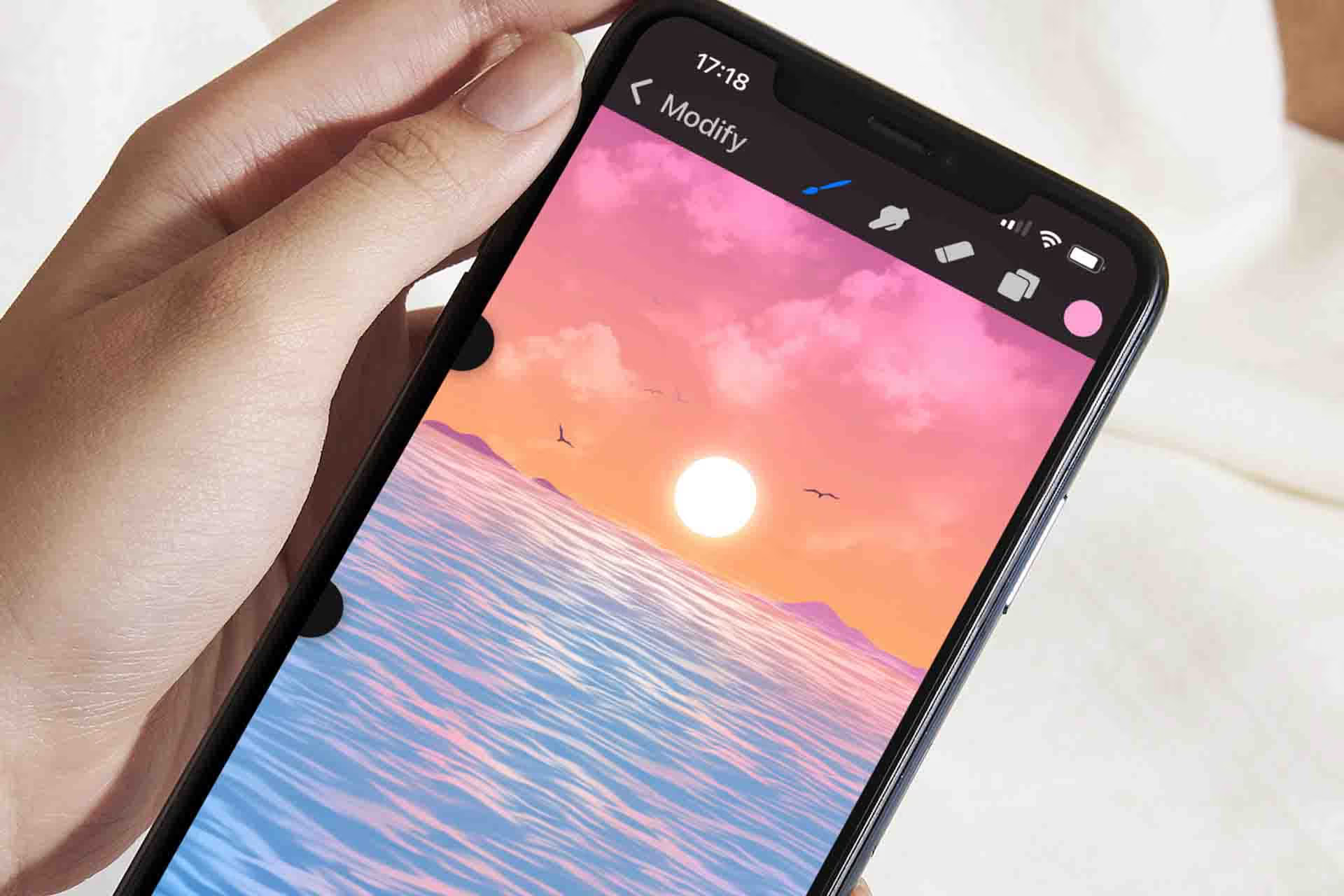
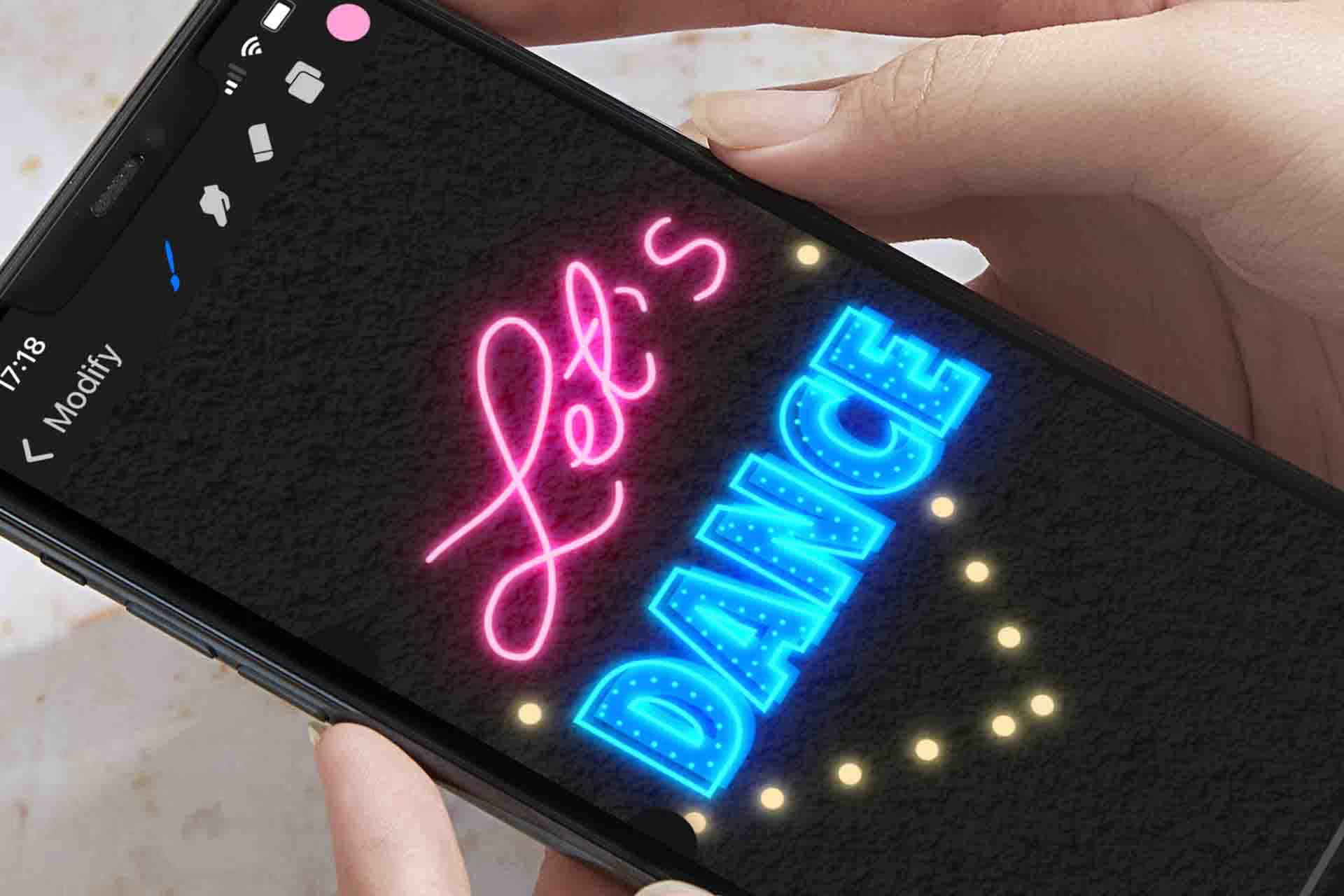


- Level
- Beginner (suitable for ages 7 and up)
- Format
- Online video
- Narration
- English
- Subtitles
- English
- Contents
- 6 Modules, 23 Lessons
There is a version of Procreate that fits in your pocket
Up for a quick drawing session while you are waiting at the doctor's office or riding the bus? Stop scrolling your socials and be creative instead. The only thing you need is your iPhone.
Even though we paint in a simplified version of Procreate, the course is in no way less interesting or less fun. If anything it allows for more fun, because you do not need to be a seasoned artist to paint something stunning.
It follows the same structured approach as all my other courses. After getting to know the tools and techniques, you put them to use in exercises that teach you how to do it on your own.
What makes this course different
Kids love it
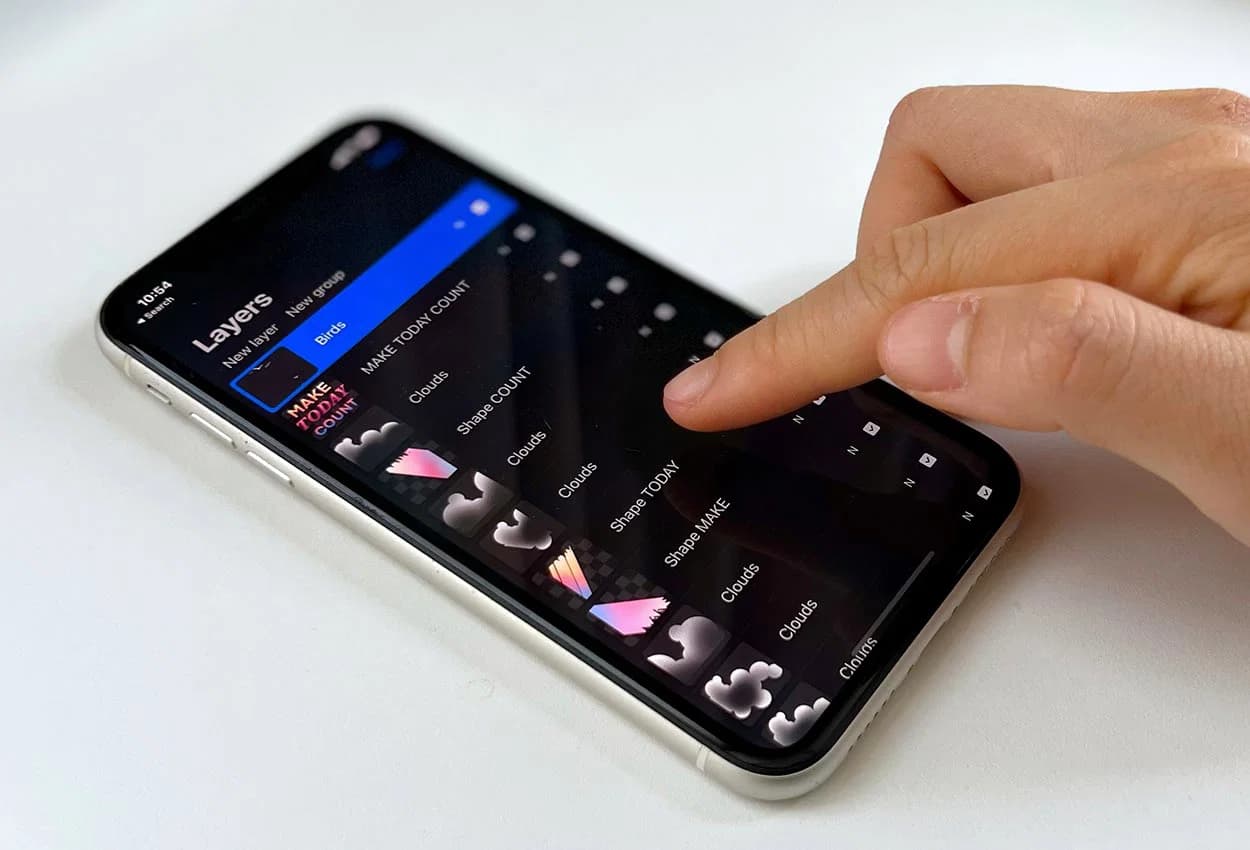
Kids love to be creative and they love to use their hands and fingers. If you can replace some of their screen time with something that stimulates that, and is attractive enough that they want to do it on their own, that is not a bad move.
A sketch pad that is always by your side
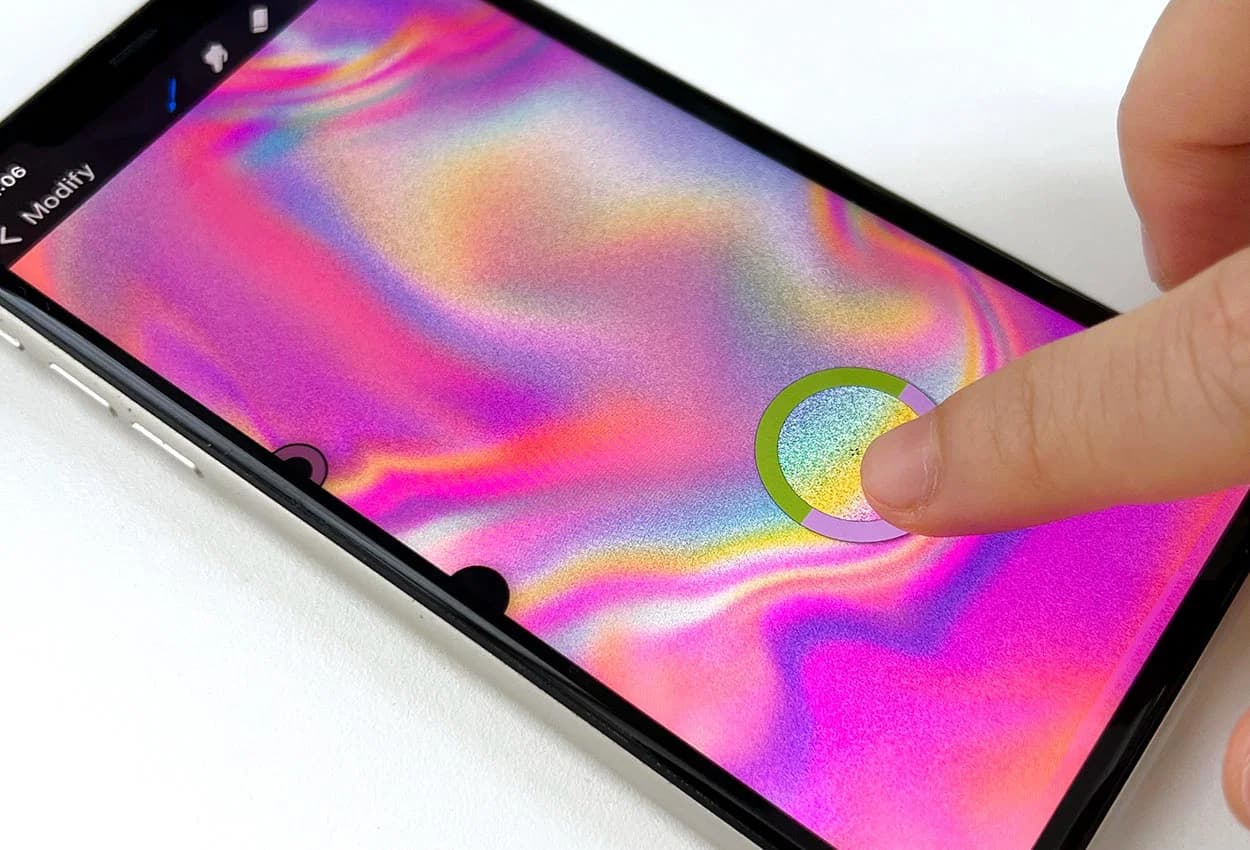
You never know when inspiration is going to strike. No need to bring a pad and drawing supplies: your iPhone and a finger are enough. Start a project on the bus and finish it at home.
An affordable way into digital painting
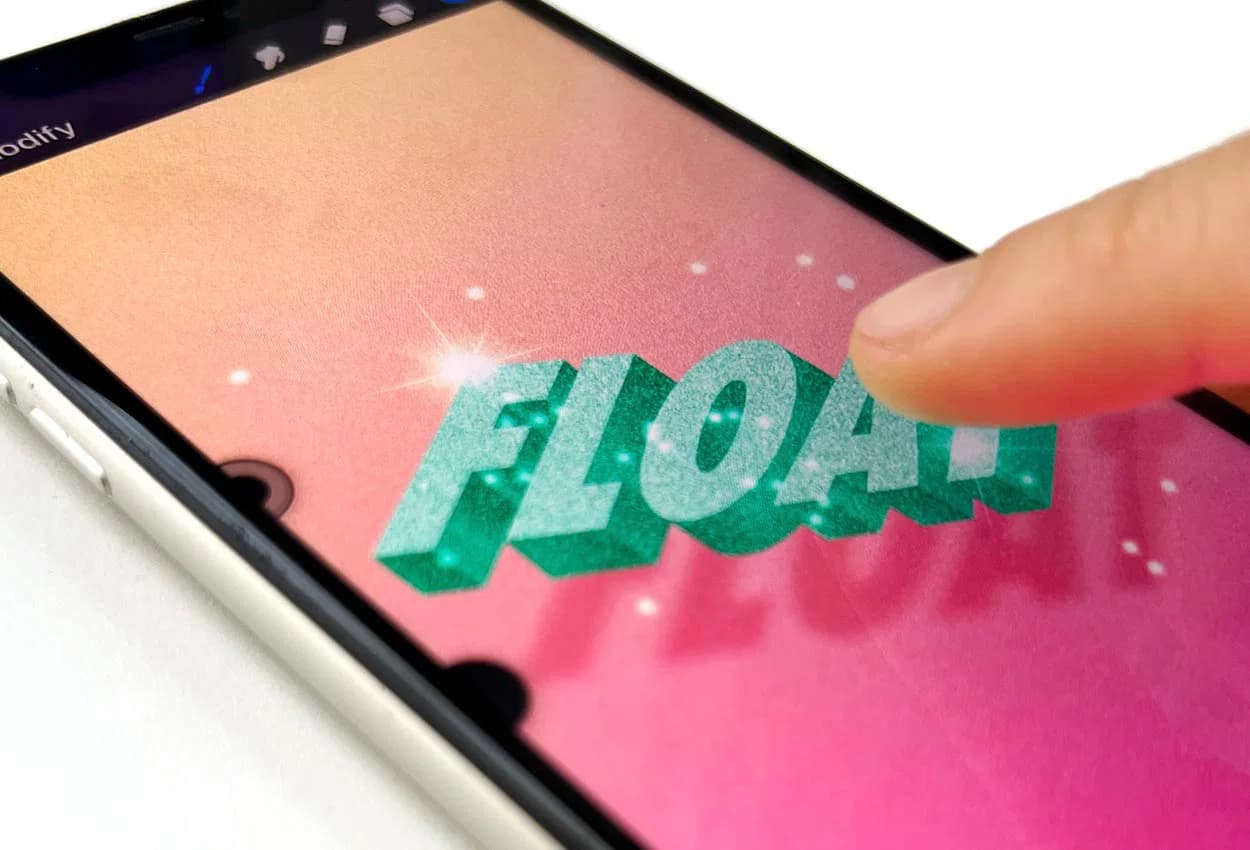
This is the most affordable way to start digital illustration, without overpaying for equipment before you know the excitement sticks. The app has similar tools to the full Procreate, so you still build solid foundations, and you can always upgrade later.
A full starter pack, not just the videos
You also get 19 Procreate brushes you use in the exercises and keep afterwards, the source files and colour palettes for every design, and access to the private Facebook group.
A serious course that anyone can follow
I start at the very beginning and walk you through the tools, then straight into exercises you finish yourself. You leave able to paint on your iPhone without me.
Week 1
By the end of Week 1, you’ll have your first finished piece.
Month 3
Get the brushes I use in the lessons so your strokes match what you see on screen.
Today
Get the brush pack I use in the course. Install it in two minutes and you're ready for lesson one.

Month 1
By the end of Month 1, you’ll have a style you’re proud of.

Month 6
The brush packs from my other sets are included so you can keep practicing after the course.
Today
Get the brush pack I use in the course. Install it in two minutes and you're ready for lesson one.
Week 1
By the end of Week 1, you’ll have your first finished piece.
Month 1
By the end of Month 1, you’ll have a style you’re proud of.
Month 3
Get the brushes I use in the lessons so your strokes match what you see on screen.
Month 6
The brush packs from my other sets are included so you can keep practicing after the course.
Your mentor
For over 15 years I've been doing illustrations for brands like Louis Vuitton, Tiffany & Co. and Sephora
I'm Freya Kotchakorn. My digital illustrations have been used by Louis Vuitton, Tiffany & Co., and Sephora, and I've spoken at Apple Store events to teach Procreate techniques.
Yet my favorite work isn't for big brands, it's helping complete beginners surprise themselves with what they can create. My favorite feedback is when they tell me: "It felt very geared towards beginners wanting to learn Procreate... it felt like it was attainable even for someone like me who has very little experience."
That's exactly what I designed this course to do. Make the "impossible" feel completely achievable.



Speaking at an Apple Store event about Procreate techniques
Don't take my word for it. Take theirs.
Real students who started exactly where you are right now.
Everything you make fits in your pocket
Every exercise here can be done with your iPhone and a finger. For about half of them I recommend a stylus, because it gives you more control and accuracy on a smaller screen, but nothing in the course requires one.
The app has similar tools and features to the full Procreate, so what you learn here carries over. You can make professional-looking illustrations on your iPhone without buying an iPad first, and upgrade later if you want to.
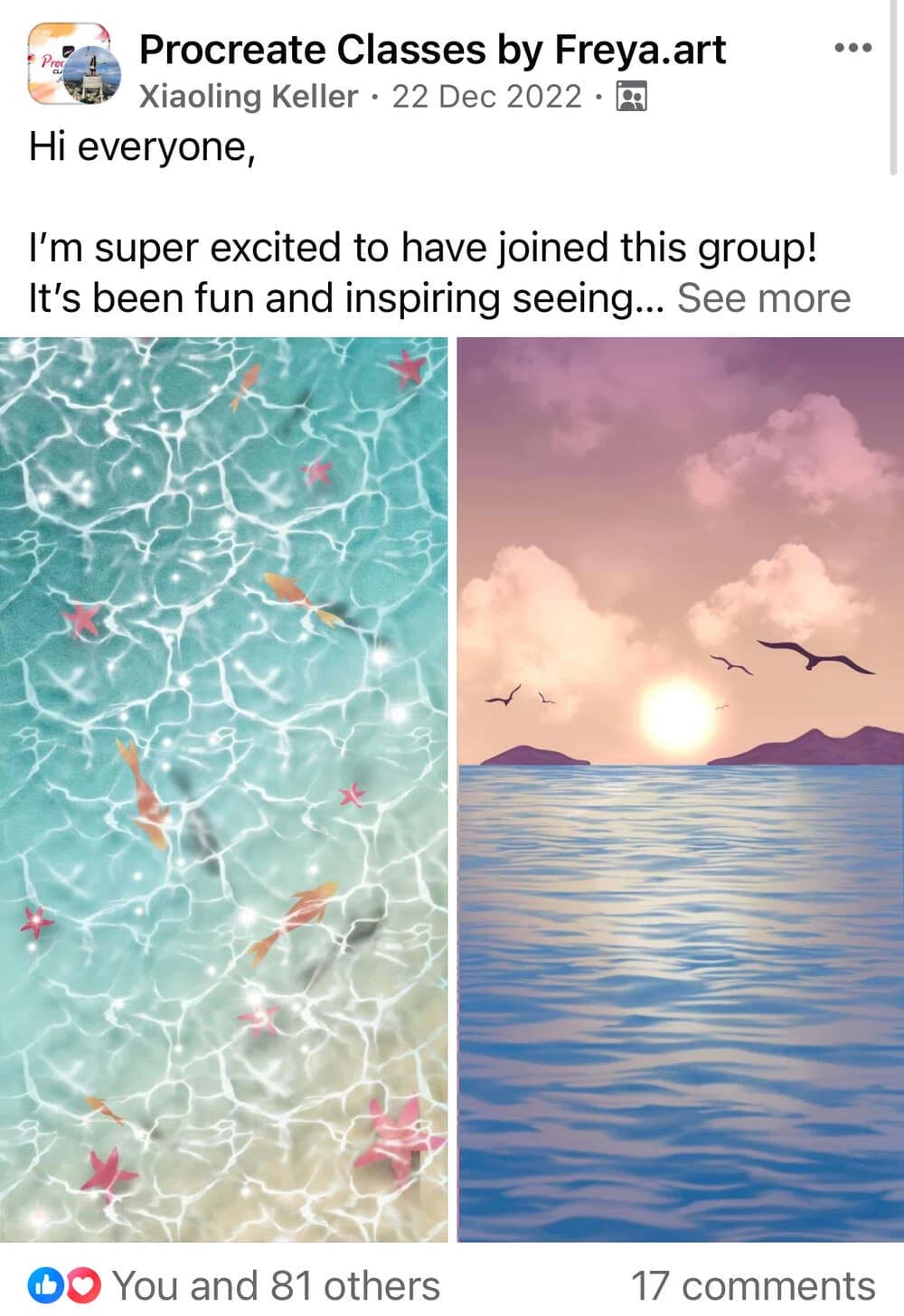
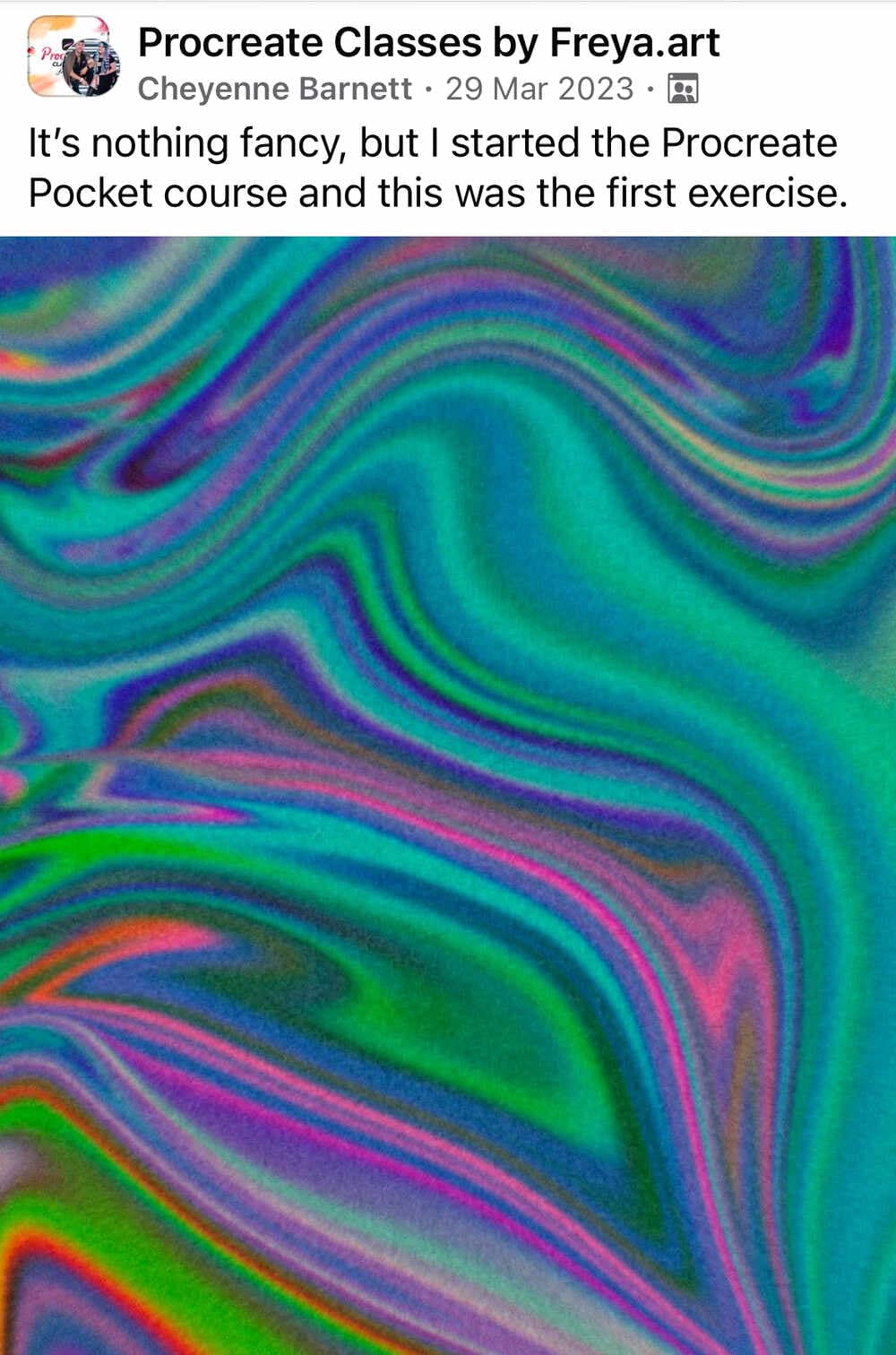
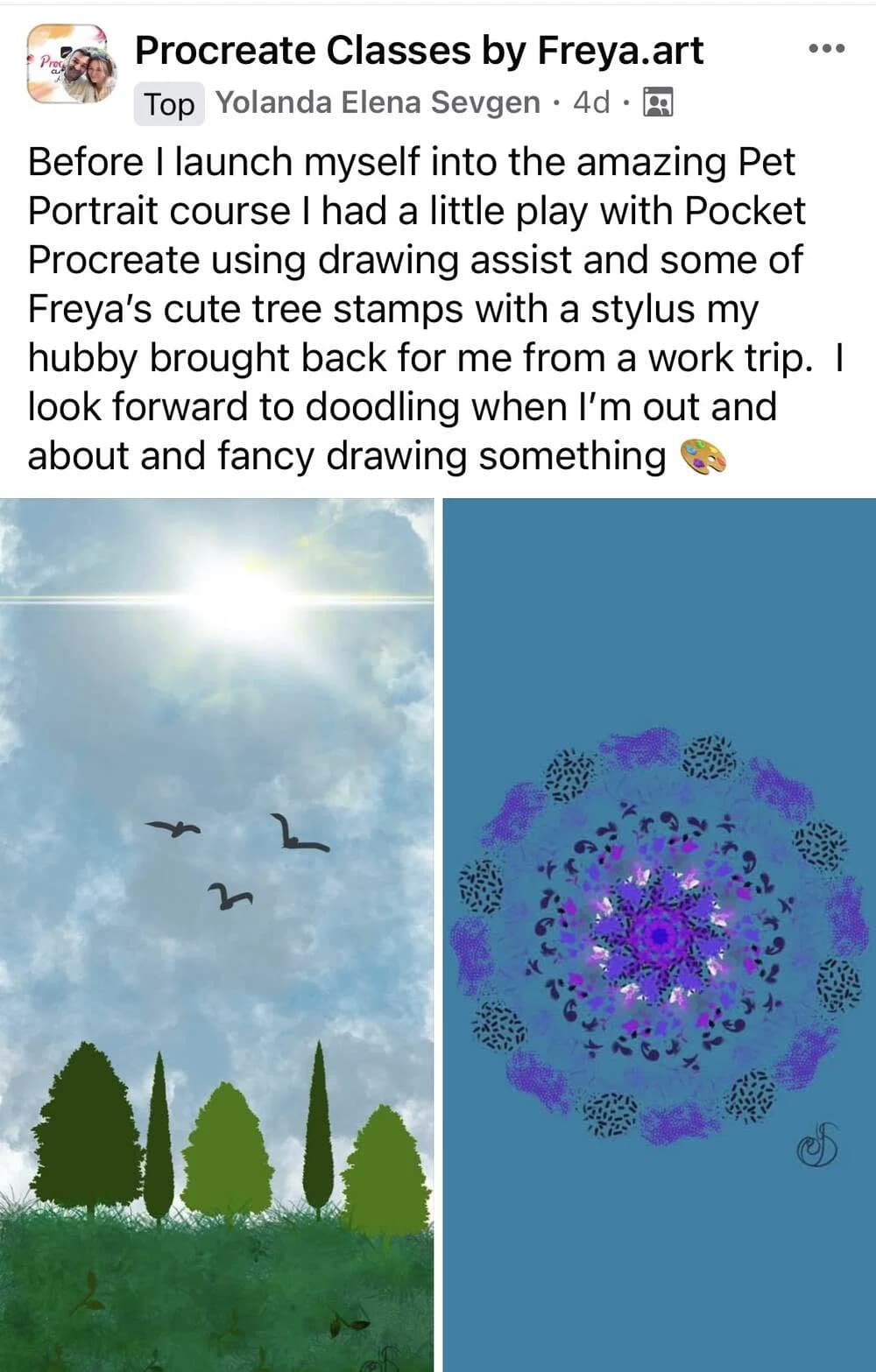
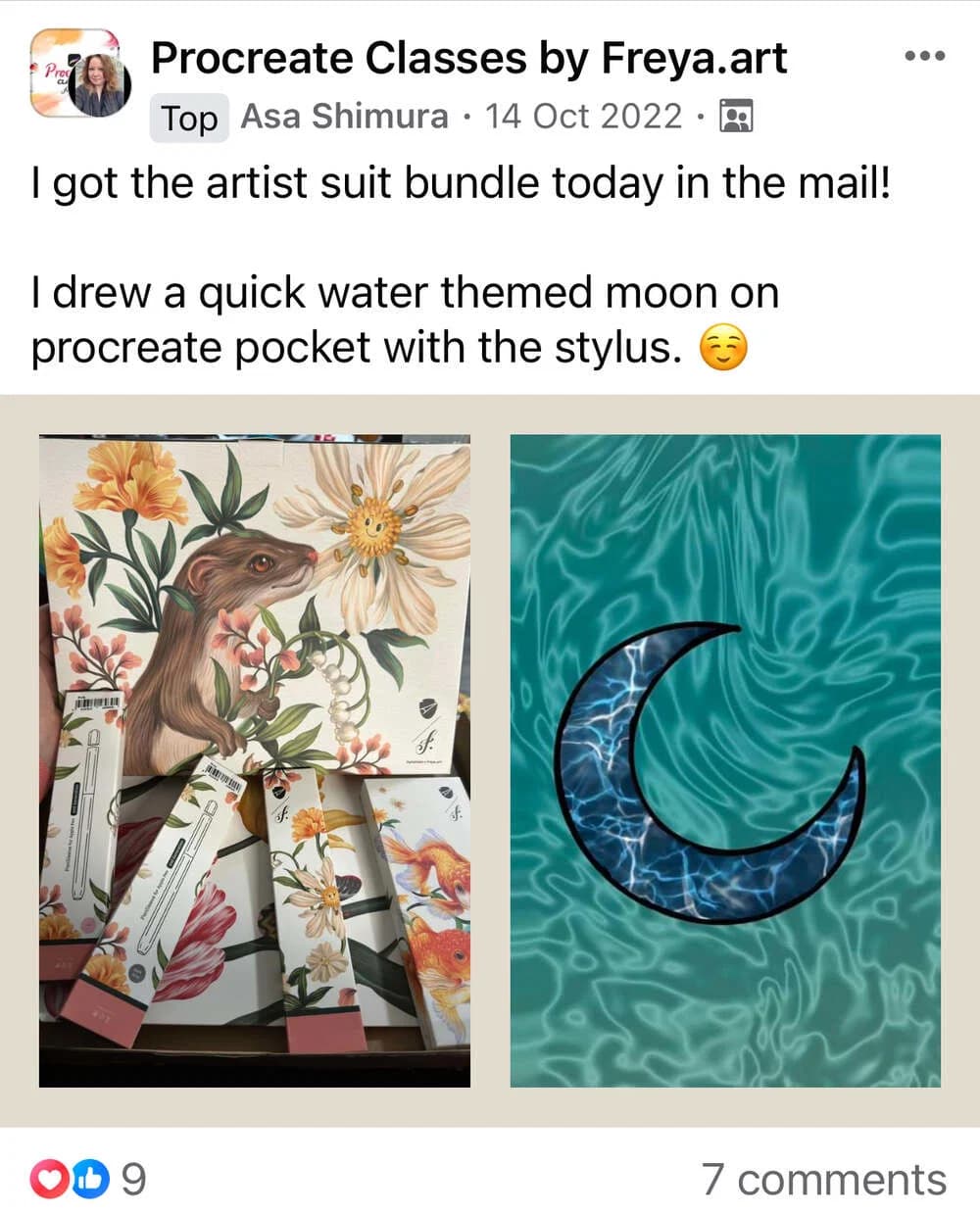
You'll also get a Bonus Artist Package
The exact same brushes and resources I use for Louis Vuitton, Tiffany & Co, and Sephora. Yours to keep forever.

A Custom Brush Set
Once you enroll, you immediately gain access to a set of 19 custom painting brushes that I made and regularly use for my work.
$49 $0

35+ Color Palettes & Swatches
Get colour palettes of all the exercises in the course as downloadable swatches! Feel free to use them for future work or inspiration.
$49 $0

Source Files for All Designs
Want to check out the structure of a design? You get all Procreate source files for every lesson in the course! Use them to learn faster or to get an inspiration for your future work.
$49 $0

Lifetime Community Access
Facebook group where you can get feedback on your artwork and support.
$49 $0
Lesson Curriculum
Expand the modules below to see every lesson inside.
 Welcome to Procreate Pocket Beginner Course3:37
 Gallery / Overall5:19
 Basic Tools13:32
 How to Stabilize Your Brush2:30
 How to Fill the Color3:46
 Transform4:04
 Adjustments8:33
 Alpha Lock / Clipping Mask6:07
 Melting Spectrum Gradient Background8:35
 Beach Background17:12
 Sunset Seascape21:42
 Saturn28:53
 Add: Text6:44
 Marble Melting Typography - LOVE9:40
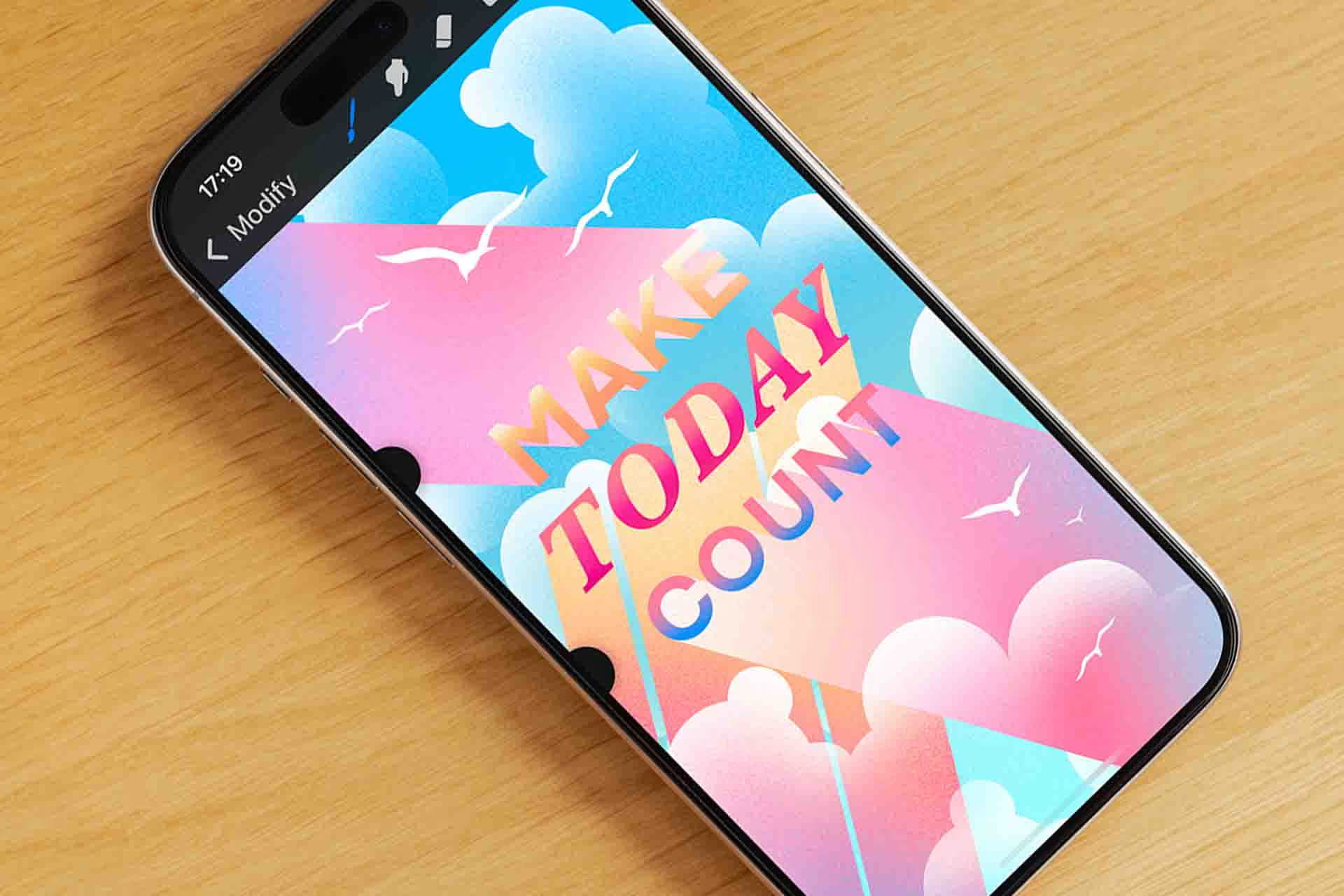
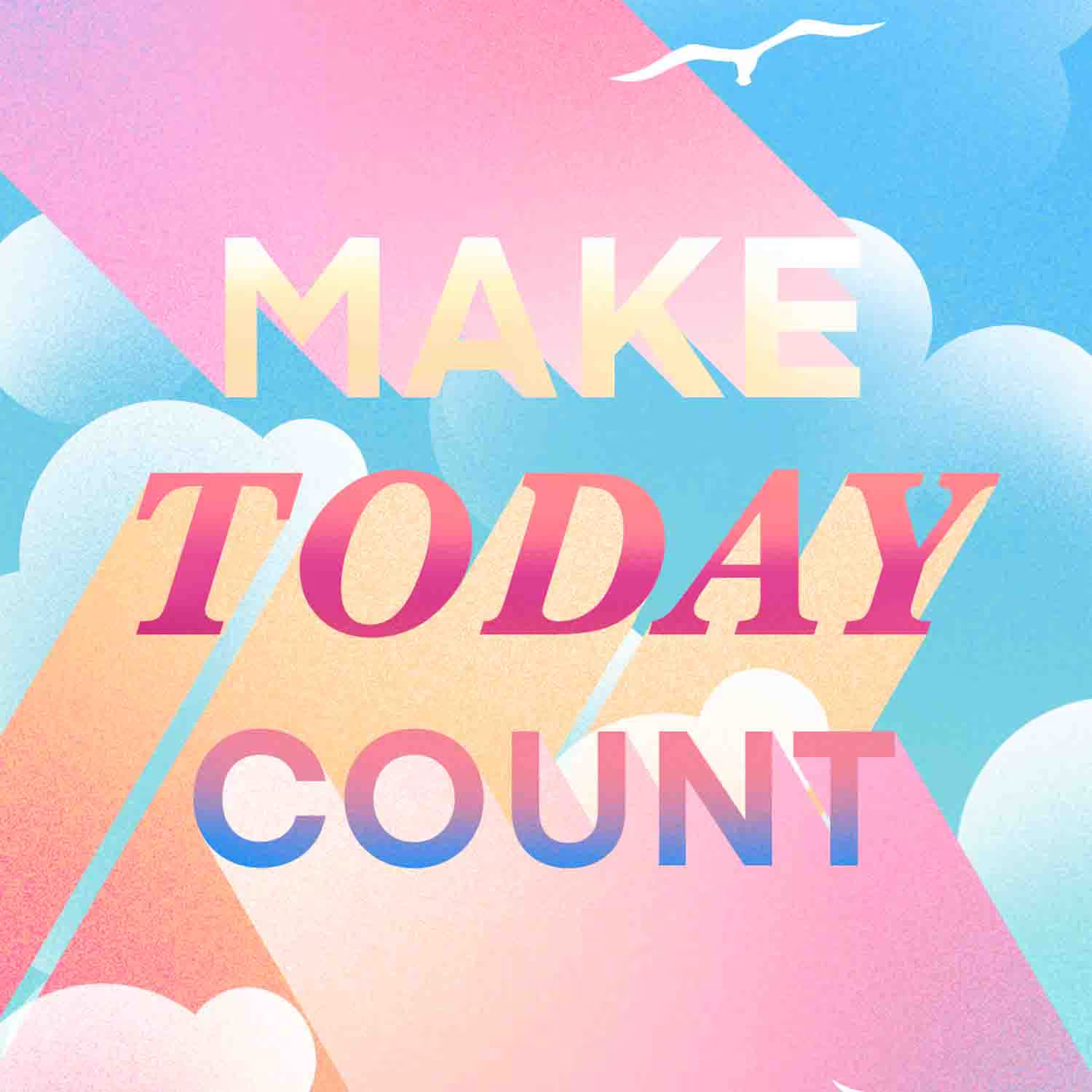
 Typography With Clouds - MAKE TODAY COUNT
 Drawing Guide10:32
 Perspective Typography - NOW OR NEVER37:02
 Glitter Floating Typography - FLOAT26:54
 Add: Animation6:52
 Neon Sign Animation - Let's DANCE26:21
 How to Set up Home Screen/Lock Screen1:34
 How to Export Time-Lapse Video1:37
 How to Record Your Drawing Video on Your Phone3:00
Free
Take two lessons from this course, free
Real lessons from the course, not a trailer. They open in Freya Studio and stay yours.
 14 min
Basic Tools
The complete lesson, not a preview
 9 min
9 minMelting Spectrum Gradient Background
The complete lesson, not a preview
22 min of teaching from the $49 course, free
- Yours after email confirmation
- No card, no trial
- Opens in Freya Studio

30-day full refund
If you follow my process, you will see results. I back that with a 30-day instant refund guarantee. No questions asked.
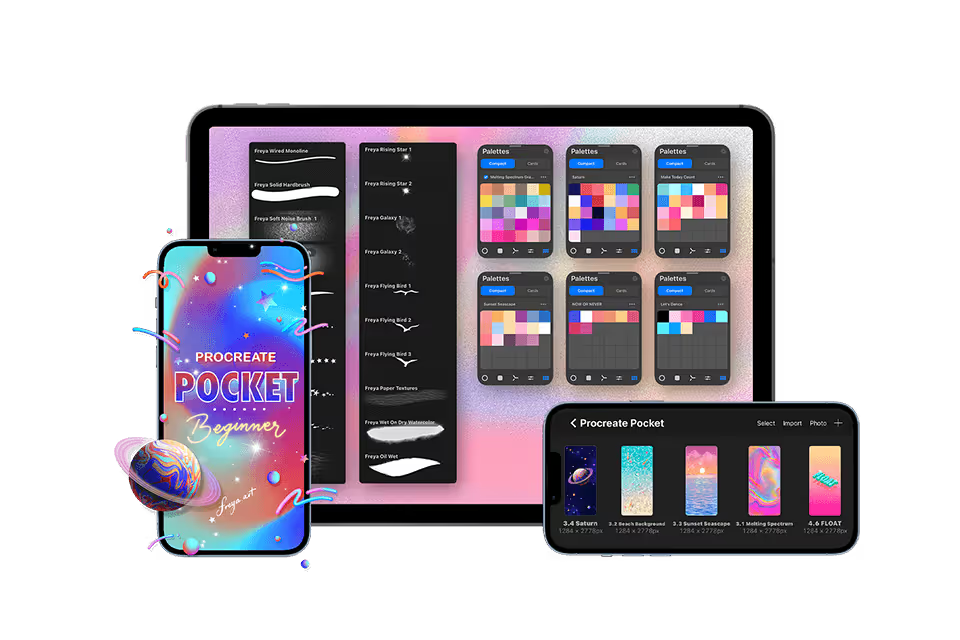
6 Modules, 23 Lessons, over 4 hours of in-depth video lectures
6 Modules, 23 Lessons, over 4 hours of in-depth video lectures
- ✓Lifetime access and updates
- ✓30-day money back guarantee
🔒 Secure payment·PayPal · Mastercard · Visa · Apple Pay
FAQs
Find answers to common questions about this and other courses
No. This course starts with the basics and shows each step in Procreate Pocket on an iPhone. You can draw along with your finger.
An iPhone with Procreate Pocket installed. The lessons demonstrate the iPhone app, so you do not need an iPad or the separate Procreate app for iPad.
No. Every exercise can be done with your finger. A compatible iPhone stylus can give you more control on the small screen, but it is optional.
Depends on your pace. The videos total just over 4 hours, but most students spend 2-3x that actually drawing along. Lifetime access means no pressure. Finish in a month or spread it over a year.
Yes. The lessons are made for an iPhone. You can watch on the same phone, pause the video, switch to Procreate Pocket to draw, and return to the lesson when you are ready.
Post in the private Facebook group. I'm in there regularly, along with thousands of other students. You'll get answers within hours, not days.
No. This is a one-time purchase and it's yours forever.
Yes, I offer a 30-day money-back guarantee. If you're not satisfied, simply reach out within 30 days for a full refund. No questions asked.