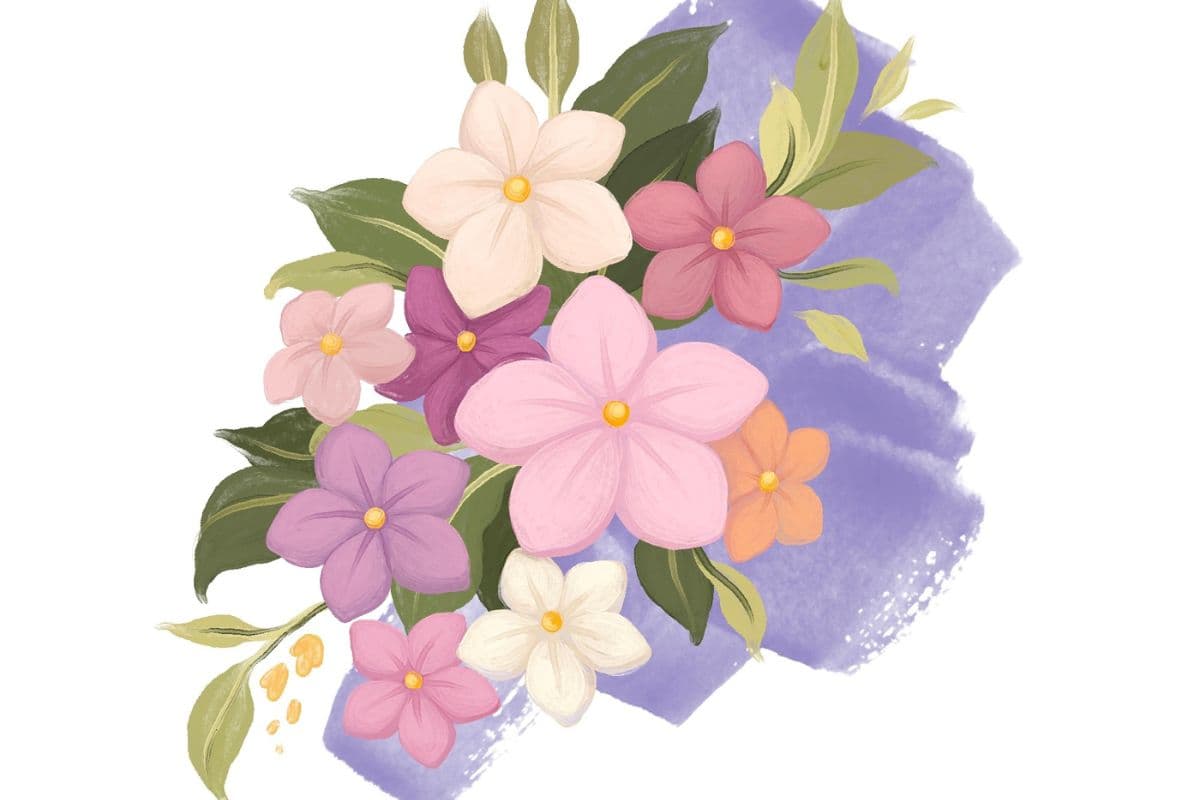
How to Draw a Tiger Lotus on Procreate
A Tiger Lotus illustration tutorial using the premium brushes from the Effortless Flower Brush Set for Procreate
Grab the free brush for this tutorial
Made by Freya · works in any Procreate version
Welcome! In this tutorial, we are going to use premium brushes from Effortless Flower Brush Set to draw a Tiger Lotus plant. Please download the tutorial PDF and the palette swatch for this project before you begin.
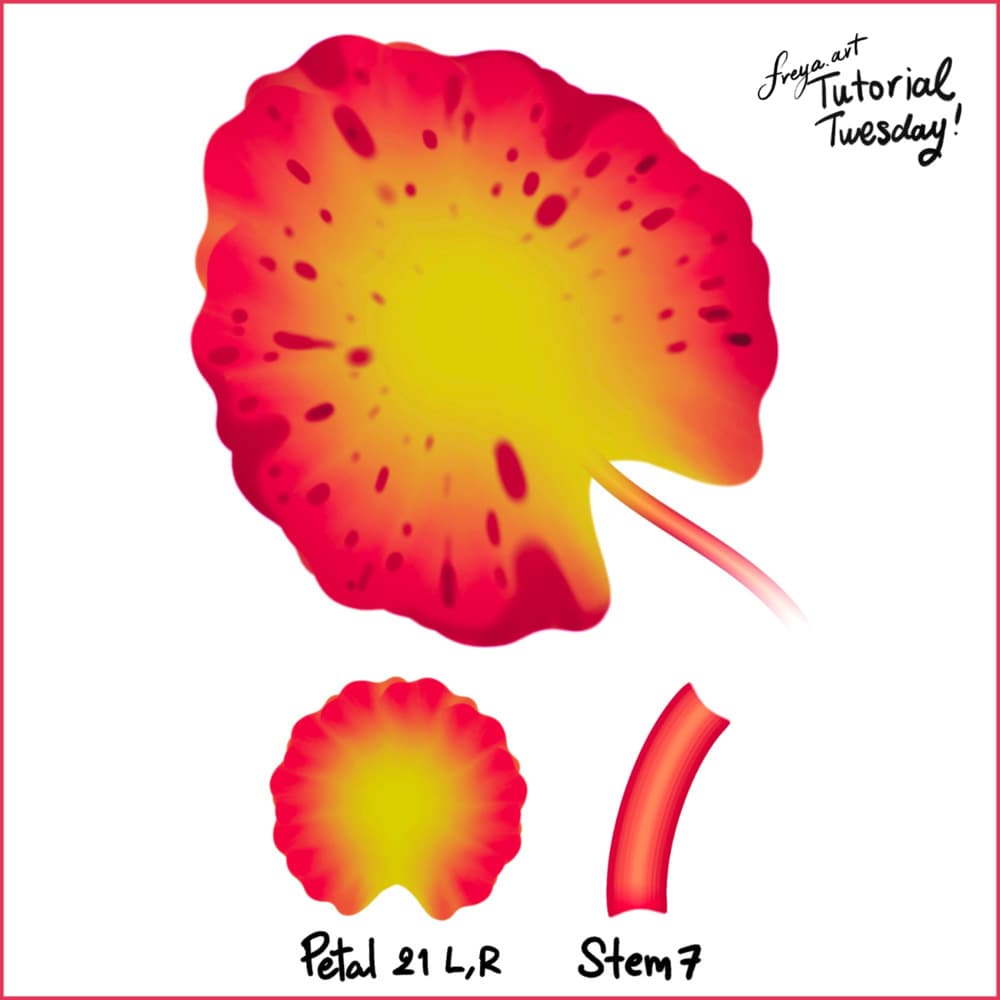
To recreate this flower, we are going to use three brushes from the Effortless Brush Set. Namely, Petal 21 (L and R) and Stem 7. Make sure that your Dynamic Scaling is turned on when you're using this brush set, you can find this under Actions > Preferences.
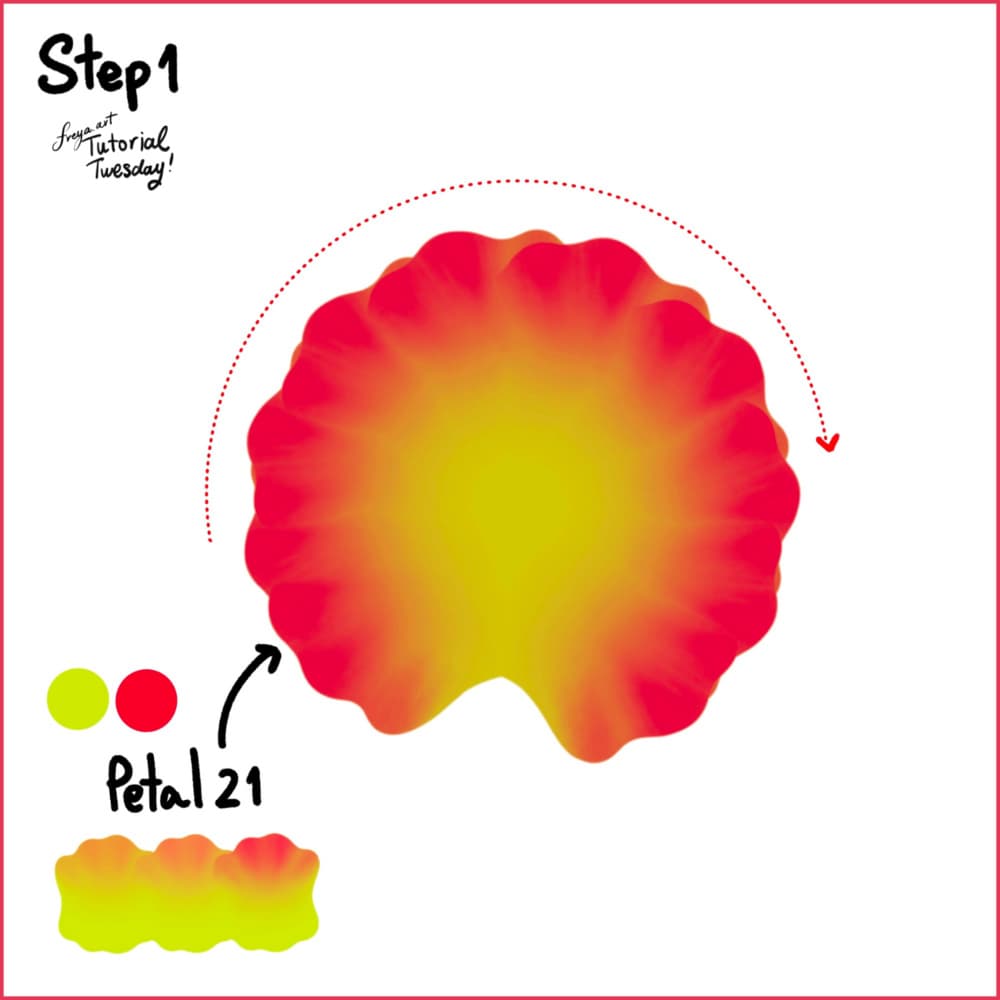
Step 1: Let's start with a 3000 x 3000-pixel canvas at 300 DPI. Then using the Petal 21 R, draw in a clockwise motion.
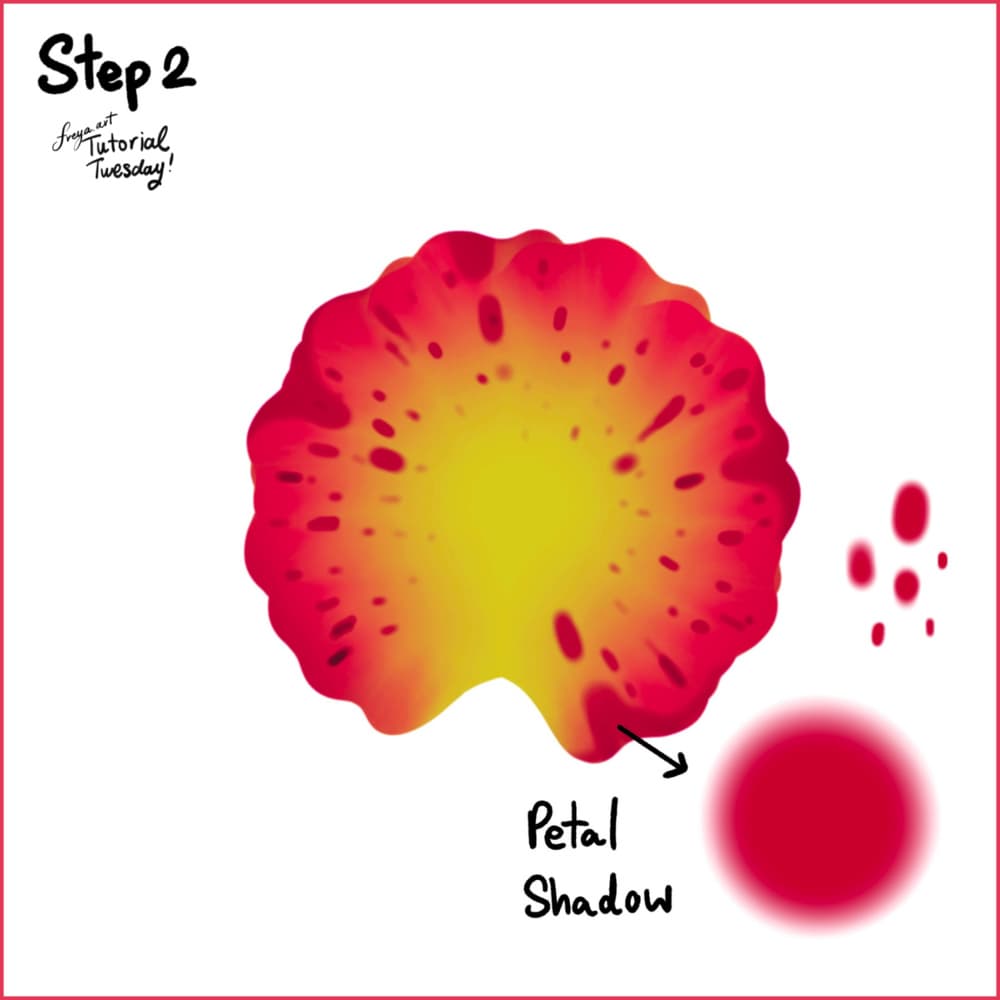
Step 2: Add the petal shadows using a darker color. Add it in areas where the petals would fold, and as spots around the petals.
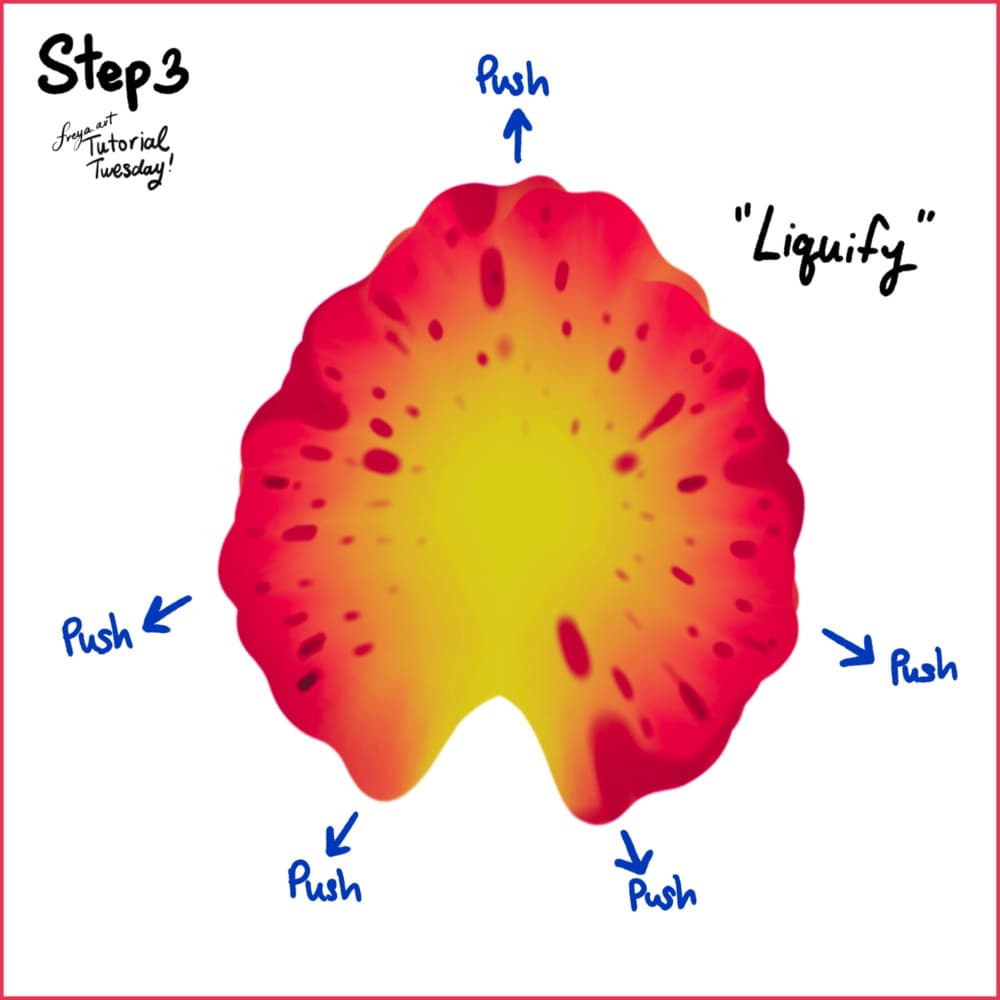
Step 3: Now go to Adjustments > Liquify. Push the flower into shape.
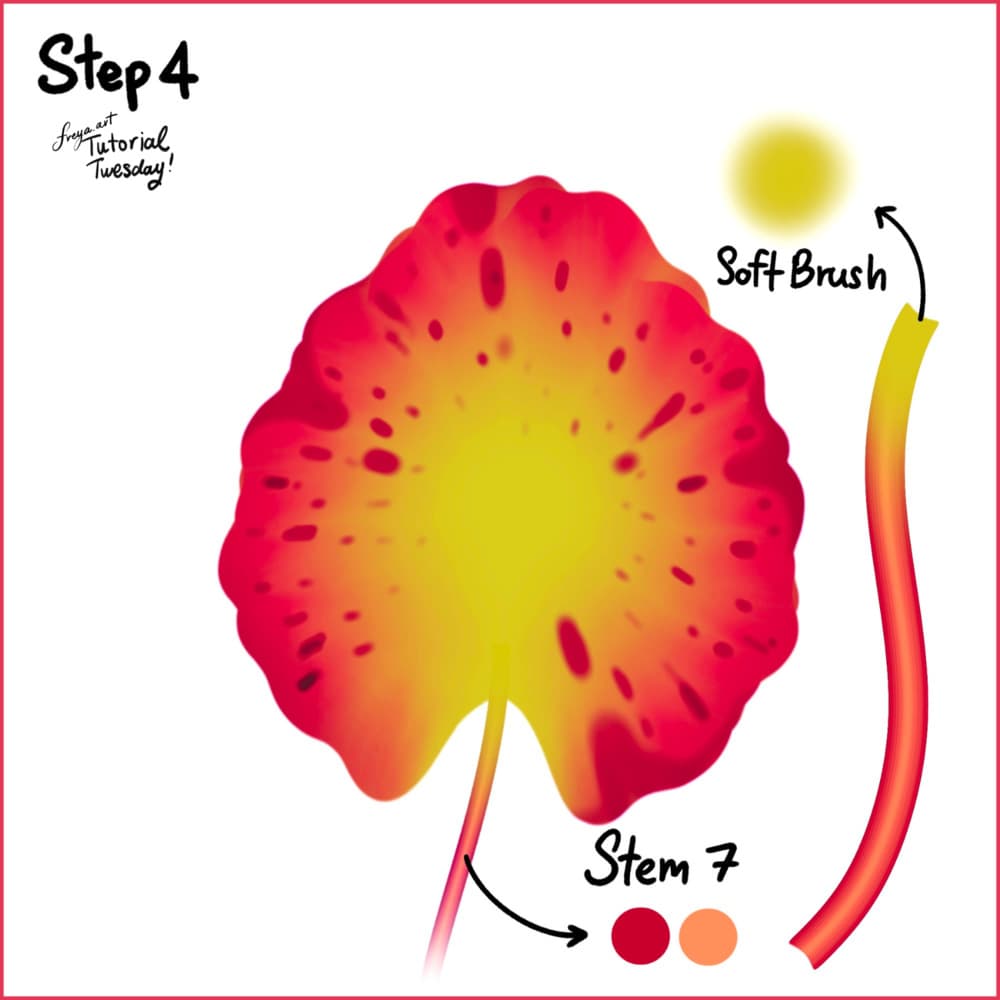
Step 4: In another layer, add the stem using Stem 7 brush. Add a clipping mask on top and using the Soft Brush from the Air Brushing Group, gently color the top of the stem so it blends into the flower.
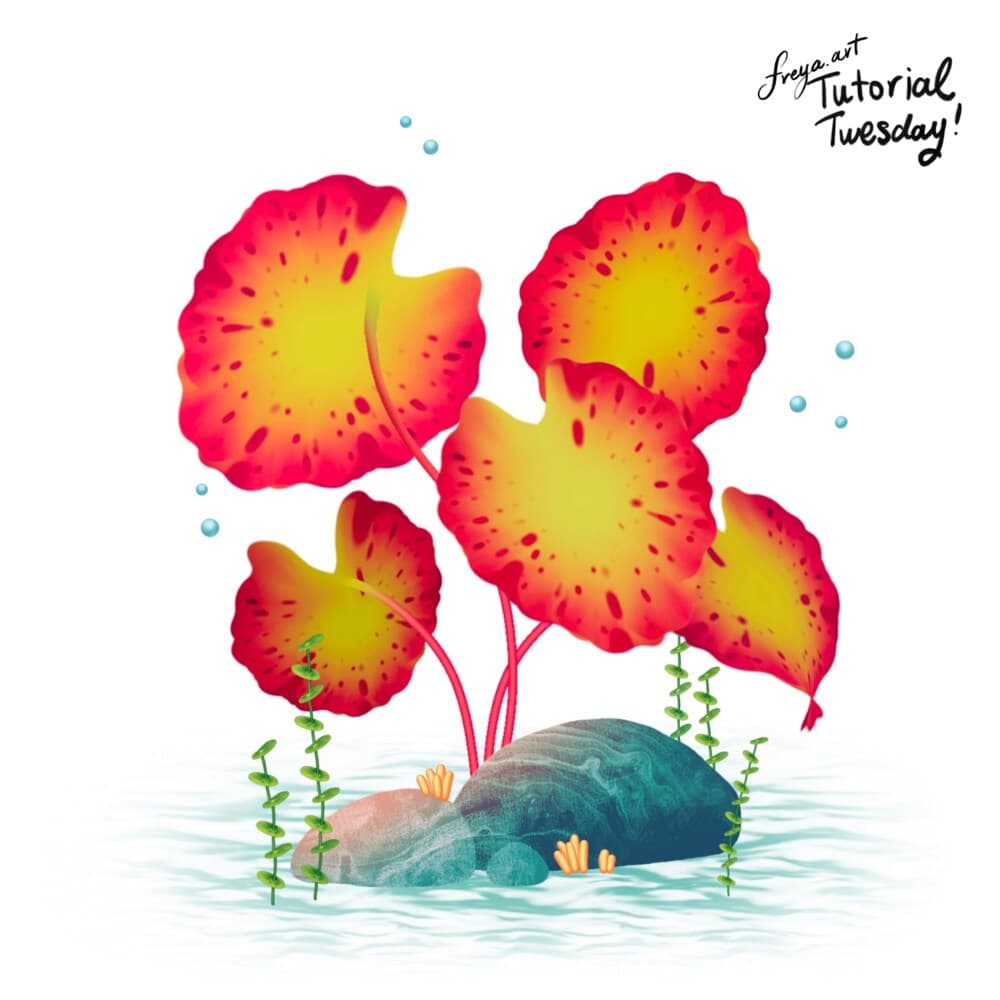
There you have it! We've just completed this tiger lotus tutorial. It's a great backdrop for aquatic illustrations or even Mermaid illustrations. I hope you enjoyed this Effortless Flower Brush Set tutorial. Please tag me if you post your version online. I'd love to see it! 🙏
Try two real lessons from Masterclass for Procreate, free
Not a trailer. Actual lessons from the course. After you confirm your email, they open in Freya Studio and stay yours.
Halftone Tulip
The complete lesson, not a preview
Porcelain Plate Oil Painting
The complete lesson, not a preview
- Yours after email confirmation
- No card, no trial
- Opens in Freya Studio