

Mermaid Hair Oil Paint Tutorial for Procreate
Paint beautiful mermaid hair in Procreate with this oil paint tutorial. You'll get free brushes and step-by-step guidance.
Grab the free brush for this tutorial
Made by Freya · works in any Procreate version
Hello! Today we're going to work on this Mermaid Hair Tutorial using the sampler brushes from my Freya Oil Brushset. Please download the tutorial files first. You'll get the sampler brushes, a sketch file, the color palette and a PDF version of the instructions.
If you're ready, let's begin!
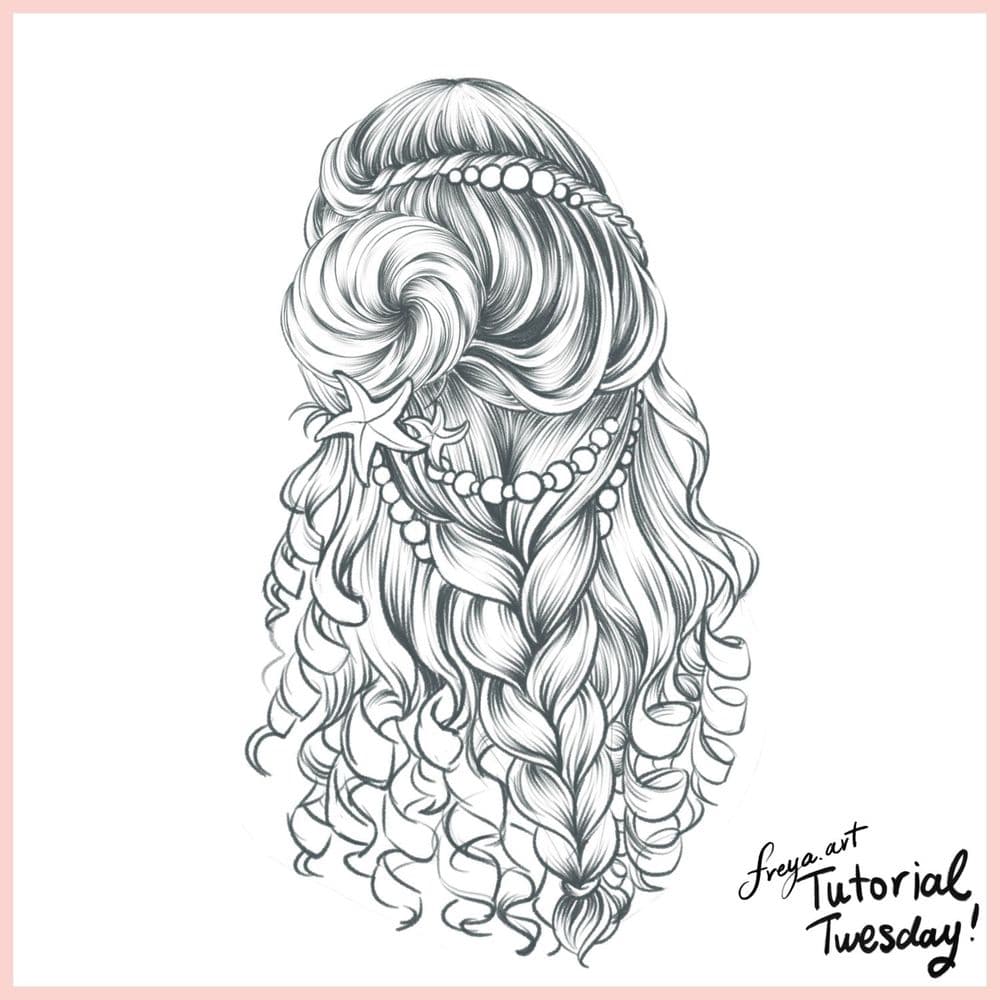
Step 1: Let's begin by creating a sketch of our composition using 6B or Peppermint Brush. Lower the opacity of this layer and then lock it.
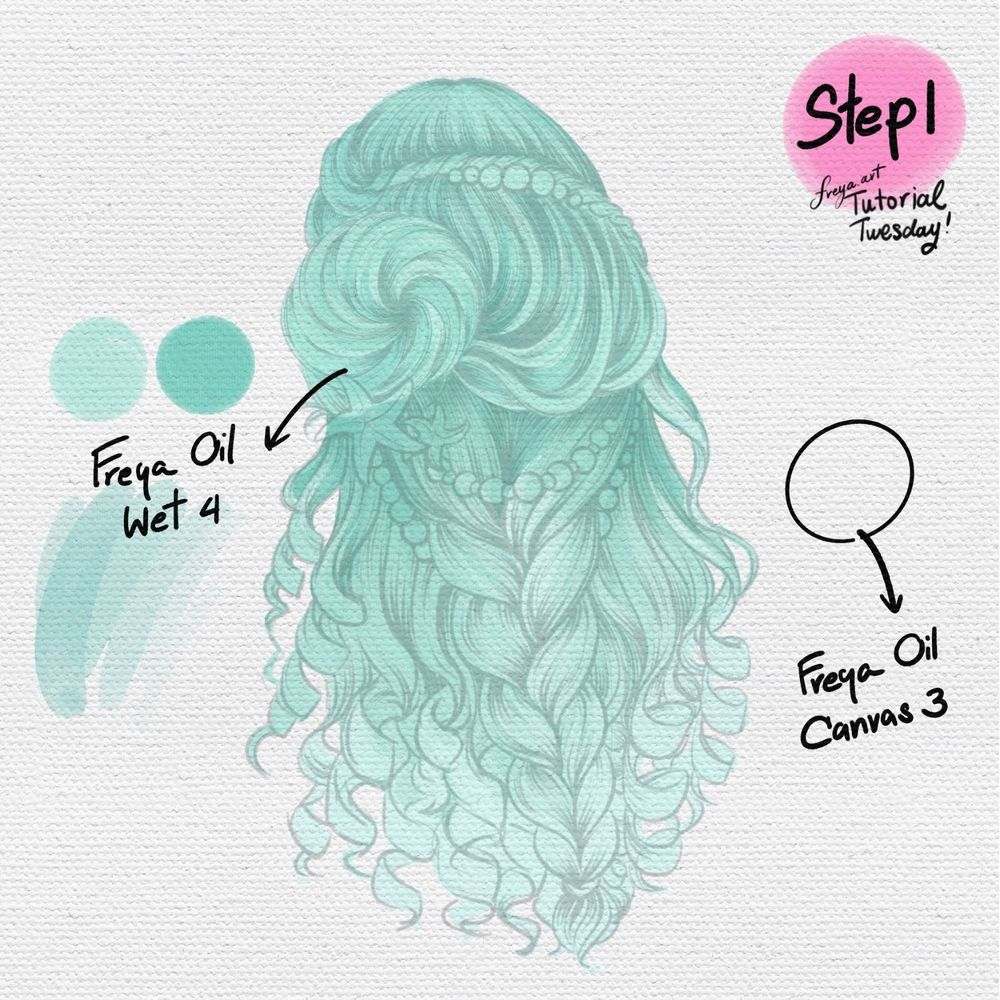
On another layer, add the canvas texture using Freya Oil Canvas No. 3. Then on another layer build the base color for the hair using Freya Oil Wet No. 4 . Use the darker color to indicate where the shadows should be.
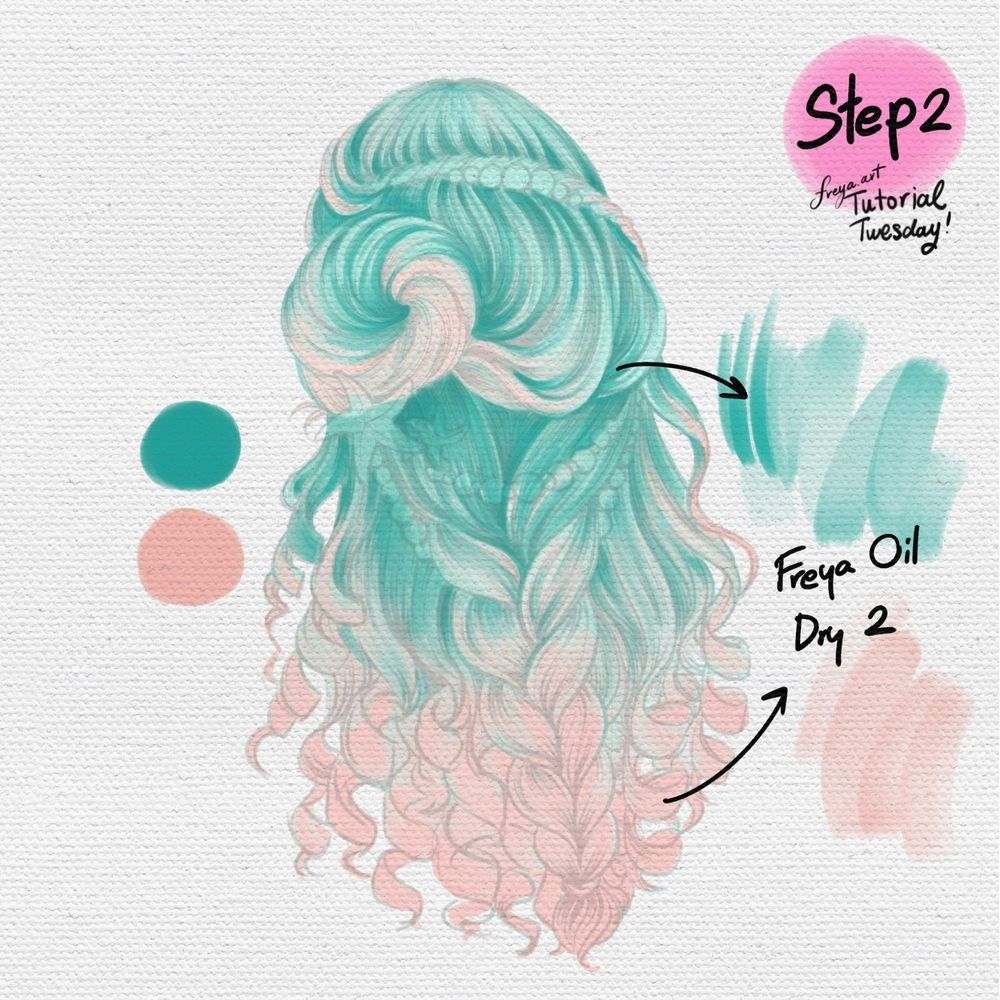
Step 2: Add another layer, and turn on clipping mask. This time, add some color gradients using Freya Oil Dry No. 2.
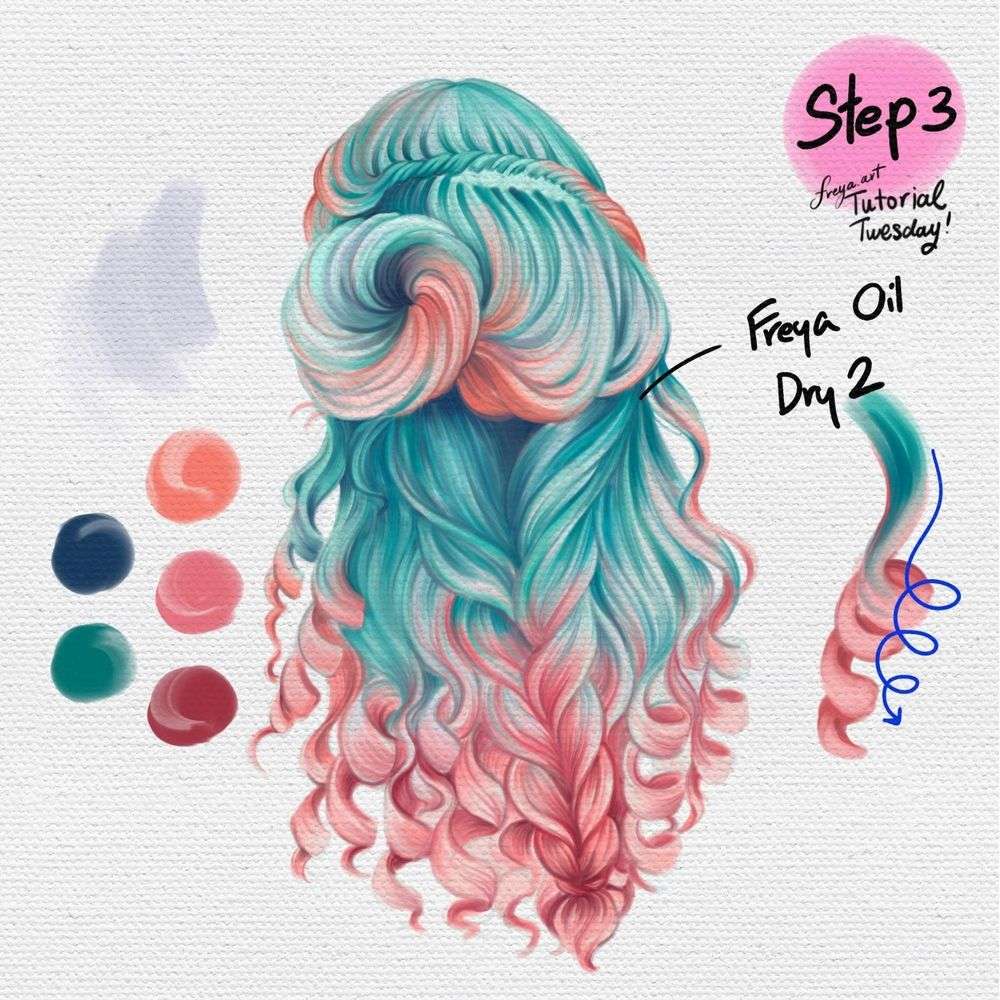
Step 3: Add another layer and turn on clipping mask again. This time we're going to add bolder colors to really emphasize and add depth. Color in one direction, following the natural flow and curve. Use the lighter color as highlight and set the layer's color mode to overlay. Use darker color for shadows, set the layer's color mode to multiply. Tweak the opacity until you get the effect you're looking for.
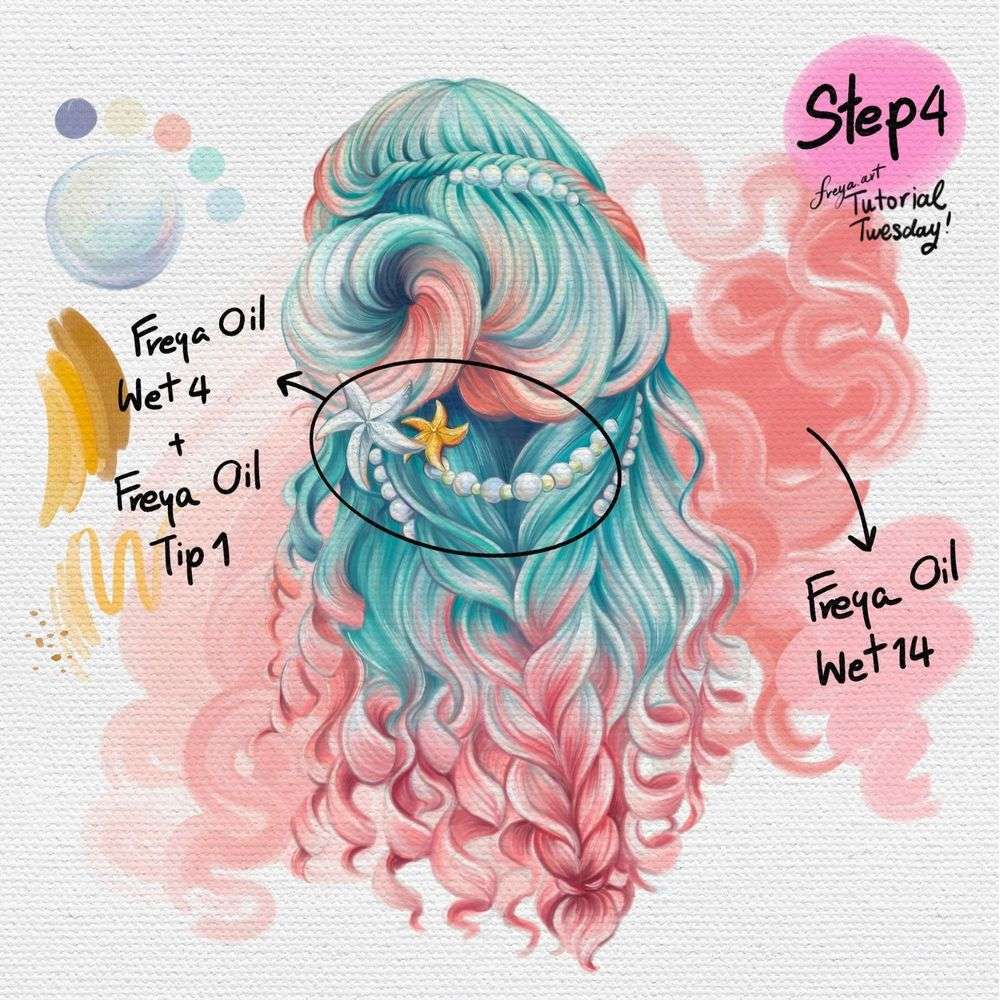
Step 4: To add the final touches, use Freya Oil Wet No. 4 and Freya Oil Tip No. 1 to draw the accessories. Color the pearls in with a mix of pastel colors to achieve an iridescent look. And if you'd like to add a swirl of color for the background, use Freya Oil Wet No. 14.
Congratulations! You've just completed this Mermaid Hair Tutorial using the free brushes from my Freya Oil Brushset! Please don't forget to tag me if you post your work on Instagram! I'd love to see your version!
Try two real lessons from Portrait Academy, free
Not a trailer. Actual lessons from the course. After you confirm your email, they open in Freya Studio and stay yours.
Line Controlling Techniques
The complete lesson, not a preview
Tracing Eyebrows
The complete lesson, not a preview
- Yours after email confirmation
- No card, no trial
- Opens in Freya Studio


