

How to Paint a Rose Using Effortless Brushes on Procreate
Paint a gorgeous rose in Procreate! With just two effortless brushes and simple steps, you'll create stunning petals and a perfect bud.
Grab the free brush for this tutorial
Made by Freya · works in any Procreate version
Hello! Today, we will be working on this quick Effortless Rose tutorial using the premium brushes from my new Effortless Flower Brush Set. Before we begin, please download the tutorial files. You'll find the tutorial PDF and palette swatch for this project.
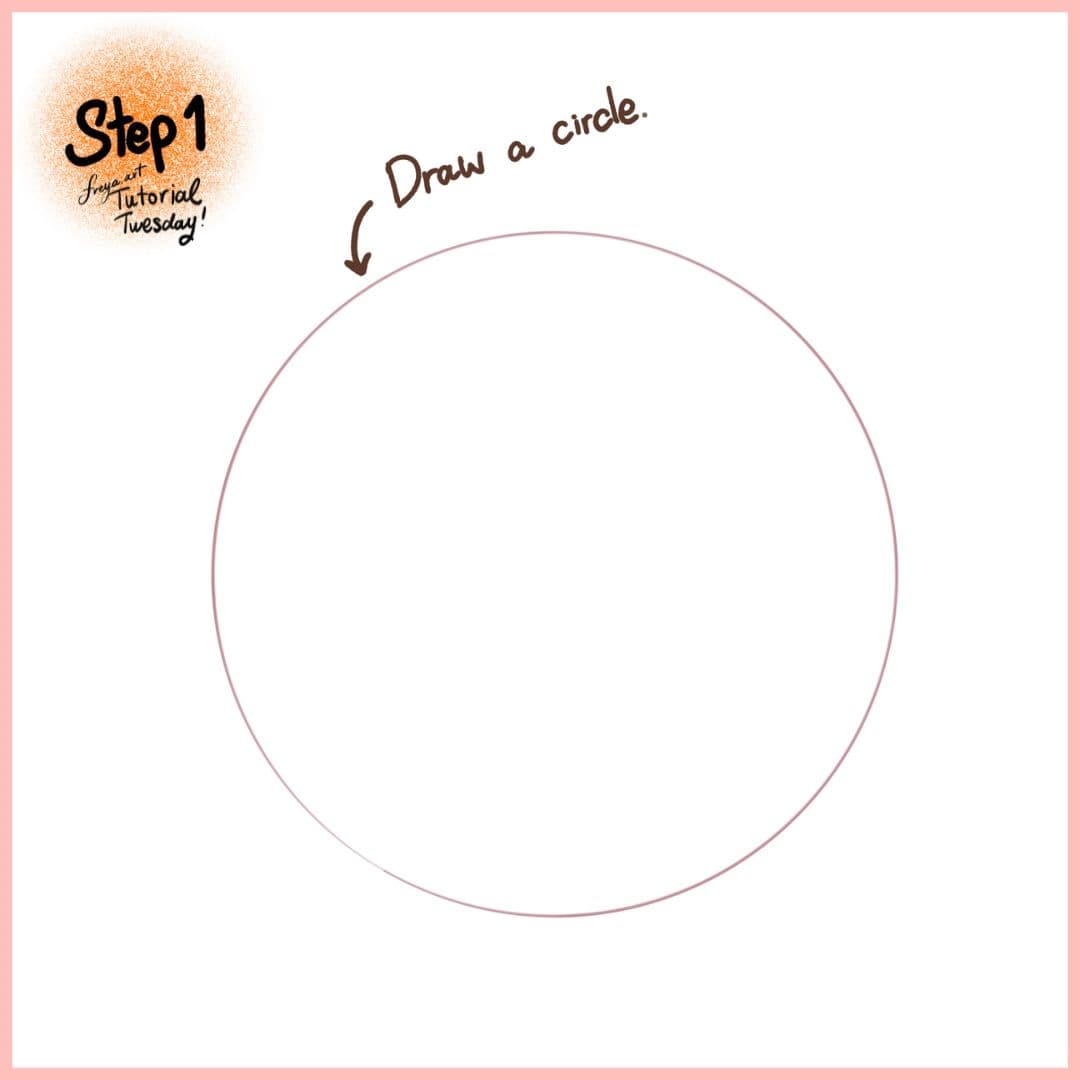
Step 1: Let's start by drawing a circle. If you long press after creating the circle, it will transform into a perfect circle.
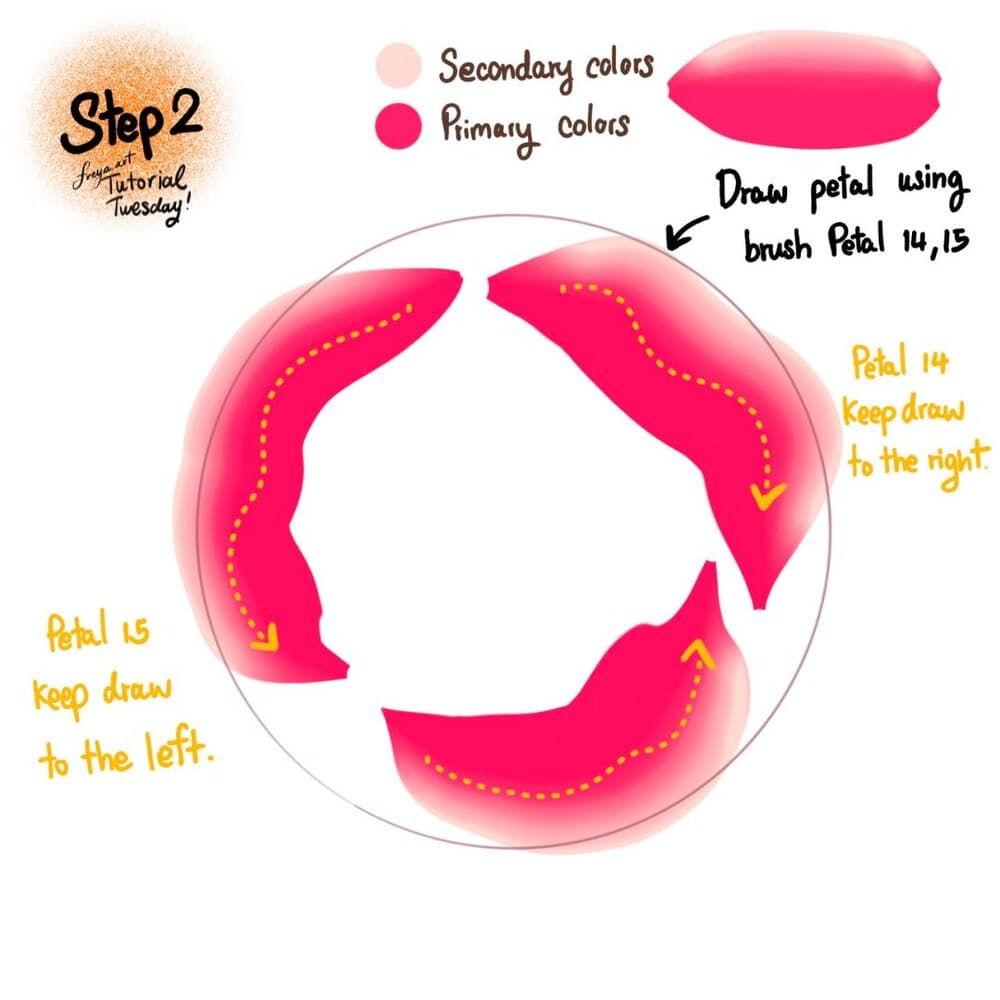
Step 2: Now choose Brush Petal No. 15 and Petal No. 14. Choose the primary and secondary colors for your petals. When using Petal No. 14, draw clockwise. When using Petal No. 15, draw counter-clockwise.
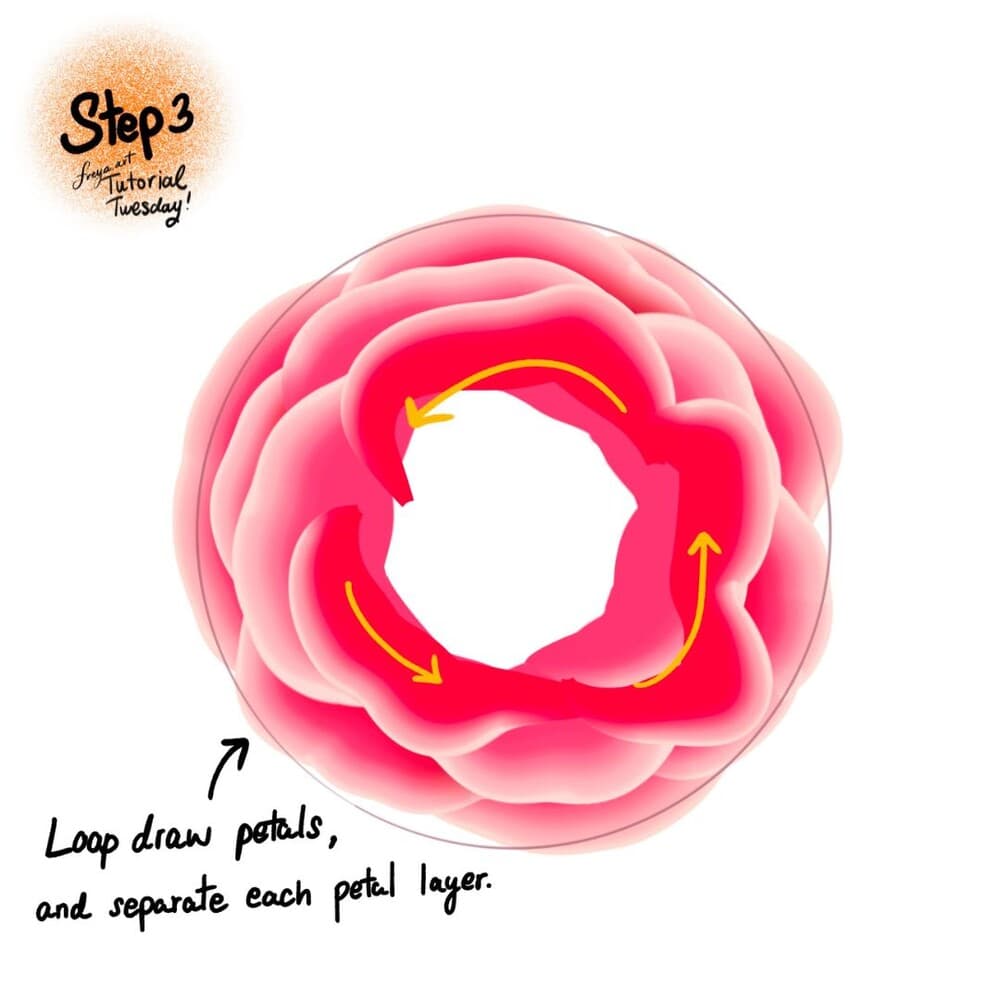
Step 3: Continue to draw the petals in a separate layer. This will let you move things around if you're not happy with the initial look.
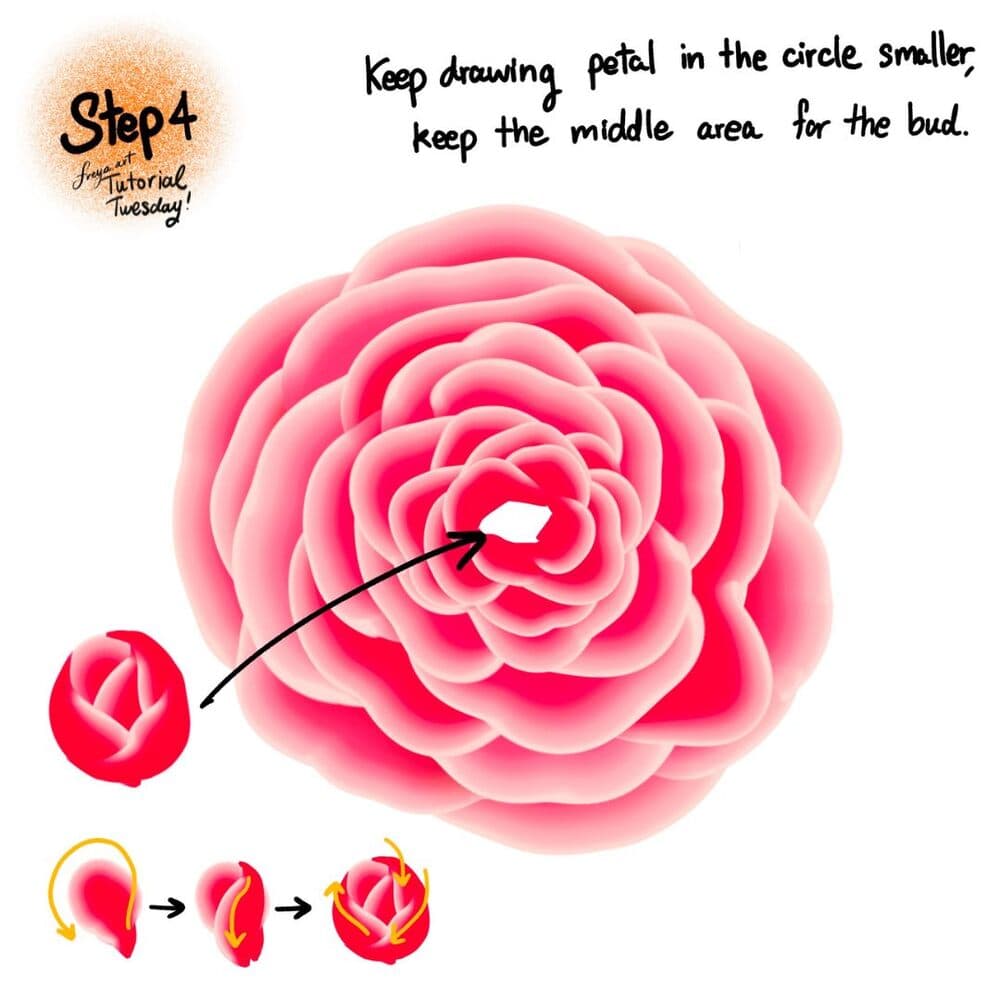
Step 4: Keep drawing the petal smaller, until you need to draw the bud in the middle. To draw the petal, create a closed loop and slowly add small petals in a clockwise direction.
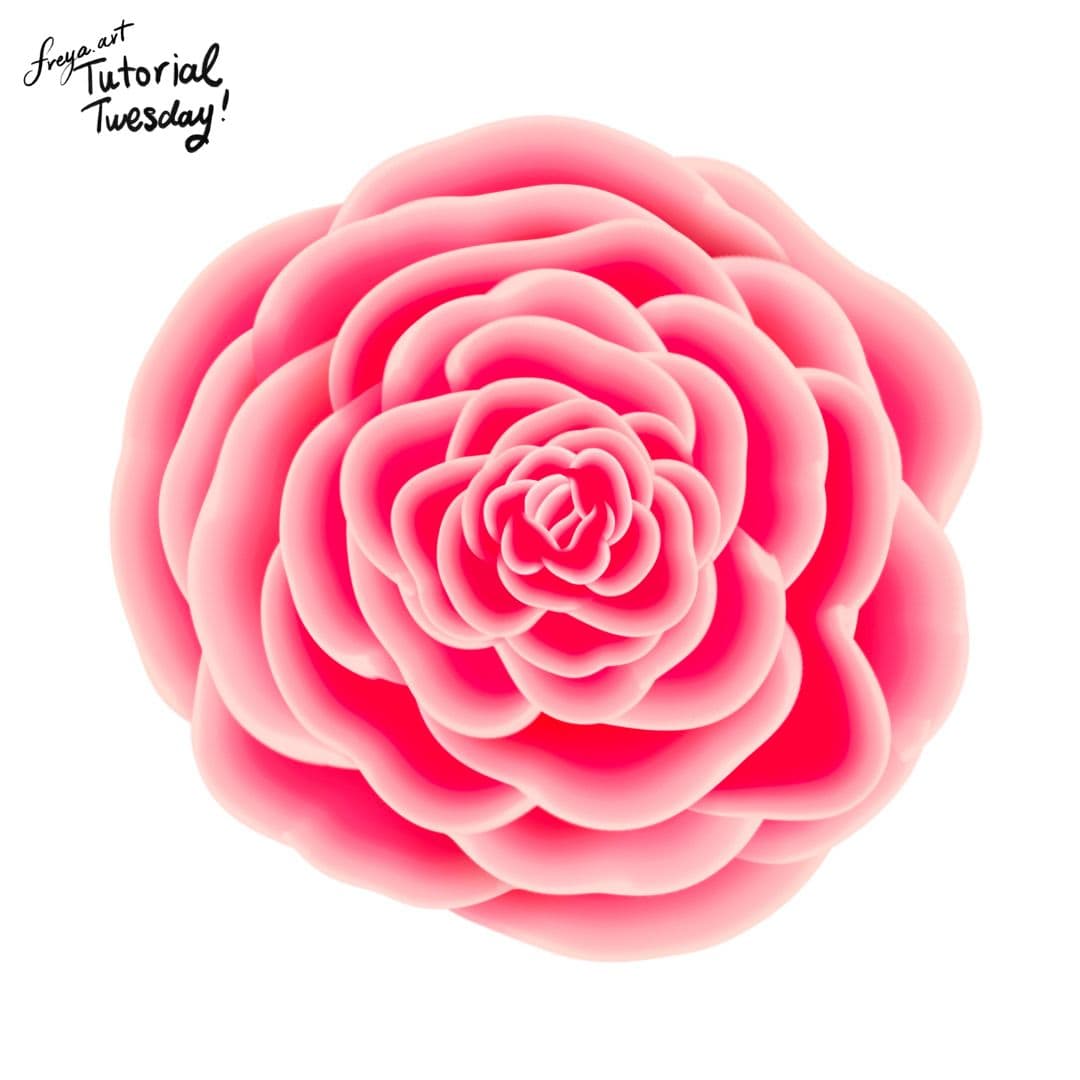
And there you have it! You finished a simple rose illustration using just two brushes from the Effortless Flower Brush Set! 😊Please tag me or show me your work when you're done with this tutorial!
Try two real lessons from Masterclass for Procreate, free
Not a trailer. Actual lessons from the course. After you confirm your email, they open in Freya Studio and stay yours.
Halftone Tulip
The complete lesson, not a preview
Porcelain Plate Oil Painting
The complete lesson, not a preview
- Yours after email confirmation
- No card, no trial
- Opens in Freya Studio


